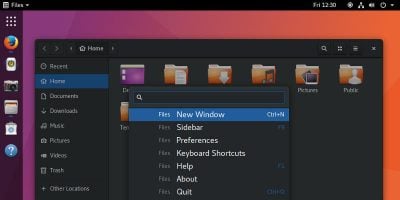
Ubuntu may be dropping Unity in favor of GNOME, but that doesn’t mean you need to go without your favorite desktop. Make GNOME look and feel like Unity!
After a long while, Ubuntu is looking to abandon Unity in favor of the Gnome desktop for Ubuntu 18.04. What does this mean, and what’s its impact to its users? Let’s find out.
While Unity 8 is new and shiny, it doesn’t work with some of the old Xorg apps because of the difference in the display server. Here’s how you can get these old Xorg apps working in Unity 8!
By default, Ubuntu’s Unity desktop only has four workspaces. If this isn’t enough or too many, here’s how you can tweak the number of workspaces in Unity.
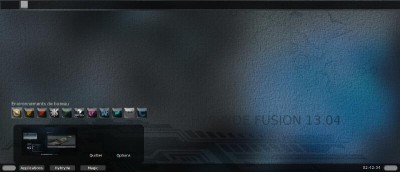
Do you want to test the various desktop environments and see which one is the best for you? Look no further than Hybryde Fusion which let you test out 11 DE at once.