Meltdown and Spectre are big security issues, and they affect almost every computer. For Linux (and Ubuntu) there are already a lot of updates available to fight Meltdown and Spectre. You only need to install them.
Even though Steam is available through the official Ubuntu repositories, a lot of new Linux users get tripped up by the installation process. Learn how you can configure the graphics card and install Steam in Ubuntu.
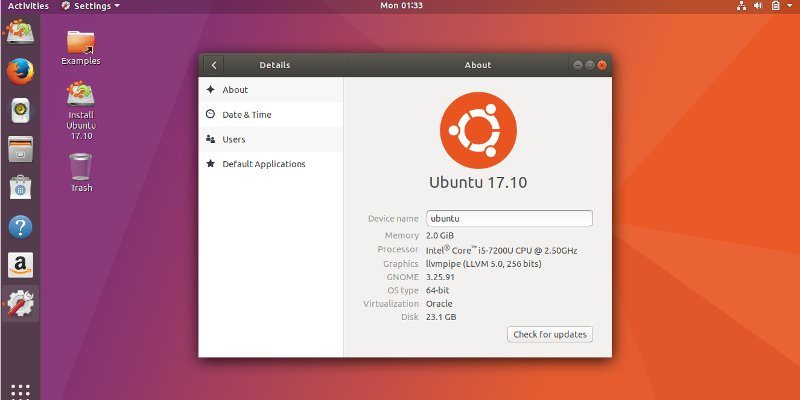
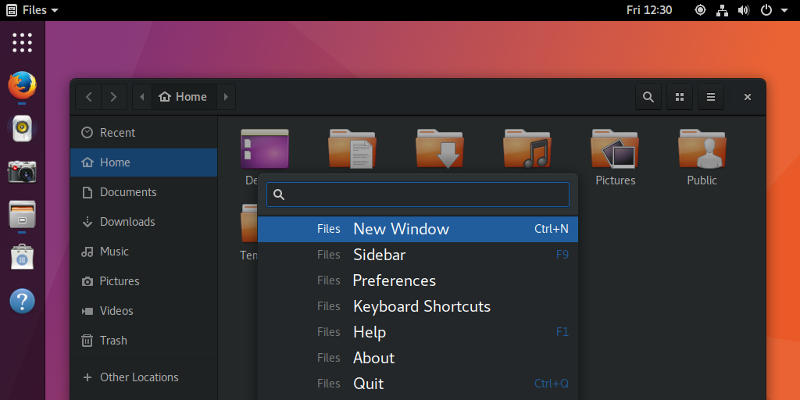
One of the hottest events in October is the release of Ubuntu 17.10 with Gnome desktop. Here’s what you can expect to find in this Ubuntu 17.10 release.
AbanteCart is a free open source shopping cart software that you can use to start your own online shop . Learn how you can install, setup and use AbanteCart on Ubuntu.
Bumblebee allows you to use the dedicated nVidia GPU for rendering when needed and to power it down when not in use. Learn how to use Bumblebee in Ubuntu.
There are plenty of reasons to run your own email server. In the past it’s been a real pain, but now using Ubuntu, Docker, and Mailcow, it’s much easier.
Ubuntu may be dropping Unity in favor of GNOME, but that doesn’t mean you need to go without your favorite desktop. Make GNOME look and feel like Unity!
KDE Connect is a killer little app that allows your Linux PC to send and receive text messages through your Android phone. Learn how to install it on Ubuntu.
Wine Staging contains loads of improvements and patches to help Linux users run their favorite games better than ever before. Learn how to install it on Ubuntu!
There are plenty of great games for Linux and loads more if you count the ones emulators make available. The open source Dolphin emulator brings a huge chunk of the Wii ecosystem to Linux, and that includes plenty of Gamecube titles, too.
For some reason you may want your PC to bypass the login and get to the Desktop as quickly as possible. Here is how to enable automatic login in Ubuntu.
After a long while, Ubuntu is looking to abandon Unity in favor of the Gnome desktop for Ubuntu 18.04. What does this mean, and what’s its impact to its users? Let’s find out.