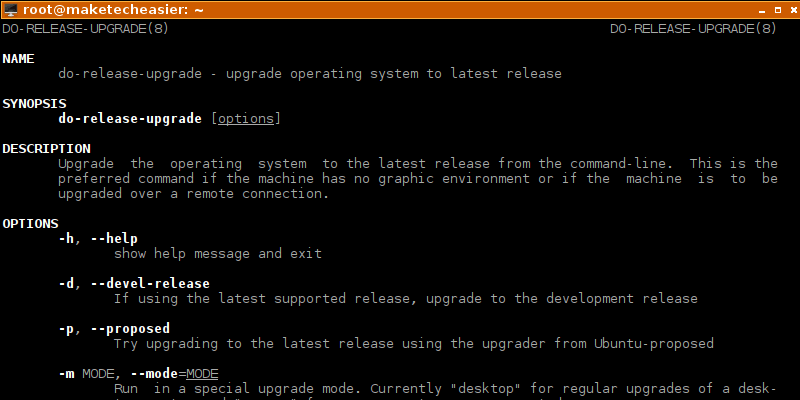
It is easy to upgrade your Ubuntu to a new release, either with a graphical interface or via the terminal. Here’s how to upgrade Ubuntu from the command line.
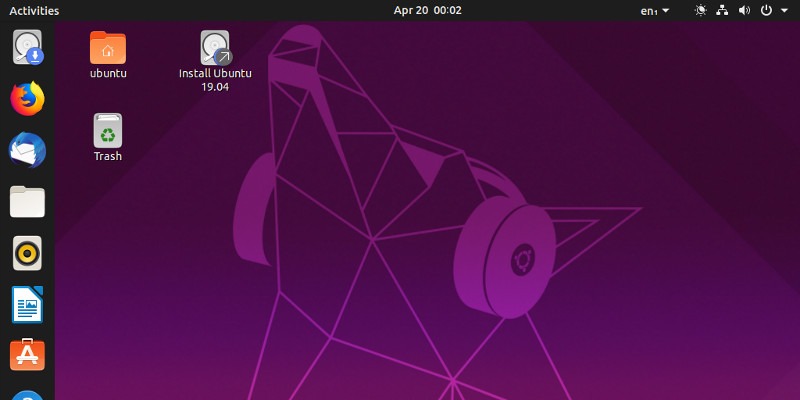
You may know that Canonical just launched a new version of Ubuntu, but is it worth the upgrade? Does Ubuntu 19.04 solve any problems you currently have?
Many think Linux users don’t need an antivirus, but it’s a good idea to have some type of virus scanner just in case! Here are some of the best antivirus programs for Ubuntu.
You can create your own version of Google’s G suite with Nextcloud and OnlyOffice. Learn how you can install both Nextcloud and OnlyOffice in Ubuntu in a few steps.
If you don’t like the default theme of Ubuntu, you can easily change it. Here’s how you can easily turn your Ubuntu into macOS Mojave with a few simple steps.
Most stable Linux distributions don’t come with newer software in their repository. Here is how you can run bleeding edge software on Debian and Ubuntu.
Taking a screenshot in Linux isn’t difficult, but you can make it better with Flameshot. Find out why you should use Flameshot to take screenshots in Ubuntu.
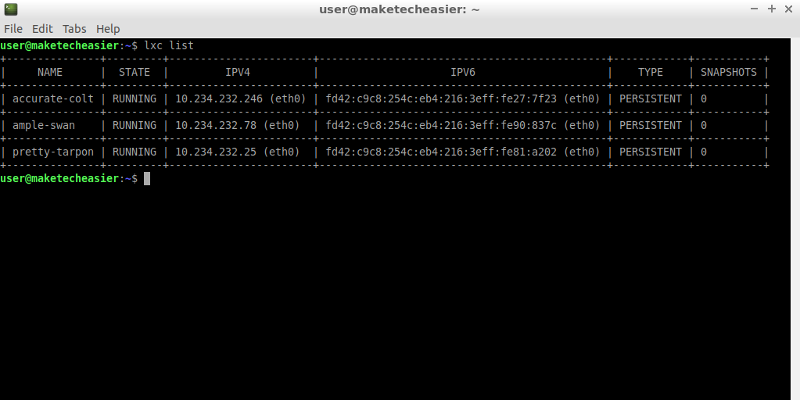
Containers are portable and easy to clone and/or move to other operating systems. LXD is a container that is designed to contain an entire operating system instead of an application.
It’s not that simple to install the latest Ubuntu on a Raspberry Pi, not unless you install RaspEX, an Ubuntu 18.04+ image built specifically for the Pi.
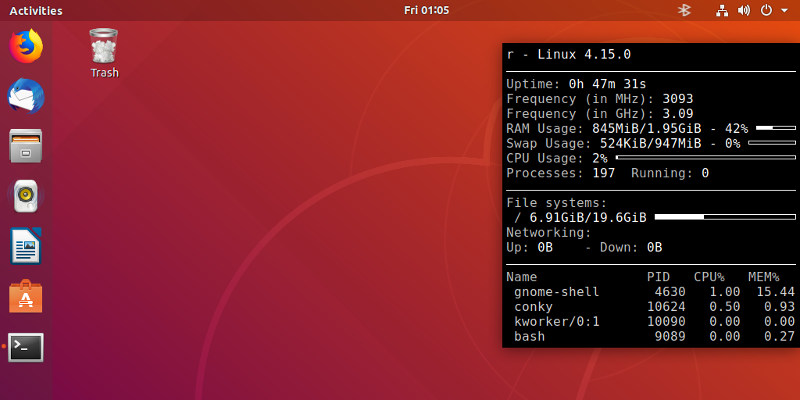
Sometimes you just need to find out the available memory in your system. Let’s see some Linux utilities that show memory usage in a human-readable format.