EncryptPad is an open source text editor for Linux with the ability to encrypt files and encrypt/decrypt binary files. Here’s how to install and use it.
We’ve already outlined three of the best direct replacements for Notepad in a previous article. However, if you are looking for more options, here are some text editors that deviate from Notepad’s fundamental design.
Smart Down pitches itself as a hybrid of a Markdown editor and zenware. It shares some similarities with both, and creates an unusually appealing piece of software overall.
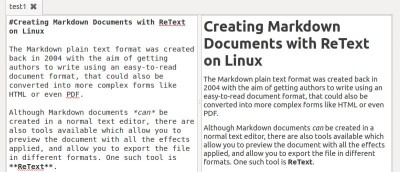
There are several tools that allow you to create Markdown document. In Linux, ReText is one useful text editor you can use to create Markdown document.
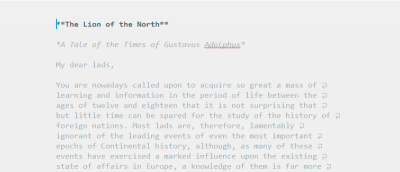
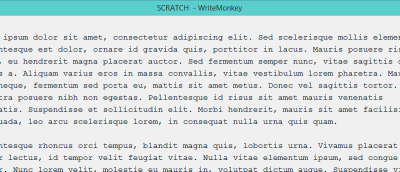
Zenware focuses on removing all the visual distractions and allows the users to be more productive. WriteMonkey is one good example of zenware. Let’s check it out.
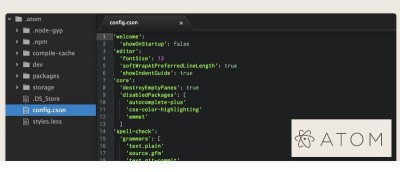
The developers of Github decided to come out with its own text editor – atom. Let’s check out Atom text editor and see how it fares with other text editors.
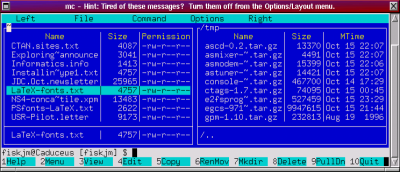
For Linux users, knowing how to get around on the command line is an essential skill. But there are times where you might not remember a command or you actually need to edit a file. The Midnight Commander is an excellent tool to manage your files in the terminal.
If you are not a fan of one of GNOME 3’s default fonts, for example the Cantarell font, it is possible to replace it. The following shows how to change the fonts in GNOME 3.
One feature that’s always handy to have, but missing in many applications is a character and word count function. Here is how you can access word counts at your beck and call with just a right click. Mac only.
Text editors are great for creating markdown document because they run light are mostly distraction-free. In this article, we’ll show you how to convert the markdown document in Kate text editor (KDE) to HTML with a single shortcut.