

Last week, Google rolled out a section in the Chrome Web Store dedicated to a new kind of app, the Chrome packaged apps that we’ve known were coming for quite a while now. This isn’t the first time a packaged app has landed in the Chrome Web Store, but it’s the first time Google has attracted users to them as a new breed of app. This software still relies on web technologies, but they run off your computer natively and do not need an internet connection to function.
Below I have handpicked ten Chrome apps that are worth checking out, especially if you’re using a Chromebook. Some of these apps are useful replacements for traditional tools, sync with online services, are simply fun to use, or otherwise just make your life more convenient.
1. Google Keep
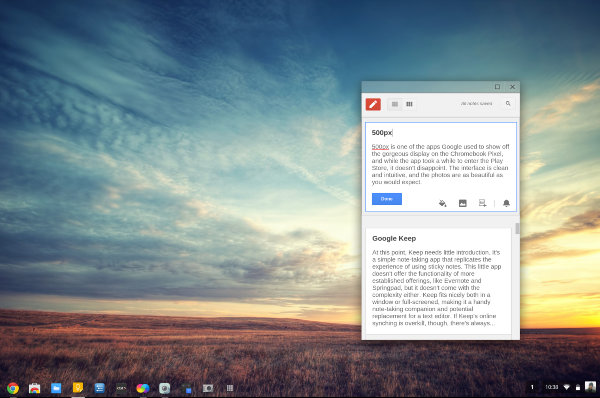
At this point, Keep needs little introduction. It’s a simple note-taking app that replicates the experience of using sticky notes. This app doesn’t offer the functionality of more established offerings, like Evernote and Springpad, but it doesn’t come with the complexity either. Keep is nice both windowed or full-screened, making it a handy note-taking companion and potential replacement for a text editor. If Keep’s online synching is overkill, though, there’s always…
2. Text
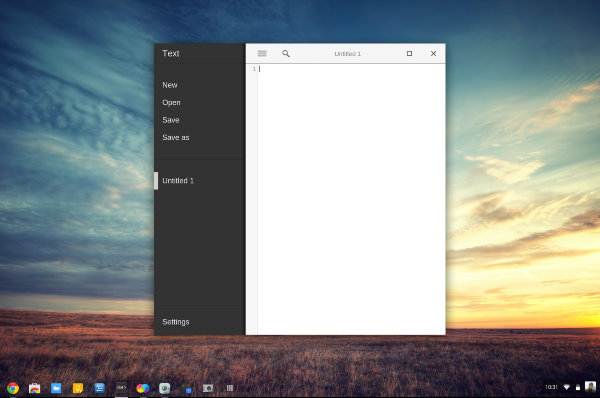
Text is a text editor for Chrome that’s simple enough to take notes in but capable enough to write code with. It’s the barebones app for writing text that people expect operating systems to ship with, but with a few extra features built in, such as the ability to have multiple files open at once and switch between them using the sidebar.
3. Workflowy
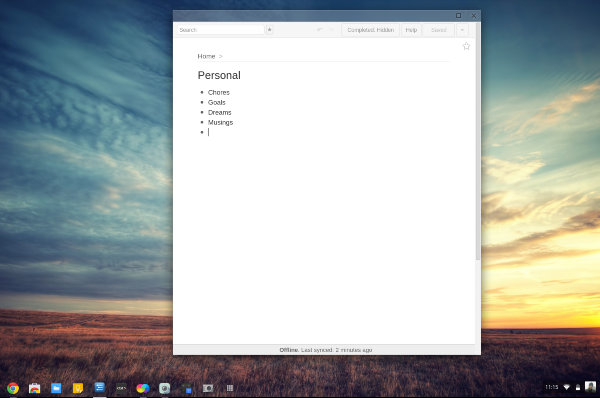
If you’ve used Workflowy online before, then you know what to expect here. It’s a simplistic and immensely useful service for taking notes and writing plans in a way that tries to replicate how our brains actually work. The Workflowy Chrome app makes it painless to take notes using outlines that can go as deep and as long as you wish.
4. Wunderlist
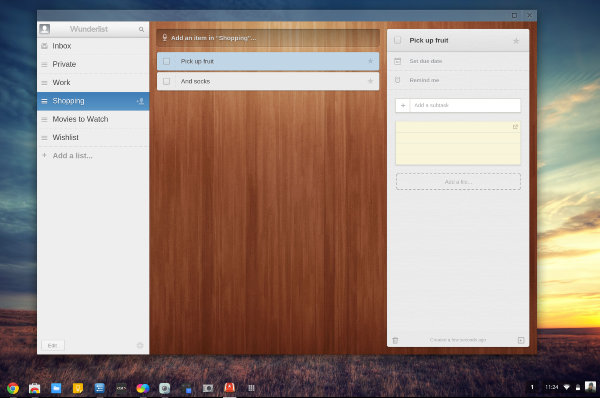
Wunderlist is the first item on this list that isn’t much of a text editor, though it does have support for taking notes, and it offers an attractive interface for keeping it all organized. But first and foremost, this is a to-do list tracker, and it’s a great way to stay organized.
5. Pocket
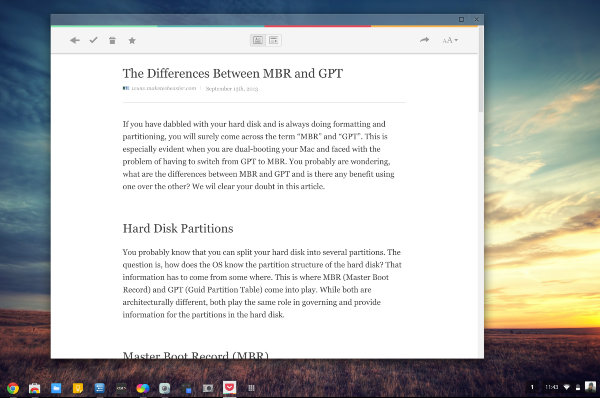 If your web browser is constantly filled with tabs that have been left open for days, Pocket might just be the tool you need. Rather than leaving those articles you want to read later open in your browser, save them to Pocket. You can then open up the new Chrome app whenever you’re ready to get around to them.
6. Pixlr Touch-Up
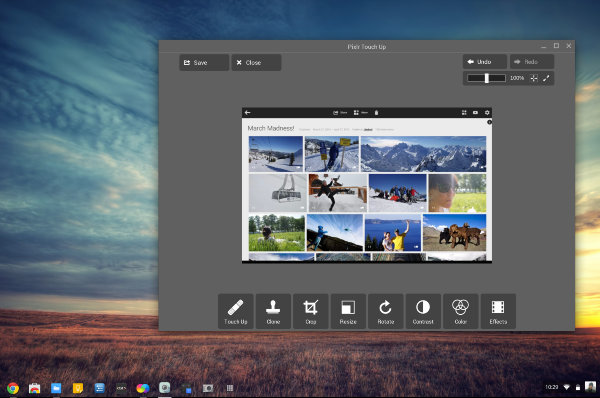
Pixlr Touch-Up isn’t exactly an alternative to Microsoft Paint, as it’s geared more towards photo editing than image manipulation. Still, it gets the job done, offering the basic cropping and blurring tools that are useful in a pinch.
7. Sketchpad 3.1
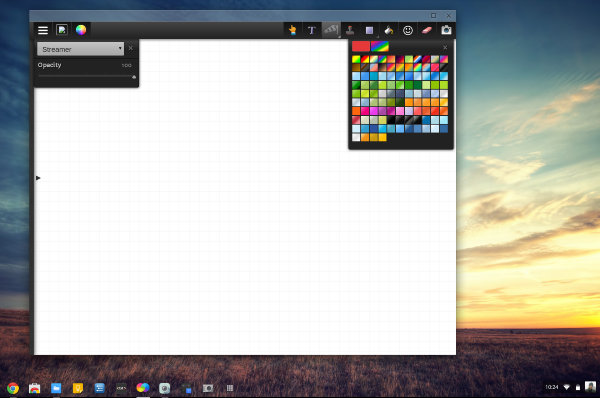
Unlike Pixlr Touch-Up, Sketchpad 3.1 is an tool aimed at editing both basic images and SVG files. If you want to create art from scratch, Sketchpad gives you the tools to do so.
8. Google+ Photos
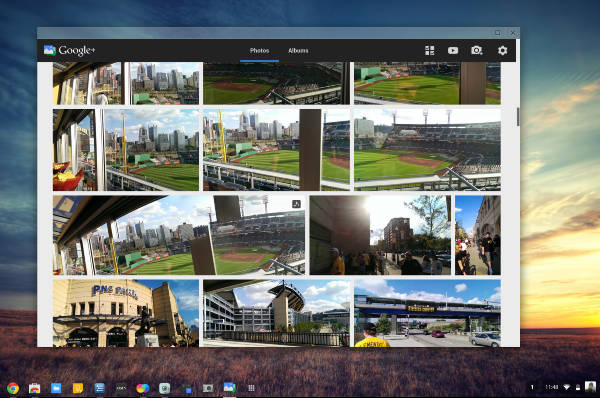
The Google+ Photos Chrome app pulls down your photos backed up to Google’s servers and displays them in a grid that provides a more pleasant viewing experience than that of using the site directly. It’s limited in its functionality, as it doesn’t support exporting or sharing to anything other than Google+, but it’s still one of the best ways to view any photos you’ve saved to the site.
9. 500px
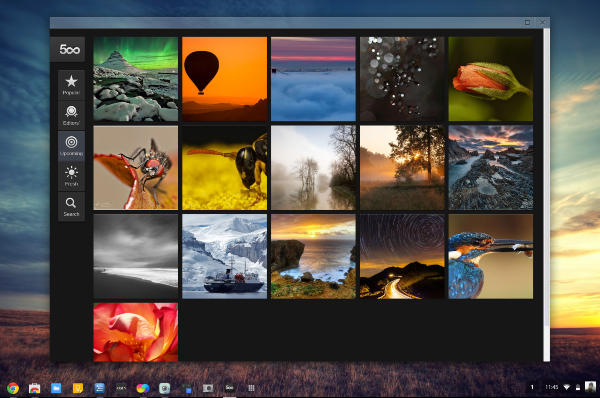
500px is one of the first apps Google used to show off the gorgeous display on the Chromebook Pixel, and while the app took a while to enter the Play Store, it doesn’t disappoint. The interface is clean and intuitive, and the photos are as beautiful as you would expect.
10. Timer
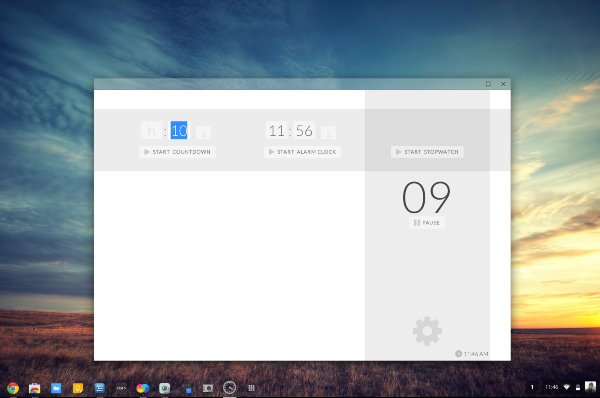
This last app isn’t going to blow your mind with fancy features or an alluring interface, but that makes it no less useful. Timer can function as both a stopwatch and an alarm clock. It’s easy to use, and it does its job well.
But Wait, There’s More!
Most of the Chrome Web Store is still filled with the “old” type of Chrome app, glorified bookmarks that essentially just point to web addresses, but there are more “packaged” Chrome apps available than just those I’ve listed above. If I didn’t list your favorite new Chrome app, feel free to share it with us in the comments below.