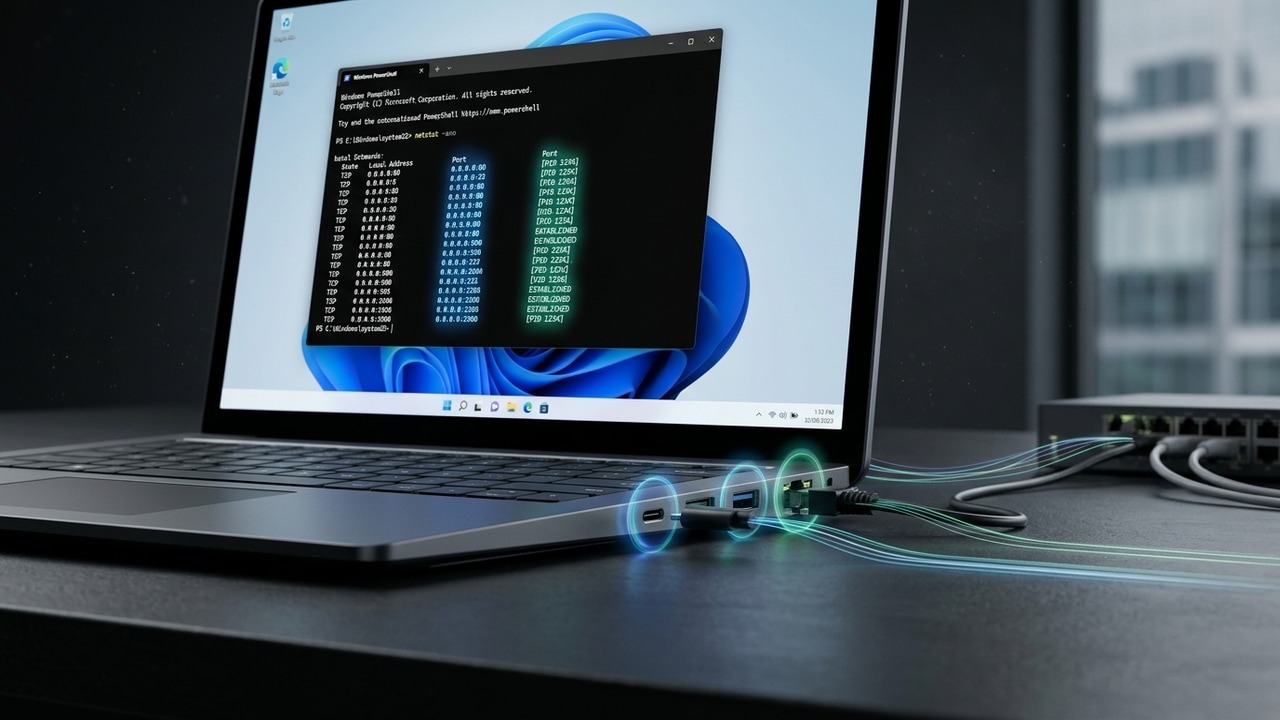
It is good to do an audit of your Windows system to find which port is in use. Here’s how to check the ports in use in Windows.
By Karrar Haider – Mar 13, 2026
Windows Terminal has a hidden feature called “Quake mode” that turns it into a global drop-down console, saving you precious seconds and mouse clicks.
By Sayak Boral – Dec 16, 2025
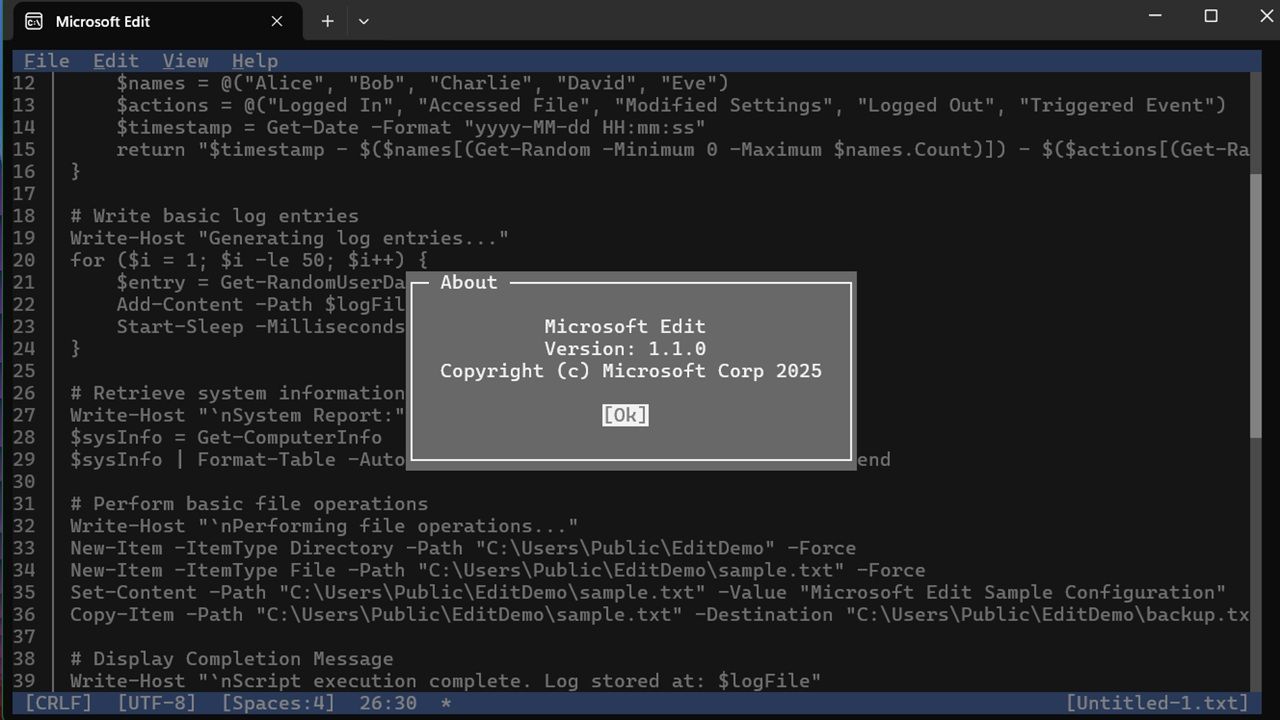
If you were a fan of the MS-DOS from the 90s, you will love Microsoft Edit
By Sayak Boral – Jun 10, 2025
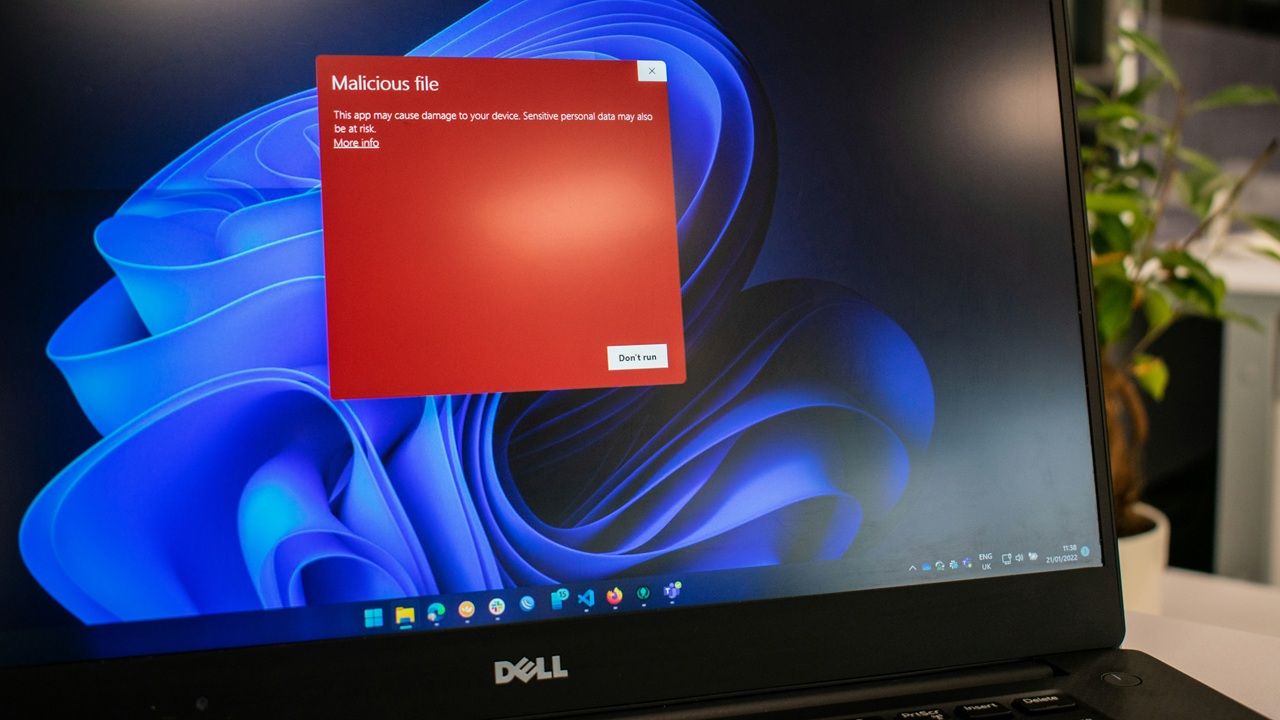
The Winos 4.0 malware can capture passwords, performs registry changes, and monitors screenshots, webcam, and microphone. Protect yourself now.
By Sayak Boral – May 26, 2025
Windows users should be on high alert for the Remcos Remote Access Trojan (RAT), the malware that deploys an incredibly stealthy payload through phishing, with no downloads required.
By Sayak Boral – May 21, 2025
Windows offers built-in tools for you to monitor your usage patterns.
By Sayak Boral – May 17, 2025
Other than the Start menu, there are plenty of methods to shutdown your Windows PC
By Anees Asghar – Apr 24, 2025
Despite its severity, protecting your Windows device from Neptune RAT is surprisingly easy.
By Sayak Boral – Apr 11, 2025
Improve your productivity by automating repetitive tasks with AI.
By David Morelo – Mar 29, 2025
Many Windows debloat scripts are available on GitHub and other online sources. But you should not run them as they can harm your device.
By Sayak Boral – Mar 25, 2025
Manage Windows services via command line using sc.exe, net, and PowerShell cmdlets to start, stop, and automate services.
By Anees Asghar – Mar 4, 2025
Tired of Windows pushing updates you don’t want? Learn how to hide Windows updates via PowerShell and a third-party tool.
By Crystal Crowder – Oct 29, 2024
Having trouble with Windows? Restarting File Explorer can solve the problem. Learn how to restart File Explorer using different methods.
By Karrar Haider – Jul 30, 2024
Was your Command Prompt access denied? Check out our tested fixes for “System Error 5, Access is denied” on Windows.
By Princess Angolluan – Oct 25, 2023
Dealing with a faulty laptop? Read up on how to find your laptop model number before calling technical support.
By Meenatchi Nagasubramanian – Oct 11, 2023
Does your PC have many unused apps? Learn how to uninstall programs on Windows to clear some space on your device.
By Meenatchi Nagasubramanian – Sep 29, 2023
If the “Local Security Authority protection is off” error message has you worried, learn how to turn it back on.
By Chifundo Kasiya – Aug 1, 2023
You’ve likely heard of Linux’s Bash and Microsoft’s PowerShell, but not sure how they work. Here we pit them side by side and see how they compare with each other.
By Miguel Leiva-Gomez – Jun 30, 2023
.NET Framework issues may cause your PC to stop working properly. To fix this, try repairing your .NET Framework.
By Zainab Falak – Jun 7, 2023
The most essential PowerShell commands will help you get started learning PowerShell. This guide summarizes 16 helpful commands.
By Sayak Boral – Apr 12, 2023
Next >
Affiliate Disclosure: Make Tech Easier may earn commission on products purchased through our links, which supports the work we do for our readers.