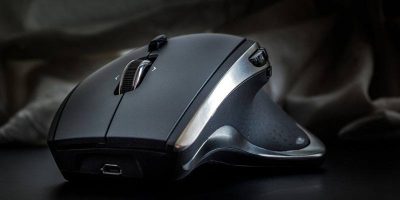
A mouse Dots Per Inch (or DPI) matters a lot in gaming. Here are some tips on how you can better customize your settings to fit your play style the best.
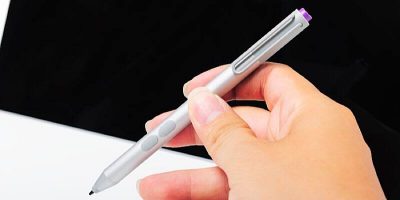
Another implement is knocking on the technology door, and it’s threatening the livelihood of the mouse, and that appears to be Microsoft’s very intention. Can the stylus completely eliminate the need for a mouse?
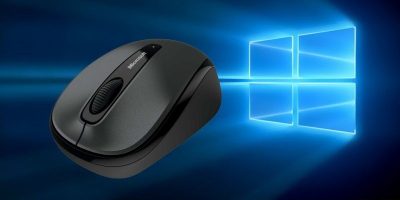
Windows comes with plenty of options to configure the mouse settings and enhance the mouse experience. Here are some mouse tweaks you can use to become more productive.
The vast majority of computer users get by with a standard mouse, but a select few absolutely adore trackballs. If you are wondering if you need a trackball mouse, here are the reasons why a trackball mouse is the perfect tool for you.
Connecting multiple mouse and keyboards to your PC is not as silly as it sounds. Here are 3 interesting uses for multiple sets of keyboards/mice on PC.
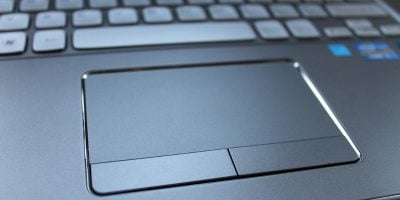
Gnome Shell has an option to disable the touchpad, but you can bring it further to get it to automatically disable the touchpad when a mouse is connected. Find out how here.
There are times when you just want to lock your Windows keyboard and mouse but not the screen. This is when the app BlueLife KeyFreeze truly comes in handy.
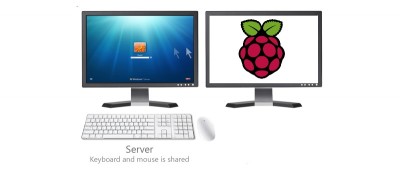
Do you have multiple computers, but only have one set of mouse and keyboard? Here is how you can share mouse and keyboard between Windows and a Raspberri Pi.
Do you have two different computers that you want to use at the same time via the same mouse and keyboard? Adding on to that, the two computers are running different operating systems. How can you make use of one set of keyboard and mouse and control both computers? Here’s the fix.
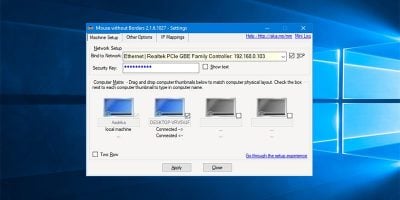
If you use more than a PC at a time, you will most probably have the issue of accommodating more than one set of keyboard and mouse at the same time, Here is how you can control multiple PCs with only one set of keyboard and mouse.