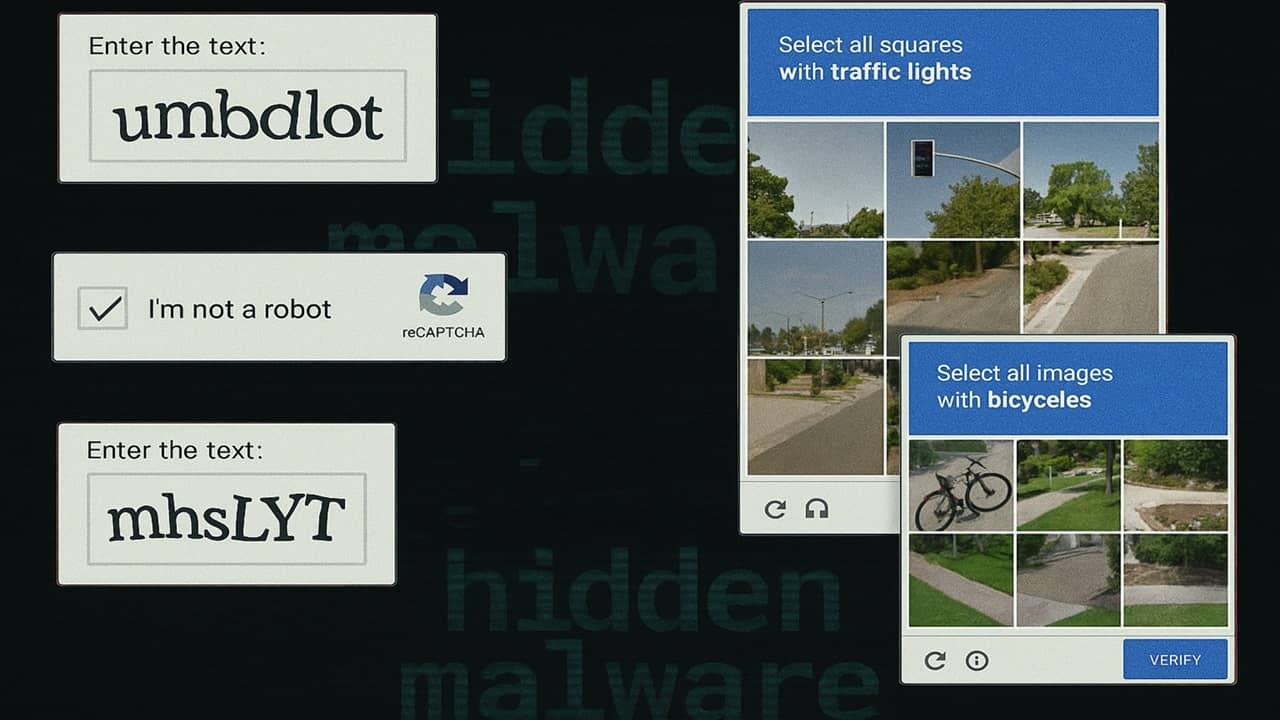
Is that CAPTCHA you just encountered real? Find out how fake CAPTCHAs are installing hidden malware and how to stay safe.
By Crystal Crowder – Feb 21, 2026
Watch out for Rust malware like EDDIESTEALER in Chrome that evade detection using advanced tactics.
By Sayak Boral – Jun 2, 2025
Learn what headless WordPress CMS is and decide whether making the shift to it is right for you and your website.
By David Morelo – Aug 26, 2023
Don’t let the Javascript error prevent you from using Discord!
By Natalie dela Vega – Nov 2, 2022
Use these useful Javascript one liner codes to help you quickly accomplish simple tasks.
By Miguel Leiva-Gomez – Jan 12, 2022
Want to copy some text from a website, but the site owner has blocked the option? Learn how to copy text from a blocked site in Chrome.
By Crystal Crowder – Mar 16, 2021
If you’re looking to become a programmer, it’s important to know the difference between Java and Javascript and know which programming language to learn.
By Andrew Braun – May 6, 2020
Firefox’s NoScript add-on has been updated to work with Firefox Quantum. This tutorial touches on the basics of NoScript’s new method of operation and how to use it to block scripts.
By Casey Houser – Mar 27, 2018
Some websites are using miner scripts that use their visitors’ computers to “mine” cryptocurrencies and make money. Here’s how you can prevent it.
By Miguel Leiva-Gomez – Oct 24, 2017
Javascript can be useful and harmful at the same time. Here is how you can block intrusive javascript by selectively blocking certain sources of Javascript.
By Alexander Fox – Oct 19, 2017
The good thing about impress.js presentation is that it is cross-platform compatible and runs in a web browser. Learn how to create one in Linux.
By Gary Sims – Sep 1, 2014
Rather than blocking javascript browser-wide, wouldn’t it be great if you can block javascript only for a specific site? Here is how you can do so.
By Damien Oh – Jul 28, 2013
Affiliate Disclosure: Make Tech Easier may earn commission on products purchased through our links, which supports the work we do for our readers.