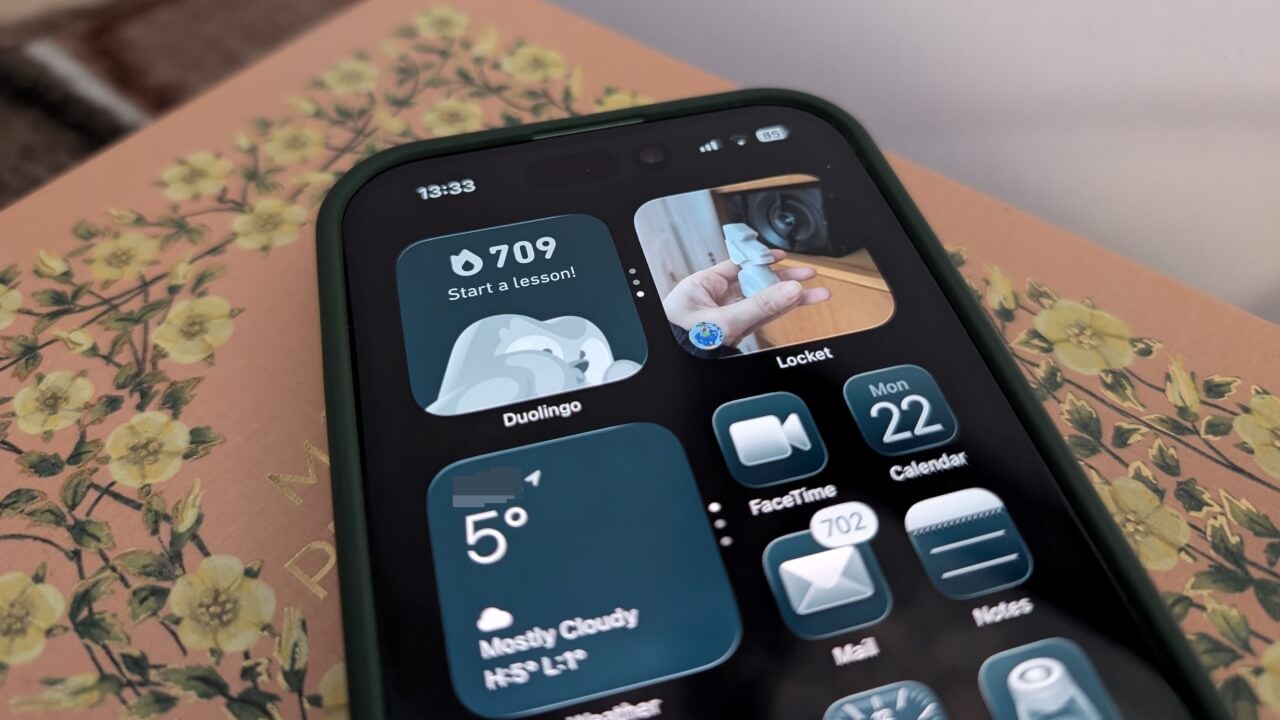
Locket simplifies social media to its essentials, making it easy to share photos and stay in touch with close contacts in an unobtrusive way.
By Alexandra Arici – Dec 23, 2025
Good Lock unlocks a wide range of enhanced customization features for Samsung Galaxy users.
By Sayak Boral – Apr 16, 2025
Make all your favorite Chrome web pages and bookmarks appear on your Android home screen, just like apps.
By Crystal Crowder – Mar 31, 2024
If you need to have the Settings app on your home screen on Android, learn how to add that, as well as setting shortcuts.
By Mehvish Mushtaq – Aug 14, 2023
Want to further personalize your home screen and make it more useful? Try out the best Android widgets to make your home screen better.
By Crystal Crowder – Jun 7, 2023
Want to make your Samsung Galaxy Home screen stand out? It’s possible to customize many aspects of your phone’s Home screen.
By Mehvish Mushtaq – Jan 10, 2023
Customize your Android by adding a different wallpaper to each home screen.
By Crystal Crowder – Dec 14, 2022
Stop digging through folders to find your most-used PDFs.
By Mehvish Mushtaq – Aug 17, 2022
Will these changes be a game-changer for Chromebooks?
By Laura Tucker – Jul 28, 2022
Want to make another screen your home screen on Android? Learn how to easily assign any screen on your device as the home screen.
By Crystal Crowder – May 2, 2022
Some phones have a feature which can keep your phone screen from turning off when you are viewing it. Learn how you can enable this feature.
By Alexandra Arici – Aug 9, 2021
If you hate that your Android home screen is cluttered with apps, here is how you can to stop new apps from being added to your Android home screen.
By Neeraj Chand – Jan 26, 2020
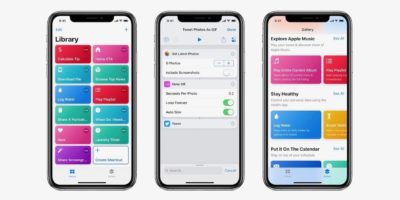
One way to make good use of the Siri Shortcuts app is to create a new button for your favorite app and replace it with a custom app icon. Here is how to do it.
By David Joz – Aug 19, 2019
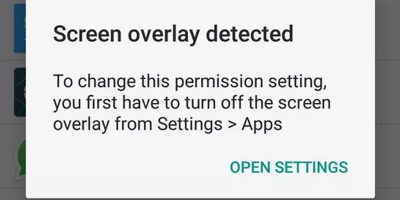
You might have come across the “Screen Overlay Detected” notification on Android. Here is how to fix and work around the “Screen Overlay Detected” error.
By Robert Zak – Jul 2, 2019
Using Android, you can easily create homescreen shortcuts to almost anything on your phone. Here’s how.
By Robert Zak – Jul 14, 2018
Those with iOS devices will appreciate a more responsive home screen, especially if it’s a busy one. This tutorial will help to make your iOS home screen faster.
By Chris Spera – Apr 28, 2016
The Safari for iOS comes with a nice little option that let you add an icon, as a bookmark for a website on the home screen. Here’s how you can do so.
By Shujaa Imran – Jun 25, 2014
Affiliate Disclosure: Make Tech Easier may earn commission on products purchased through our links, which supports the work we do for our readers.