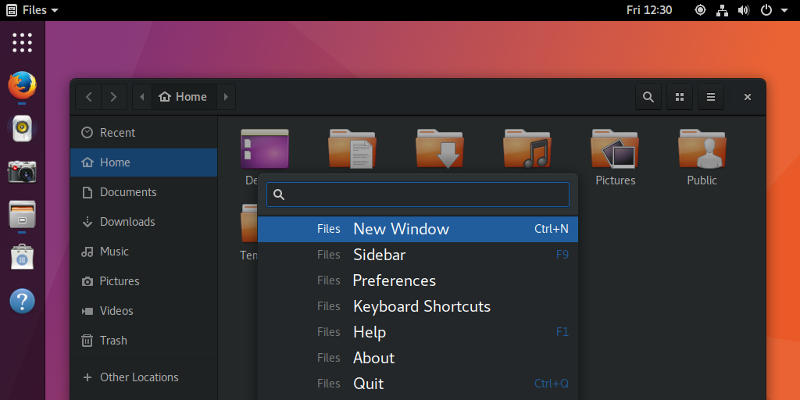
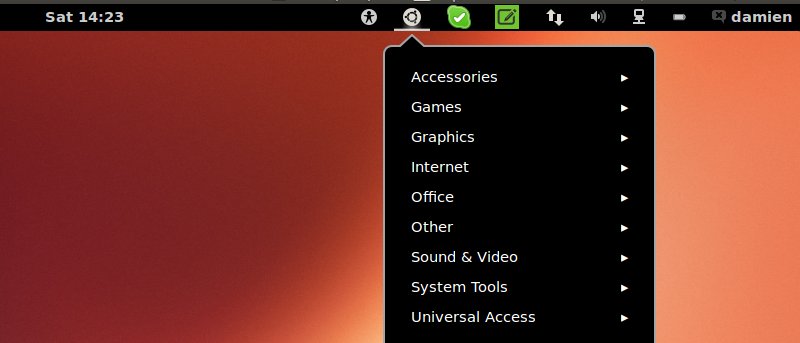
Gnome shell comes with some useful keyboard shortcuts. Here are some useful and lesser-known Gnome Shell keyboard shortcuts you should use to improve your productivity.
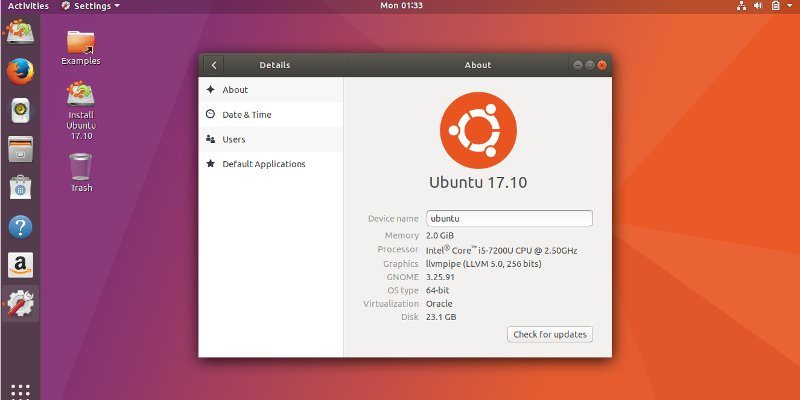
One of the hottest events in October is the release of Ubuntu 17.10 with Gnome desktop. Here’s what you can expect to find in this Ubuntu 17.10 release.
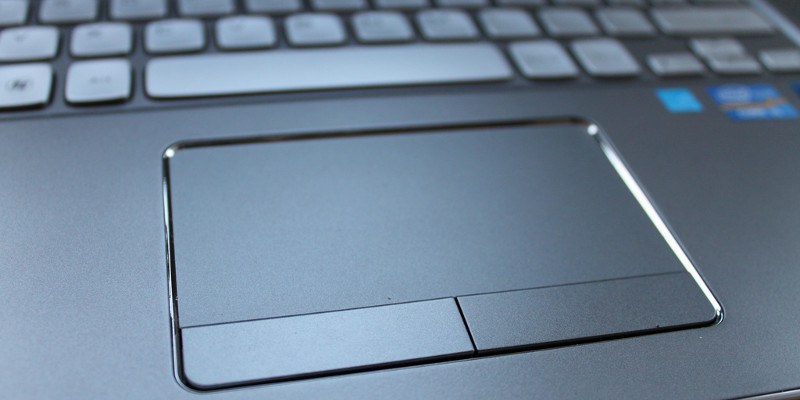
Gnome Shell has an option to disable the touchpad, but you can bring it further to get it to automatically disable the touchpad when a mouse is connected. Find out how here.
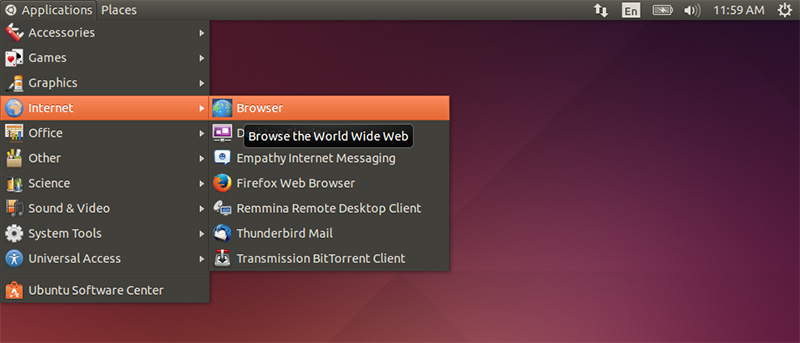
Ubuntu may be dropping Unity in favor of GNOME, but that doesn’t mean you need to go without your favorite desktop. Make GNOME look and feel like Unity!
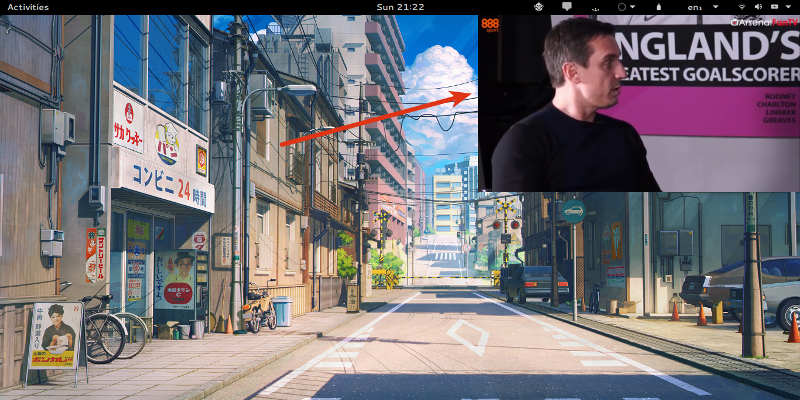
Both Windows and macOS have added PiP mode to their OS. If you are using Gnome Shell, here’s how you can enable picture-in-picture mode in Gnome Shell.
MyCroft Assistant is an open source ‘smart AI’ platform like Google Now, Amazon Echo, and Microsoft Cortana. Here’s how to install MyCroft on Linux and Gnome Shell.
New releases of Ubuntu no longer contain the latest version of Gnome 3. For fan of both Ubuntu and Gnome, you can get the latest version of Gnome on Ubuntu with this method.
Firefox doesn’t integrate well in Gnome Shell desktop theme. Here are some ways you can use to make it looks like it truly belongs on the Gnome 3 desktop.
One of the good things about the Unity desktop is the appindicator feature that provides quick access to key parts of your application. For those who are using Ubuntu, but have replaced the Unity desktop with Gnome Shell, one of the frustration is that the appindicator does not work in Gnome Shell. Luckily, with a simple extension, you can now get those appindicator icons to work in Gnome Shell.