One way to explore your Linux system is via the “/proc” directory. Learn to use the “/proc” directory to examine the inner workings of your Linux system.
When formatting a hard disk to install your Linux system, you have to decide on the best Linux filesystem to use. EXT4 is the most popular, but is it the best?
Sometimes you need to work with a certain type of drive. If your operating system doesn’t support that drive, an app like iBoySoft Drive Manager will help.
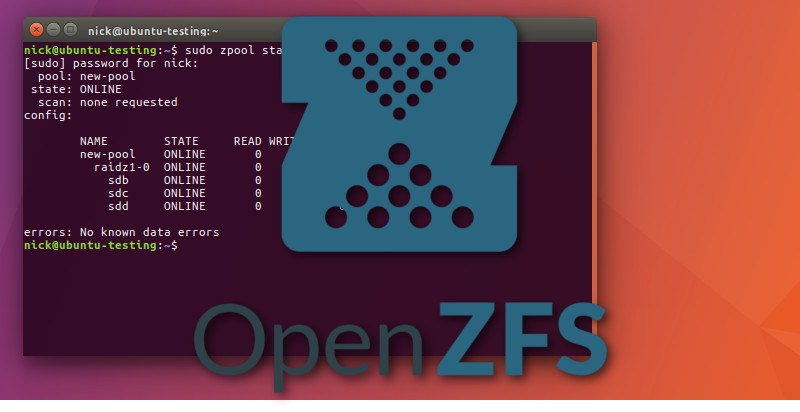
ZFS is one of the most feature-rich filesystems that guarantees you will never lose a single bit of data. Here is what ZFS snapshots and clones can do for you.
The default filesystem for most USB drives is FAT32, but you can always change it to suit your needs. Here is how to choose a proper filesystem for a USB drive.
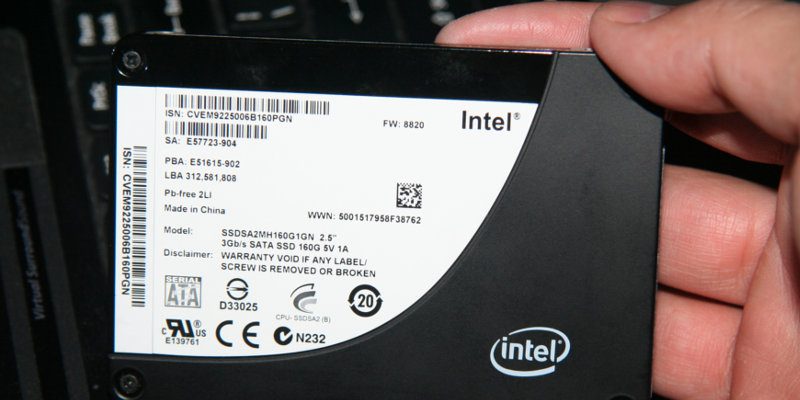
When setting up a new Linux install with an SSD, many don’t know what file system to go with. Here are some of the best Linux filesystems for SSD that you can use.
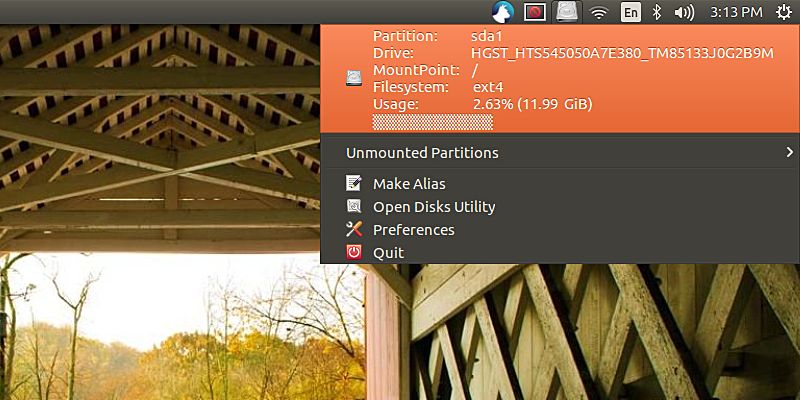
If you are a Linux system admin who needs to constantly keep track of the filesystem usage, here is a way you can display the filesystem usage information in the Ubuntu system tray.
When your computer crashes, there is a chance that your filesystem will get corrupted or damage in the process. It is advisable to do a filesystem check regularly to make sure that it is running properly and free of error. In Linux, there is this powerful command “fsck” that you can use to check and repair your filesystem.
Most Linux distributions currently default to using the Ext4 file system, but the future for many of them lies with the B-tree file system, better known as Btrfs. Learn all about Btrfs and why is it better than Ext4 file system.