
Wish File Explorer could do more in Windows? See how OneCommander is a far more advanced File Explorer alternative.
By Crystal Crowder – Mar 27, 2026
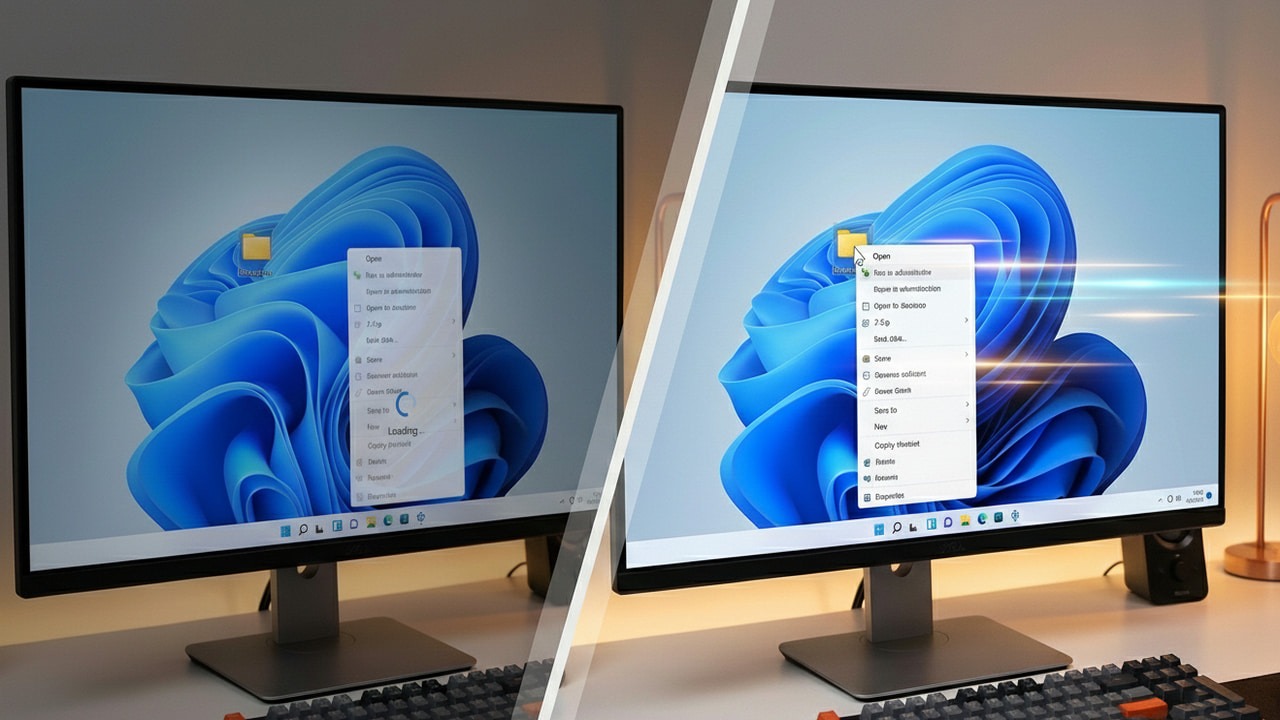
A slow context menu is a total productivity killer. Turn those slow clicks into instant actions with these effective system tweaks.
By Karrar Haider – Jan 21, 2026
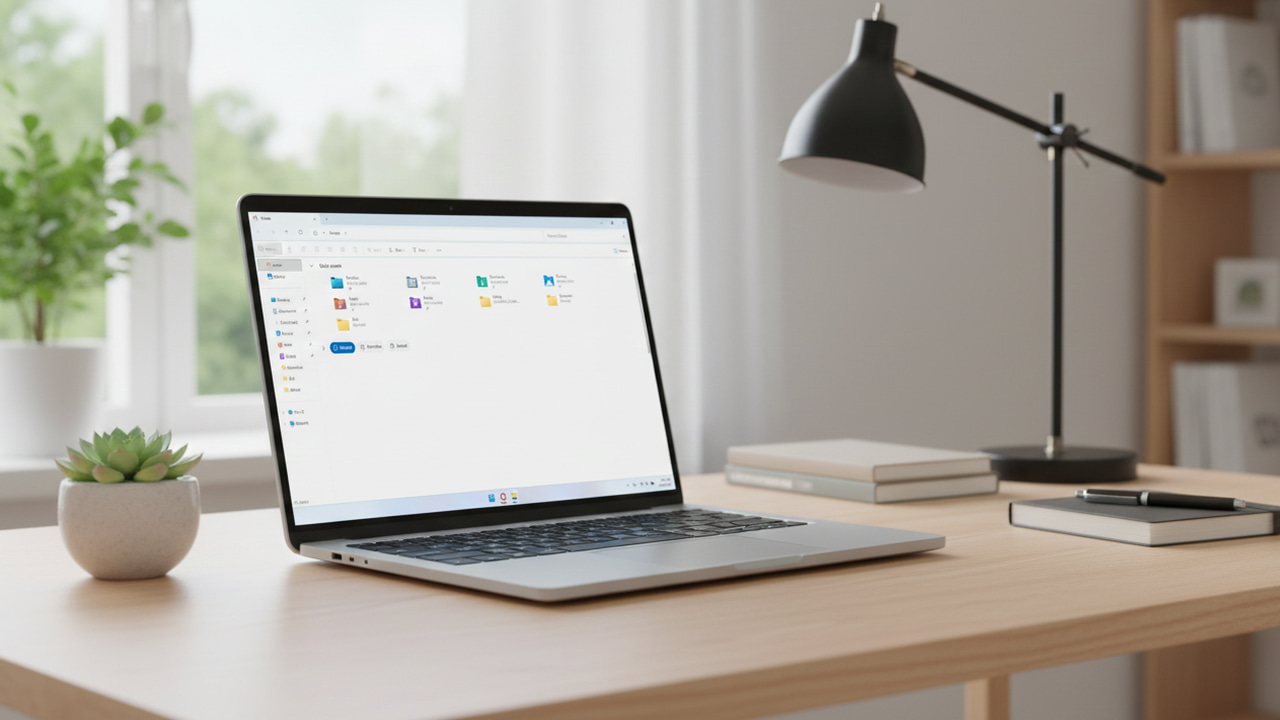
Some useful File Explorer tips you can use to make File Explorer better.
By Karrar Haider – Dec 25, 2025

Windows File Explorer previews can expose NTLM password hashes, putting your security at risk.
By Karrar Haider – Oct 28, 2025
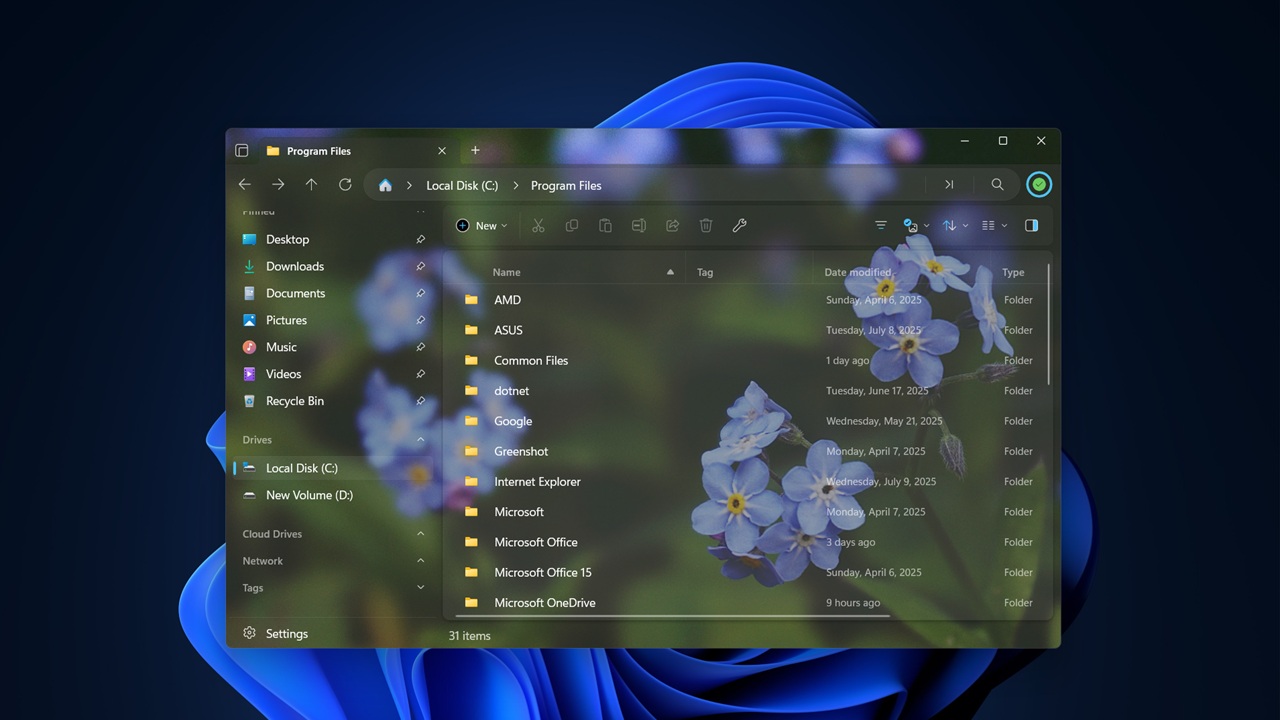
Files is a File Explorer alternative designed to streamline your file navigation experience on Windows.
By Alexandra Arici – Jul 23, 2025
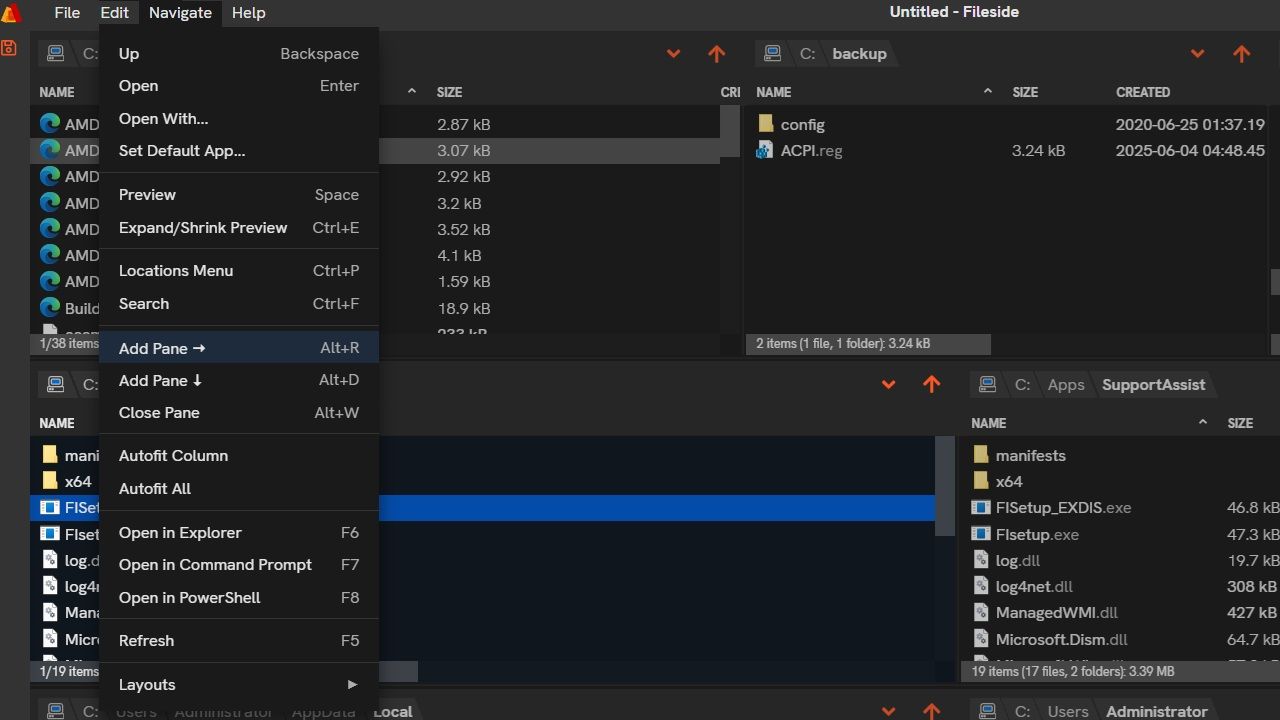
This lightweight app reduces mouse clicks, supports keyboard shortcuts, and allows file previews without opening them.
By Sayak Boral – Jun 21, 2025
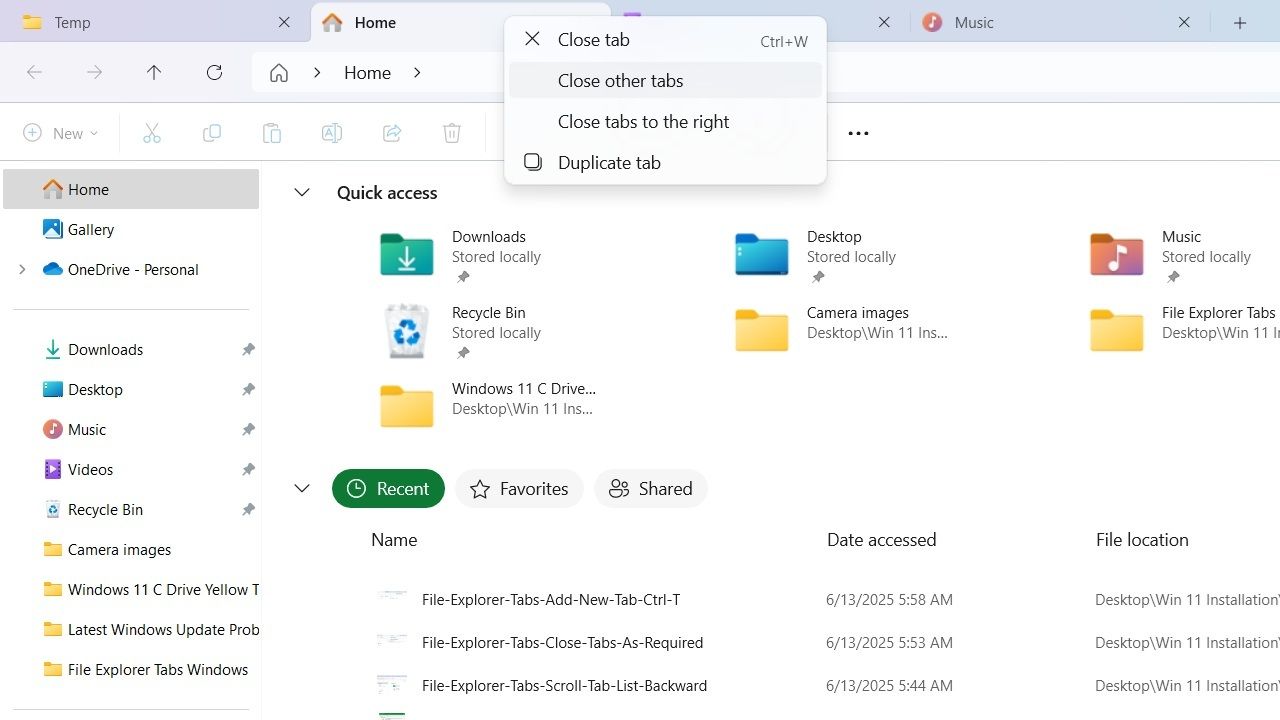
In Windows 11 File Explorer, you can enable tabs that are evenly spaced and support horizontal scrolling.
By Sayak Boral – Jun 14, 2025

Discover how to easily view, edit, and convert SVG files on Windows
By Anees Asghar – Jun 13, 2025
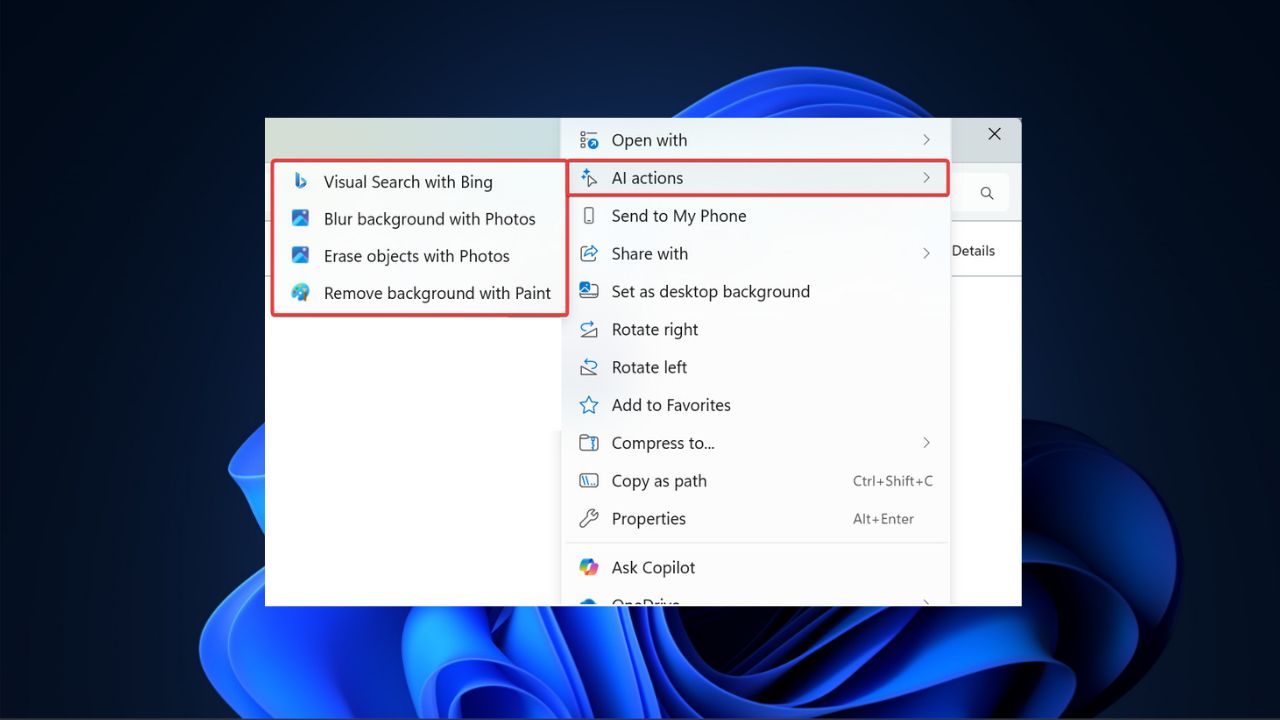
The new AI Actions ets you edit photos or summarize documents directly from the context menu.
By Henderson Jayden Harper – May 25, 2025
Windows File Explorer comes with support for extensions to improve its functionality. This guide includes some of the best ones.
By Sayak Boral – Nov 27, 2024

Tired of renaming numerous files individually? This guide introduces you to five ways to batch rename files in Windows.
By Crystal Crowder – Oct 3, 2024

Having trouble with Windows? Restarting File Explorer can solve the problem. Learn how to restart File Explorer using different methods.
By Karrar Haider – Jul 30, 2024

Can’t find what you’re looking for in Windows? Learn how to use Windows search filters to find anything you need in File Explorer.
By Crystal Crowder – Jan 26, 2024

Here are some of the best Windows File Explorer alternatives that have additional features, customization options, and much more.
By Sagar Naresh – Oct 20, 2023
Need to modify some registry keys? Learn how to open Registry Editor in various ways, ranging from the very simple to the more complex.
By Meenatchi Nagasubramanian – Oct 5, 2023

Can’t type into the Windows Search bar on your PC? Read on to learn how to fix the typing issue and get back to searching.
By Meenatchi Nagasubramanian – Oct 3, 2023
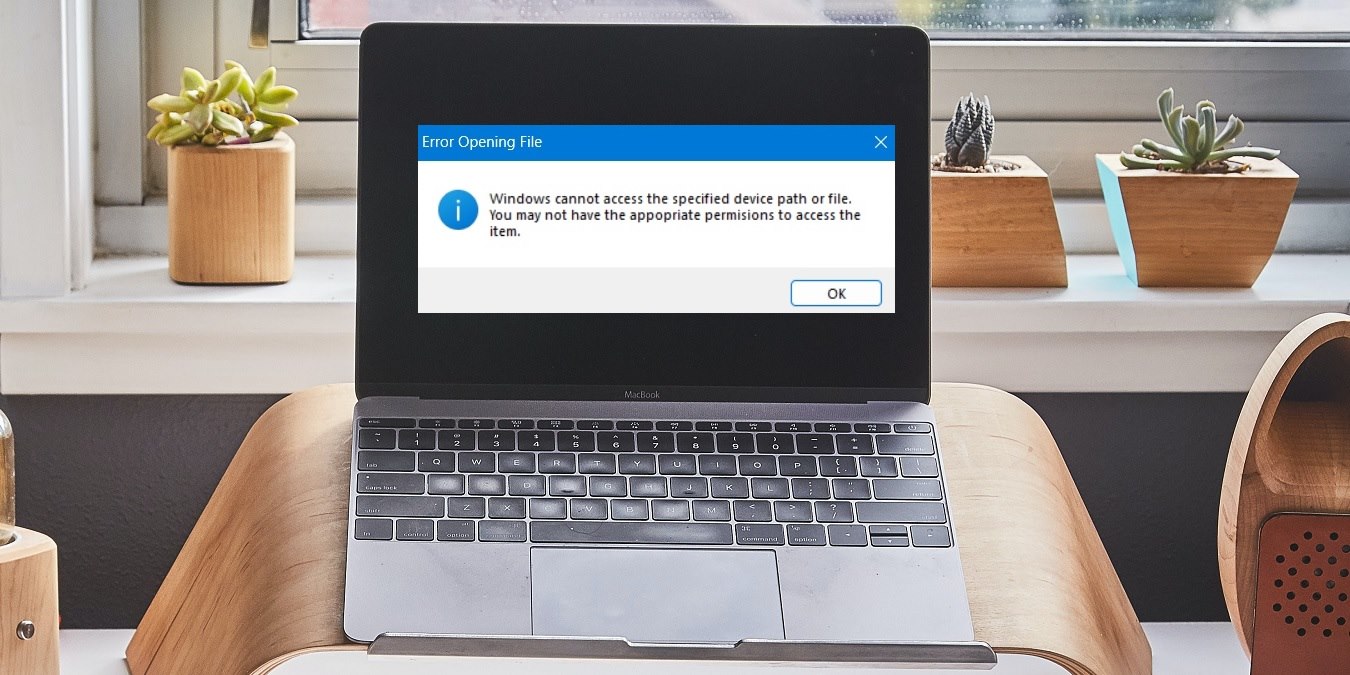
Dealing with the “Windows cannot access the specified device path or file” error on your PC? These fixes will help you remove it.
By Sayak Boral – Feb 14, 2023
Are you not liking the Windows 11 look and feel? Here are a few tweaks to make Windows 11 look like Windows 10.
By Sandeep Babu – Dec 20, 2022

Does your File Explorer often run into problems? Here is a full list of common fixes you can apply to solve your File Explorer woes.
By Farhad Pashaei – Dec 6, 2022

Opt for the method that is most convenient for you!
By Digvijay Kumar – Nov 2, 2022
Affiliate Disclosure: Make Tech Easier may earn commission on products purchased through our links, which supports the work we do for our readers.





