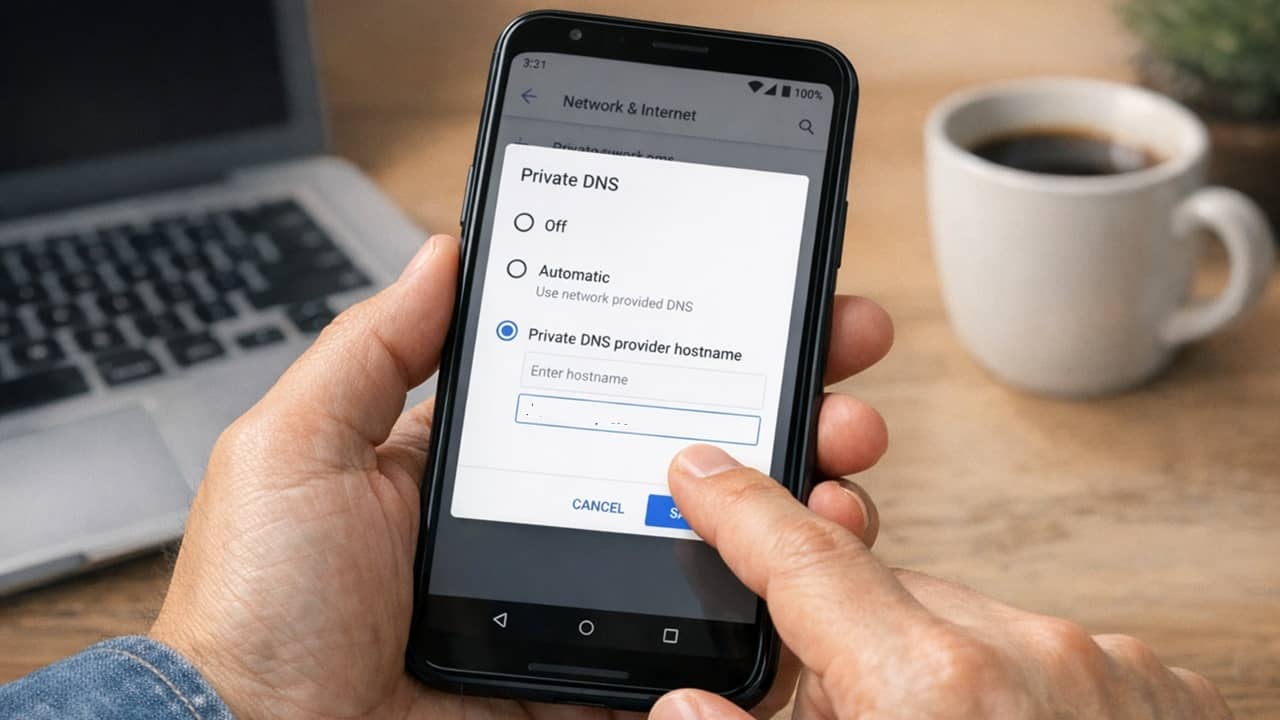
Tired of annoying ads on Android apps and even websites? Learn how this one simple setting lets you block ads on Android.
By Crystal Crowder – Mar 15, 2026
With spyware and hacks on the rise, CISA’s mobile security tips provide simple and effective ways to lock things down without much hassle.
By Henderson Jayden Harper – Dec 17, 2025
Easily switch between DNS and improve performance and privacy without any hassle.
By Karrar Haider – Jun 27, 2025
Google has crippled the ad-blocker extensions in Chrome. Here’s how you can still block ads in your browser.
By Karrar Haider – Jun 23, 2025
Removing ads is key to keeping the web safe today. Learn what network-wide and browser-based adblock is and find the right approach for you.
By Ramces Red – Feb 14, 2025
Don’t let restrictions dictate your browsing habits.
By Sayak Boral – Apr 11, 2024
Lack of Wi-Fi connectivity is a common problem with modern Linux systems. Learn how you can diagnose and fix this issue for your PC today.
By Ramces Red – Feb 28, 2024
Whoami is a small, yet powerful toolkit that manages some of your system’s security options. Learn how to install and use it in Ubuntu today.
By Ramces Red – Feb 25, 2024
Experiencing Steam error code 107 when accessing the store is a drag, and you can fix it by applying the solutions detailed in this tutorial.
By Chifundo Kasiya – Sep 23, 2023
Wi-Fi connection slow on your mobile device? Try switching to a different DNS. This guide shows how to change DNS on an iPhone and Android.
By Mehvish Mushtaq – Feb 19, 2023
Learn how to use this powerful tool to query DNS servers.
By Ramces Red – Nov 13, 2022
Cache files may affect your device’s performance.
By Mustafa Ashour – Nov 8, 2022
Take your nslookup skills to the next level with this practical guide.
By Nicholas Xuan Nguyen – Oct 31, 2022
The “Wi-Fi doesn’t have a valid IP configuration” error prevents you from connecting to the wireless network. Fortunately, it’s quite easy to fix.
By Mehvish Mushtaq – Sep 17, 2021
Google Chrome for Android is gaining the Secure DNS feature, just as the desktop version of Chrome did in May.
By Laura Tucker – Sep 4, 2020
Flushing your DNS cache can help to clear things out and possibly speed up domain name resolution. Learn several ways to clean out your DNS cache on Linux.
By Nick Congleton – Jul 25, 2018
Flushing the DNS cache on a Mac is as easy as running a command through the Terminal window.
By Robert Zak – Jul 20, 2018
A DNS leak occurs when a user’s IP address is exposed via an unencrypted DNS request to their ISP’s DNS server. This will show how to fix DNS leaks.
By Alexander Fox – May 29, 2018
Your PC stores DNS data locally to speed up browsing, but you man want to flush the cache at some point. Here’s how to flush the DNS cache in Windows 10.
By Robert Zak – Sep 29, 2017
Google Chrome has an internal DNS caching system. If you are struggling connecting to websites, here’s how to clear the Chrome DNS cache to fix the issue.
By Kenneth Kimari – Sep 24, 2017
Next >
Affiliate Disclosure: Make Tech Easier may earn commission on products purchased through our links, which supports the work we do for our readers.