Optical media can be a cheap backup solution, but it fails more often than one would hope. You can improve it by creating a crash-proof backup. Here’s how.
The Windows Shadow Copy feature is a useful, but hard to configure feature. we will show you how you can back up and restore data from Windows Shadow Copy.
Your computer can get infected by virus easily if you are not careful. Don’t worry, following these steps, you can recover from a virus attack quickly.
When it comes to cloud storage, one of the things you shouldn’t do is to place all your eggs in one basket. You should also take the precaution to backup the data to somewhere you can physically access. Allow me to explain why.
If you’re used to using jump lists in Windows, being able to backup jump lists and restore them on another PC can be beneficial. This article shows you how.
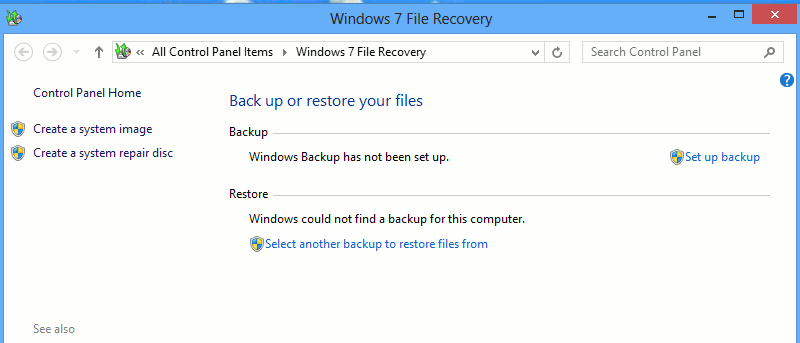
The File Recovery option in Windows 8 allows you to create a system image and back up your files, folders and programs to an external drive or even to a new partition on your computer. If you set up Windows backup properly, it can be a powerful way to keep a backup handy in the event you need to restore not just your computer but also your files.
You received a new computer as a present, the next problem you are facing is how to migrate your Linux setup on the existing PC to this new machine. In this tutorial, we will show you how you can move your existing Linux installation to a new machine without losing the files and settings.
Are you looking for an easier way to backup, restore and synchronize your files and folders in Windows? Handy Backup is a simple, yet useful backup application for Windows and yes, we have a giveaway for it. Read on for more detail.
I am sure that you have backed up confidential data in your computer, but if you are running your business on WordPress, did you remember to back up your files and database as well?