The default Mac applications that come with your new Mac work well enough, but they lack certain features you might be seeking. You can change your Mac’s default applications with the instructions here.
Uninstalling programs in Windows is usually more than just click the Uninstall button. Here we will show you how to completely remove programs in Windows, without any third party tool.
The KDE Community have developed a ton of high-quality applications for different needs. Here are some of the best KDE Plasma applications you should try.
Thanks to the Ubuntu community there is a great deal of third-party software that integrates perfectly with Gnome Shell. Here are 10 of the best Gnome applications.
If you’re using Windows Defender as your antivirus and want it to protect your system from any potentially unwanted applications like bundled adware and spyware, here’s how it can help.
Windows has all kinds of amazing features, but there is no option that lets you control how much bandwidth certain apps use. If you want to change that, here’s how to limit bandwidth in Windows 10.
The .NET Framework is, in truth, a vital part of many applications from around the Web, no matter their purpose. Read on to see exactly what that means.
The following five user-friendly terminal based applications in this article are proof that the terminal can be intuitive, easy to use & even fun at times.
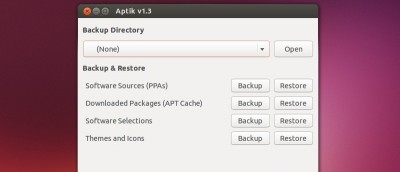
When you reinstall Ubuntu, you also have to reinstall all your favorite packages. Aptik can backup your installed apps and restore them on a new machine.
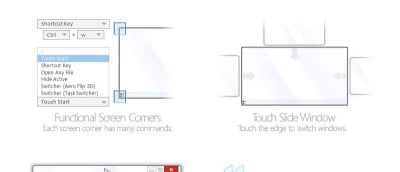
If you need to quickly launch a program in OS X, one useful option is to bind it to a keyboard shortcut. Here is how you can create hot keys for apps in OSX.
Ever get caught up in activity, grow tired and forgetful, and wish there were a way to recover passwords for Windows apps? Here is a great Password recovery tool and we have a giveaway for it.
If you want to make your workflow even easier, you can consider having specific applications open up automatically into separate workspaces in GNOME, saving you from having to rearrange windows the old-fashioned way.