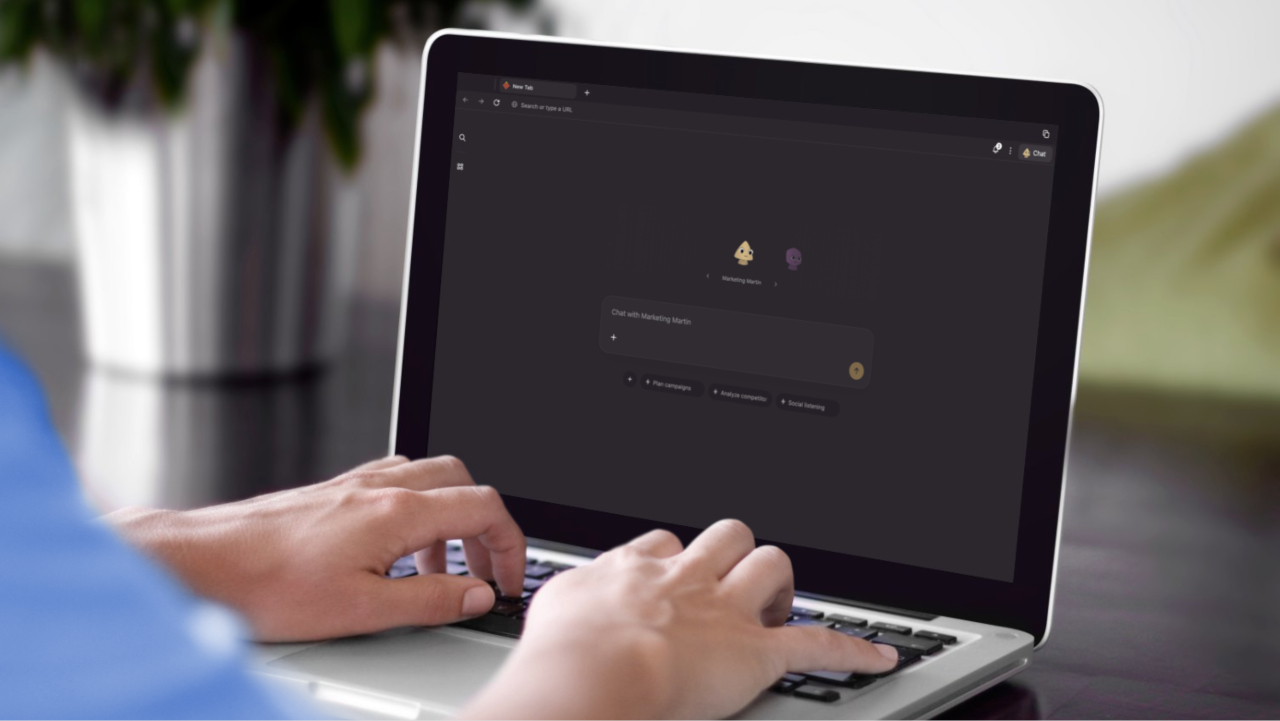
All your existing browsers are getting an AI makeover. On top of that, a bunch of new ones are built entirely around AI, like Perplexity Comet, Opera, Dia, and now even OpenAI has joined the race with ChatGPT Atlas. And because of the nature of my job (and honestly, my own curiosity), I’ve tested all of them. Literally, there isn’t a single one I haven’t tried. And you probably won’t believe me when I say this, but the best one isn’t Comet or Atlas. It’s Strawberry. Let me tell you why.
Good to know: Using w3m Terminal-Based Browser As Your Daily Browser
What is Strawberry?
Strawberry is a new kind of web browser built around the idea of autonomous AI agents that can take action on your behalf. Instead of being a static tool for viewing websites, it acts as an intelligent workspace that understands instructions and completes tasks automatically. The company behind it calls it an “agentic browser,” meaning it can go beyond simply displaying pages and actually perform actions within them.
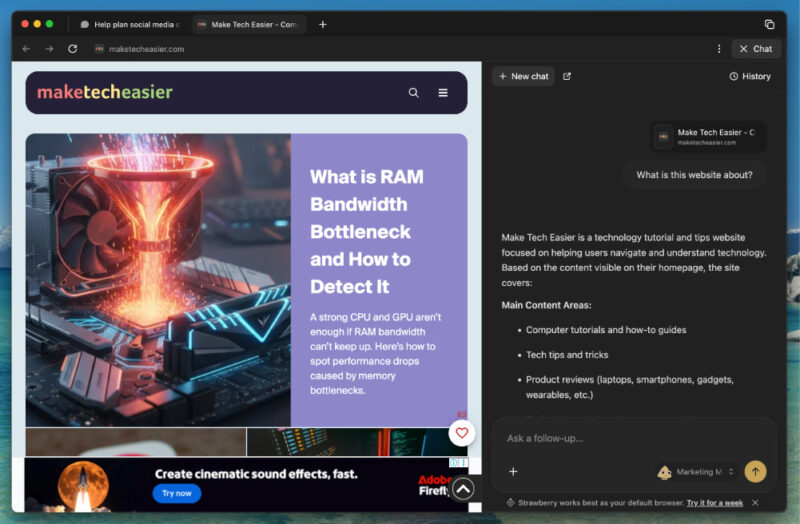
At the core of Strawberry are AI agents called Companions. These agents can click through websites, fill out forms, extract data, and manage multiple tabs to complete workflows that would normally take hours. The browser ships with several specialized Companions for different use cases, such as Sales Sally for sales teams and Recruiter Ryan for recruiters. There are also Companions designed for marketing, business, and other professional functions.
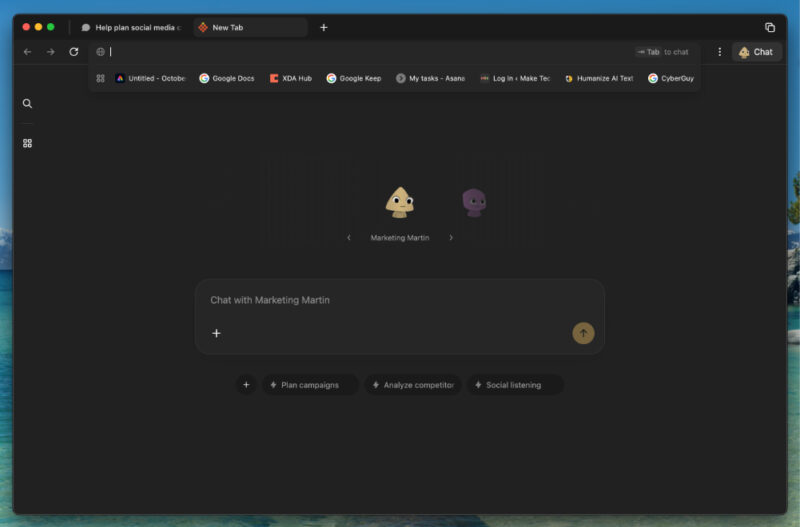
Strawberry is built on Electron and uses Chromium as its rendering engine and combines it with Node.js to enable cross-platform desktop applications built with web technologies. While Electron uses Chromium to display web content, it also includes a Node.js runtime and additional APIs for desktop app capabilities, which Chrome itself does not have.
Strawberry Features I Liked
Strawberry’s most distinctive feature is its system of Companions. These are autonomous agents that can perform multi-step tasks directly on websites. You can either use prebuilt personas designed for specific roles, such as sales or recruiting, or you can create your own Companion tailored to your workflow. Each agent can understand plain English instructions, such as asking it to find potential leads, collect contact details, and prepare messages for outreach.
The browser also allows you to train agents without writing any code. You can record yourself completing a process once, and the Companion will learn that workflow and repeat it automatically whenever you need. Because the Companions can move between multiple tabs and handle logged-in sessions, they can work with tools like LinkedIn, Google Sheets, and various CRM platforms seamlessly.
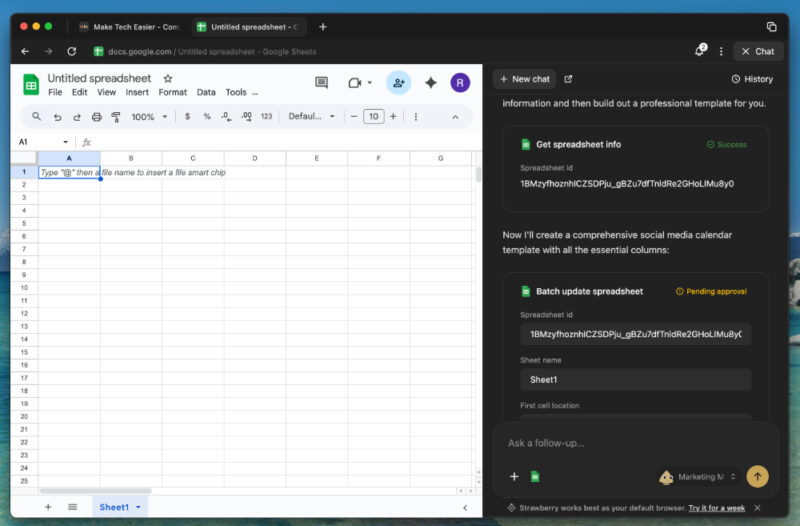
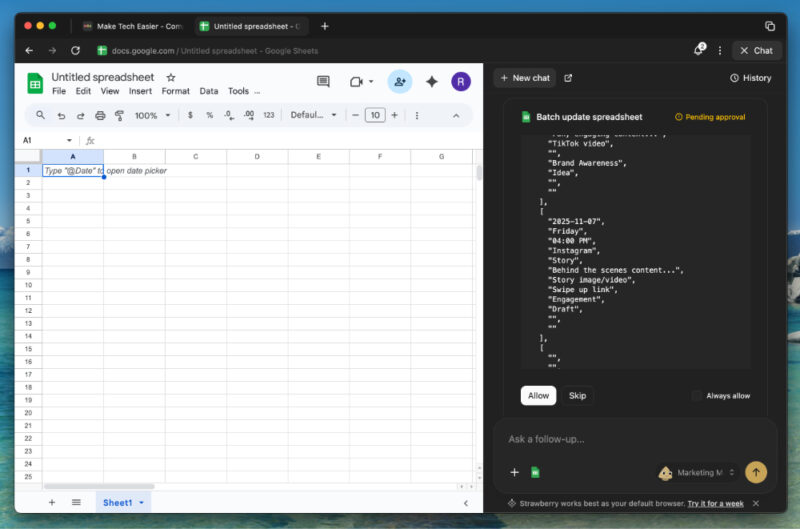
Strawberry uses an approval-based system. Before performing sensitive actions such as sending an email or submitting a form, it pauses and asks for confirmation.
My biggest concern with the AI browser is privacy, but Strawberry is better than most in this area. Your data stays on your device by default, and any external AI model used for processing is anonymized. The company claims that none of your data is used for training external models, which I take with a pinch of salt, but it is still reassuring.
Strawberry is definitely not perfect, though, and certainly not better than your traditional browsers. The Electron framework makes it slower than established browsers like Chrome or Edge. I have noticed lag and higher resource usage.
How Is It Different From Other AI Browsers?
Strawberry sets itself apart from other AI-powered browsers by focusing on autonomous action rather than simple assistance. Most AI browsers today include built-in helpers that summarize pages or answer questions. These tools help you understand content but stop short of interacting with it. From what I’ve seen, most of these browsers, including Comet and Atlas, don’t match Strawberry’s level of agentic capability.
Another major difference is that Strawberry has been built from the ground up as a standalone browser designed for automation. It is not an extension or plugin that sits on top of Chrome. This gives it deeper control and better integration across multiple tabs and sites. The browser is also geared more toward professional use than casual browsing. Its design focuses on automating workflows common in sales, recruitment, research, and operations, areas where repetitive web tasks can easily take up large portions of the day.
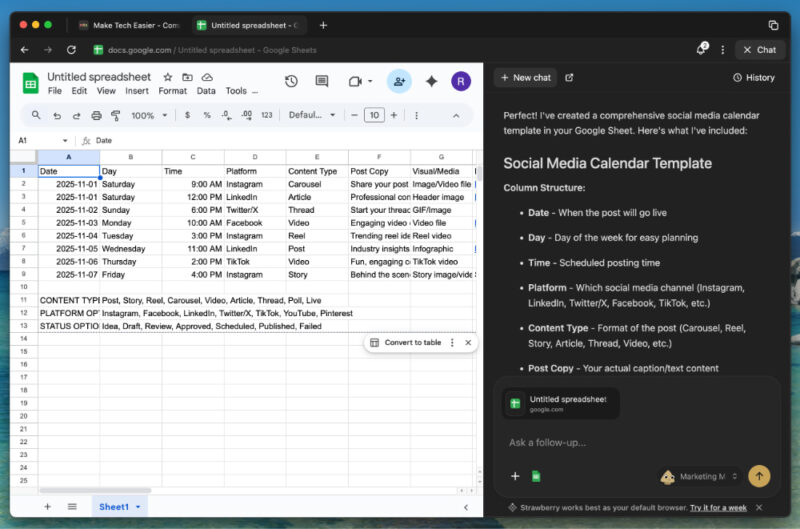
My biggest issue with most AI features, whether in browsers or other tools, is figuring out where to actually use them. There are plenty of features, but few clear use cases. Strawberry changes that by nudging you toward specific, practical tasks. For instance, if you work in marketing, you can create a marketing Companion that offers constant reminders and suggestions for planning campaigns, analyzing metrics, or tracking social conversations.
AI browsers haven’t yet reached a point where I’d ditch my regular browser. And by the time they do, the regular ones will probably catch up anyway. For instance, browsers like Google Chrome, Edge, and Brave are already actively adding AI features. If you’re looking for more AI browsers, we have a list worth checking out. But if you’d rather stick to traditional browsers, I’d recommend trying one of these specialty options instead.








