What we like
- Affordable
- Lightweight and easy to set up
- Built-in apps for everything
What we don’t like
- No virtualization support
- No RAM upgrade
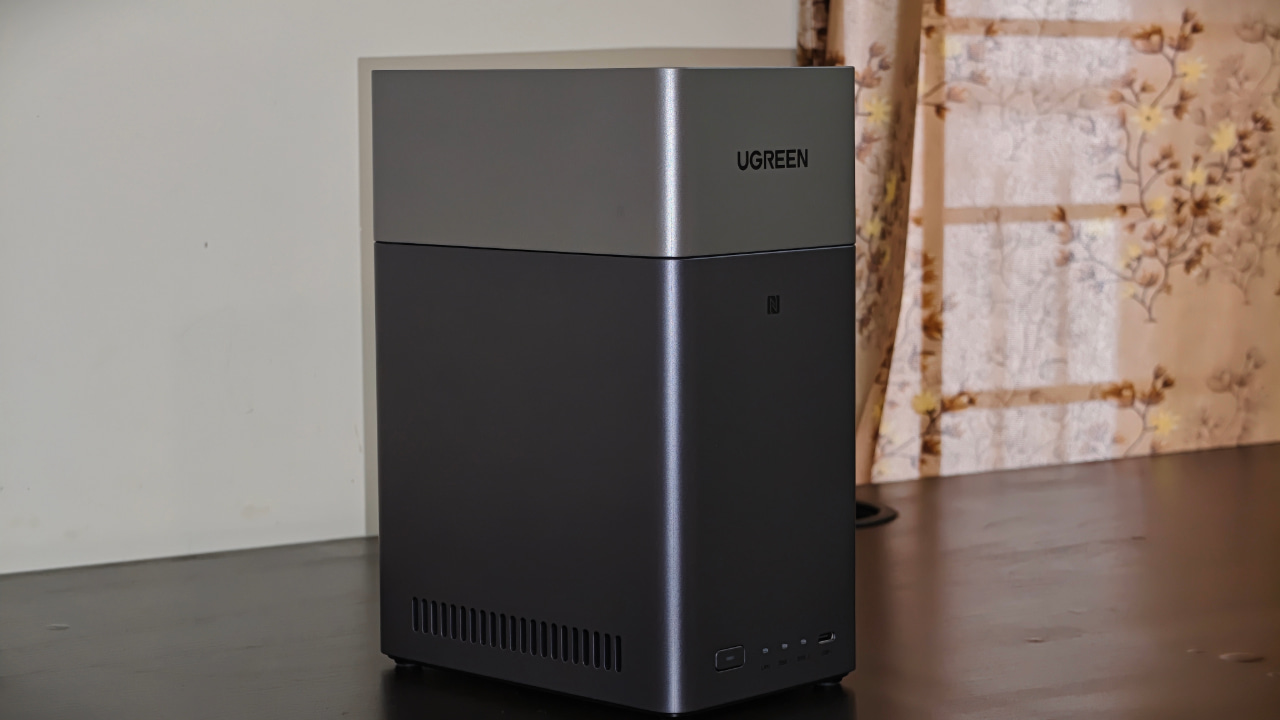
Whenever I try to explain what an NAS is to my friends and family, they get scared, thinking it’s rocket science. Some devices are indeed a little too tough to master for beginners, and most people don’t want to deal with Docker setups or complex self-hosting. Some of us just want an easy way to store and access our media and photos. The UGREEN NAS 2300 offers that. It fits into small spaces and takes the pain out of app installation, tech stack setup, and everything that used to feel complicated.
Setting Up the UGREEN NAS DH2300 Is Super Easy
Initially, I assumed setting up the DH2300 would be a hassle, like other devices I’ve tried. Luckily, that wasn’t the case. It took me barely half an hour from opening the box to having everything up and running. You only need three things to get started: hard drives, a power plug, and a spot near your router where you can connect to it. Finding that spot took me the most time because my router currently sits in a cramped corner, and I have to find a new spot for it.
After plugging in the NAS and installing the drives, all I had to do was go to the site find.ugnas.com. (Make sure the NAS and your PC are on the same network.) The system scanned my network and showed all compatible devices. I picked the one I wanted, clicked Connect, to add the NAS.
On the initialization screen, I gave the device a name and created a local administrator account to manage it. From here, you can either download the companion apps to your phone or any other device.
UGREEN’s Software Is Surprisingly Capable
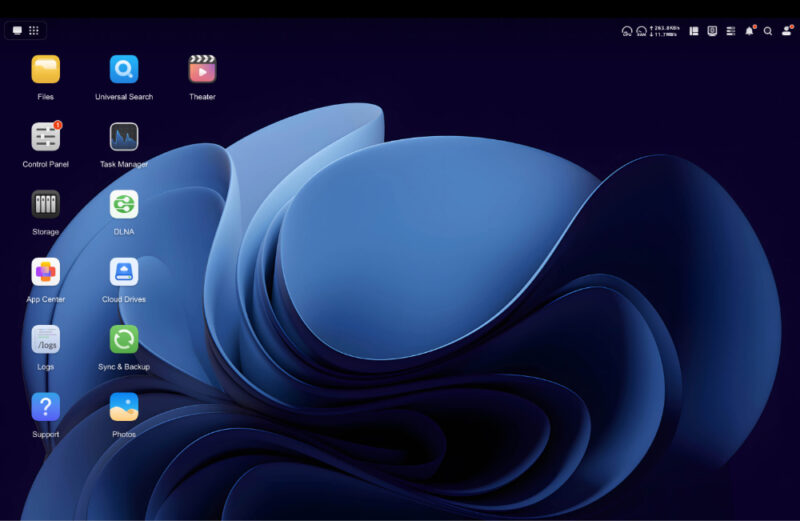
Once you start to explore the interface of the UGREEN DH2300, you will find that it is more than just a simple file storage server. In fact, it comes with built-in tools for almost everything you’d need and is much easier to use than my self-built NAS.
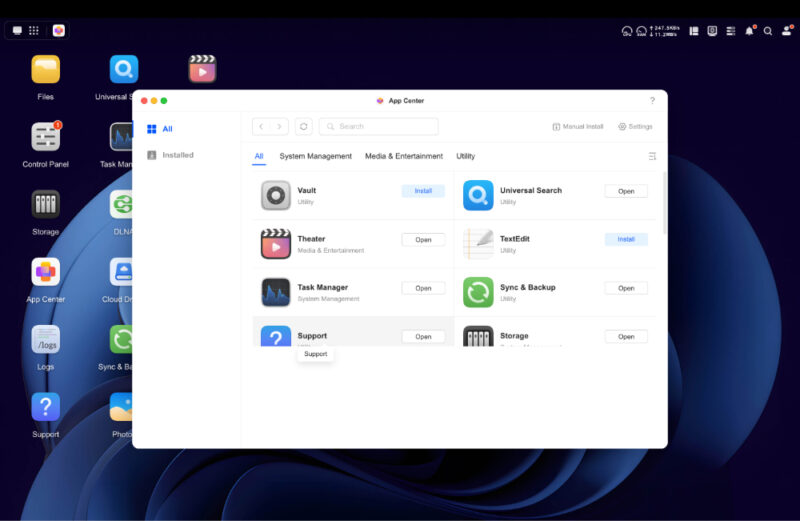
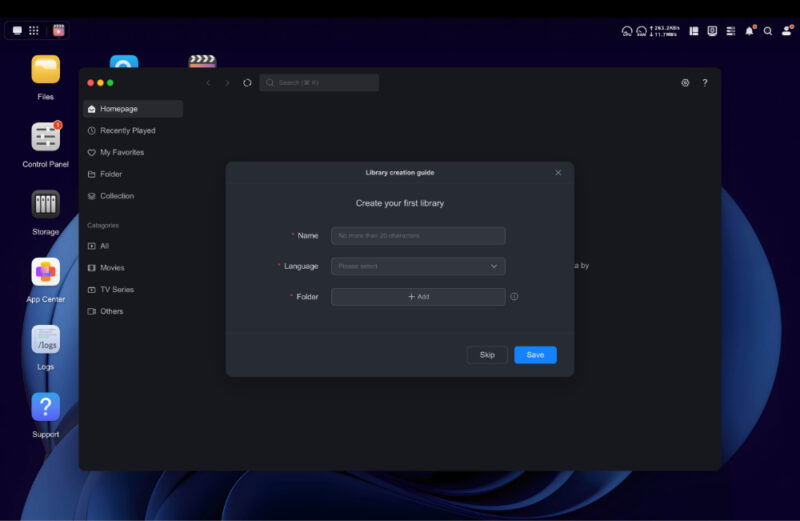
There’s an app for storing your media files like movies and other videos, and you can stream them to your smart TV, whether you’re on Google TV or Apple TV. It does what Plex and Jellyfin do, just without the extra setup. You also get a cloud drive and a backup tool.
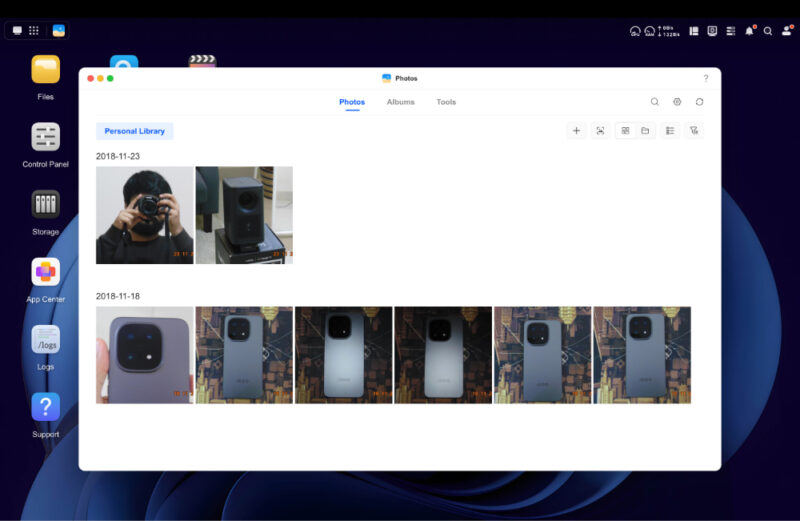
The part I liked the most is the Photos app. It sorts pictures by faces, scenes, and places; cleans up duplicates; and even builds albums on its own. Tap a button, and it’s done. Sharing is easy too. You can generate a link or a QR code and send it to family without making them install anything.
It also helps that the DH2300 works smoothly across Windows, macOS, Android, iOS, the browser, and your TV. (I didn’t test it on Linux, though.) If you switch devices throughout the day, you won’t feel like you’re fighting the interface. Everything opens quickly and stays synced, which is what most people care about anyway.
So-So Hardware Is Bearable
The DH2300 doesn’t come with the latest processor and memory, but the 8-core Rockchip processor keeps everything surprisingly responsive, even when I’m streaming a 4K file or moving large backups. The unit stays cool and quiet, and it uses far less power than a laptop or desktop.
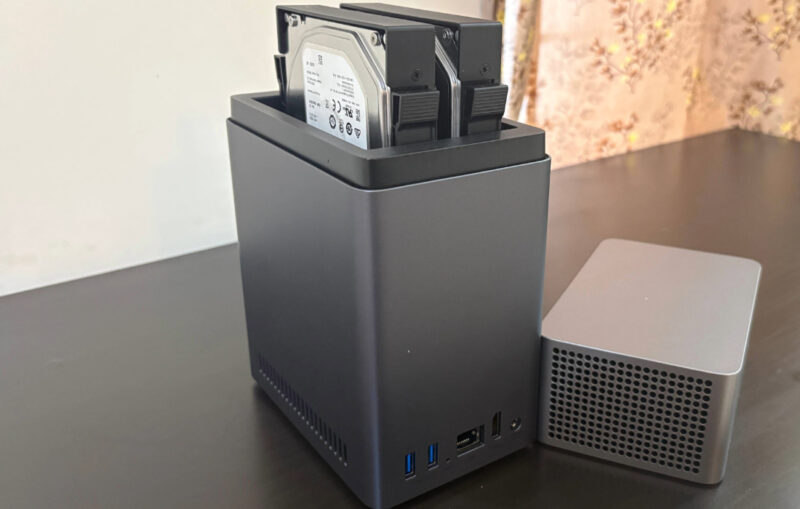
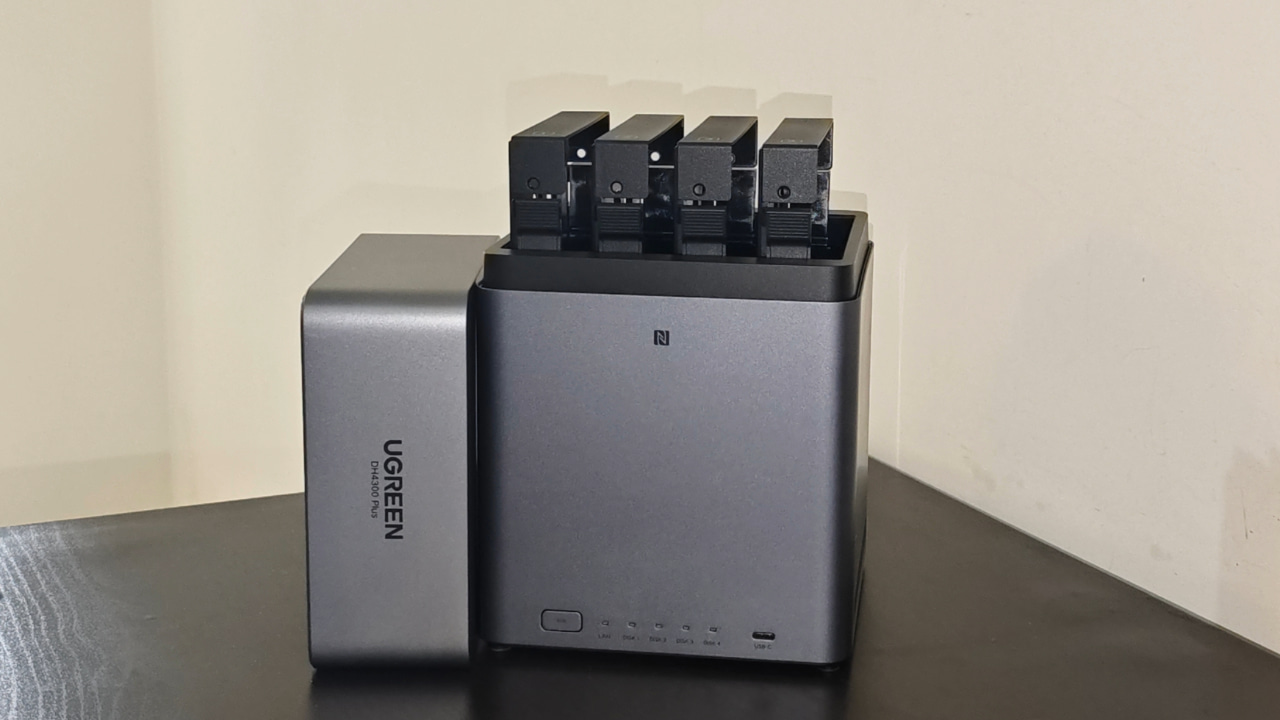
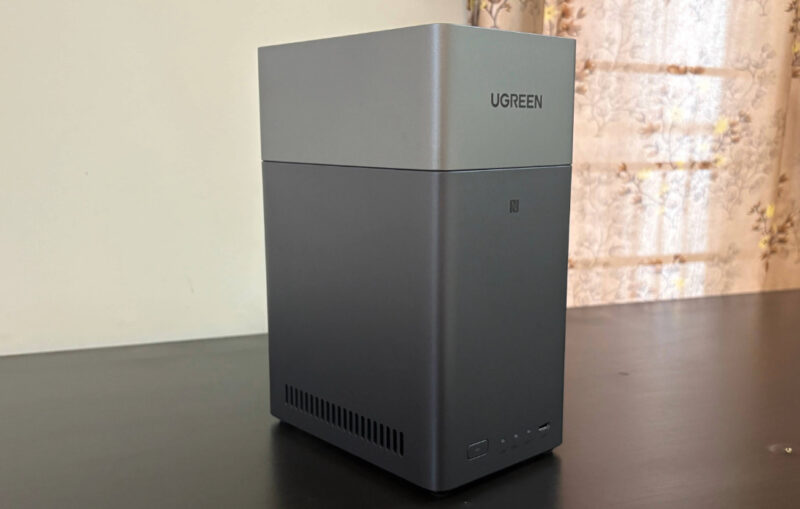
I also like the design and the top-loading hard-drive bays. The front of the NAS has four LEDs for power, LAN, and the two drives. The last three blink to show activity. There’s a USB-C 3.2 Gen 1 port on the front and two USB-A ports of the same spec on the back. I would have preferred a Gen 2 port, but we have to settle for Gen 1. It’s still good enough for most tasks, including connecting external storage.
The one controversial part is the LAN port. Instead of the 2.5 GbE port you get on the DH4300 Plus (its more expensive sibling), this one is limited to 1 GbE.
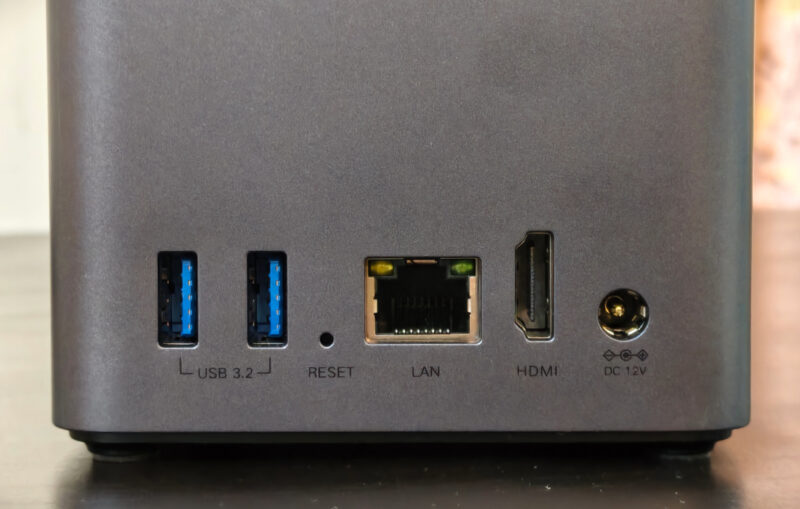
What really surprised me is how the operating system finally makes use of the HDMI port. On many NAS devices, the port is basically useless. Here, you can choose a video inside the UGREEN app and send it straight to your TV over HDMI. It supports up to 4K at 60 Hz. The feature is still in beta, but it worked well in my tests. The only issue I hit was HDR content on a display that doesn’t support HDR.
Availability and Pricing
The DH2300 is an entry-level two-bay NAS built for people like me who mainly want a reliable place to store photos, videos, work files, and media. It gives you a simple setup, no subscription fees, and enough storage flexibility to last years.
The NAS is available for $188.99 at the time of writing. You can buy it on UGREEN’s website, Amazon, B&H Photo, and other major e-commerce platforms. Keep in mind that hard drives aren’t included, so you’ll need to purchase them separately.
If you already pay for cloud storage, this box pays for itself very quickly. A typical 12 TB cloud plan costs around $60 a month, which adds up to more than $700 yearly. If you pick up a DH2300 and a pair of 12 TB drives, the total stays under $400, and that’s a single upfront cost.
If you’re exploring your options with an NAS or already have one, check out the best self-hosted apps we can’t recommend enough. You may also want to learn about the best home server OS for your self-hosted apps.
Subscribe to our newsletter!
Our latest tutorials delivered straight to your inbox