What we like
- Large work area
- Built-in safety features
- Control via microSD, computer, or Wi-Fi
- Supports wood, metal, and plastic
- Easy to convert to a laser engraver
What we don’t like
- Lacks some basic instructions
- No details on included bits
- Some online instructions were outdated
Forget trying to carve, engrave, and cut intricate details by hand. Instead, upgrade your woodworking and create unique projects with the Twotrees TTC6050 CNC Router. I recently tried this latest model from Twotrees to see just how well it performs.
Power and Space to Meet Most Needs
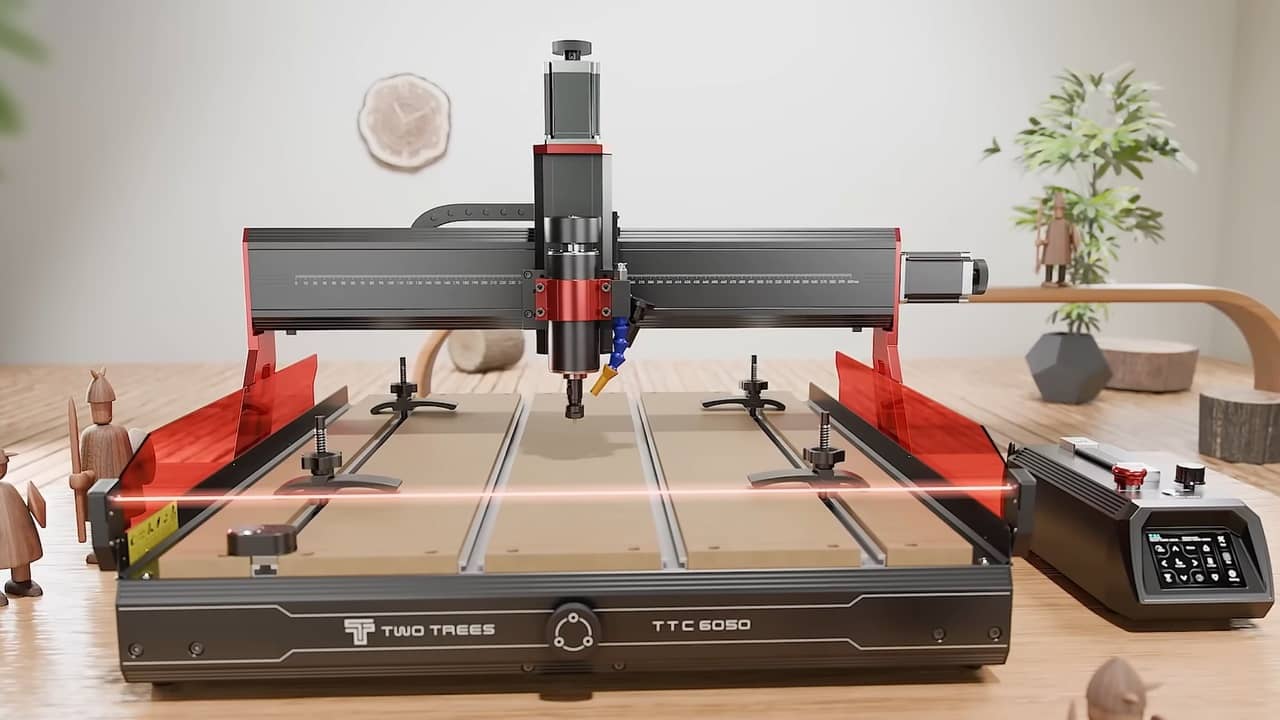
The moment I looked at the assembled Twotrees TTC6050 CNC Router, I knew this wasn’t just a hobbyist CNC router. Yes, it’s perfect for home use or someone just getting started. But, it’s also ideal for professionals wanting to bring larger designs to life.
The included 500W spindle reaches speeds up to 12,000RPM, but if you need faster speeds, upgrade to the 800W spindle. Of course, you’re able to manually adjust the speed to best fit your project, so don’t feel obligated to simply go as fast as possible.
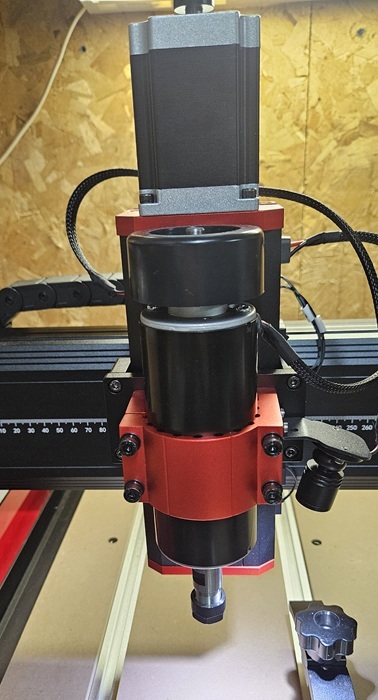
The high torque and powerful motor support speeds of up to 5,000mm/min. Thanks to the hand-tightened nut, I can manually adjust the position at any time.
Before I even received the CNC router, I had to clear a large space. Like I said, this is designed for professionals as well as hobbyists. It comes with a large workspace of 23.6 in. x 19.7 in. x 3.9 in. with the machine itself measuring 32 in. x 30.3. in. x 21 in.
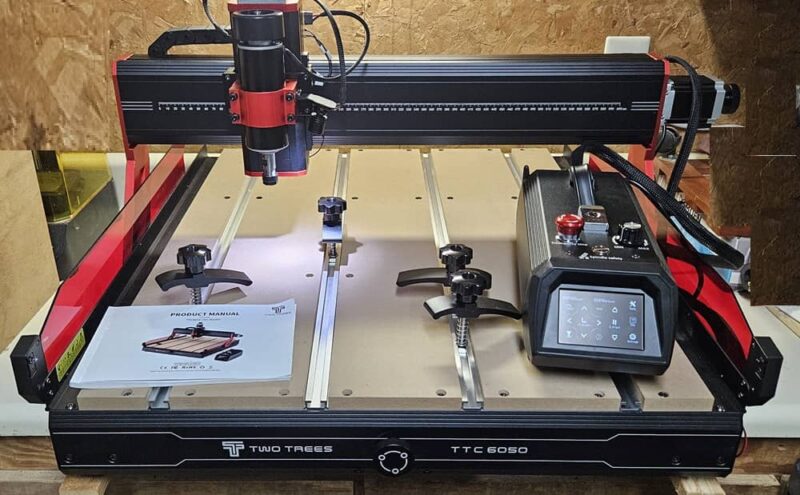
One thing I love about the carving area is the replaceable MDF boards. While I personally am still using a thin piece of wood underneath projects when cutting, it’s nice knowing if I cut through to the baseboard, I can just cut a new one and replace it without needing to buy a whole new base or machine.
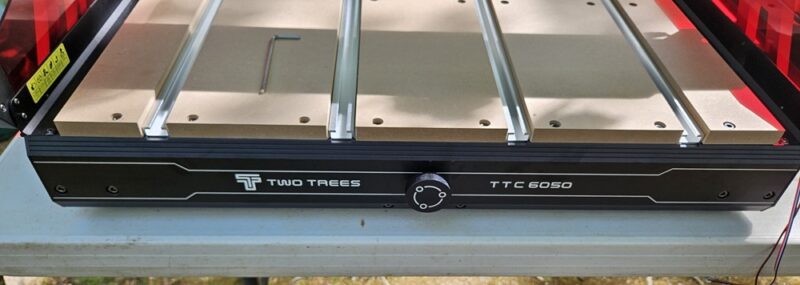
Long Assembly Process But Includes Everything You Need
According to the product description, you should be up and running in 30 minutes. Nope. Not happening. In the sped up assembly video, that might be possible. However, there are numerous components to assemble and it took me around an hour to get everything done.
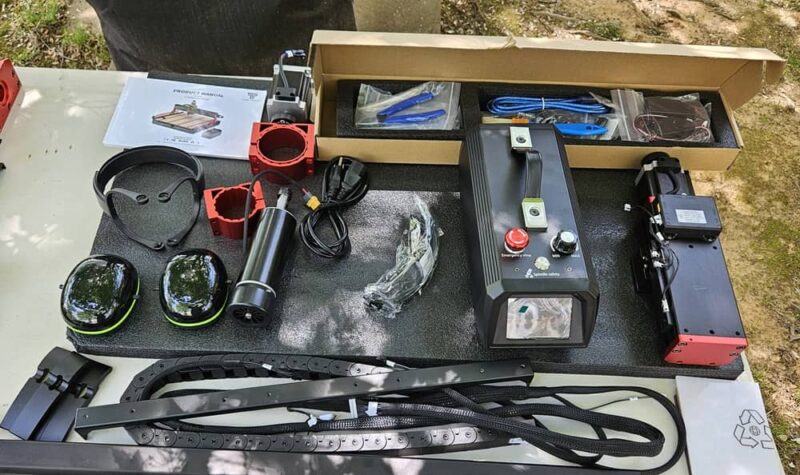
I recommend having a second pair of hands as it gets difficult balancing some parts while simultaneously putting in tiny screws. Plus, it’s a heavy machine at just under 80 lbs.
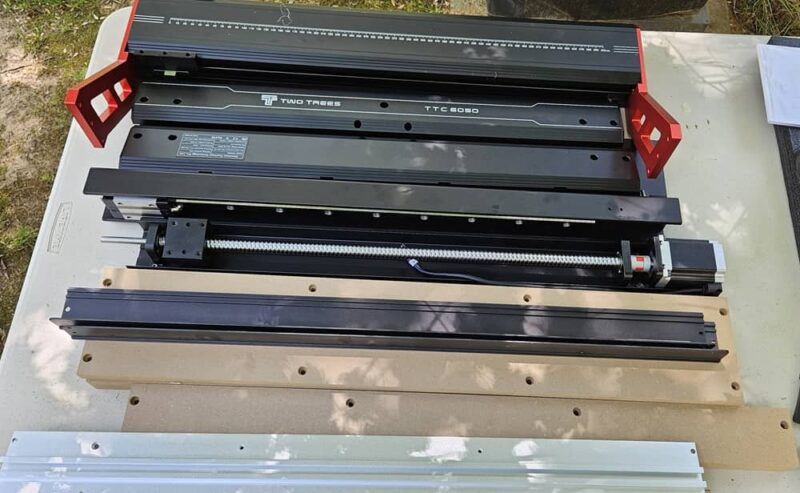
The assembly video linked in the user manual does a good job at filling in the blanks where the assembly guide falls short. Just slow it down or you’ll definitely miss where some of the cables connect.
Everything you need is included, though. All required tools, including wrenches to change your bits, cable clippers, and cable ties. The router also comes with:
- USB data cable
- microSD with card reader
- Set of bits
- File and brush for cleaning up projects
- Additional spindle holder for optional larger spindle
- Safety glasses
- Ear protection
- 3 squares of material – MDF, black acrylic, and white acrylic
Exploring the Twotrees TTC6050 CNC Router
Once assembled, it’s easy to see this is a durable machine meant to last. The aluminum frame offers ample support for the entire machine and your projects. As you’d expect with a CNC router, there are three axes (XYZ) feature linear rails and ball screws for smooth operation. They also have knobs on each for manual adjustments. You can also adjust the axes with your chosen software or via the control box.
Some of the more notable features of the Twotrees TTC6050 CNC Router include:
- Safety infrared sensors on either side of the front of the workspace. If anything crosses the sensors, the machine stops immediately. This works flawlessly. Even a hair crosses the line and the machine stopped.
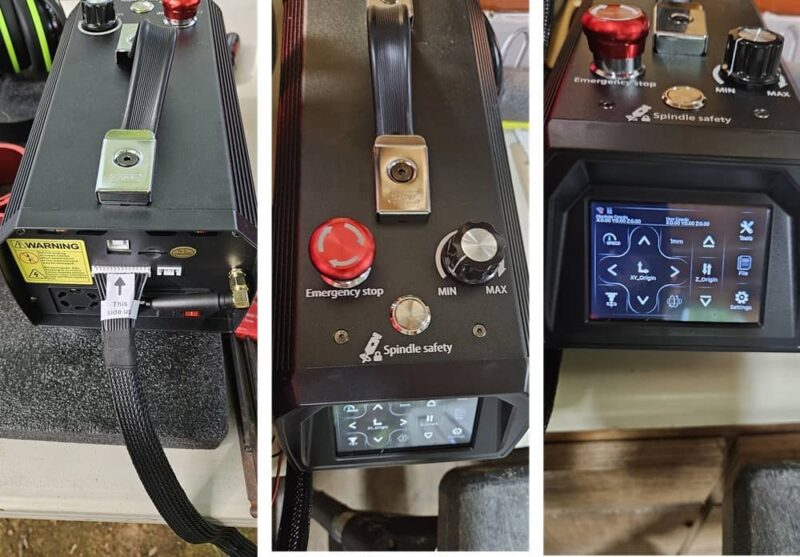
- Emergency stop button on the control box for manual stops. This also locks the machine if you want to change your bit.
- Built-in light illuminates the immediate carving area.
- Dust protection system to extend the life of the transmission components.
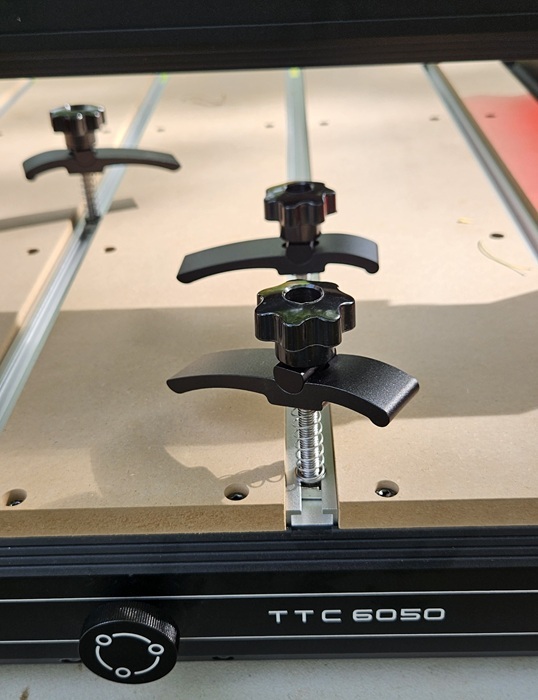
- T-slot rails to slide in the four included clamps.
- Probe with magnet to keep it out of the way. (had issues using the probe with EASEL though)
The most basic setup includes the CNC router itself and the control box. The control box features the emergency stop button, power button, USB port for connecting to a computer, Wi-Fi antenna, microSD card slot, and a control display. From the control box itself, you can use the display to make axis adjustments, home the router, probe, run projects from an SD card, and more.
Using the TTC6050 for the First Time
If you’ve never used a CNC router before, there is a major learning curve. This is especially true with the Twotrees TTC6050 CNC Router. An included microSD with USB card reader does include two sample files, but no guidance on how to use them. The manual states to insert the card into the control box, choose your settings, and carve. No details on recommended settings, material, or bit.
I was directed to use either the product page or the Twotrees Wiki for help, but that doesn’t really help much. Plus, Malwarebytes keeps blocking the product page. I even spoke with someone well versed in using CNC routers and they had trouble getting started at first.
As a beginner, it’s easy to get overwhelmed. I’d love to see at least one project tutorial video. In fact, the online guide Twotrees links to lists multiple software to try, but still no real guidance. Even a simple chart with recommended settings for different materials would go a long way to making it easier to get up and running quickly.
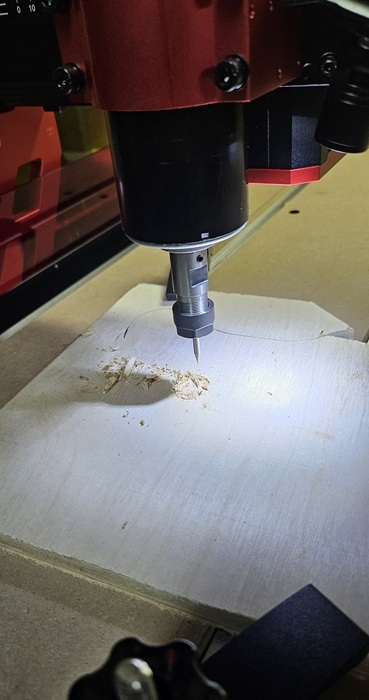
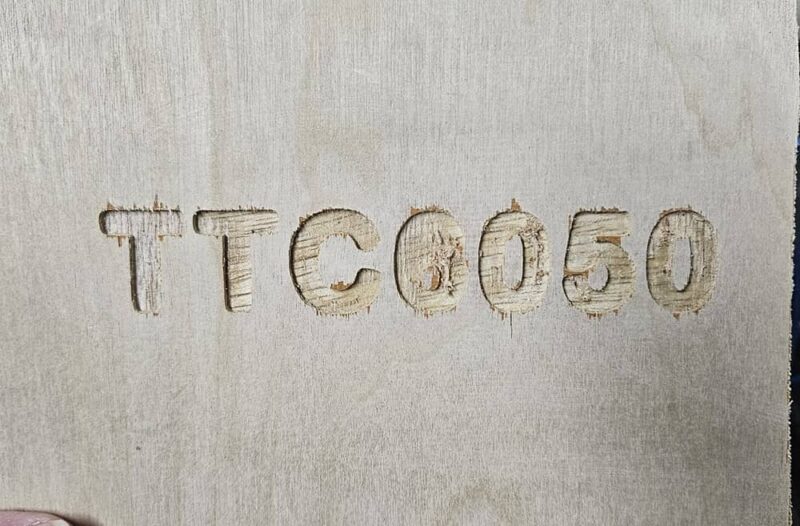
After some trial and error, I was able to carve out the sample project of “TTC6050.” I used the recommended Candle software to control the machine. It was fairly easy to use, but likely too basic for professionals. Twotrees recommends Fusion360, EASEL, and Carveo Maker for designing projects. Twotrees goes into detail about using Artcam, but that no longer exists. I stuck with EASEL for my tests.
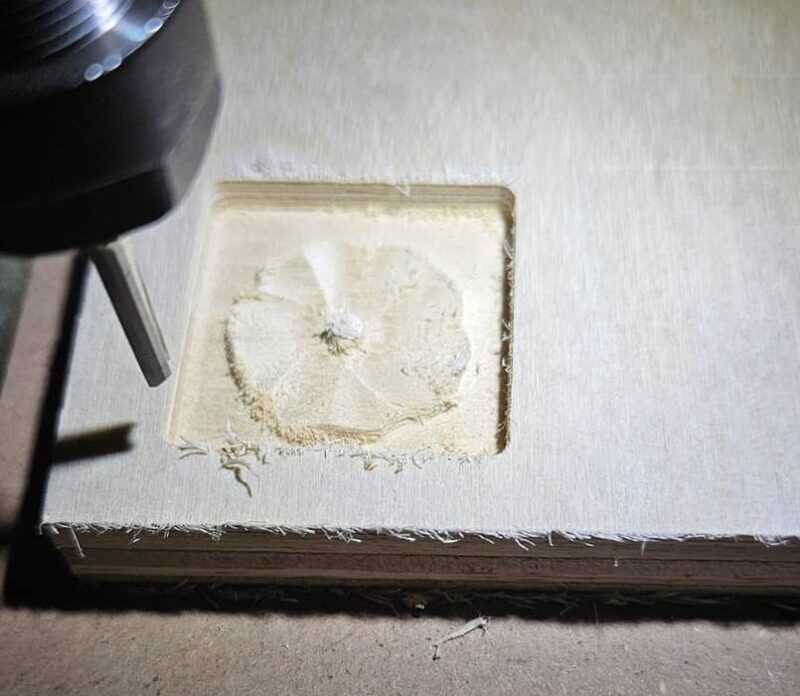
Next up, I tried the included 3D flower project. Since there aren’t any labels on the included bits as to what materials they support, I stuck with some scrap wood I had on hand. It turned out quite well and finished in around 2.5 hours. However, the machine is compatible with wood, metal, and plastic.
Personally, I preferred connecting via USB to my PC to better control and monitor projects. But, the Wi-Fi works well. I’m just afraid of it randomly disconnecting during longer projects.
I also stepped through a tutorial with EASEL. It was the only software that lists the Twotrees TTC6050 CNC Router in their list of compatible machines. The whole project tool around 10 minutes.

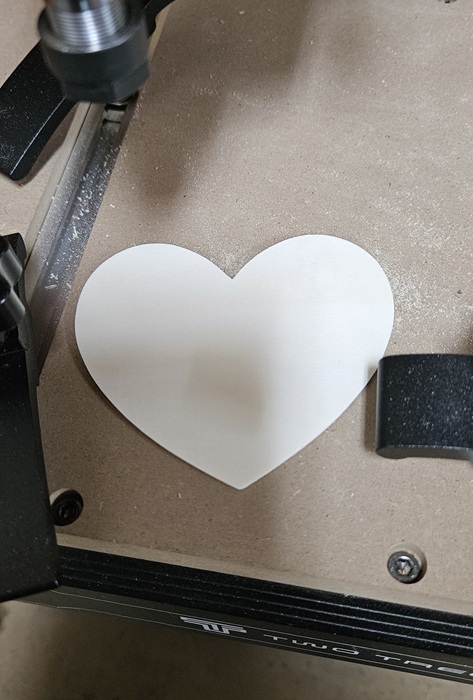
As a final test, I cut out a heart in about three minutes. A little sanding around the edges and I’m quite happy with the result.
Using the Vacuum and Laser Upgrades
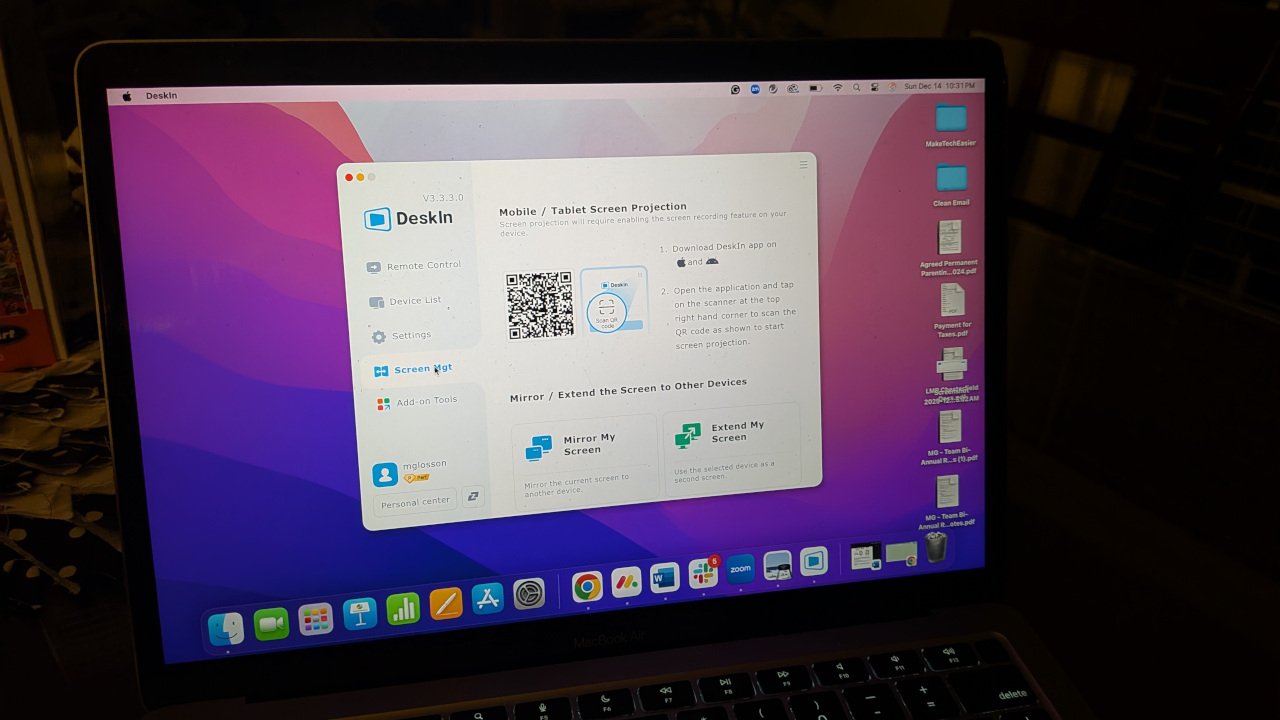
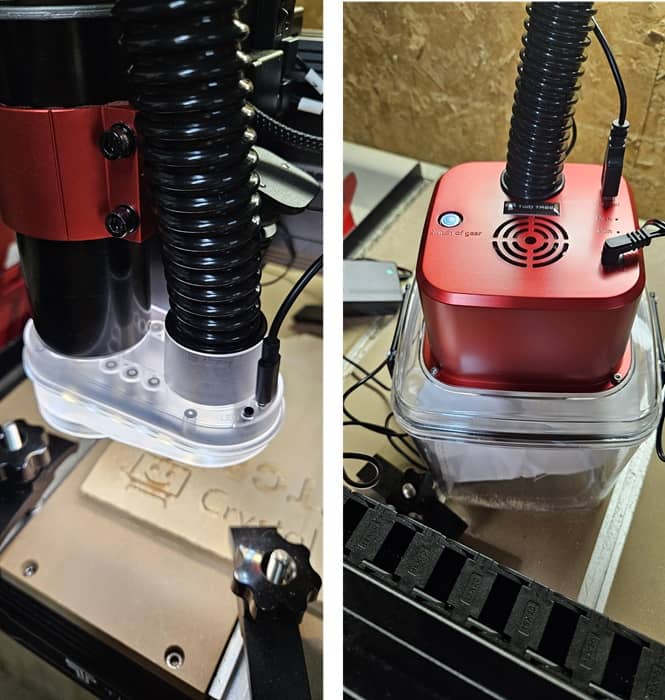
I was also sent the Vacuum Cleaner Monster M1 kit and 20W laser kit. The vacuum is perfect for keeping your workspace clean during or even after a project.
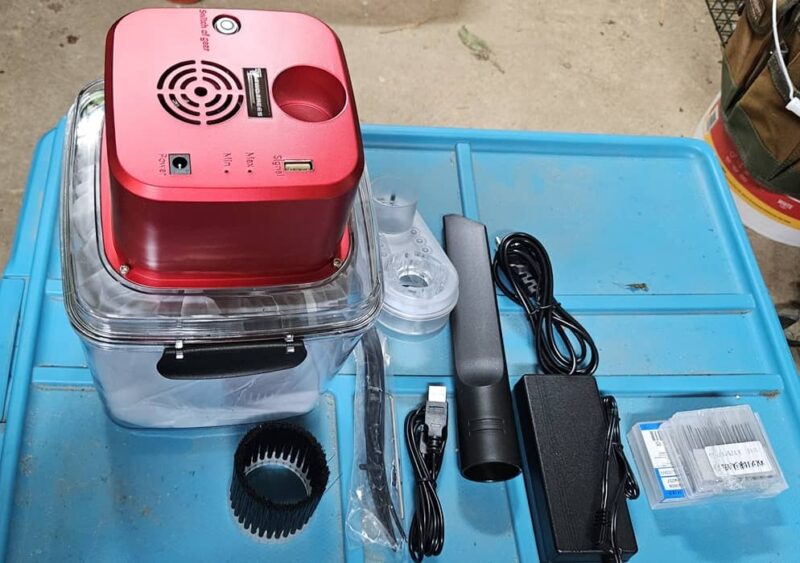
The only downside is it’s significantly louder than the CNC router itself. But, I do like the included light with easy to use switches. It illuminated the workspace better than router’s light. It even includes two bags.
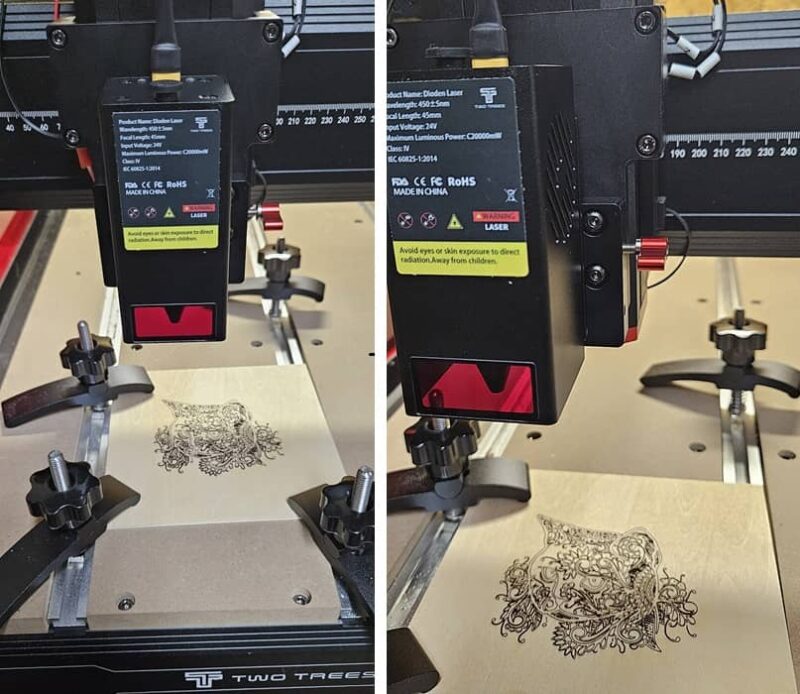
I wish it was simpler to switch between the spindle and laser, but it does take about 10 minutes to remove the spindle assembly and install the laser. You also have to remove the acrylic side panels to avoid issues with the laser. The laser kit does include safety glasses.
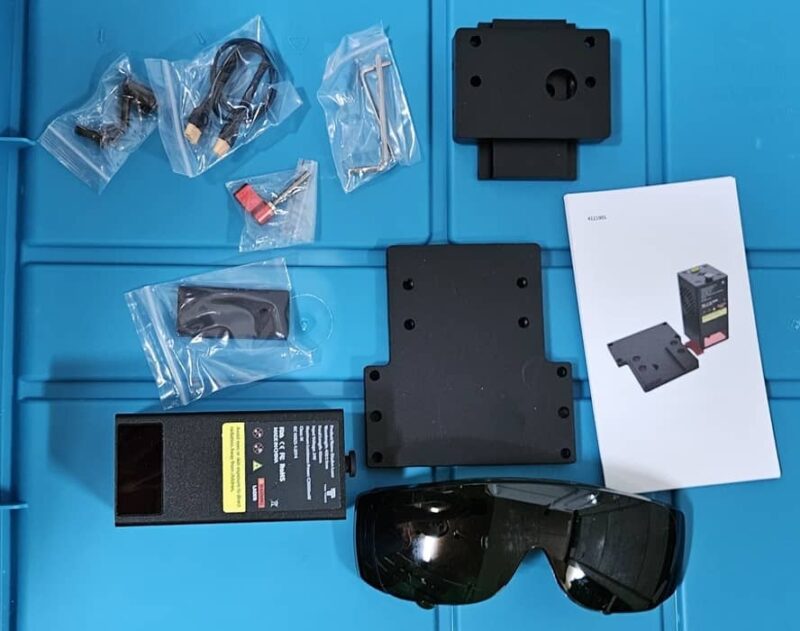
I personally loved the laser kit. It worked incredibly well and made quick work of a detailed cat pattern I had on hand.
Upgrade Your Woodworking
Overall, I enjoyed trying out the Twotrees TTC6050 CNC Router. It could use some better instructions and tutorials, especially a general parameters guide for different materials. Also, it’s worrisome that the product page is blocked by some anti-virus tools.
Being able to upgrade it to faster spindle and have it double as a laser engraver just makes it an even more versatile addition to your workshop. Simply program your project (either router or laser), sit back, and relax.
Once you get past a load of guesswork when starting out, it’s a high-quality machine that can handle most carving and cutting projects you throw at it.
Buy your own Twotrees TTC6050 CNC Router today for just $1,799.
Subscribe to our newsletter!
Our latest tutorials delivered straight to your inbox