What we like
- Eliminates mundane task
- Alexa integration
- Made to exact window size
- Solid craftsmanship
What we don’t like
- Mounting was physically demanding and fiddly
- Snapping the blind into place required excessive force
- No native SmartWings support for with Alexa
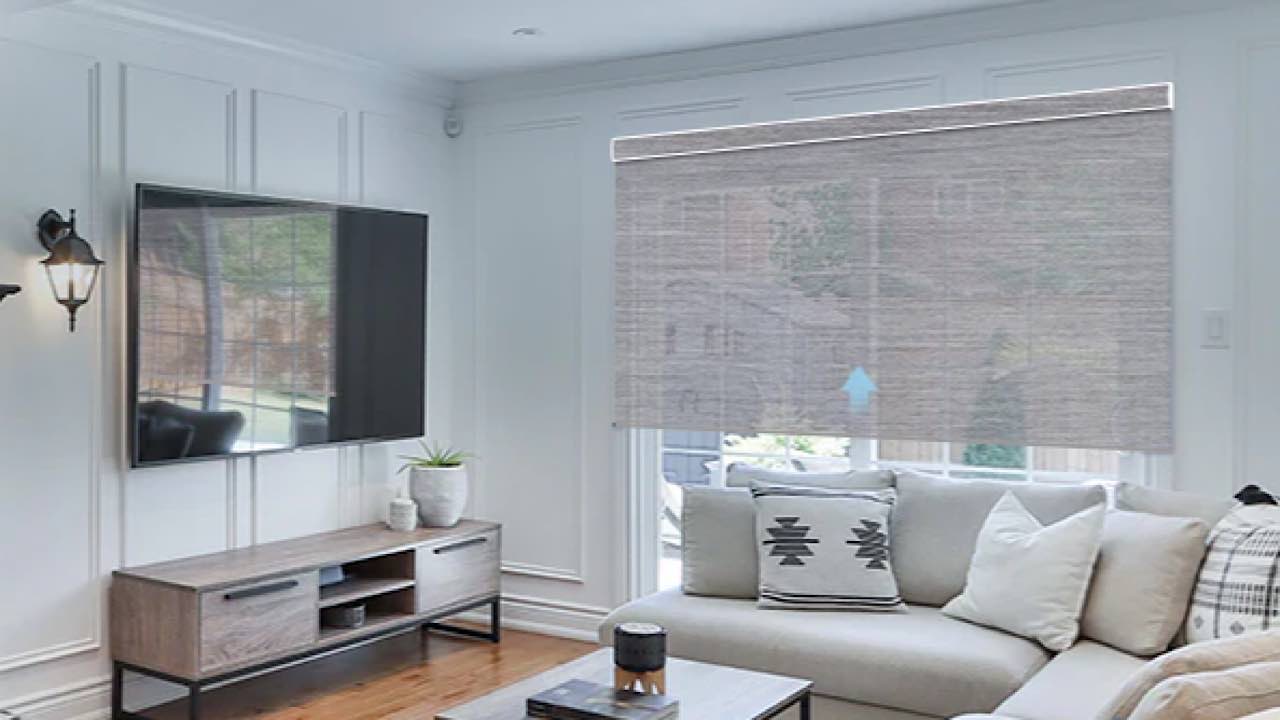
The one place I hadn’t thought of “adding a touch of luxury” was motorizing the window coverings in my kitchen. However, a SmartWings Motorized Roller Shade has taken away a mundane job I had no idea was annoying me until I didn’t have to do it.
Unboxing the Roller Shades
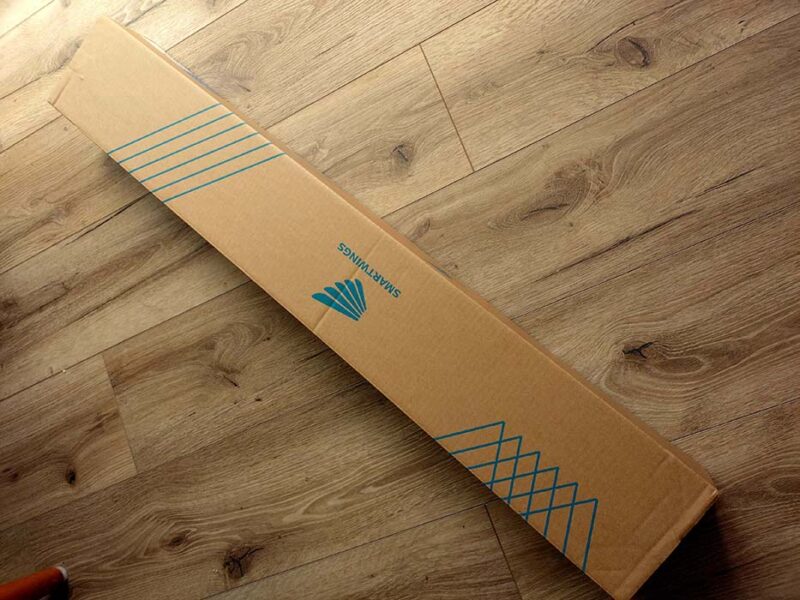
In the surprisingly compressed box for the SmartWings Motorized Roller Shade are the shade, the necessary hardware for attaching it to your window frame, end caps for the shade, and a stylish five-channel remote. The multiple channels will be necessary if you install more shades and want to control all of them from the same remote.
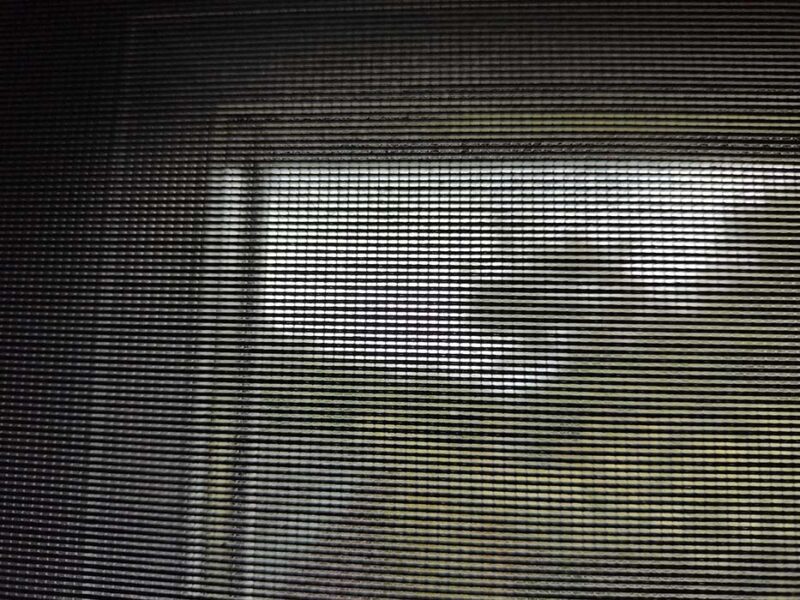
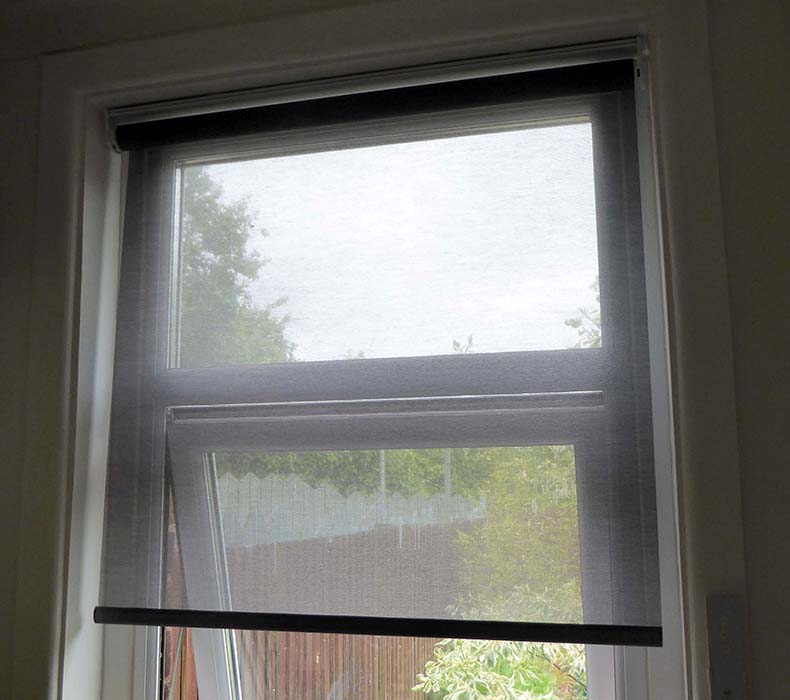
The shade is labeled as 50% light filtering, as it cuts out 50% of the light. I chose a pleasing neutral charcoal color with an inside mount. “Inside” sits inside your window frame, attaching to the inner surface of the frame. The outer mount would hang from above on the front of the frame. Inner was better for me, as I wanted to get a nice tight seal against the window. In retrospect, I wish I’d opted for an outside mount, as it would have made it easier for me to drill the holes.
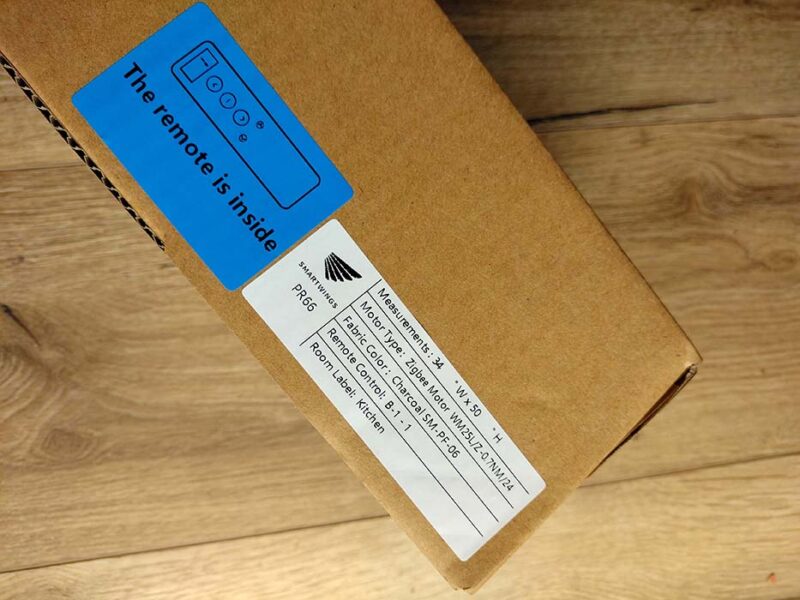
I ordered the Alexa Motor option so that the shade can be controlled with the household Amazon Echo. This is a refinement I wasn’t sure I needed, but it’s fun to have.
Other options include saving a few bucks by leaving the deco bar exposed roll, but I don’t mind the exposed roll. The bottom bar is what they call “fabric wrapped,” which means the fabric goes around the bar that weighs the shade down.
In addition, I decided to do without the solar option for charging the motor, and I haven’t regretted it.
Installing the SmartWings Motorized Roller Shade
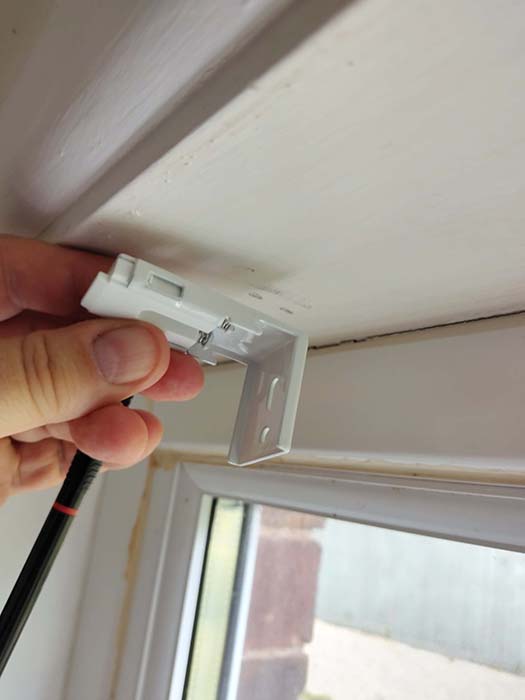
As I say, installing the SmartWings Motorized Roller Shade was a bit of a pickle for a variety of reasons. You have to hold the heavy unit up against the window to see how close you can get to the window. Then you have to hold up the brackets to see where they need to be to hold the shade there.
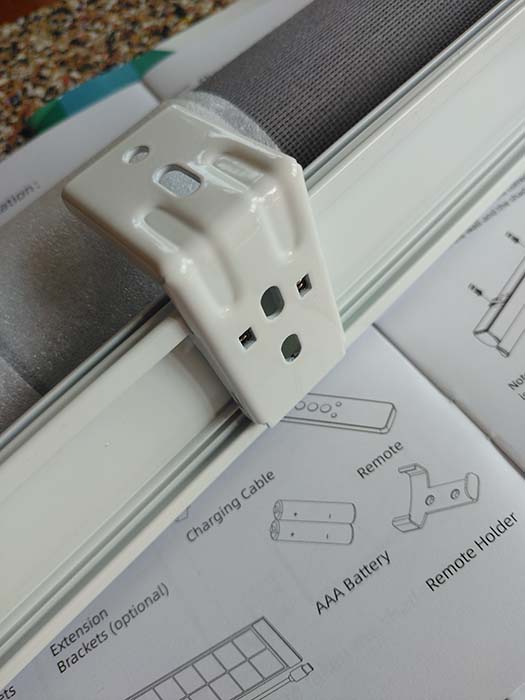
Once you’ve drilled the holes and screwed in the mounts, taking care to mount them the right way, you are ready to mount the shade onto the brackets. This is the most difficult part of the procedure. The front of the mount is sprung, so you have to force the back of the shade into the bracket, then push in the sprung section to clamp the shade in. The amount of force required to do this is considerable. We’ll come back to that.
The end caps slide onto the ends of the shade to blank off the ends and make them look neat. You could clip the antenna for receiving signals from the remote into the end cap for neatness, but this seemed like it would take too much force, and I didn’t want to risk breaking it.
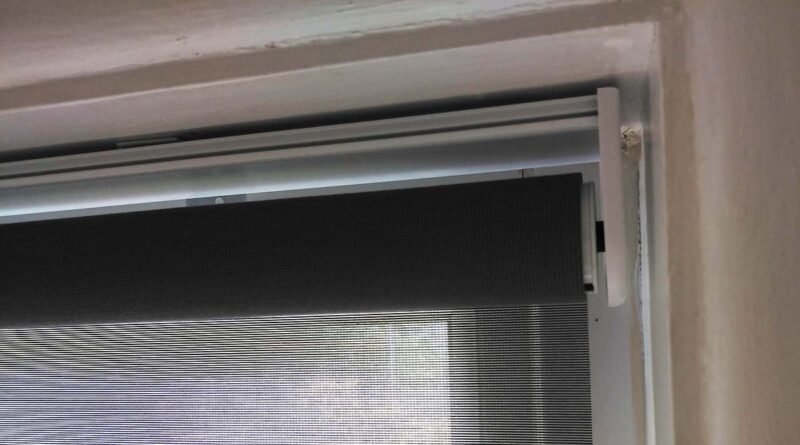
Once you have the SmartWings Motorized Roller Shade installed, there’s little else to do except pair it with my Amazon Echo. You put the shade into discovery mode by holding the button on the shade until the motor jogs twice. (This is a neat little trick to add haptic feedback to a roller shade.)
Of course, this is a little bit fiddly if you have already put away your stepladder. No worries, as you can activate the discovery mode from the remote. Open it and press the hidden P button -> UP -> P button again. The LED will light up to show that the shade is in discovery mode.
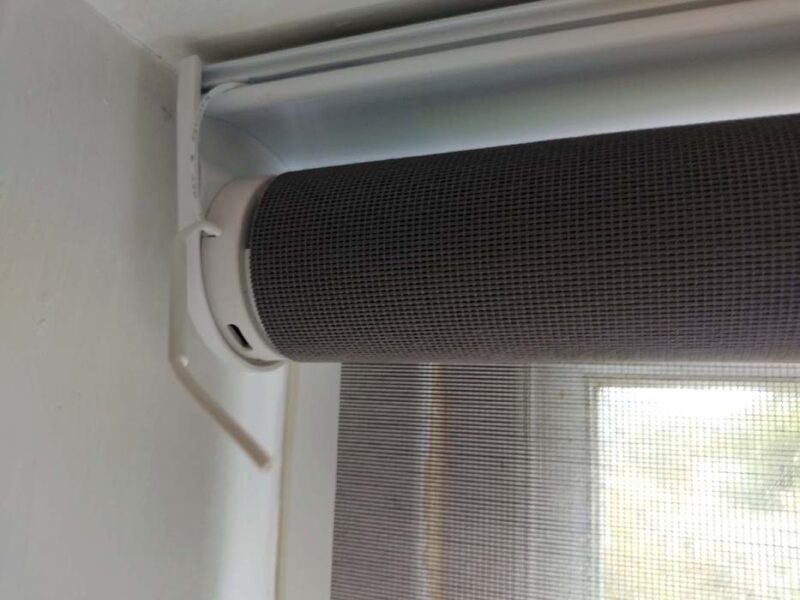
In practice, as with ALL pairing, this is a bit fiddly. You may find that your Echo can’t see the shade unless it’s closer to it, in the line of sight. The main setback with pairing is that SmartWings is not a known shade manufacturer in the Alexa app, which means you have to choose “Other.”
Another stumbling block could be that you need to add the shade’s smart motor (a ZigBee brand) to the local smart hub. It all depends on your home network or setup. SmartWings support can help you if you get into trouble.
Pricing
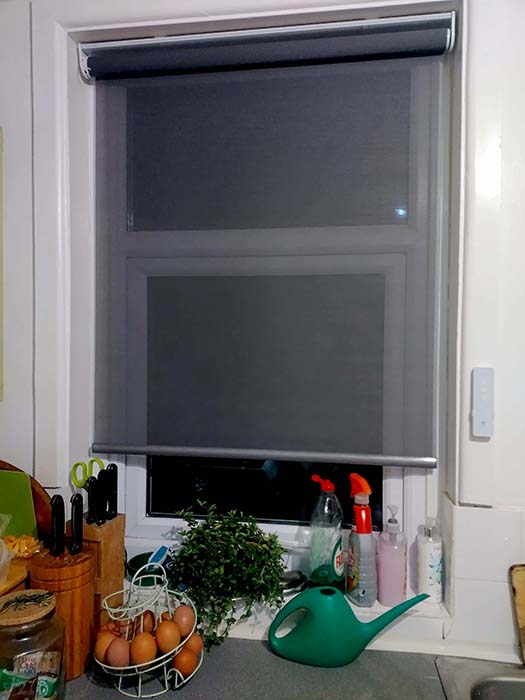
My review unit of the SmartWings Motorized Roller Shade was in width 34″ and height 50″. I added the Alexa Motor so that it could be controlled via the Amazon Echo. I opted for the “Deco Bar: Exposed Roll,” or no cover for the top of the roll, and the bottom bar “Fabric Wrapped,” which I think looks neater. I opted for No Solar Panel and a 5-Channel Remote. That all came to just $221.60, which I think on the whole is really a reasonable value.
SmartWings Motorized Roller Shade Advantages
As I said in the beginning, my new SmartWings Motorized Roller Shade has taken away a mundane job I had no idea was annoying me until I didn’t have to do it. Winding a roller shade up and down is not difficult, but it is a little tedious, and depending on how far you have to lean over to get your hand to it, even a little strenuous as well.
Having effectively a robot shade with a remote control means complete freedom from the tyranny of shade winding. I didn’t know how much of a chore it was until it was taken away, so I have SmartWings to thank for that.
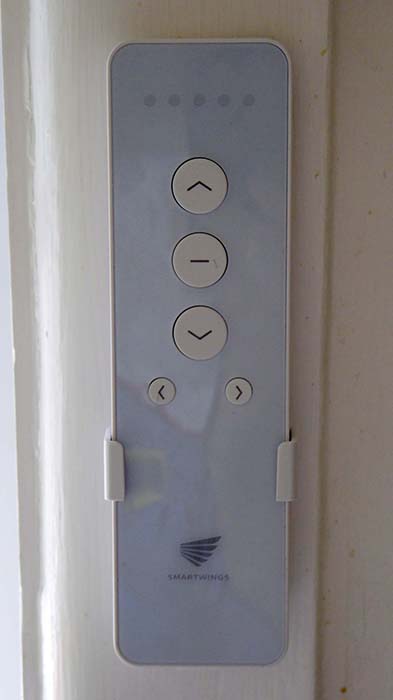
I must say that it’s incredibly soothing in the mornings to just hit the button to roll up the shade while you get the coffee going. Or you can get Alexa to operate the shade while you are making the coffee.
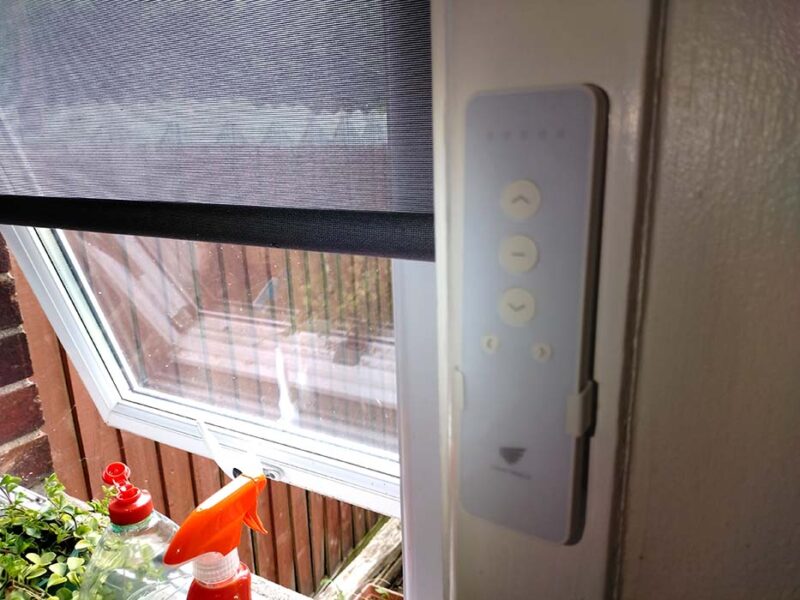
The build quality of the SmartWings Motorized Roller Shade is superb, and all the elements were very well made. The shade was cut to fit my exact window, and it fit perfectly. The Alexa functionality really adds some value, whereby you can not only vocally control the shade at will, you can also set timers for it so that the shade has routines it follows, opening at certain times of the day and closing at others.
Disadvantages of the Roller Shade
There are very few downsides to the SmartWings Motorized Roller Shade. I have to admit that installing the shade was quite difficult, but I must emphasize that it was not entirely the fault of the shade. The fact I had to stand on my kitchen counter and drill holes upwards into the window frame was my choice. While I was standing there doing that on one of the hottest days of the year so far, I had to examine my life choices.
One thing that was the fault of the shade, though, was the amount of force I needed to use to snap in the clips that hold the shade in place, standing in this awkward position. I had to get a screwdriver to press it in. I get that it needs to be strong to hold the shade, but does it need the squeeze force of the Incredible Hulk to do it?
But overall, I loved the Alexa integration, and I love how smooth and slick the SmartWings Motorized Roller Shade is. I also love how rich and technologically advanced it makes my home seem. That’s a lot of bang for not too many bucks. The main benefit of home decoration, though, is how it makes you feel.
Subscribe to our newsletter!
Our latest tutorials delivered straight to your inbox