What we like
- Great, clear sound
- Multiple connectivity options
- Comfortable ear cups
- 120 hours of charge
What we don’t like
- Instructions too light
- Transmitter use not explained
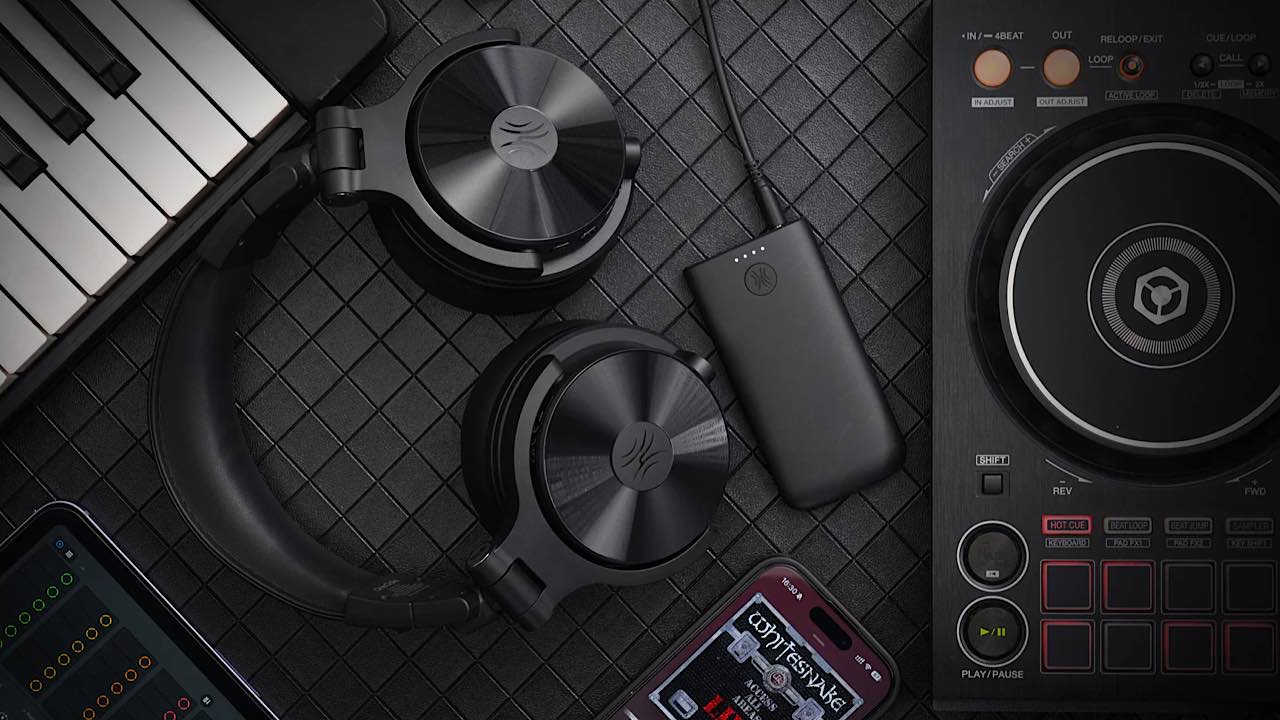
If you like to entertain during the holidays, you’ll no doubt want to play your favorite holiday tunes, whether you’re playing the classics or more recent favorites. If you want a little more of a show, you can be the DJ at your party. You just need the right headphones. The OneOdio Studio Max 1 DJ Headphones fit the bill.
This is a sponsored article and was made possible by OneOdio. The actual contents and opinions are the sole views of the author, who maintains editorial independence, even when a post is sponsored.
Great OneOdio Sound
There’s no reason why you shouldn’t enjoy the music, too, at your party. While you’re playing your favorite tunes for friends and family, you can jam right along. Opt for the OneOdio Studio Max 1 DJ Headphones, and you’ll get fantastic, clear sound. I’m an earbuds person, so I was blown away by the clear sound.
Because they are designed to be used by DJs, the headphones boast a 0.02 second latency, which is 20 times faster than conventional Bluetooth.
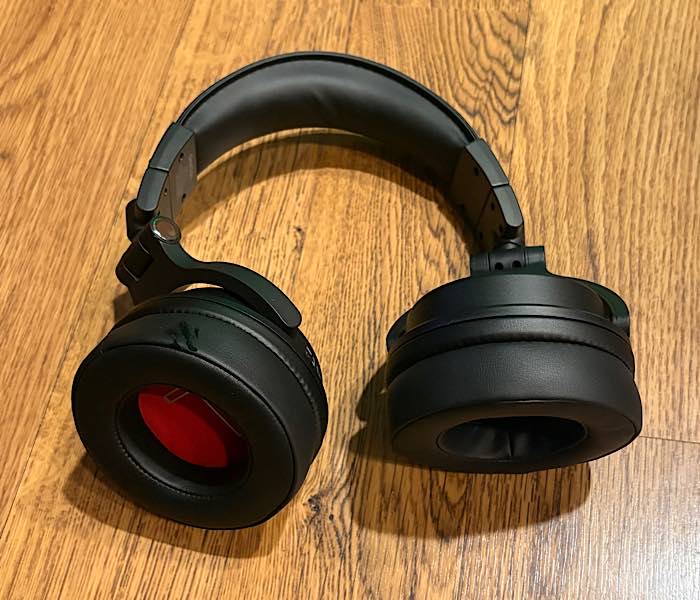
When I used the calling feature, I tried it out with my daughter in the other room. I could hear her talking from the room and through the headphones. The headphones seemed just a very small bit behind. However, this could be the cell service in our phones and not actual latency.
There’s even a function to boost the bass for those rocking party tunes. These were designed specifically for hosting music at events by Italy’s top DJ Arianna. It’s obvious that she knows her stuff. These headphones include a powerful 50mm driver as well, to enhance your experience.
Of course, if the headphones are enough for a DJ like Arianna, they’re great for anyone to use professionally. Use them to enhance your business or even start a new career or side gig.
Connecting the Headphones
You won’t have to bother with messy wires, either, since the OneOdio Studio Max 1 DJ Headphones work wirelessly. This allows you to dance around as much as you want while DJing – or even listening to music on your own.
There are multiple connection options: computer, tablet, or phone. They would even work with Bluetooth turntables. These paired up easily through Bluetooth. It was just a matter of holding down a button on the headphones, then pairing them to my devices. However, I wasn’t able to try to connect to a computer, as the only one we still have in our home is too old for this technology.
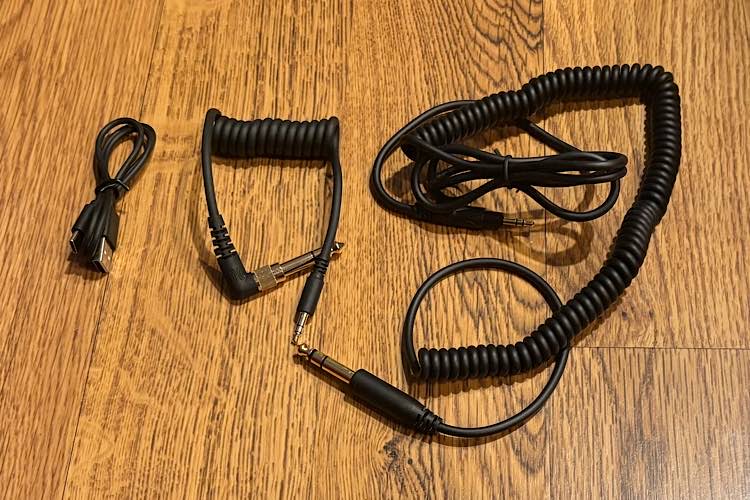
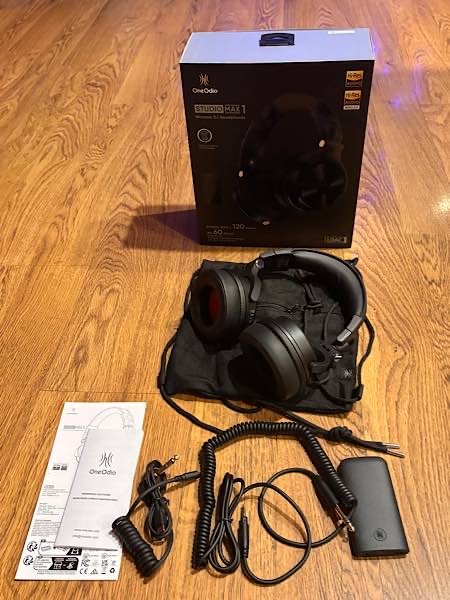
Shipping with the headphones are a 3.5-6.35 mm audio cable, 3.5-3.5 mm audio cable, and 6.35 mm adapter, allowing you to connect in various ways to various devices.
Everyday Headphones Use
With the great sound, you can use these OneOdio Studio Max 1 DJ Headphones for your everyday headphones as well – during the holiday season or any time of year. Play music, listen to podcasts, game, and take calls.
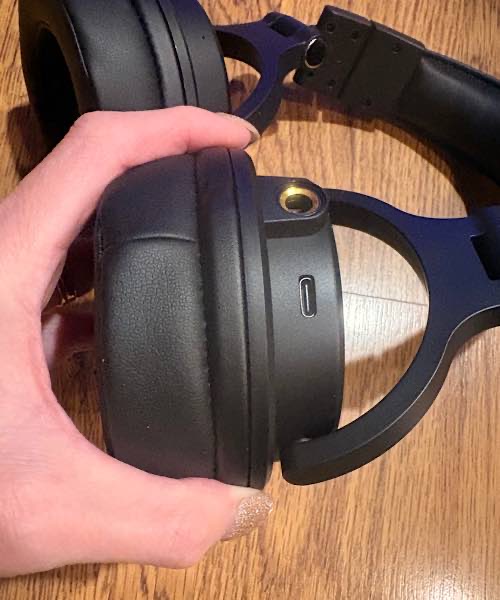
Charge the headphones via the USB-C charging cable and get up to 120 hours of use. This means you can use them throughout your day, then host your party at night, DJing for your family and friends. The soft ear cups mean your ears will withstand those hours of continual use as well.
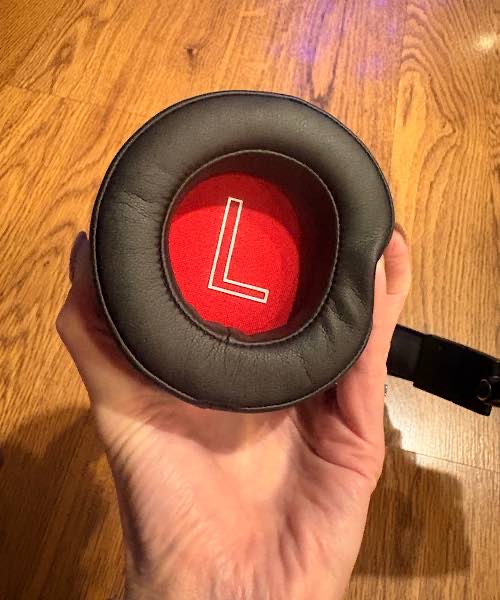
The headphones come with a travel bag and fold up to make them easier to carry with you on the go. However, they are a little bulky to pack for travel, such as to use on a plane with the in-flight entertainment. Do note that you also won’t be able to block out the noise on a flight, as the headphones don’t feature active-noise cancellation, as they are more geared toward use in DJing.
Confusion with the Transmitter
If I were to find one fault with the OneOdio Studio Max 1 DJ Headphones, it’s that they don’t ship with proper instructions for use. There is a user manual, which is more of a slim, folded pamphlet. It’s great that it offers the instructions in several languages; however, there simply aren’t enough instructions to learn how to use them.
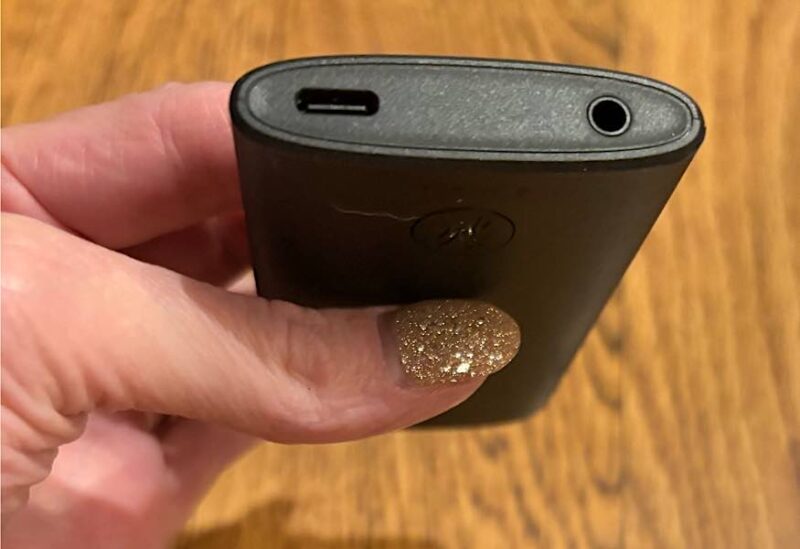
While it would seem that headphones are simple plug-and-play, that is the case if you use them wirelessly with Bluetooth. However, if you don’t use them wirelessly, you need to use the included Transmitter M1X 1.
The manual does include a picture showing how to connect the Transmitter, but it really doesn’t explain how or why you will need that. Since I connected wirelessly through Bluetooth to my mobile devices, I didn’t need the Transmitter. Yet, it appears that you need it if you plug the Transmitter into your computer so that you can use them wirelessly. Thus, I wasn’t able to connect the Transmitter to our old computer.
Using the OneOdio DJ Headphones
I found it really easy to use the OneOdio Studio Max 1 DJ Headphones. Normally with headsets, some earbuds, and headphones, I find it hard to work with the small buttons that have multiple combinations and uses. I have to keep looking back on the instructions to remember the correct combination of presses, long presses, holds, double clicks, etc.
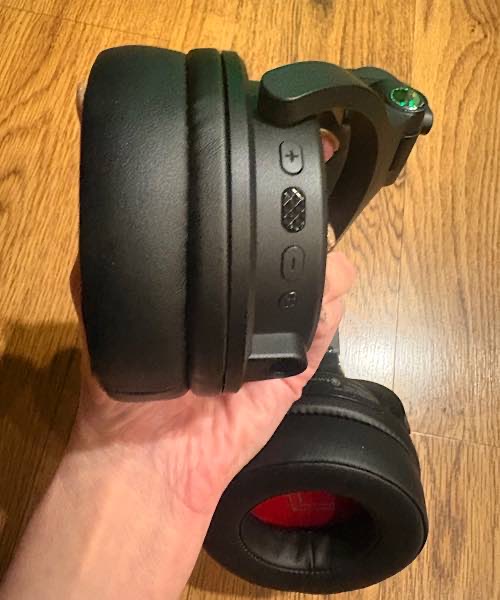
I didn’t have this problem with the Studio Max 1. The buttons and combinations were easy to use and remember to play, pause, skip tracks, and adjust the volume. I didn’t have to keep pulling out the instructions, take the headphones off to look at the buttons, or fumble around trying to find them.
Final Thoughts
Overall, I think anyone who wants to DJ at their own parties or start a new side gig as a DJ would be happy with these headphones. They truly worked very well, with great sound and connectivity options and very easy control buttons. The 120 hour battery is a huge bonus, especially with the very comfortable, soft ear cups.
However, they will have to deal with the Transmitter being a separate apparatus to connect. It’s just one more step and one more thing to carry with you. That and the bulky size make traveling with them a little difficult.
If you’d like to DJ your next party, you can get the OneOdio Studio Max 1 DJ Headphones for just $135.99 if you use the code maketecheasier20 to get 20% off.
Subscribe to our newsletter!
Our latest tutorials delivered straight to your inbox