What we like
- Two sizes
- 3D surround sound
- 4 sound options
- Multiple connectivity options
- Easy Bluetooth Pairability
- Protective packaging
- Pairable remote
What we don’t like
- HDMI Arc doesn’t work on all TVs
- Limited instructions
- Remote doesn’t pair with Bluetooth connection
- Audio doesn’t always sync
Sound has never been as important in our daily lives as it has been in the past few decades. With iPods, smartphones, Bluetooth speakers, etc., it’s important to get good sound in various ways. If you want even better sound than what you have built in to your device, you can add a Majority Naga 80 Soundbar, or if you want something slightly smaller, a Naga 60.
Majority Naga Soundbar Features
The Majority Naga 80 Soundbar features a 140 watt 2.5″ built-in subwoofer and two 2.25″ speaker drivers, making it great for music, gaming, and movies. Dynamic audio is delivered through a 2.1 channel and end cap tweeters. It has 3D sound technology, with all sound output rendered to be lifelike.
Connect to your TV through Bluetooth, HDMI Arc, AUX, USB, or Optical -providing enough options to ensure you’ll get connected one way or another. Wall brackets and hardware are included to conveniently mount the soundbar. It also includes a pairable remote as well to further enable your sound output.
The soundbar has a smaller version, the Majority Naga 60, that compared very closely to the Naga 80. Here’s how they compare:
| Price | Wattage | Connection | Subwoofer | 3D surround sound | Wall mount | Channel sound | Size | |
|---|---|---|---|---|---|---|---|---|
| Naga 80 | $89.95 | 140W | Same | yes | yes | yes | 2.1 | 31.8” x 3.06” x 4.6” |
| Naga 60 | $67.95 | 120W | Same | yes | yes | yes | 2.1 | 24” x 4.6” x 3.07” |
Setting Up the Soundbar
The Majority Naga soundbars are packed in shipping material resembling Fort Knox. The boxes had a built-in handle, which is very convenient. But there are also plastic inserts on either end that make it impossible to open the box. I worked on them for a while, then had to rip open the boxes to get everything out. Hint: you’ll find the power cord hidden in a corner.
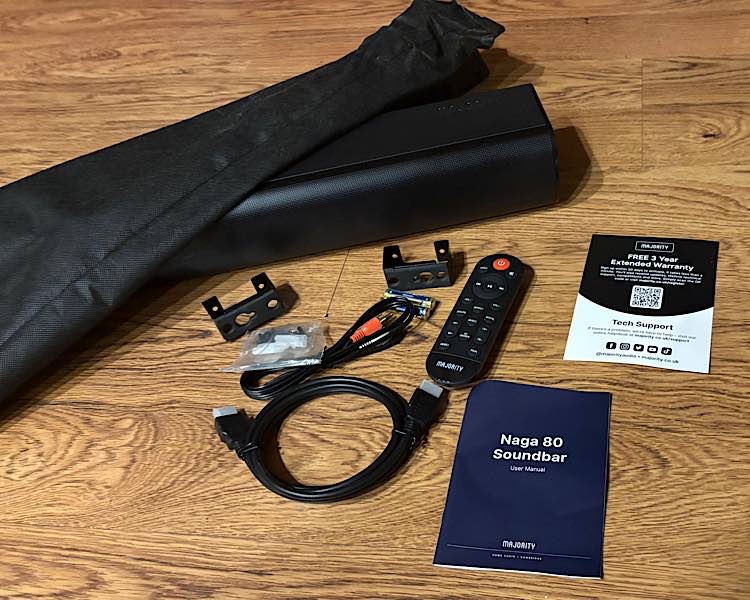
Included in the very protective packaging:
- Naga soundbar
- User manual
- Remote control with batteries
- Wall brackets
- HDMI, AUX, and power cables
- Protective cover
I wanted to have a more permanent connection, so I tried setting it up through HDMI Arc, but this proved more difficult than what I bargained – for both soundbars. While it looked simple, I spent more than two hours trying to make it work on the Majority Naga 80 Soundbar, and it never did. When I tried to pair the Naga 60, I spent 15 minutes before I knew it was going to turn out the same.
The first part of it is easy, and looking ahead, it appeared that the entire setup would be easy. But it just didn’t turn out that way. The problem is that there are so many different TVs, with each having its own features and mode of operation. It would be impossible to give complete setup instructions for every television – or even every brand. But I would have thought the Fire TV system would be easy, but it wasn’t.
I skipped mounting the Majority Naga 80 Soundbar to my wall. My TV isn’t mounted and sits on top of a TV stand, so that’s where I put the soundbar as well. The instructions for mounting, however, boil down to drilling four holes in your wall and screwing the soundbar in.
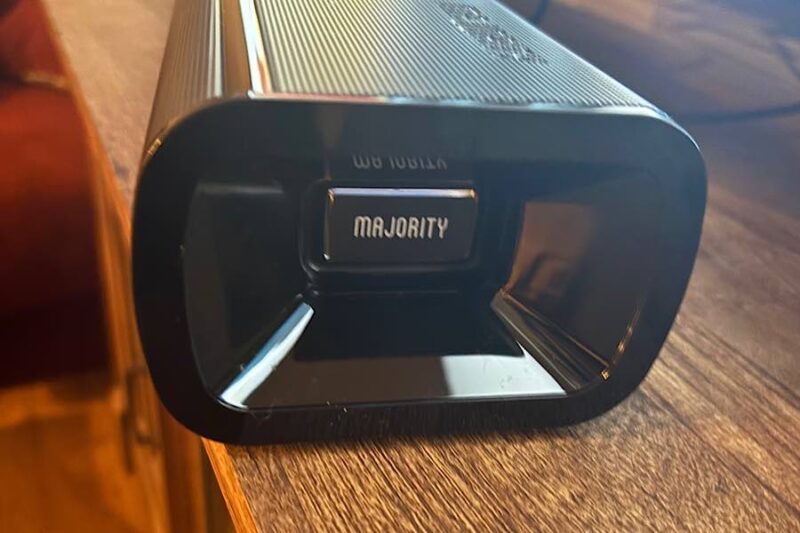
I plugged one end of the power cord into the back of the soundbar and the other into the power outlet, then plugged the one end of the HDMI Arc cord into the required port on the soundbar and the other into one of the HDMI ports on the side of my TV. I turned the soundbar on with the button on top of the TV, then clicked the source button until the display on the soundbar read “ARC.”
The instructions say at this point that you should hear sound from the sound bar, but I didn’t. I did some troubleshooting but still couldn’t get the sound to come through the soundbar. I tried choosing the correct HDMI port on the Fire TV display, but that didn’t help. I also went through the soundbar and audio out options on the TV, but I still didn’t have any sound.
Unfortunately, the user manual doesn’t provide many other instructions other than these. Left on my own, I did an Internet search to find out how to connect the Majority Naga 80 Soundbar to a Fire TV, but mostly, I could only find instructions for a Fire TV Stick and not a television.
Troubleshooting the Setup
I had to do a deep dive into learning about TV audio and Arc settings. I found two possible errors. I was plugged into just a regular HDMI port instead of an Arc port, but changing that didn’t help. What also didn’t help is that the built-in settings for my Toshiba Fire TV didn’t include Majority as a brand to connect to.
This led me to search for the correct IR code. I input that into the Fire TV, but that still didn’t bring sound through the soundbar. I even looked up and found how to synch the Majority remote with my Toshiba so that I could control the sound on the Toshiba remote. I still didn’t have any sound.
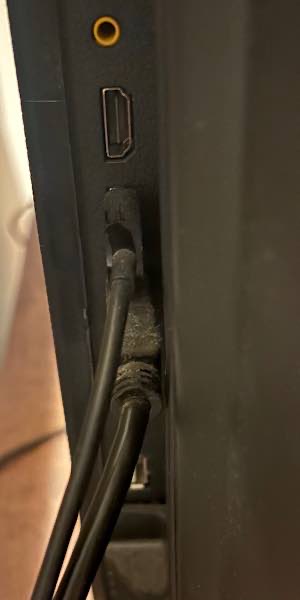
After two hours of troubleshooting, I gave up connecting through HDMI Arc and paired the soundbar via Bluetooth. Success! It was connected via Bluetooth in less than 30 seconds. It’s great that there are so many options to connect, so that if one doesn’t work, there’s another, but proper instructions could have eliminated the two-hour trial-and-error session.
Using the Soundbar and Remote
With everything finally connected, we were finally in business. However, once I was done watching TV and turned off the television, I found that I couldn’t turn off the TV with the Fire TV remote. It only turned the soundbar on and off it was paired. With no other options, I just told Alexa to set a sleep time for five minutes. The next morning, to turn it back on, I had to use my Apple TV remote, as the soundbar remote was not connected to the Apple TV.
As it turned out, I needed my Apple TV on anyway to do a workout with Apple Fitness. Otherwise, when I turn it on with the Apple TV remote, I would have to then use my Fire TV remote to either watch via Fire TV or choose the HDMI my cable TV is plugged into.
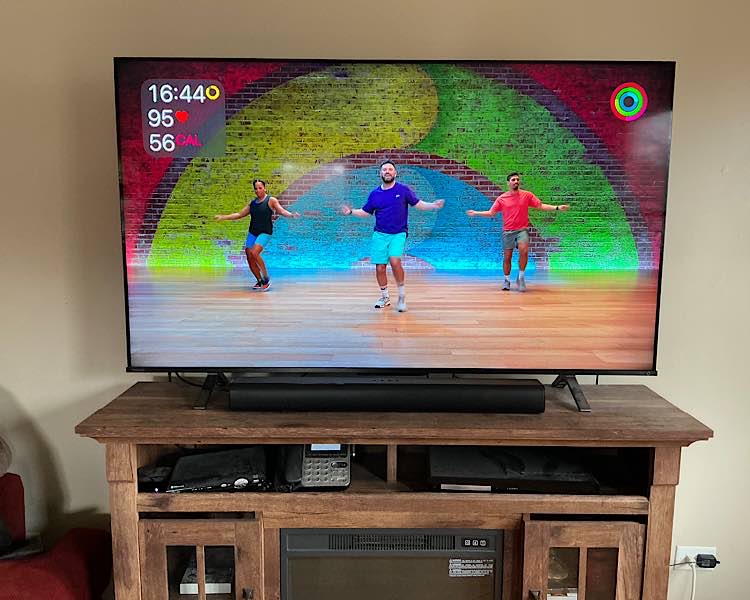
It also turns out that the Majority Naga Soundbars have a difficult time keeping up with the action on screen. It’s difficult to follow a workout when the sound is behind by a half second. I tried changing the audio delay on the Fire TV, but I could never get it exactly right.
My workaround was to unpair the soundbar so that I wouldn’t be bothered by the ill-timed audio. That’s simple enough to do. Just hit the pair button on the remote to unpair, and hit it again to repair. Additionally, the sound in the fitness videos isn’t enhanced at all, so the soundbar doesn’t help it anyway.
The Sound
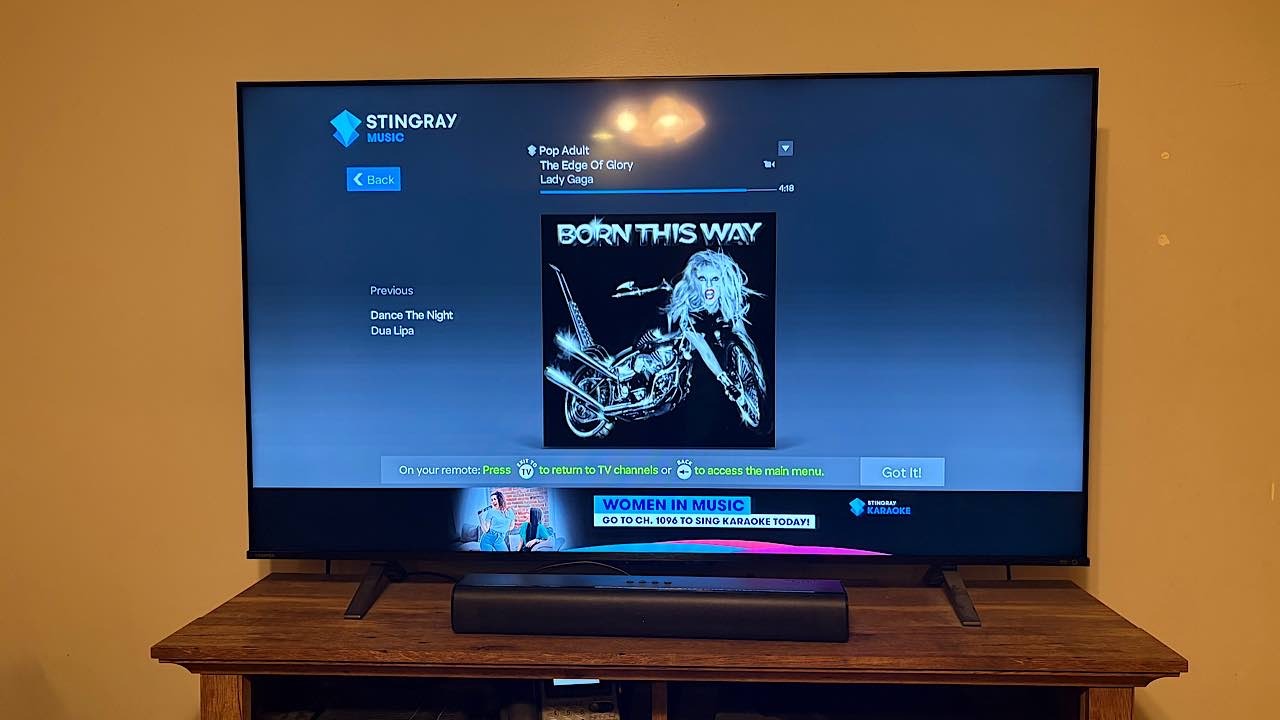
While I had my Apple TV on, I played some music through the Majority Naga 80 Soundbar. The surround sound was amazing. I later tried it with my cable TV on. I felt like I was listening with really high-tech audio equipment. It sounds trite, but it really did “surround.” While I wish I could leave it connected all the time, it also isn’t troublesome to pair and unpair it.
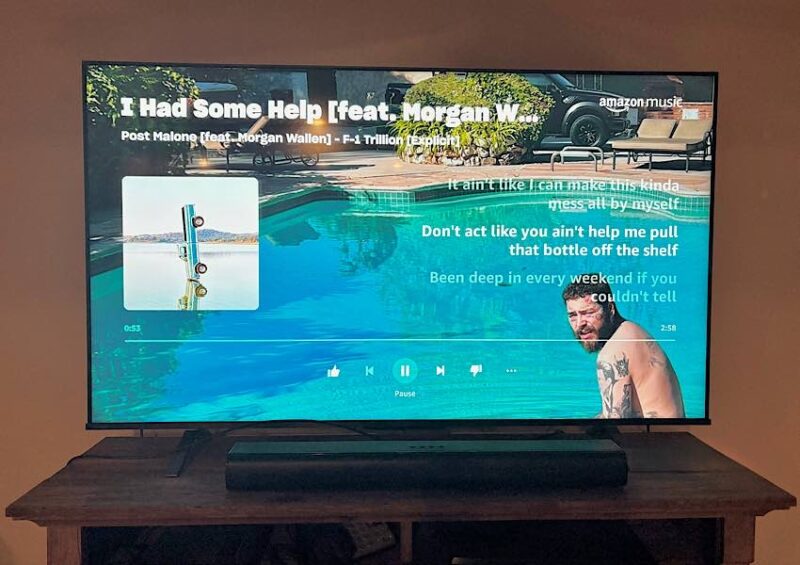
There are four sound options on the remote: Default, Movie, Music, and Dialog, with each appropriate in an obvious way. Music sounded absolutely amazing when turned up and in the Music mode. Likewise. Music sounded great on action movies – making you feel like you’re right there.
The Talk and Default modes sounded good, too, but not necessarily better than with my TV alone. Listening through the Naga 80 and Naga 60 really didn’t seem much different. You’d have to have very trained ears to notice a difference. However, 3D Surround Sound made a dramatic difference in sound.
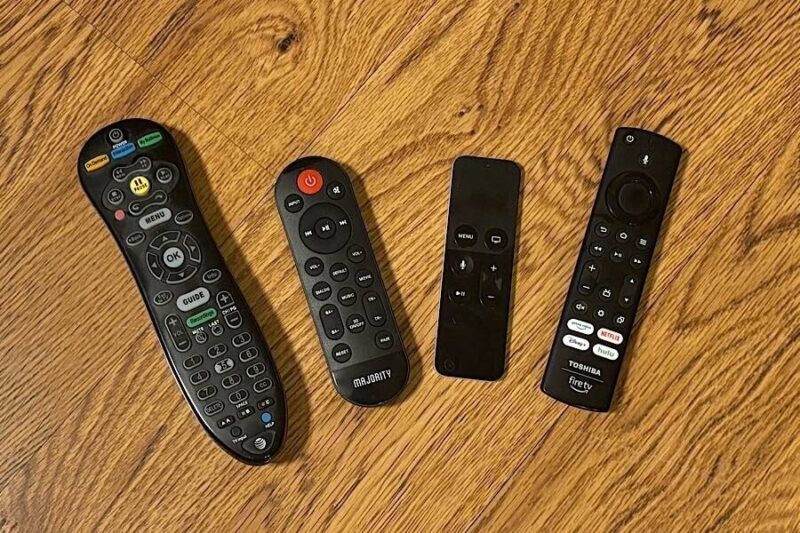
Also on the remote are Input, which allows you to choose the mode you are connecting to; Play/Pause, Forward. and Reverse; Volume up, down, and Mute,; Treble and Bass up and down, 3D Surround Sound on and off, Reset and Pair. On/off, Input, and Volume up and down can also be handled by the buttons on top of the soundbar.
Availability
If you watch movies and listen to music often, you’ll love the Majority Naga 80 Soundbar (or Naga 60), even if you have to turn it off and on frequently for different uses. Knowing that it may be difficult to pair through HDMI Arc is good to know beforehand to save you the trouble.
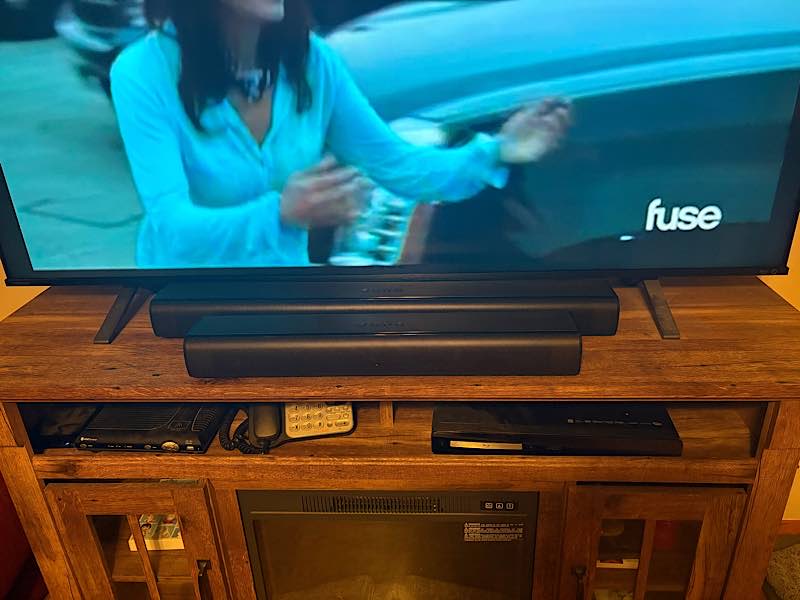
Looking through other reviews, not everyone has problems setting it up through Arc, so if you have the right TV, you may not have any problems at all. Either way, it’s not an issue to pair and unpair it. But if you mainly use your TV to watch regular television, it may not enhance things all that much. And if you have a complicated setup to your TV, it may be difficult to add it to your sound setup, especially with the remote options.
If you’d like to try the Majority Naga 80 or 60 Soundbar, you can buy one for $89.95 or $67.95, respectively.
Subscribe to our newsletter!
Our latest tutorials delivered straight to your inbox