What we like
- Easy setup
- Dust cover
- Pair to Bluetooth headphones and speakers
- Use as Bluetooth speaker
- USB recording
What we don’t like
- Auto stop didn’t work
- Didn’t work well with IOS devices Vague instructions
I know I’m aging myself, but I was a married woman by the time I stopped buying music on vinyl and opted for CDs. While cassette tapes had existed for a number of years, I preferred to buy albums, then have the option of recording them on a cassette. This left me with a large vinyl collection that I still have with no way to play them – until I tried the Majority Mojo Bluetooth Turntable.
The Many Options of the Majority Moto Bluetooth Turntable
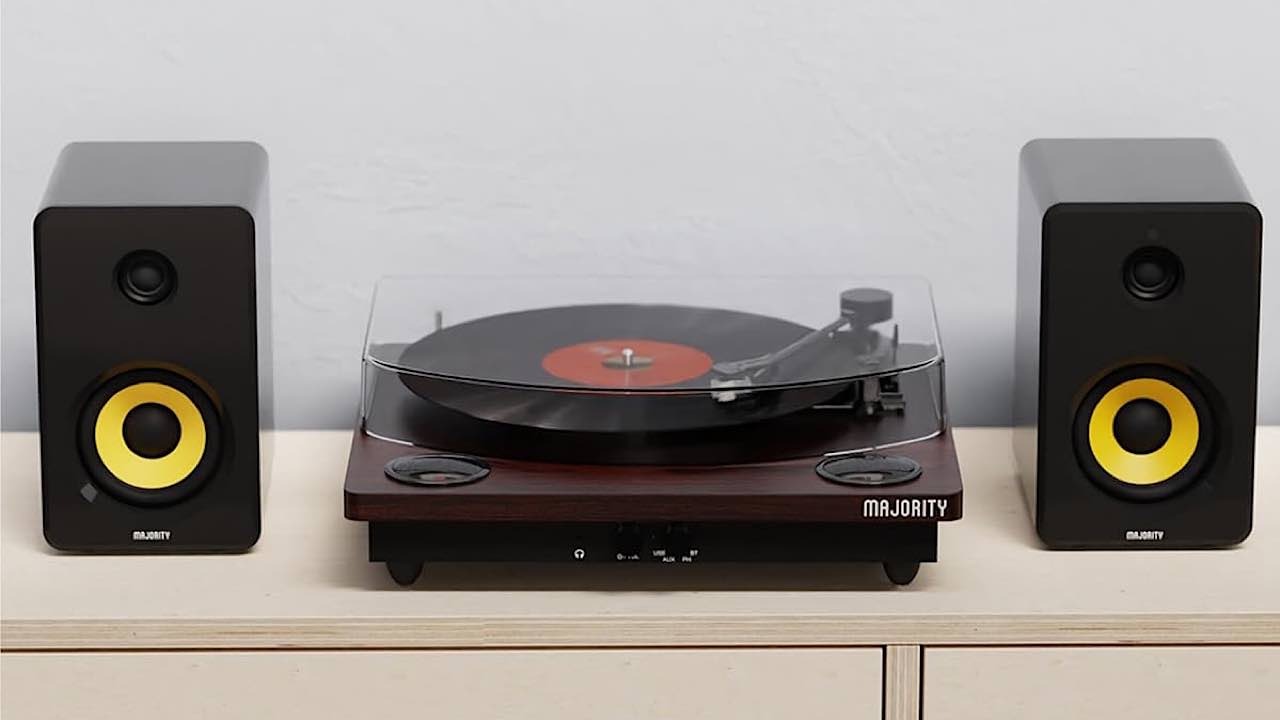
The Majority Mojo is not the classic kind of turntable I was used to. It’s certainly different than the little portable one I used as a child – and even different than the one that was a part of my stereo system as an adult. The Mojo has four modes of playing your albums.
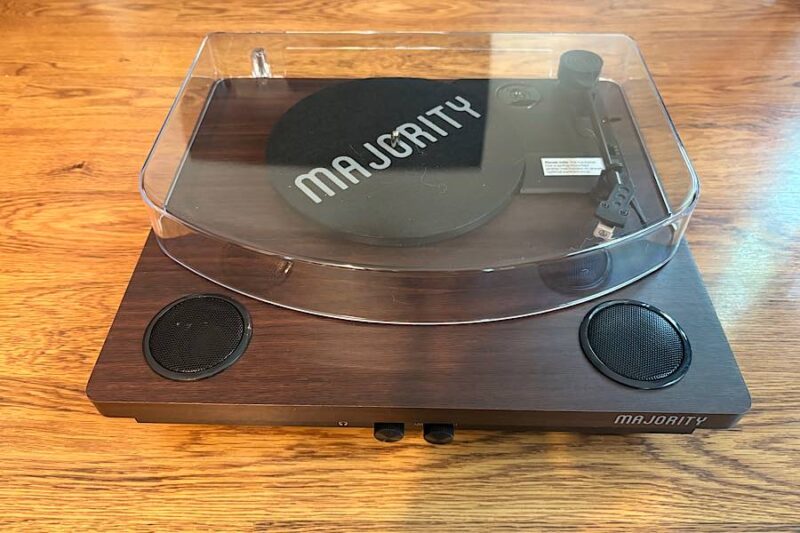
- Phono Mode – Playing Vinyl Record: this works just like playing a record in the non-digital days. It plays the record, and the sound is output on the built-in speakers.
- Bluetooth-Out Mode: pair the turntable with headphones or a speaker to hear the music.
- USB Recording: insert a USB stick to record the records you’re playing to play the music on a computer, tablet, phone, etc.
- AUX In Mode: connect MP3 players, iPods, etc. to the turntable via a 3.5mm to 3.5mm audio cable to play the device’s music through the turntable’s speakers.
- Bluetooth-in Mode: similar to AUX In Mode, this mode allows you to play music from a Bluetooth device through the built-in speakers.
- USB Playback Mode: similar to AUX In Mode and Bluetooth-in Mode, use this option to play music from a USB drive through the turntable’s speakers.
You could think of it as your one-stop shop for playing music, as you can play music from nearly every type of medium.
Unboxing the Majority Mojo
There isn’t much that comes with the Majority Mojo Bluetooth Turntable:
- Bluetooth turntable
- Power adapter
- 45 RPM adapter
- Felt mat
- User manual
- Transparent dust cover
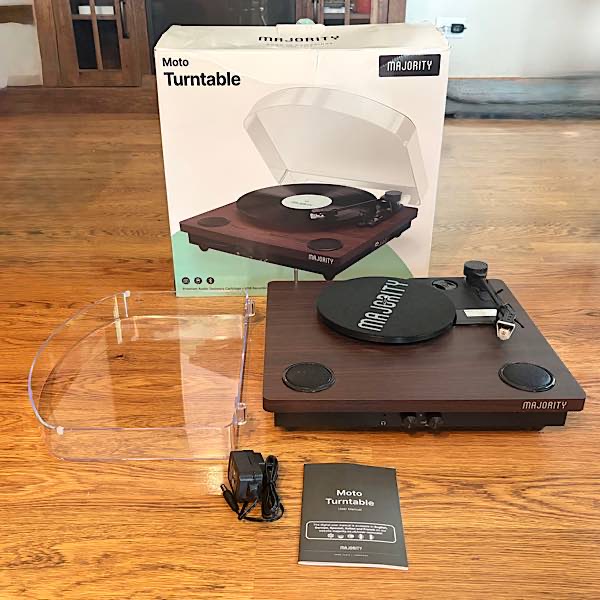
There isn’t much to put together. The dust cover (aka, plastic lid) needs to be placed on top of the turntable, and the power adapter needs to be plugged in to the back of the turntable.
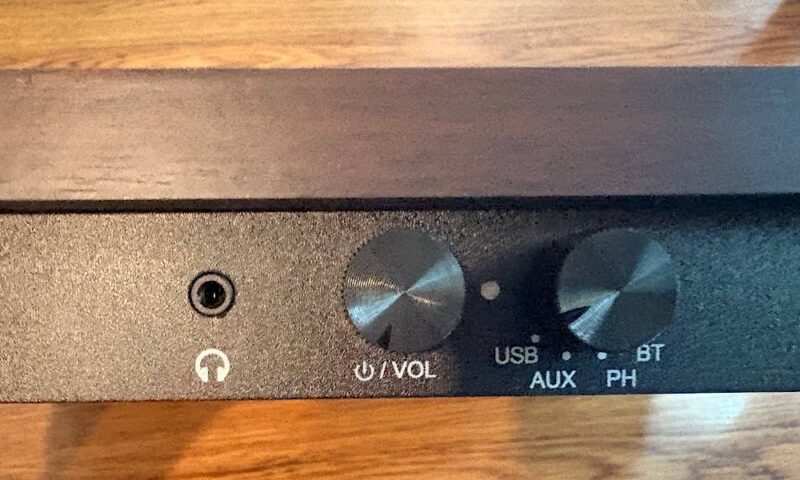
There are controls and ports on the front, back, and side of the Majority Mojo Bluetooth Turntable. On the back, there is a DC in port, RCA output, and AUX in jack. On the side there is a USB port, PREV and BT OUT button, and PLAY/PAUSE/REC button, and on the front, a Power/Volume knob, LED light indicator, and headphone jack.
Playing a Vinyl Record
You may be someone like me, with an existing vinyl collection and no way to play it. However, there are still vinyl records for sale , relics if you will, and someone may be looking for a way to play them after purchasing them. The Majority Mojo provides the vehicle for this.
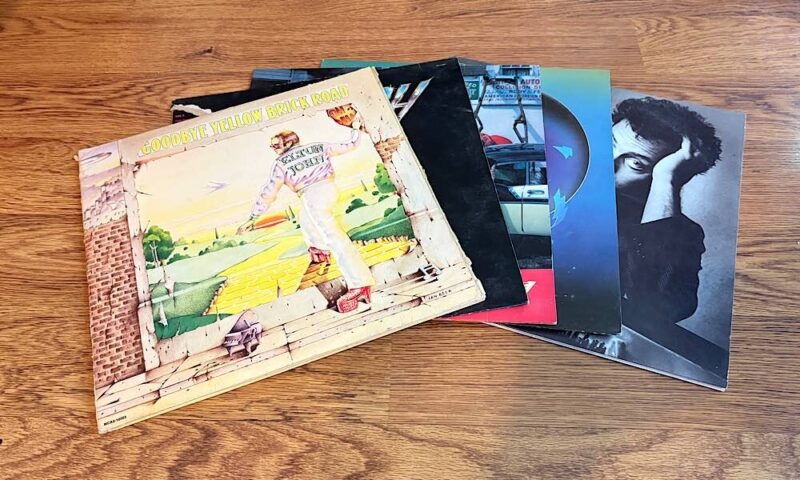
This simple reason for using this turntable is also the simplest way to use it: playing a vinyl record. Doing this isn’t much different than playing a record on a traditional turntable. It’s a matter of turning on the turntable, choosing PH, selecting the speed of the record, placing the album on the turntable, unlocking the arm, moving it over the top of the record, then lowering it into place.
If playing a 45 RPM record, you need to use the special insert that is stored in the top of the turntable.
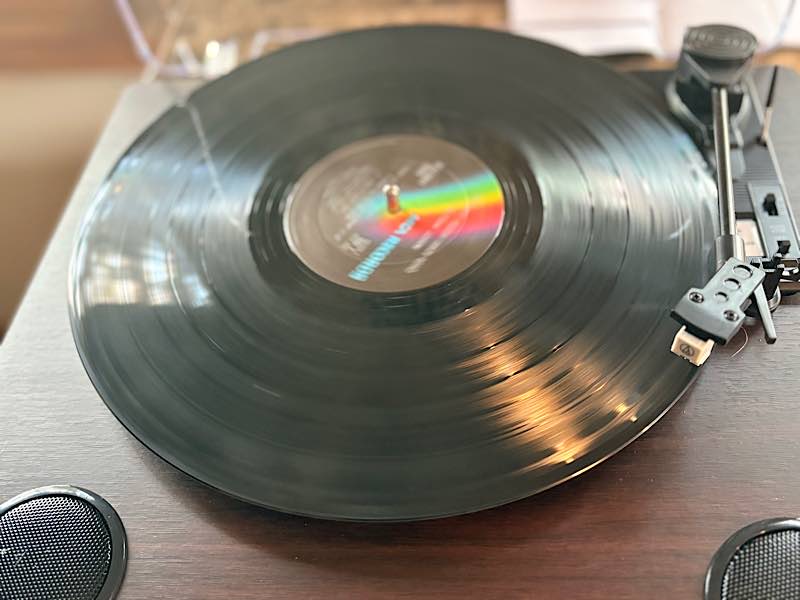
What I didn’t know is that the round felt mat is supposed to stay on the turntable. There is nothing in the instructions to indicate this. I happened to see a similar one on an image for another turntable and realized I should use it. Additionally, there is a selector next to the needle to set it so that the turntable will stop when the needle reaches the end of the record. This did not work.
Listening via Headphones
There is, of course, an option to listen to a record on the Bluetooth turntable through headphones, rather than the built-in speakers. You can either pair via Bluetooth or by plugging in through the headphones jack. Since I use AirPods, I tried to connect through Bluetooth.
I struggled with this, which I sometimes do when I try to pair my AirPods with non-Apple devices. It took me several times through to finally get it to work.
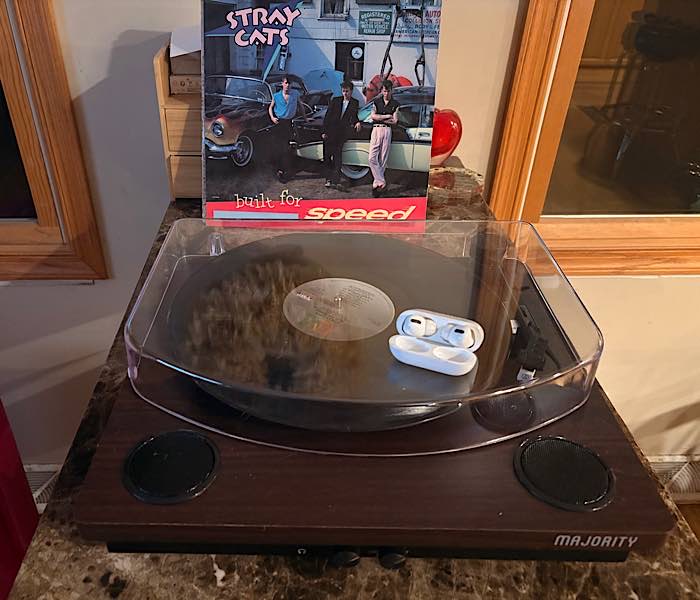
Once again, you need to set the selector knob to PH. Next, press the BT OUT button until you see the LED light indicator flashing red. Turn on your speaker or headphones, then start pairing them. It took several tries to get this. I was never sure whether I needed to press the button with a short press or long press. I eventually made the connection, but again, I think this was more on account of my AirPods than the turntable.
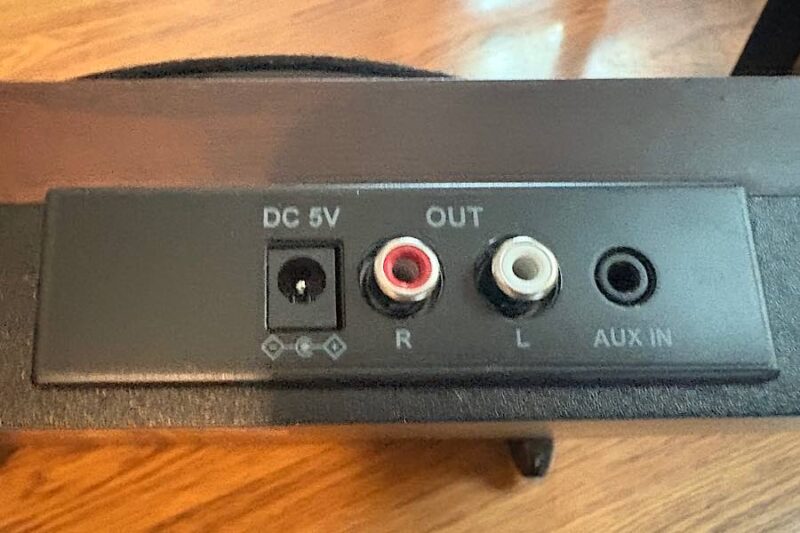
Optionally, connect to your own speaker system via the RCA port. There is also an option to use the turntable as a Bluetooth speaker for another device or via AUX by connecting with a 3.5mm to 3.5mm audio cable.
Recording to a USB Stick
A great additional feature on the Majority Mojo Bluetooth Turntable is the ability to record. This is a great feature for those old vinyl records that you can’t find in Apple Music or Spotify. It allows you to listen on your phone, Bluetooth speakers, computer, etc.
This is all done through thumb drives, USB sticks, flash drives, whatever you choose to call them. Plug the USB stick into the USB port on the turntable. Play a record in Phono or AUX mode. Press the REC button, and the LED will flash red and blue to show you that it’s recording.
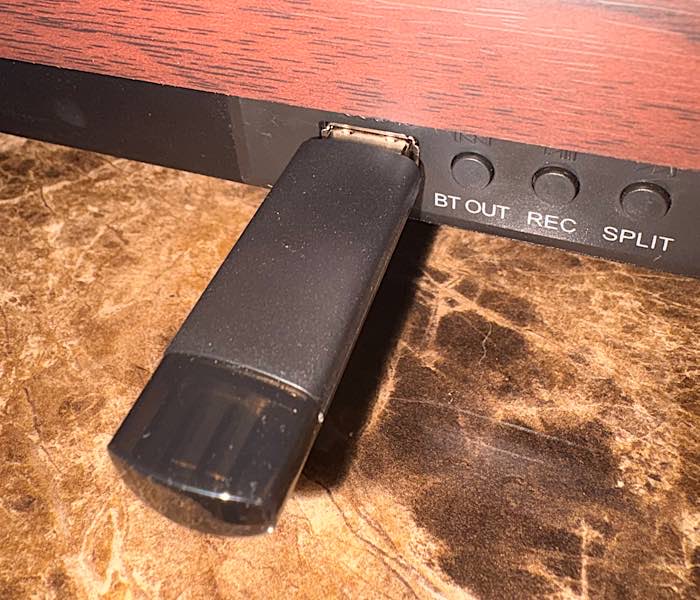
I tried to record, and I did get music files on the USB stick. However, I could not get them to play on my iPad. Other than that, everything worked correctly. They are supposed to play on iOS, so it should work. It could be because I am using the public beta for iOS 26. I am assuming they would work fine on a computer.
Go Back in Time
The Majority Mojo Bluetooth Turntable provides several ways to hear those old albums again that you haven’t heard in years. You can take that old music and add it to your current collection to listen via the same options.
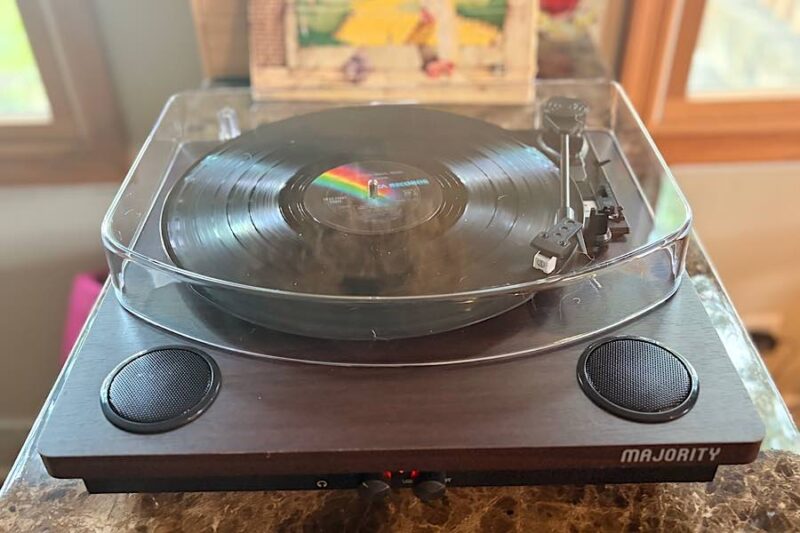
While there are a few things that I could not get to work, some of that is because my whole system is mobile devices. I no longer own a computer. Regardless, I’m just happy to listen to all those old vinyl albums again. I think the USB stick option will work better on a computer than a mobile device, and the Bluetooth option eventually worked. However, I never could get the Auto Stop Control Switch to work.
Get the Majority Mojo Bluetooth Turntable for $119.95.
Subscribe to our newsletter!
Our latest tutorials delivered straight to your inbox