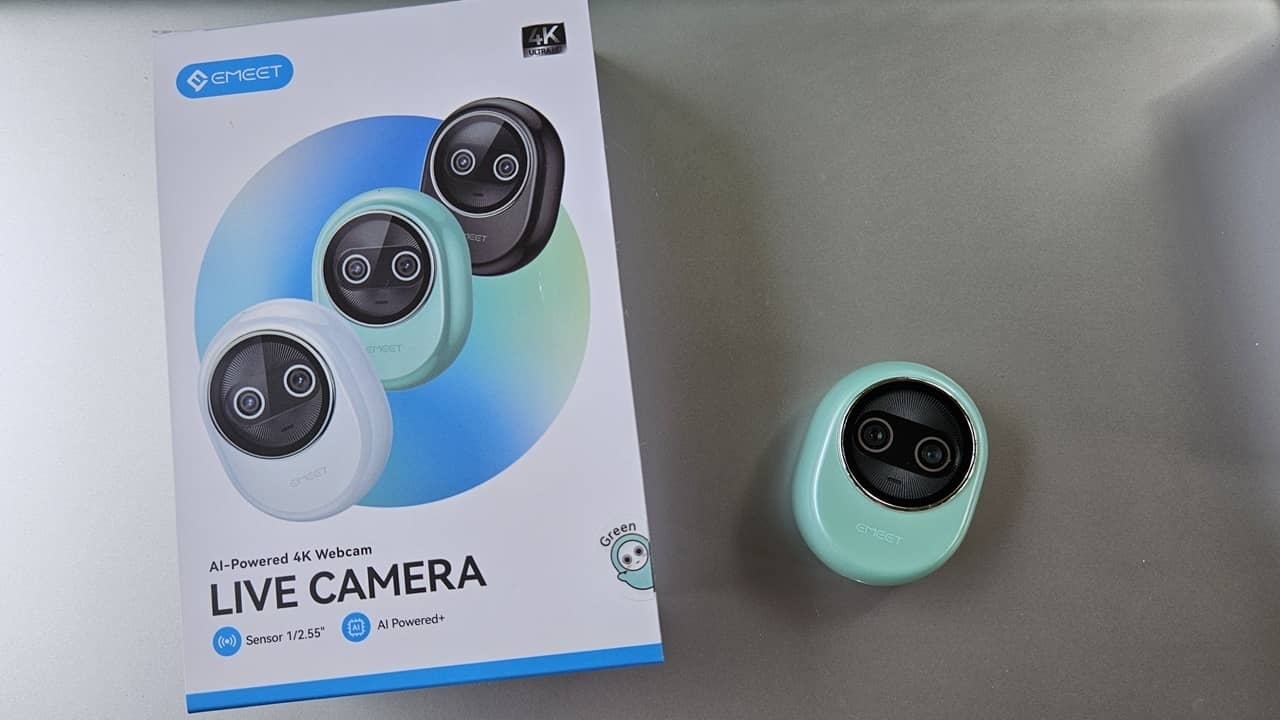
What we like
- Dual cameras
- AI-assisted focus and audio
- Cute design with magnetic cover
- Simple installation
- Free EMEET STUDIO software
What we don’t like
- Cover comes off easily
- Picks up some background noise
Why do all webcams look the same, with a bland, boring design? The utterly adorable EMEET Piko+ not only adds some spice to your laptop or desktop, but offers up AI-powered 4K video as well. Does this budget-friend webcam work as well as it promised? Find out in this review.
This is a sponsored article and was made possible by EMEET. The actual contents and opinions are the sole views of the author, who maintains editorial independence even when a post is sponsored.
A Unique Look With a Cute Cover
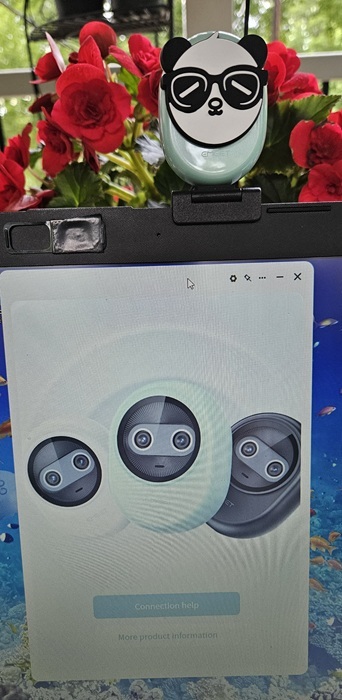
Before I even started testing the EMEET Piko+, I fell in love with how it looks. This isn’t just another obvious webcam. Instead, it looks more like a cute digital face. Even when it’s not in use, it still looks nice on my laptop.
But it gets even better. Privacy is important, and one of my top requirements for any webcam is that it should come with a shutter or cover to ensure that no one is able to spy on me if they hack the camera.
EMEET gave the Piko+ a playful panda with sunglasses cover. The magnet snaps into place over the camera lens. It’s private and adorable. What’s not to love?
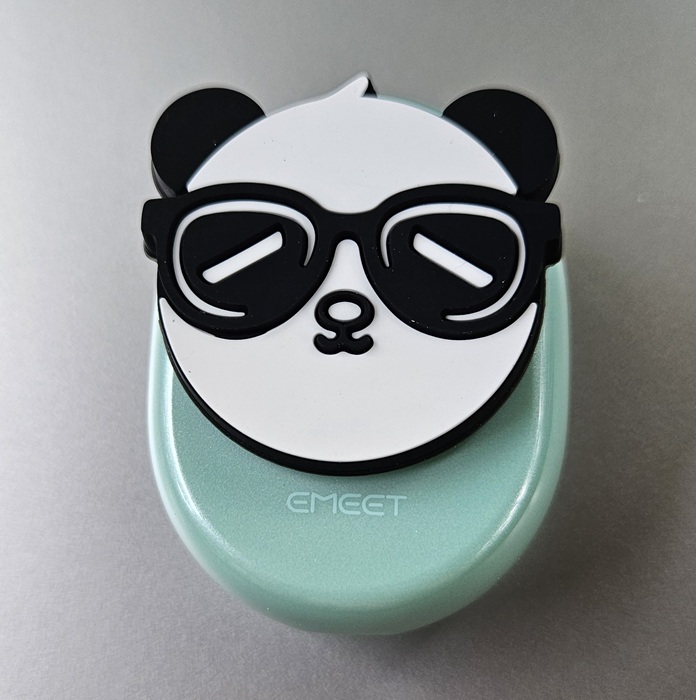
The only downside to the cover is that it can be knocked off easily, but it doesn’t fall off by itself.
Showcases Vibrant Colors and Details
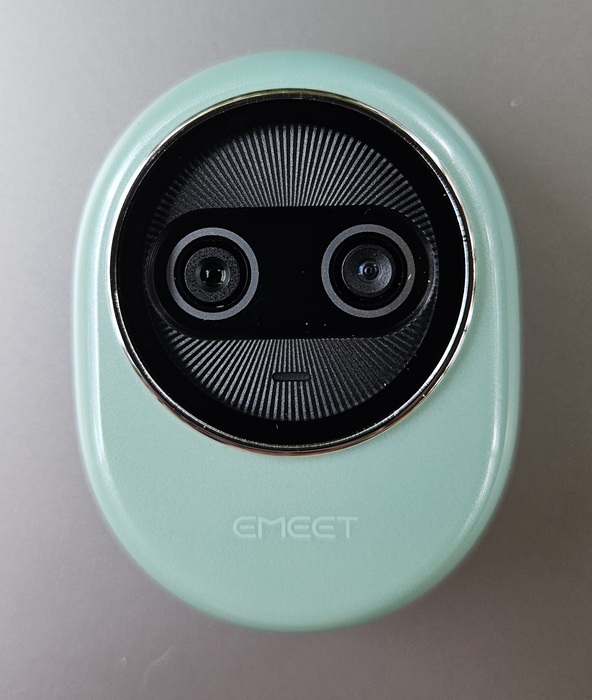
Another thing you notice immediately is the dual-camera design. The main camera is designed for capturing stunning 4K UHD video, while the second camera is AI-assisted. More about the AI portion later.
The main camera captures ultra-clear details and vibrant colors, thanks to its 1/2.55” Sony sensor. This sensor also makes the EMEET Piko+ exceptional in low-light conditions, though it works well in bright light too. It’s nice not having to worry about getting the lighting just right.
AI-Powered for Improved Focus and Lighting
While the main camera would make the Piko+ a standout all on its own, the real brilliance in this tiny palm-sized webcam is the AI-assisted camera. With AI autofocus, it didn’t matter how much I moved – I stayed in focus. I didn’t have to constantly readjust my setup or make sure I stayed as still as possible.
Even better is that the camera autofocuses on different subjects as well. For example, if I wanted to show off a product in a review, I could move it closer to the webcam, and it would place the focus on the product. Then, as I moved the product away, it would refocus back on me.
The AI focus also reduced any blurring in low-light conditions. When combined with the main camera, you get the perfect combination designed to help you look your best, no matter the lighting.
As an example, I tried my built-in webcam versus the Piko+ outdoors in a low-light area. There’s a noticeable difference in both the details and lighting. The built-in webcam is on the left, with EMEET on the right.

AI-Powered Sound Profiles With 3 Built-in Noise-Cancelling Mics
The EMEET Piko+ doesn’t just use AI to help with focus and intelligent background lighting – there is also access to three AI-powered sound profiles. Of course, this goes hand-in-hand with the three built-in noise-cancelling mics to ensure that your audience never misses an important moment.
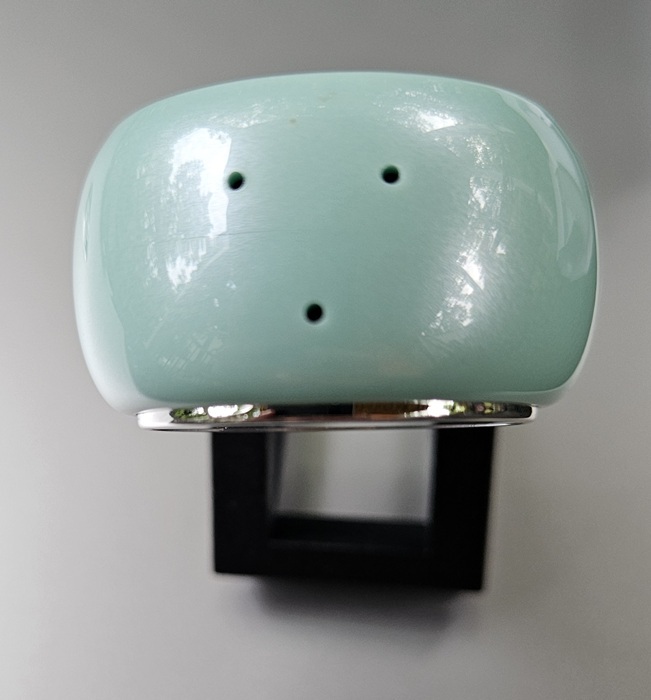
Admittedly, I wasn’t sure how well the mics would perform compared to an external desktop mic. I was thoroughly impressed with how well the mics picked up even a whisper, while still blocking out background noise that would typically wash out a quieter voice. It really did feel like a more professional-grade mic setup without any hassle.
What I enjoyed most was being able to customize how the mics work. I mentioned Noise-Cancelling Mode, which is what most users in meetings would use. It’s also ideal if you’re trying to record a video in a noisier environment, as the algorithm effectively blocks sudden sounds, like a pet, baby crying, or even traffic sounds outside.
In my test, it blocked out most background sounds outdoors, such as lawn mowers, traffic, and dogs barking. When I wasn’t speaking, the mics still captured the background noise, but at a much lower volume. When speaking, it blocked the noise out almost entirely.
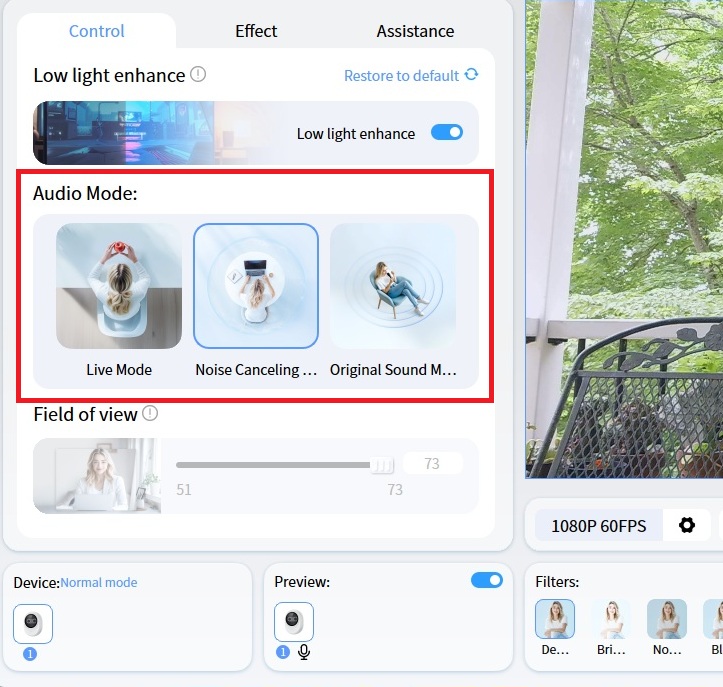
That’s not all you’re limited to. The EMEET Piko+ also features Live Mode and Original Sound Mode. With Live Mode, the algorithm auto-adjusts the gain to keep your voice in focus, while blocking ambient background noise.
Original Sound Mode is for those who want their audience to hear truly authentic sound. Even if there is background noise, this sound mode allows everything in. I’d recommend choosing your location carefully to avoid any sounds you don’t want creeping into your videos.
Easy to Connect and Install
One thing I absolutely love about EMEET webcams is that they’re easy to connect and install. The Piko+ is no exception. The sturdy screen mount screws onto the webcam itself. It’s also adjustable and lets you turn the webcam a full 360 degrees to get the perfect angle.
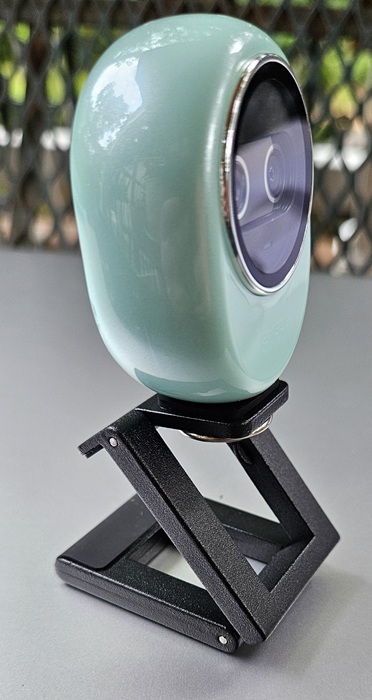
The webcam is tripod-ready, but you’ll need to buy that separately.
To install the EMEET Piko+, just connect the included USB cable, and you’re set.
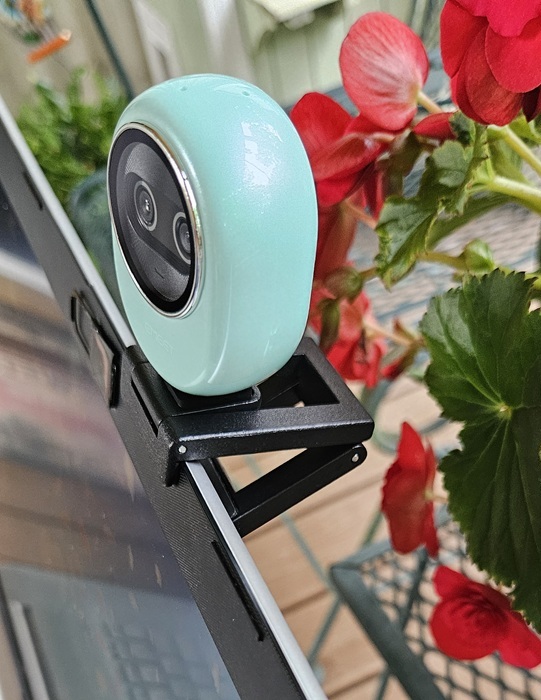
EMEET did something I wasn’t expecting. The company includes a USB adapter to ensure their webcam is compatible with both USB-C and USB-A ports. I didn’t even realize the adapter was included until I was plugging the cable in to my laptop.
Once connected to your Windows, macOS, or Linux device, you can use the Piko+ with most streaming or meeting services.
EMEET STUDIO Completes the Package
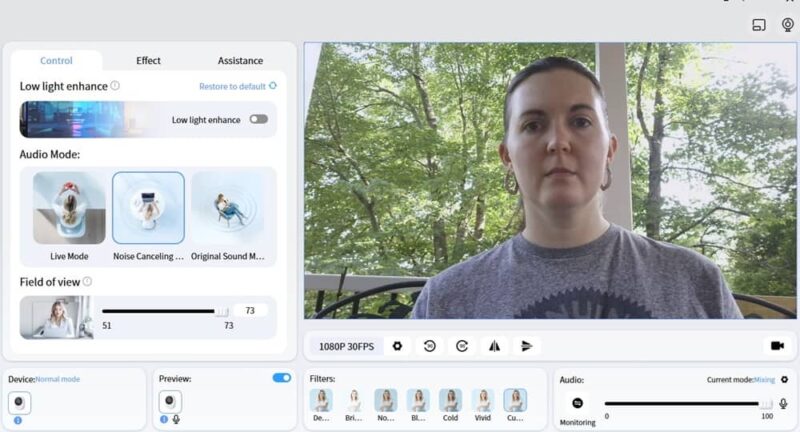
Yes, you can jump directly to your favorite streaming platform to use the EMEET Piko+. But I suggest checking out EMEET STUDIO. It’s completely free and designed to work seamlessly with EMEET’s line of webcams. I played around with it extensively during this review and love how easy it is to use.
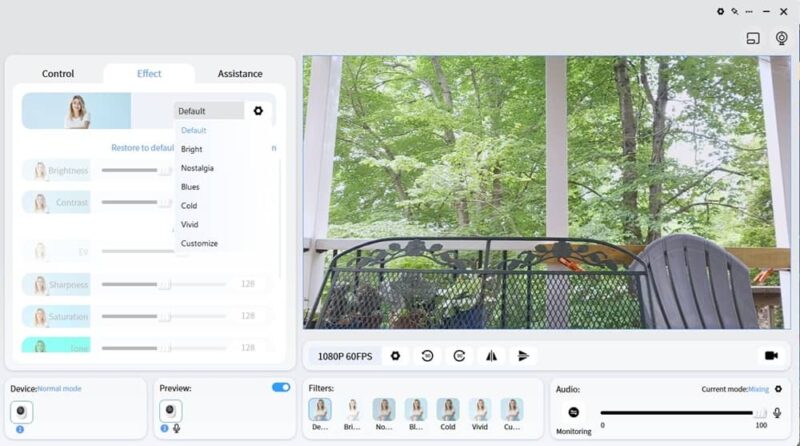
Whether you’re a beginner or a professional content creator, the settings are straightforward, yet advanced enough to create high-quality videos. The software is also where you’ll switch audio modes, change video quality, use filters (if you want), fully customize effects (brightness, contrast, tone, etc.), and even adjust the AI-powered focus.
Beautiful Video for Meetings and Streaming
Overall, the EMEET Piko+ is everything you’d expect from a professional webcam. Yet, it’s far more affordable. Between the dual cameras, AI-assisted audio and focus, and EMEET STUDIO software, I found it incredibly easy to start streaming quickly. Plus, meetings felt far easier without having to worry about tweaking settings just to get the focus or audio.
Get your own EMEET Piko+ for just $95.99 in white, black, or green.
Subscribe to our newsletter!
Our latest tutorials delivered straight to your inbox