What we like
- Plug-and-play
- Built-in kickstand
- Beautiful bright display
- Works with multiple devices
- Great for gaming
What we don’t like
- Settings buttons difficult to work with
- A little large to be “portable”
- Supplied cords are too short
While setting up the Arzopa Z1FC Portable Monitor, I realized the similarities to the Arzopa A1M Portable Monitor, which I previously reviewed. I wasn’t sure what I would find to write about. What I did learn while using it, though, reconfirmed my findings of the previous review – mostly how much they both improve productivity. I also realized how much they would benefit gamers and web designers.
Unboxing and Setup
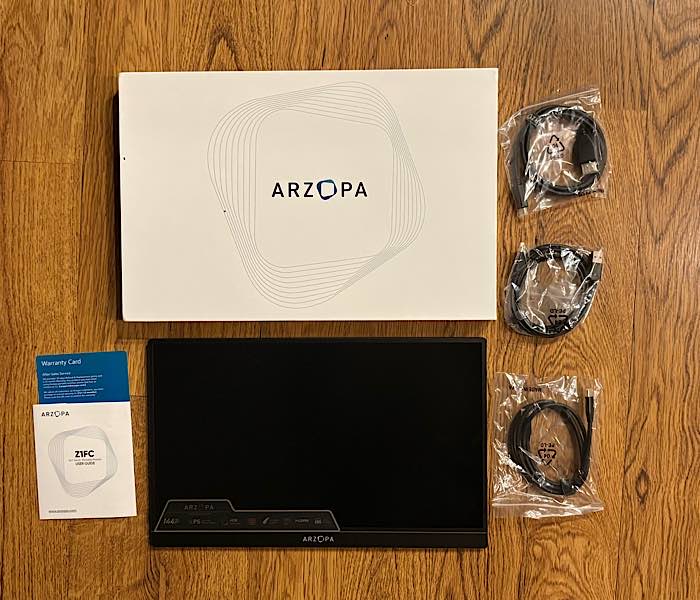
Unboxing and setting up the the Arzopa Z1FC Portable Monitor and the A1M are exactly the same – there isn’t any difference. Both monitors shipped with two connectivity cords (USB-C to USB-C cable, USB-A to HDMI cable), a user guide, and a warranty card. In other words, there is still zero to the setup process.
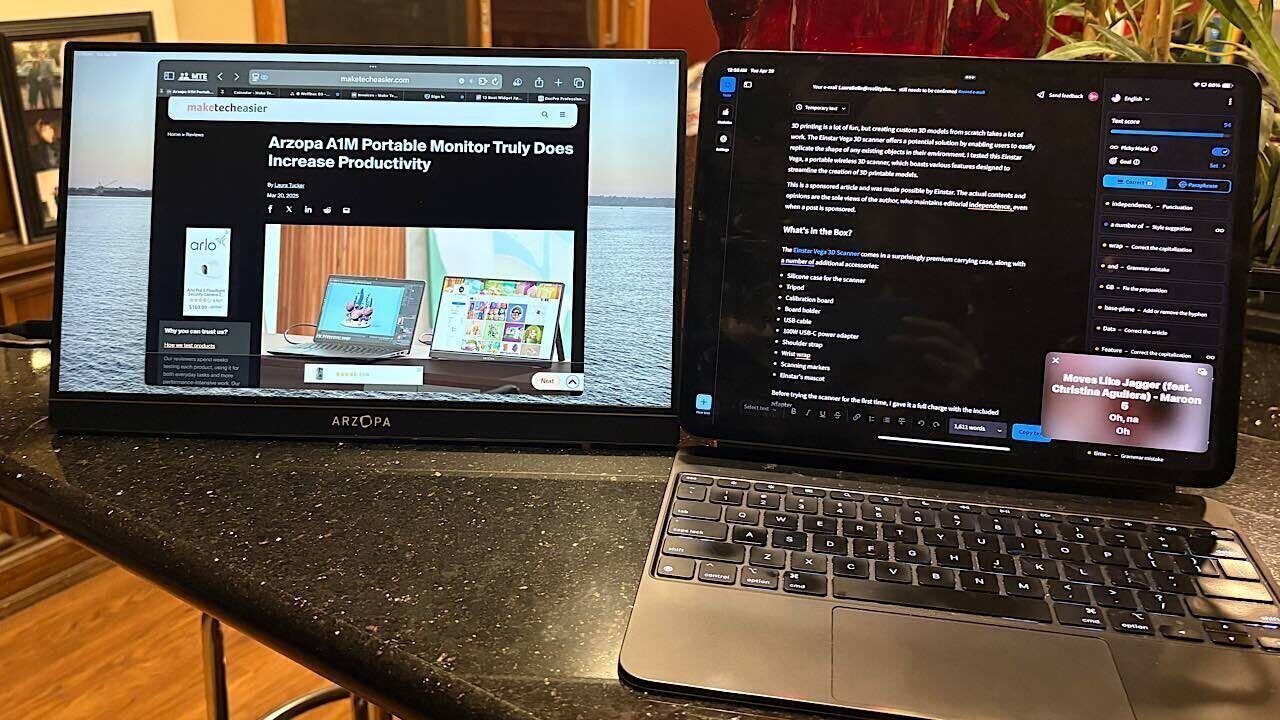
It can’t be any easier than plug and play. The hardest thing with the setup is choosing a connection method: USB-C or HDMI. And that all just depends on what you’re connecting the monitor to, be it your laptop, a gaming system, your phone, or an iPad. The monitor includes two USB-C 3.1 ports and one HDMI port, allowing for various connection options. You can even use it vertically.
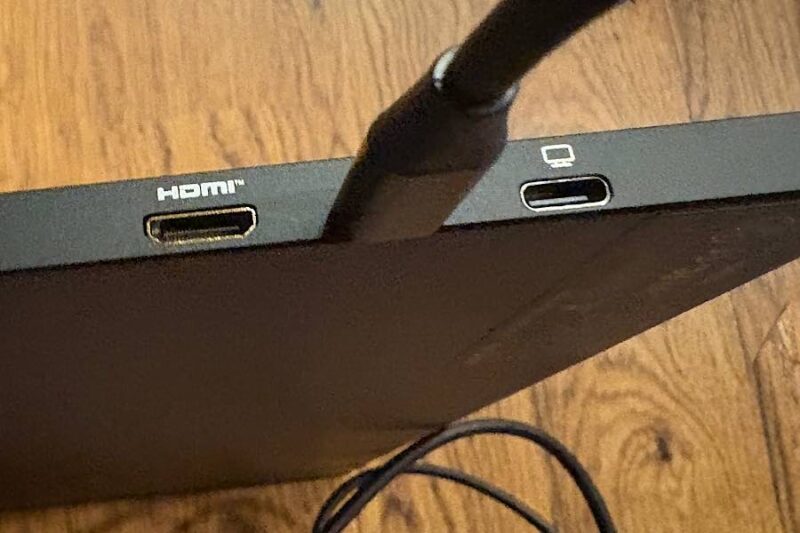
While it ships with the two options for cords, each with its own connecting option, I found the USB-C to USB-C cord to be too short, just as I found the one for the Arzopa A1M. I connected the Arzopa Z1FC Portable Monitor to my iPad Pro, just as I had its larger sibling.
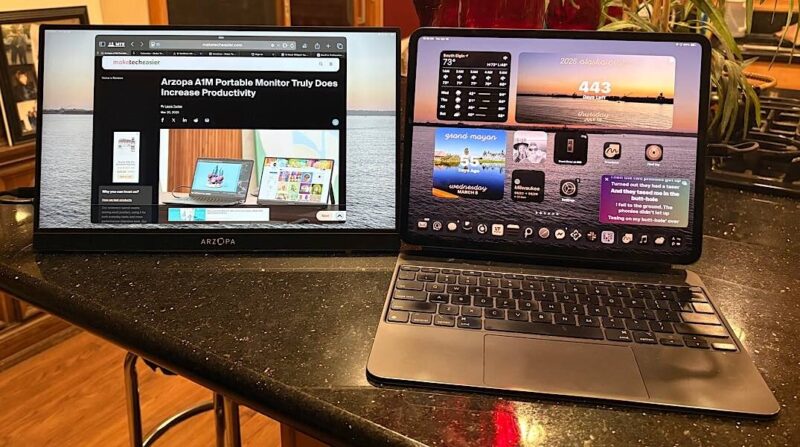
The cord barely stretched from the left side of the 16.1” monitor to the right side of my 13” iPad Pro. I could have switched sides, but I like the monitor better on the left. This time, I just bought a longer cord, which made me much happier.
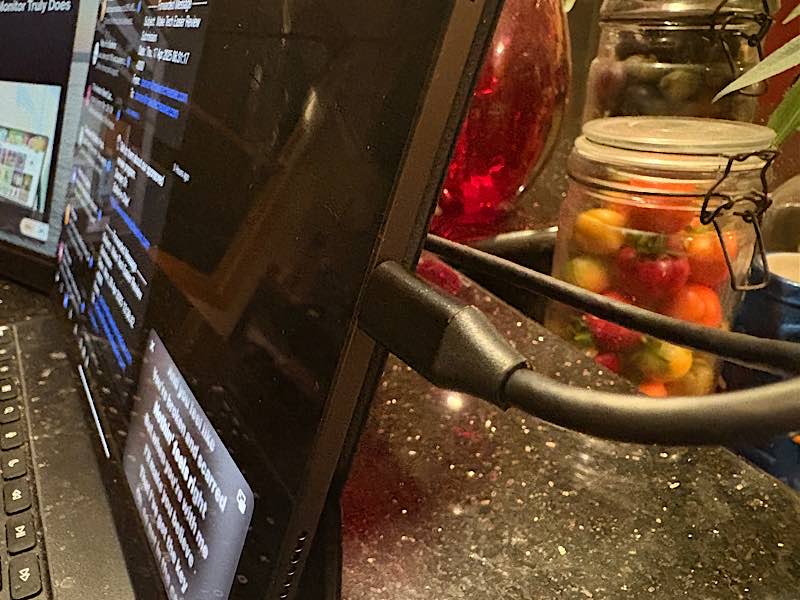
The connection method is also how the monitor receives its power, as it takes power from the device you’re connecting to. Obviously, if you’re working on a portable device, such as a tablet or laptop, it means you will run out of power more quickly.
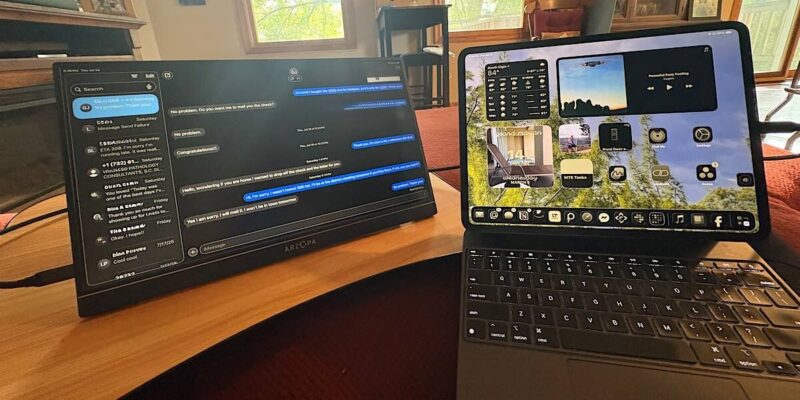
I don’t sit at a desk. I’m in for the comfort, as I’m 61, so I do my work sitting on my sectional couch. I balance the iPad Pro on my lap, put a lap desk to my left, and set the portable monitor on that. The built-in stand allows me to do this and keep it stable. It stores away flat in the back when not in use.
Finding the Right Settings
The settings for the Arzopa Z1FC Portable Monitor are identical to those of its A1M sibling. This time, I didn’t have to research and do trial and error, as I already knew how to do it from the other monitor. To manage the settings, it takes a combination of the buttons (power/return, volume/brightness adjustment, and OSD menu) on the upper-left side of the monitor.
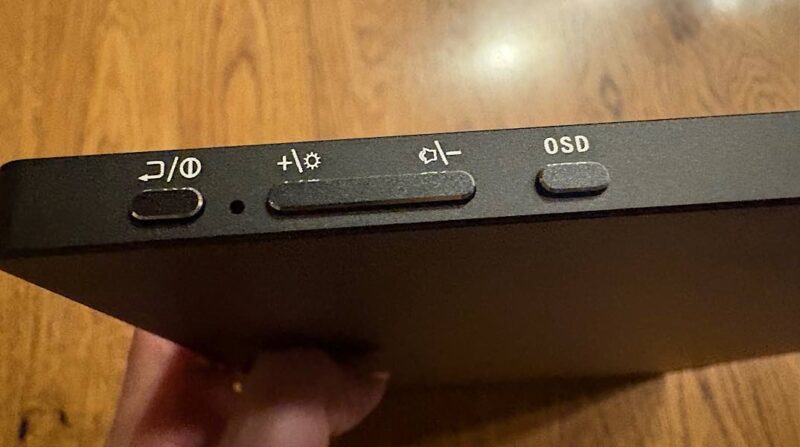
If you have the monitor attached to a desktop/laptop computer, you can use the settings from the computer to get the look that you want. But if you’re on an iPad like me, you have to use the settings buttons on the side.
Added to this, the settings defaults of the monitor didn’t initially work well with my IPad Pro that I run continuously in dark mode. There were no settings I could find that would give a true black in some apps, like iMessage. It was also difficult to find a setting that would make the display bright enough.
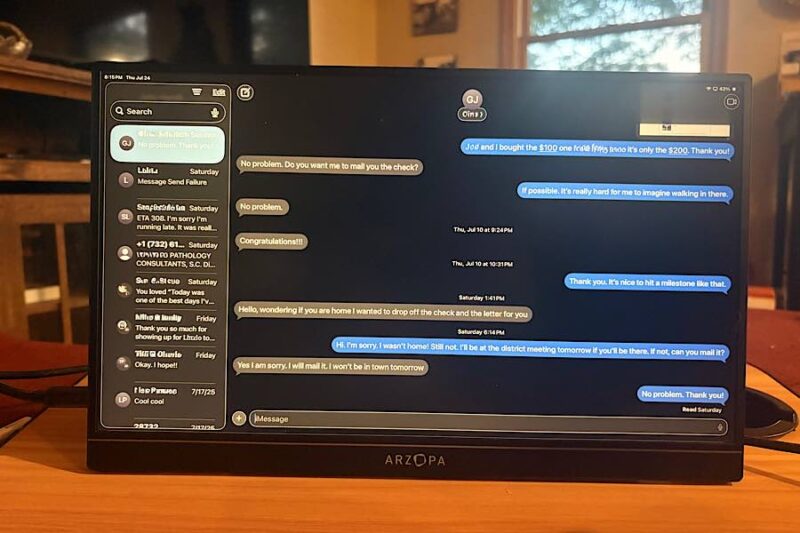
That is – until iPadOS 26. Once the public beta was released, I found that it took care of my black color issue. The screen looks absolutely beautiful. I can’t even capture it well by taking a photo of it. While some apps and screens still aren’t a deep black, the colors are bright, and it looks beautiful and crisp. I can only imagine with even more settings on a laptop or desktop, that it would be even better.
The sound on the Arzopa Z1FC, as well as the Arzopa A1M, is definitely lacking. It almost sounds like it’s coming out of a tin can. Perhaps there is something in the settings on a computer that could help that as well, but I find the sound on my iPad Pro to be much superior to the sound on the monitor and prefer to use that sound instead.
Arzopa Z1FC Portable Laptop Monitor Specs
When it comes to the specs of the Arzopa Z1FC Portable Monitor, they compare in most ways to the Arzopa A1M. Of the differences, it has less of a visual angle, yet a better contrast ratio, color gamut, and refresh rate. I didn’t notice the differences in these specs in my usage, but they are definitely things gamers and web designers would notice.
Both monitors have great clarity. I can see them both very well, especially now that I have the help of iOS 26.
| Arzopa Z1FC | Arzopa A1M | |
|---|---|---|
| Screen size | 16.1 | 17.3” |
| Panel type | IPS | IPS |
| Aspect ratio | 16.9 | 16.9 |
| Resolution | 1920 x 1080 | 1920 x 1080 |
| Display color | 16.7M | 16.7M |
| Color temperature | 6800K | 6800K |
| Visual angle | H: 85°/85°Min V: 85°/85°Min | 178° V:178° |
| Contrast ratio | 1200:1 | 7 |
| Brightness | 300cd/m2 | 300cd/m2 |
| Color gamut | 100% | 72% NTSC |
| Input interface | Mini HD(Video Signal), Type-C Full Function(Video Data, Power Supply ISDN) | Mini HD(Video Signal), Type-C Full Function(Video Data, Power Supply ISDN) |
| Speaker | Built-in Speakers (1W*2) | Built-in Speakers (1W*2) |
| Refresh rate | 144Hz | 60Hz |
Availability
Regardless of the lack of settings options I was looking for, the Arzopa Z1FC Portable Laptop Monitor is a fantastic portable monitor. It’s definitely leagues above other portable monitors I have used, other than the Arzopa A1M.
It’s an inch smaller than the Arzopa A1M, but sometimes that slight decrease in size can be more beneficial. It all depends on your usage. It’s still large, though, even at an inch smaller. And this helps it be a little more portable. But 16.1” is still a little awkward and heavy to consider being truly portable.
Regardless of size, the monitor still increases productivity, allowing you twice the space to get more things done. It would be great for web designers, with the bright look, and gamers would definitely enjoy it as well.
You can get the Arzopa Z1FC Portable Laptop Monitor for just $129.99 on Amazon.
Subscribe to our newsletter!
Our latest tutorials delivered straight to your inbox