What we like
- Excellent wide-angle coverage dual-lens design
- Seamless 180° panoramic
- Good value for high-end features
- Robust hardware with mounting hardware
What we don’t like
- Challenging installation process that required drilling
- App is buggy or outdated
- Appears some connectors are wrapped in waterproof tape
One of the industries most boosted by the availability of tiny, relatively inexpensive HD cameras is the security camera space. There are so many new affordable security cameras now, covering a wide variety of uses, that it’s hard to choose. Annke hopes to woo you with its new high coverage solution, the 180º Panoramic Dual Lens PoE Security Camera. Is it worth it?
What’s Inside?
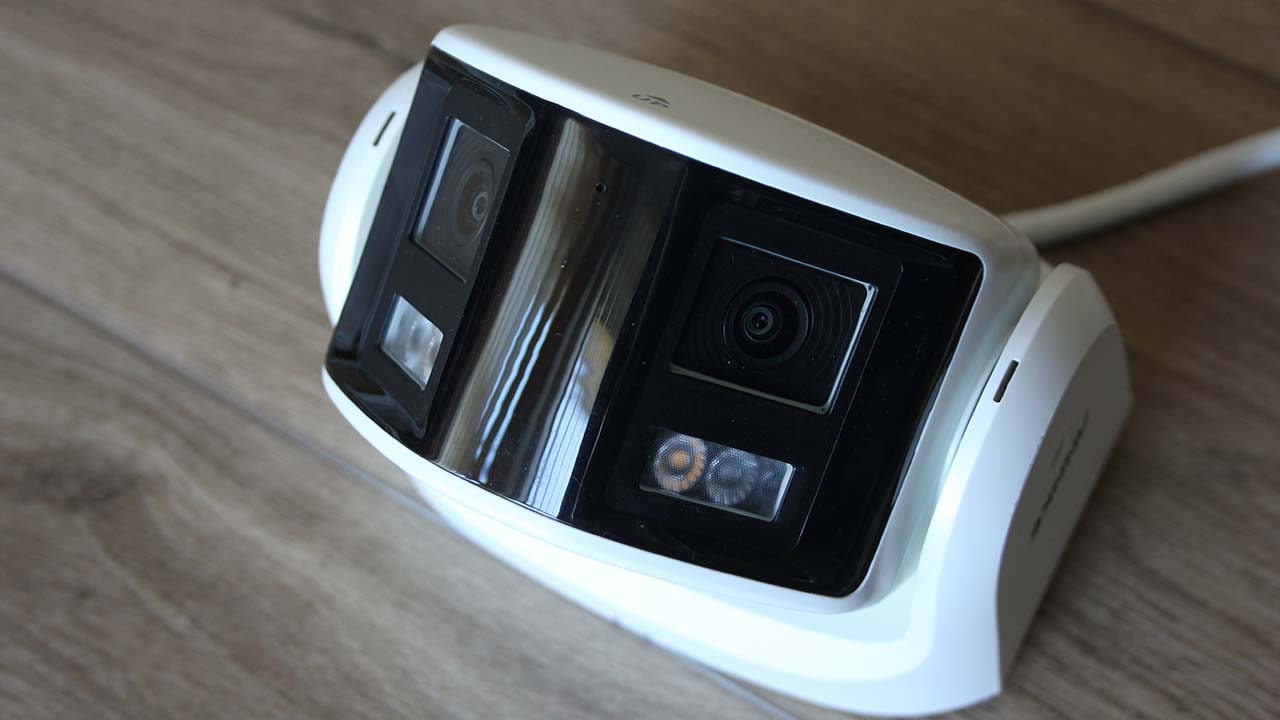
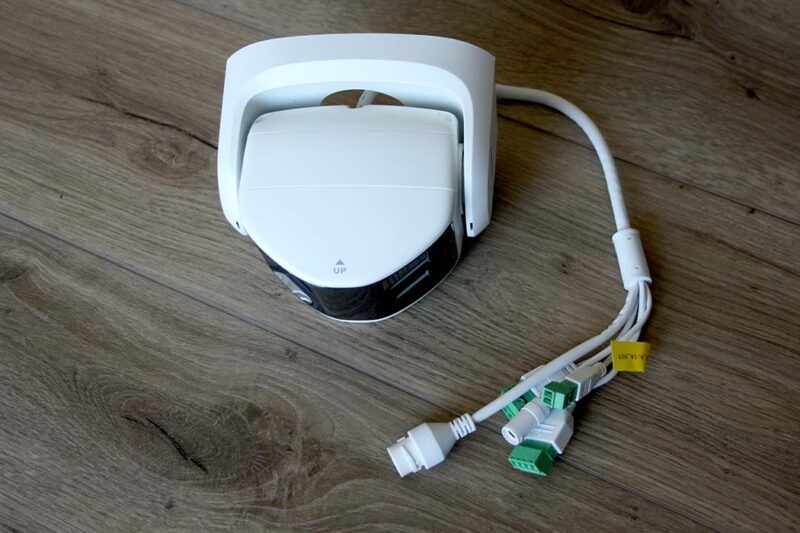
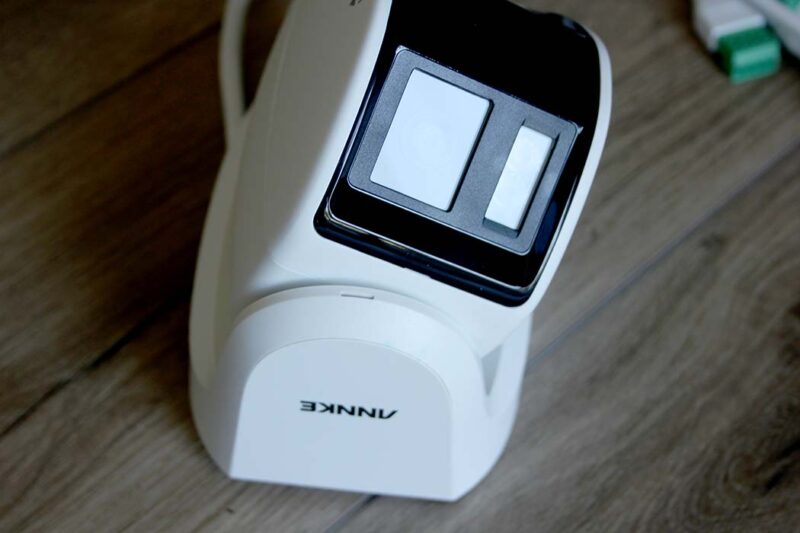
The Annke FCD600 180° Panoramic Dual Lens PoE Security Camera has two cameras facing each other at roughly 90° and mounted on a U-shaped pivot. On its back are a range of different industry standard connectors. Also included in the package are:
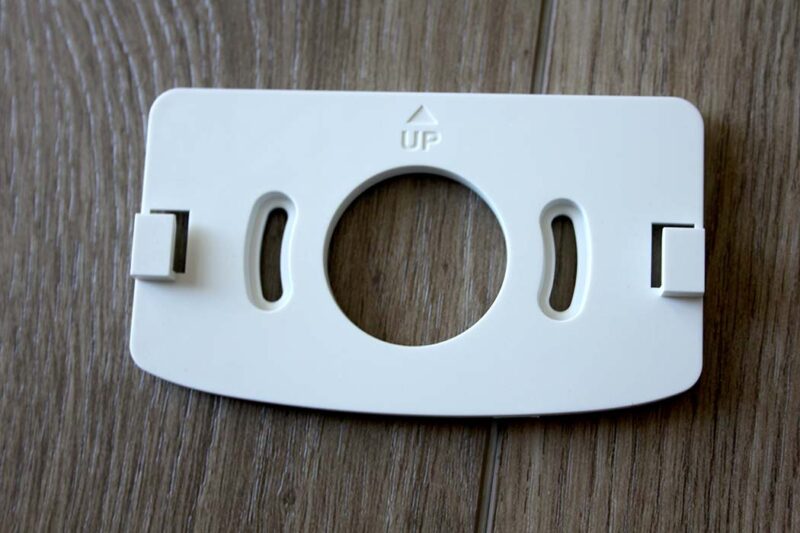
- Drilling template for making the holes in the right orientation
- Mounting plate
- Short Ethernet cable (enough to get through an external wall)
- Small hex or Allen key
- Some screws for fixing
- Manual
- Plastic fixings to weatherproof the connectors
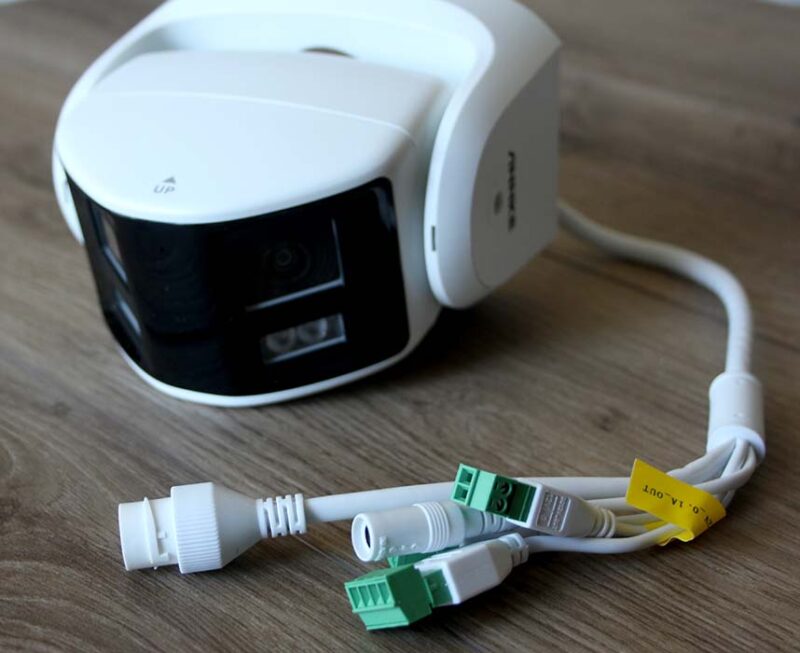
To affix the camera to an outside wall, you will need to drill holes or the cables to go through. You will also need to drill one to connect the Ethernet cable to your router or your PoE Network Video Recorder (or NVR).
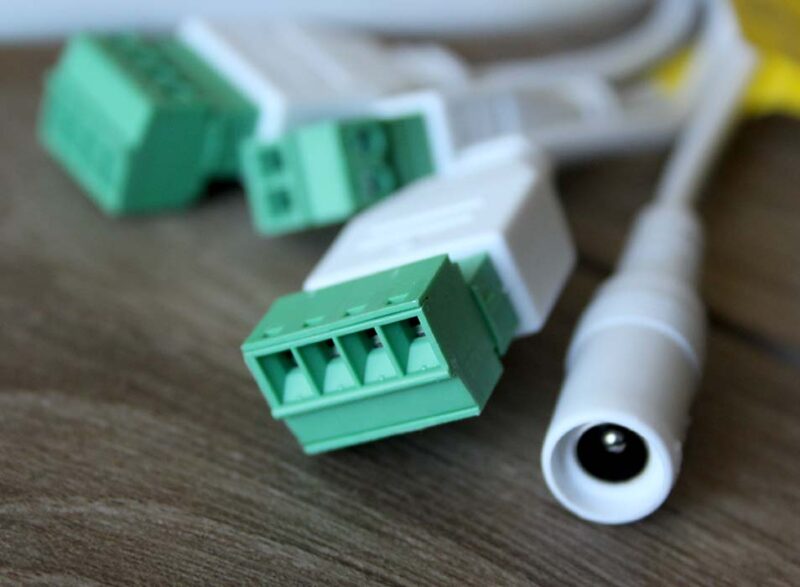
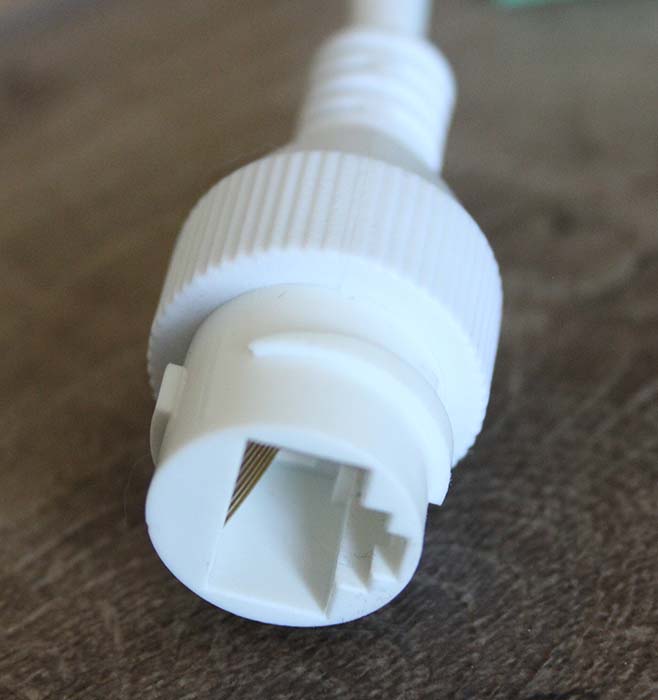
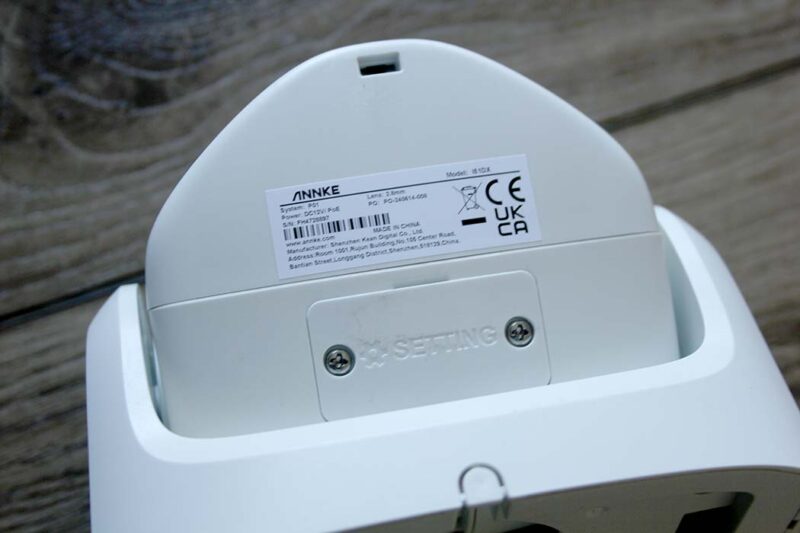
The connectors on the back of the camera include a standard 12v power-in jack (center positive), a 12v power-out (2-way screw terminal style), two 4-way screw terminals for audio in/out and alarm in/out, and the weatherproofed female Ethernet RJ45 socket.
Setup and Configuration
Getting the Annke FCD600 180° Panoramic Dual Lens PoE Security Camera set up may be a turnoff for you. The IP camera’s wire has to come in from the outside and track through the house to your router or NVR. You only get PoE via an NVR, as a regular router only provides data. These cameras are very wide, so they need to be high up to get a good overview of what’s going on outside your property. The wire will most likely come in on the upper floor of your home.
If you’re lucky, the wall that you want to mount the camera on is next to your home office, and the router or NVR is directly on the other side of the wall. If you are unlucky, like three-quarters of the homeowners, your router is inconveniently placed somewhere else in the house. If you are really unlucky, the router is on the ground floor on the opposite side of the house. This would involve a lot of drilling and running Ethernet cable through walls and floors.
You may need to create your own custom-length cables, requiring you to buy a roll of bare cable and fit the RJ45 plugs on the ends of the wire yourself. This is not a task to enter into lightly, but it’s not hard. You’ll need to know which of the tiny colored wires inside the cable to place where (I’ve done this enough that I know it well), then use new uncrimped plugs and a cable crimper. It’s not difficult, and there are plenty of tutorials on the Internet. You will also need a cable tester to make sure all the wires are connected. Admittedly, not everyone will be up to this task.
Of course, if you are using an NVR, you can locate that on the other side of the wall. Another solution, while not ideal, is to drill through the outside wall and run a cable in that room to a Powerline Ethernet adapter that uses your mains electricity as a carrier for Ethernet signals. You can then put the receiver next to your router.
Once installed, you can either use the NVR software to connect to your cameras or use the iOS, Android, Windows or Mac software to connect to the cameras via their IP addresses.
Using the Annke FCD600 Security Camera
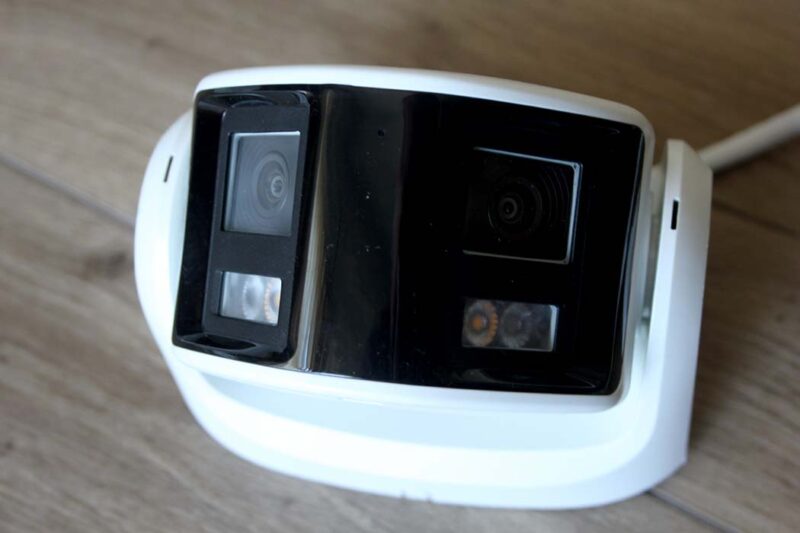
The supplied Annke Sight software didn’t really work well, or it may be just an old version. I’m guessing any decent NVR or IP camera software would work once you know the IP address from the SADP software.

I received better-working software from Annke, which connected to the camera the first time and enabled me to open a preview in a browser that connected to the IP address of the camera. To install the camera, just press the Refresh button, and any IP cameras will be listed below. Double-click the entry to be taken to a browser.
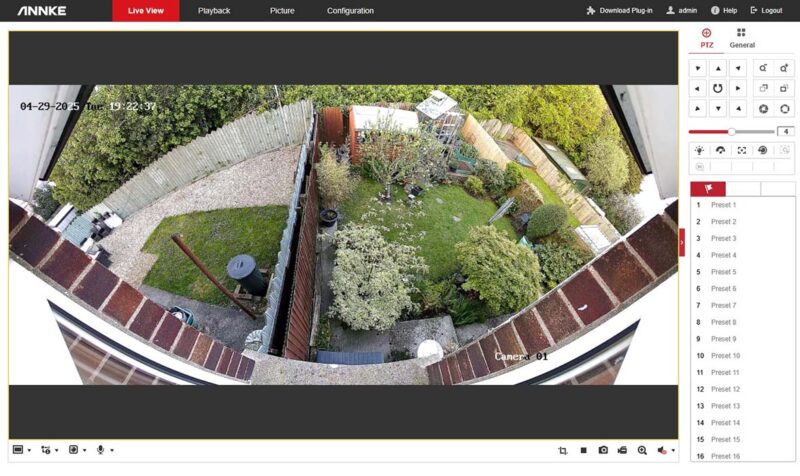
Obviously, running off an NVR using Power Over Internet is this camera’s raison d’être, so that’s the best way of using it. But again, you need to have the right setup for this.
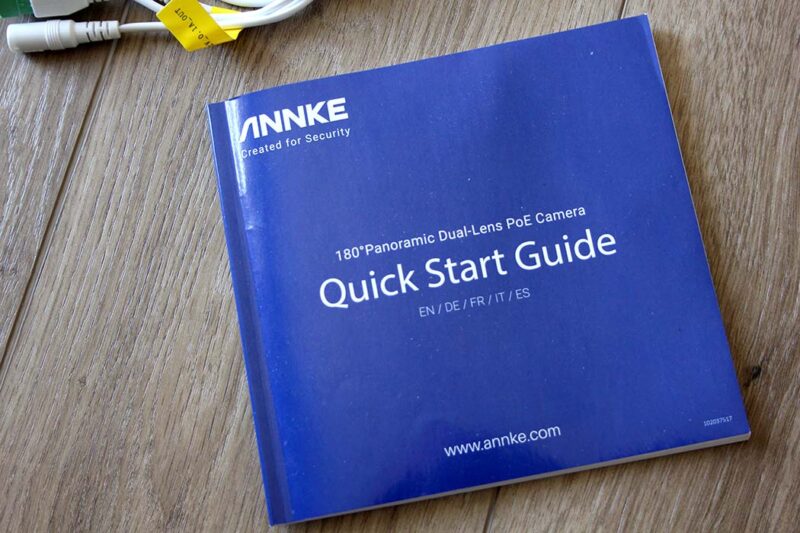
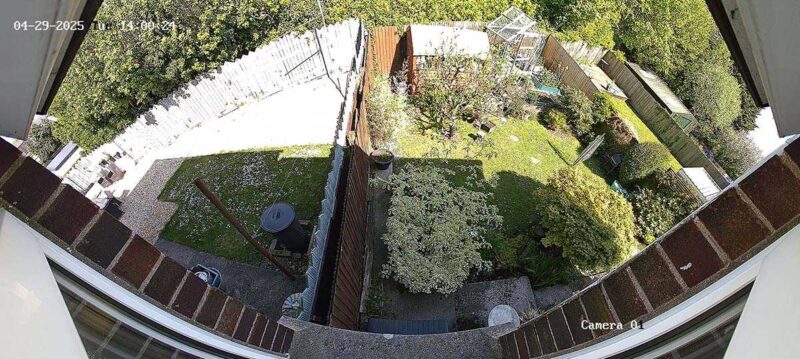
While you would assume the output would be two cameras showing different pictures, instead, it’s two cameras stitched together to make a super-wide view. Obviously, aspect ratios and the kinds of things I obsess about as a filmmaker don’t matter in security cameras, as it’s not the perfect framing or proportion of the images that matters – it’s coverage. And boy oh boy, does this Annke Panoramic Dual Lens Security Camera cover.
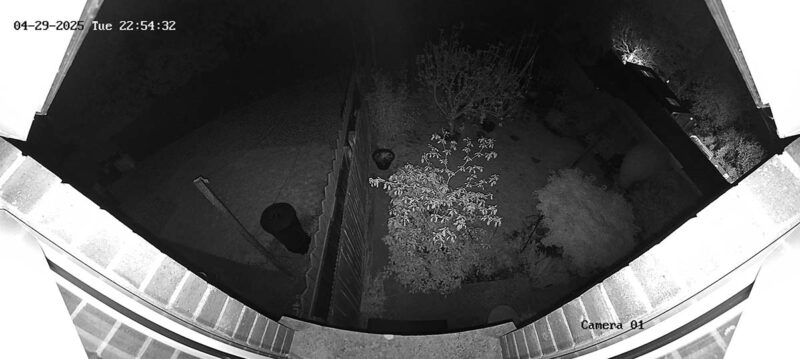
The angle of view is nuts and is, as advertised, a full 180° (note the curvature of the top of the window) and a full 3632 x 1632 pixels. Out the back of my house, I can see the property to the left and right in its entirety! It’s very impressive.
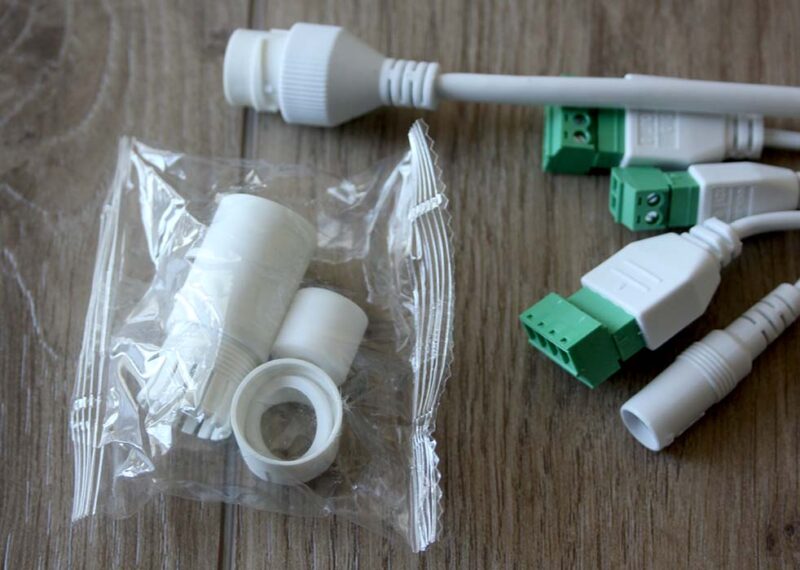
Although there is ample description and hardware to waterproof the RJ45 Ethernet connector, all the instructions mention about the other connectors is to wrap them in waterproof tape. I live in the UK, and it often rains here. That’s not going to cut it. The idea may be to bury these in the wall, but really, I’m not certain the leads are long enough, which is slightly puzzling.
Availability
The camera view is terrific, very wide and clear. You’ll see everything you want to see in your front or backyard. But obviously, the main downside is that this camera is wired, so the installation is non-trivial and not for the faint-hearted or non-property owners. Additionally, you need to acquire the correct software. But if you’re one of the lucky few with the right physical setup, this camera is a gem.
The Annke FCD600 Panoramic 180º PoE Dual Lens Security Camera has 6MP resolution, an 180° ultra-wide angle, color night vision and infrared night vision, and a built-in mic, and is priced at $111.99 after a $28 discount.
Subscribe to our newsletter!
Our latest tutorials delivered straight to your inbox