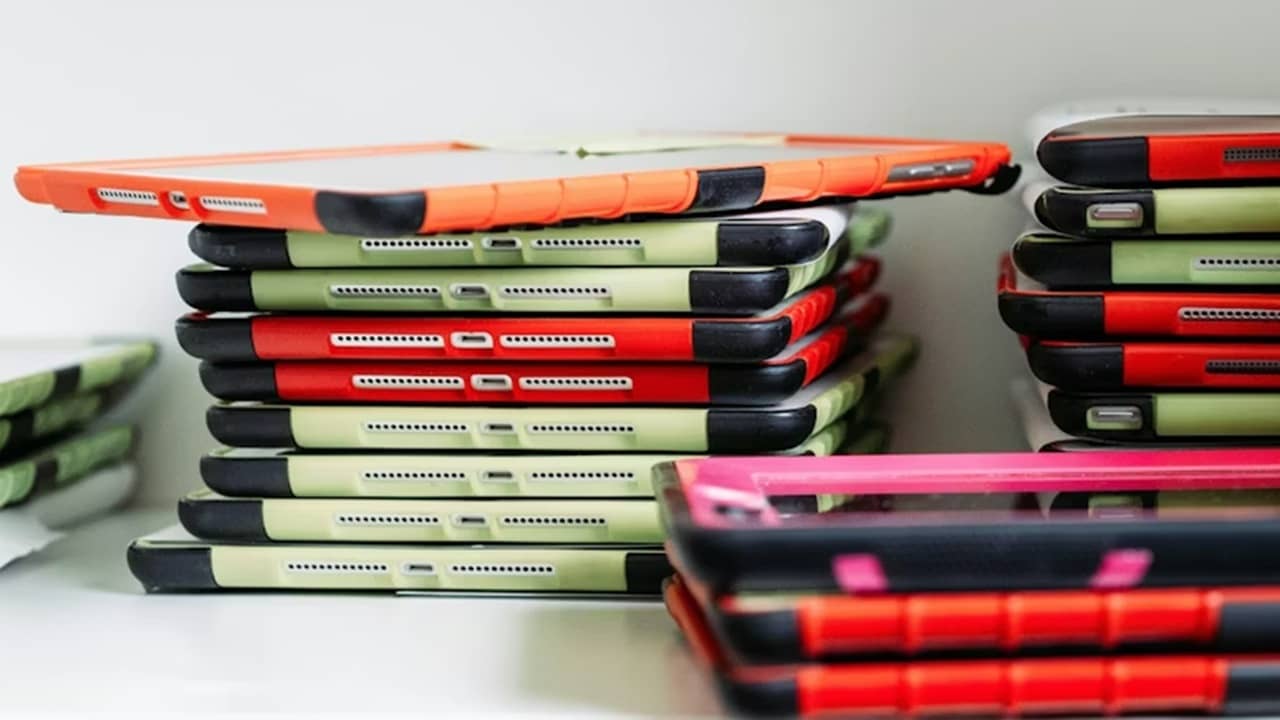
Upgrading to a new tablet doesn’t mean you have to toss the old one. Repurpose old tablets to still get every bit of use of them as possible. All it usually takes is changing some settings or downloading an app to give old tablets new life.
Before You Repurpose Old Tablets
Before you start repurposing, you need to prep your old tablet. Odds are, it’s still filled with apps and possibly even old files. Go through this checklist to get your tablet ready:
- Back up any files you may want to keep, such as photos you didn’t move to a new tablet or cloud storage service.
- Check through your apps to make sure you don’t need to move any data from one tablet to another, such as game progress or databases
- Factory reset the tablet when everything you want to keep is backed up
- Uninstall and disable any default apps you don’t want or need
1. Bedside Companion
No, I don’t mean an actual person. Instead, repurpose old tablets into a bedside companion that functions as a clock, alarm clock, white noise machine, night/morning meditations, and weather station. By combining apps and widgets, all the apps you use to help you sleep and wake up are in one convenient place.

Plus, if you don’t have any social apps on your old tablet, this prevents doomscrolling right before bed or when you first wake up.
You can always use the built-in clock app on your tablet. Or, try White Noise Lite (iOS | Android) which offers a customizable clock and white noise sounds in one app. For alarms, Alarmy ensures you never miss an alarm. Then, you just need to add your favorite weather and meditation apps.
2. Security Monitor
Whether you want to keep an eye on your home, check in on your pets, or monitor your baby, your old tablet is the perfect solution. As long as the camera still works, use your tablet as the security camera and use your new tablet or phone to check the feed whenever you want.
Check out the Alfred Home Security Camera app as a choice for this type of system.
3. Kitchen Helper
Using your shiny new tablet in the kitchen sounds like a good idea until food or hot grease splashes on it and ruins it. Let your old tablet take the risk instead. Use this tablet to store all your recipes in one place. Recipe Keeper works perfectly for finding recipes online and scanning in your handwritten recipes. It’s even available offline.
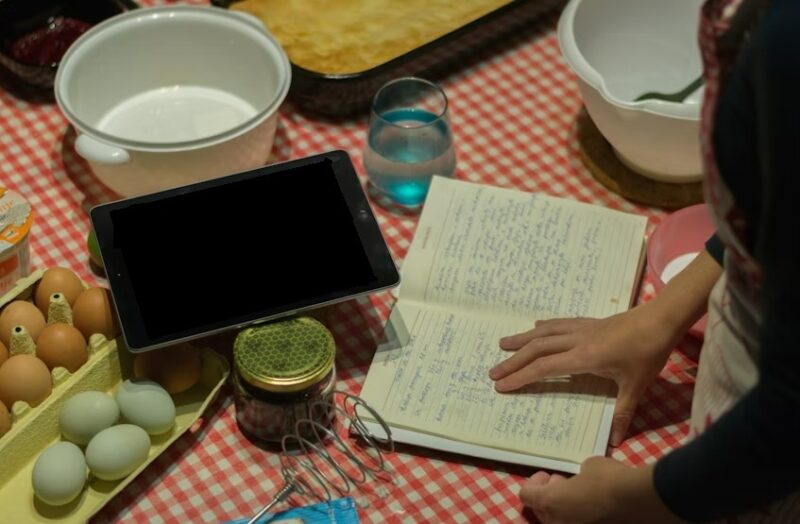
You can even install a cooking app to help you learn to cook. Just know some apps may not work as your tablet ages. I’d also recommend adding a timer app, such as Kitchen Multi-Timer or Kitchen Timer.
4. Family Command Center
Calendar and notes apps work well enough, but unless everyone is syncing their calendars and notes, it’s hard to keep your busy family on the same page. Repurpose old tablets as family command centers. Simply mount the tablet on a wall so everyone can keep it updated with important reminders, appointments, and more.
Google Calendar and Apple’s Calendar apps are free and work well for this. Or, try other calendar apps to see what works best for your family. Some calendar apps even include lists of notes.
5. Movie Player
Having a movie player that works offline is a must-have when camping, during long trips, or just as a safe way for kids to watch movies without worrying about what else is on a streaming service. I’d recommend VLC as it’s compatible with most media file types and works on iOS and Android. Plus, you can download subtitles and even use it as a video editor.

6. Ebook and Document Reader
If you prefer a larger screen for your ebooks, just repurpose your old tablet as an ebook reader. You don’t need a special Kindle or other expensive ereader. There are a variety of ebook reader apps to choose from, though I personally prefer Readest.
These also work for reading documents, such as PDFs. If you have a large collection of ePub files, try these ePub readers instead.
7. Secondary Monitor
If you want a second monitor while working on your computer, just use your old tablet. Use an app like Space Desk to easily mirror your display. You can even connect more than one old tablet if you need multiple screens. This guide steps you through the process.
8. Retro Gaming Console
As long as your tablet is still responsive with no major lag, you can turn it into a retro gaming console. Download a retro game emulator app, such as RetroArch. Then, load any game ROMs you own (or buy some online). This is perfect for playing old games from Nintendo, Sega, PlayStation, and more.

9. Digital Photo Frame
Digital photo frames are surprisingly expensive. Just repurpose old tablets as photo frames. Hang the tablet on a wall or use the case to set it up on a table like a real frame. You can use Google Photos (Android or iOS) or Photos on iPad as they’re installed by default. Or, try Memoria for Android or Digital Photo Frame app for iOS.
Don’t let your old tablets go to waste. Repurpose them and get even more use for your money.