
You don’t need to wait until April Fool’s Day to be a complete nuisance and play pranks on your friends. One of the many ways in which you can celebrate the art of mischief is by sneaking onto your friend’s/enemy’s/colleague’s computer and barraging their browser with all manner of funny prank extensions. Here are our top picks that will leave you laughing at the expense of your poor victims.
Good to know: if you need more ideas, check these funny prank sites that make you look like a tech genius.
1. Edit Anything
This one’s a gem. Using the Edit Anything extension, you can modify the text on any website – from news sites to social media apps. This offers endless opportunities, whether it’s customizing your friend’s X feed so that it looks like Ryan Gosling is tweeting them to say “Hello” or changing news stories, and more.
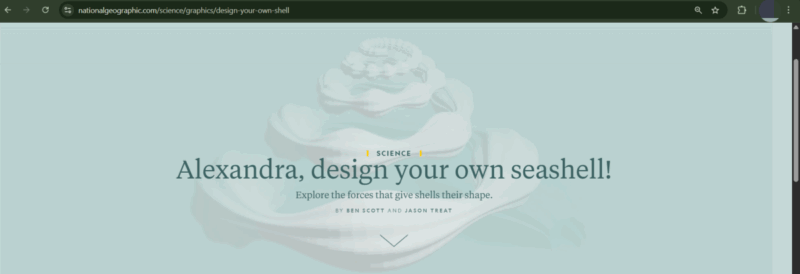
Note that sharing the link will not open the edited article. To pull off the prank, you’ll have to install the extension on your friend’s PC while they are away, and then slyly edit the text on their device. Alternatively, you can screenshot the page and send them the snippet.
The Edit Anything extension works very well, based on our experience, and offers unlimited ways to freak out (or merely puzzle) your friends. After installing the extension, click on the Edit Anything icon in the extensions bar. It should appear On. Next, on the web page, click on the text that you want to change to make the cursor appear, and then type the new text.
2. Cornify
The Cornify extension adds sparkly unicorns and rainbows to any webpage. Click on the extension icon to activate it. This should make a unicorn button appear on the webpage. Click it repeatedly to populate the page with unicorns and other magic paraphernalia. If the button disappears after one click, pin the extension and add the unicorns from there.
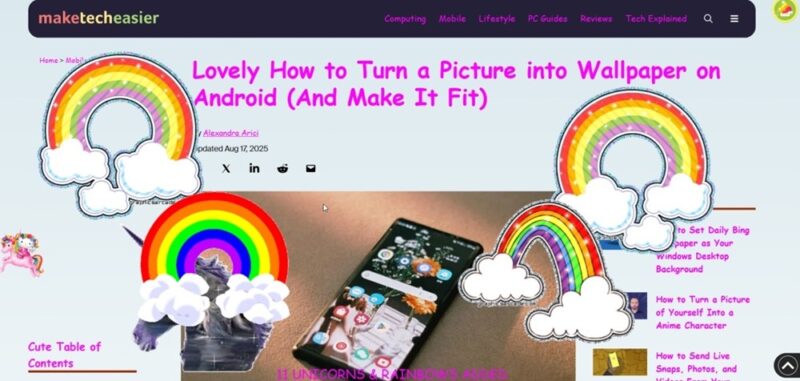
If you want to use this for effective pranking, install the extension and use it to spam the page your friend is viewing when they leave the room. The more your friends dislike unicorns, the better.
If you’re feeling particularly mean, you can pretend like it’s a symptom of the dreaded Unicorn virus. Perhaps after fabricating a Unicorn virus news story using the previous extension? Refresh the page to stop the unicorns.
Tip: want more fun? Check these meme generators that allow you to create your own memes for free.
3. Sweezy Custom Doodle for Google
The Sweezy Custom Doodle for Google extension allows you to add a custom doodle on the Google homepage and surprise your unaware friends. You can add a custom text or use an animated image.
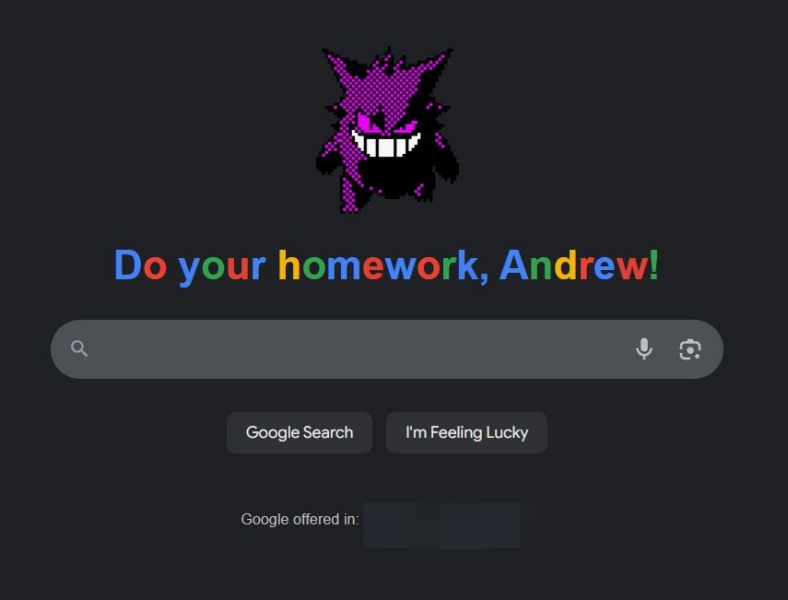
Your friends will be in for the surprise of their lifetime. What better way to prank a friend and make them think that they are famous enough for Google to set them as their Doodle?
Sadly, you cannot use a custom image; otherwise, that would have been hilarious. Once you install the extension, it will automatically generate a custom Google home page for you. To change it, click on the extension to type custom text and select a new picture. Refreshing the page and even closing the tab retains the doodle, but if your friend uses the search button, the doodle will disappear.
4. Cenafy
Cenafy is an extension that rolls a 1/100 chance for the user to be hit with a face full of unexpected Cena every time they load a new web page.

This extension is completely ridiculous, but super hilarious nevertheless. It’s not an extension you can immediately see the fruits of, but you can sneakily install it on your roommate’s laptop and then wait patiently.
When you finally hear blaring AND HIS NAME IS JOHN CENA from the other room while your roommate shouts in confusion, you’ll know you’ve successfully pranked them.
5. TrollFace Everywhere
TrollFace Everywhere is an extension that replaces every image and video in Chrome with a troll face. Whenever your friend tries to open any webpage, all they will see are troll face pictures instead of regular images or videos. They will probably think they’ve been hacked or have a meme-related virus. It’s extremely annoying!
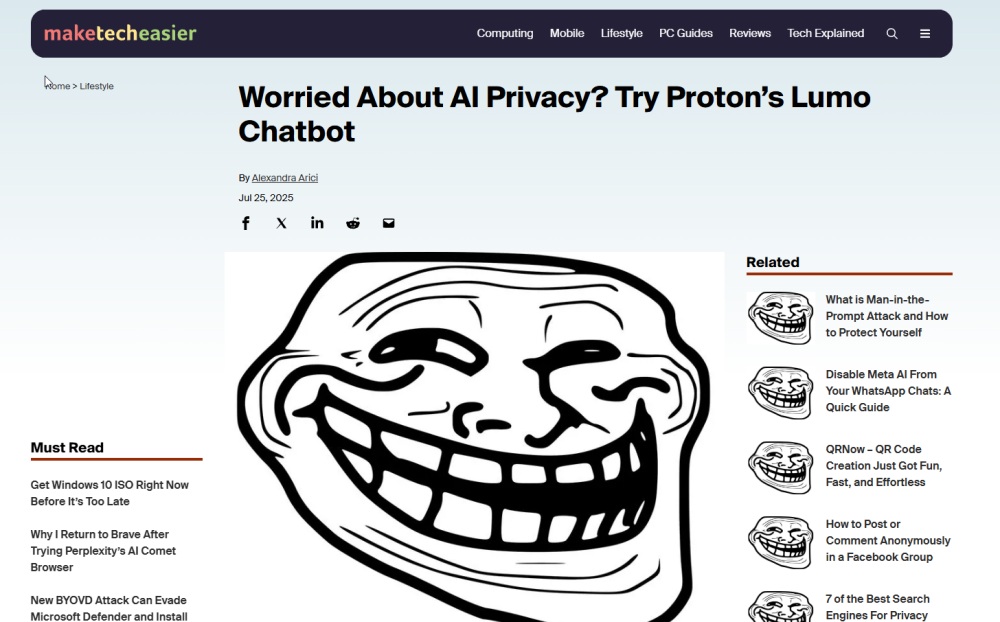
Even better, the effect will not go away with simply refreshing the page; you’ll need to turn off the extension first.
This prank will surely have them scratching their heads. If they aren’t familiar with Chrome extensions, even better. It might take a while before they figure out how to deactivate it, and they might even end up seeing the troll face in their dreams.
FYI: if you have an iPhone, check these funny things you might want to ask Siri and keep yourself entertained.
6. Fart Attack
Want to scare the hell out of your friend? Try the Fart Attack extension. This Chrome extension plays a terrifying fart sound that appears to come out of nowhere.
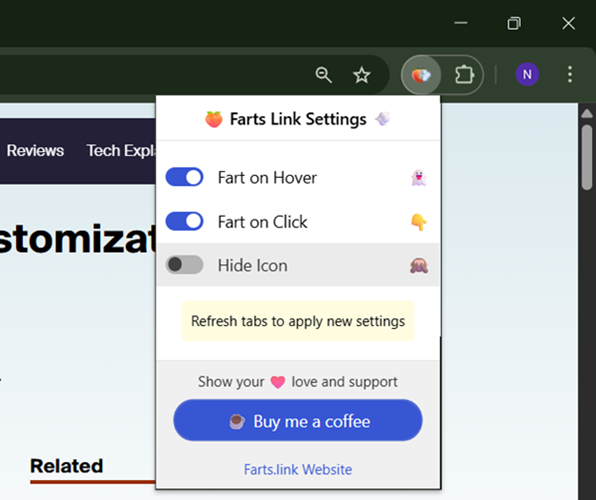
Your friend won’t know what hit them. They will never forget the sound, especially if the computer has a high volume.
You can also enable fart noises when hovering if you want to make their browsing experience a total nightmare. Moreover, the extension allows you to hide the extension’s icon in the address bar, so that the victim won’t know what hit them.
7. Page Pranker
The Page Pranker extension offers a range of tools to prank your friends including a blur screen, hide cursor, flip or crazy colors. You can opt for the effects to be either Extreme or Subtle.
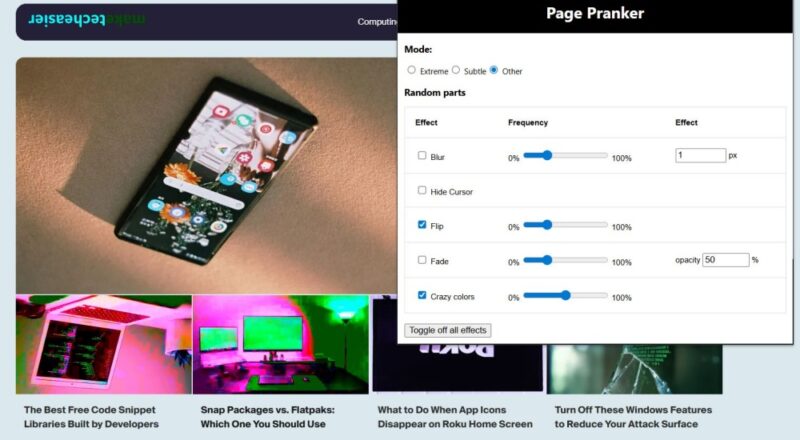
The best part is that you can combine multiple tools for a crazy multi-effect. Our personal favorites are the hide cursor and blur screen – which don’t immediately scream pranks – so they’ll surely generate a lot of frustration and confusion. Especially since refreshing the page doesn’t remove the effects.
To turn off the mysterious “disturbances”, you’ll need to access the Extension menu and disable them from there.
8. Animalese Typing
This Animalese Typing extension has the potential to make typing really annoying for your friend. It replaces normal keystrokes with Animal Crossing sounds. Whether your target is trying to write a document in Google Docs or to log into Instagram, they’ll be blasted with irritating sounds.
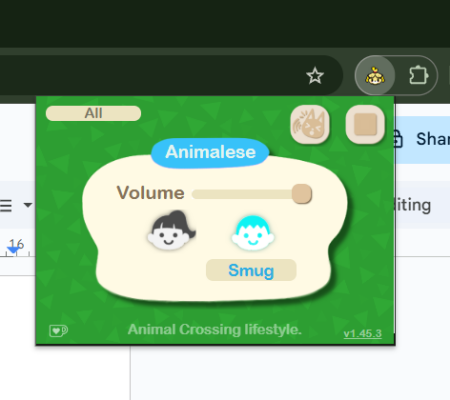
You can control the volume of the sounds from the extension dashboard. There are two voice characters to choose from – Sweet and Smug. You can also switch between Animalese and Sound fx effects.
The extension also allows you to customize pitch shift, intonation, and pitch variation. Make sure you press the Play button for the extension to actually work.
Tip: learn how to fix the gray screen error if it appears in your Google Chrome browser.
9. Change Chrome into Gibberish
You can play a simple yet powerful prank on your friend with the Change Chrome into Gibberish extension. Its purpose is straightforward: transform any webpage your friend might be browsing into a pile of nonesense.
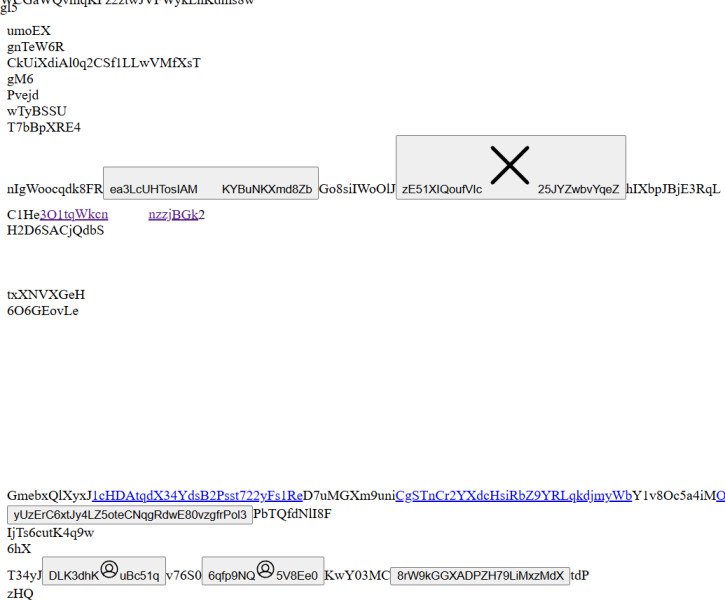
The extension works is evil magic all too well. Once installed, it will automatically load an overlay with gibberish on top of the page someone is looking at. Refreshing the page won’t do anything. The original page will come back for a mere few seconds, after which it gets overtaken by nonsense again. Open a new tab yields the same result.
The only ways to stop the extension from unleashing the mayhem is to pause or remove it from Chrome entirely. It’s a really pesky bug!
10. Ants on Screen
If your friend dislikes insects, then get them some Ants on Screen. That will surely make them shrill in terror.
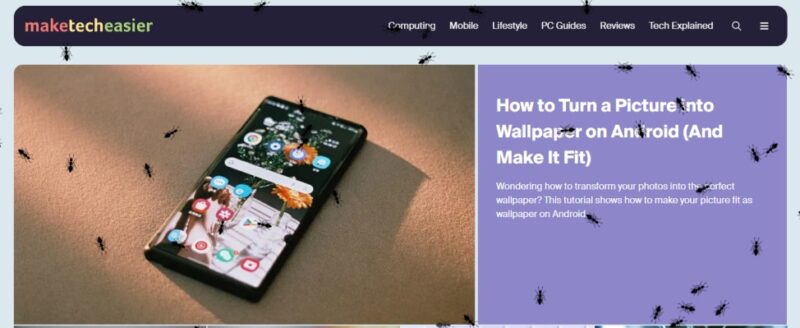
This is a simple extension that does a great job in annoying someone. Install it and then click it to activate it. Then, when someone opens a new tab, it will be crawling with ants. Trying to catch and click the ants in the hopes of removing them from your screen, won’t do any good, as the ants will just evade you.
Refreshing the page won’t work either, and the only way to get rid of the infestation is by finding and removing (or pausing) the extension.
11. Scary Tabs
If your friend spends a lot of time browsing social media or news sites and you want to shock them back to life, try installing Scary Tabs on their computer.

Now, chances are that whenever they open up a new tab on a website, they’ll hear a scream accompanied by a disturbing image. That will surely put them off mindlessly scrolling.
Scary Tabs lets you specify websites to which you want to add a bit of terror to, even beyond the default News and Social apps categories. Use this extension with care though, some people might be too sensitive to face such jump scares.
Frequently Asked Questions
How do I access Chrome extensions quickly?
You should pin an extension to the extensions bar to access it with one click. To do so, click on the Extensions icon next to the address bar and press the Pin icon next to the extension.
How to disable a Chrome extension without deleting it?
To just disable a Chrome extension, press the three dots in the upper right corner and select Extensions -> Manage Extensions. From this page, find the extension in question and turn off the toggle on their respective card.
How do I remove a Chrome extension?
Bring up your extensions by pressing on the Extension icon in Chrome’s toolbar. Press the three dots next to the extension you want to remove and choose Remove from Chrome.
Can you create your own Chrome extension?
Yes, you can. Check our guide to learn how to write a basic Chrome extension.








