If you are a Gmail user, you probably know that you can quickly create an email alias by appending random term with a “+” behind your username. For example, if your username is [email protected], you can use random alias like [email protected] and it will still be sent to [email protected]. The good news is that for Outlook.com users, you can use this “+” aliasing method as well.
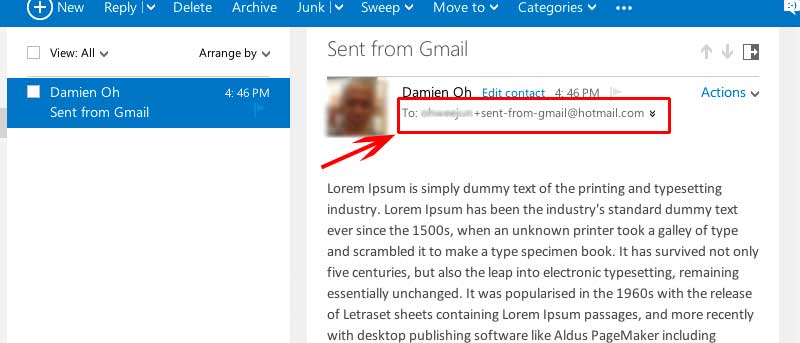
So if your email address is [email protected], any email alias of the format “[email protected]” will still reach your inbox. You can then make use of Rules (Sweep -> Manage Rules) to setup filter for your incoming email. (it will work for Hotmail.com as well)