
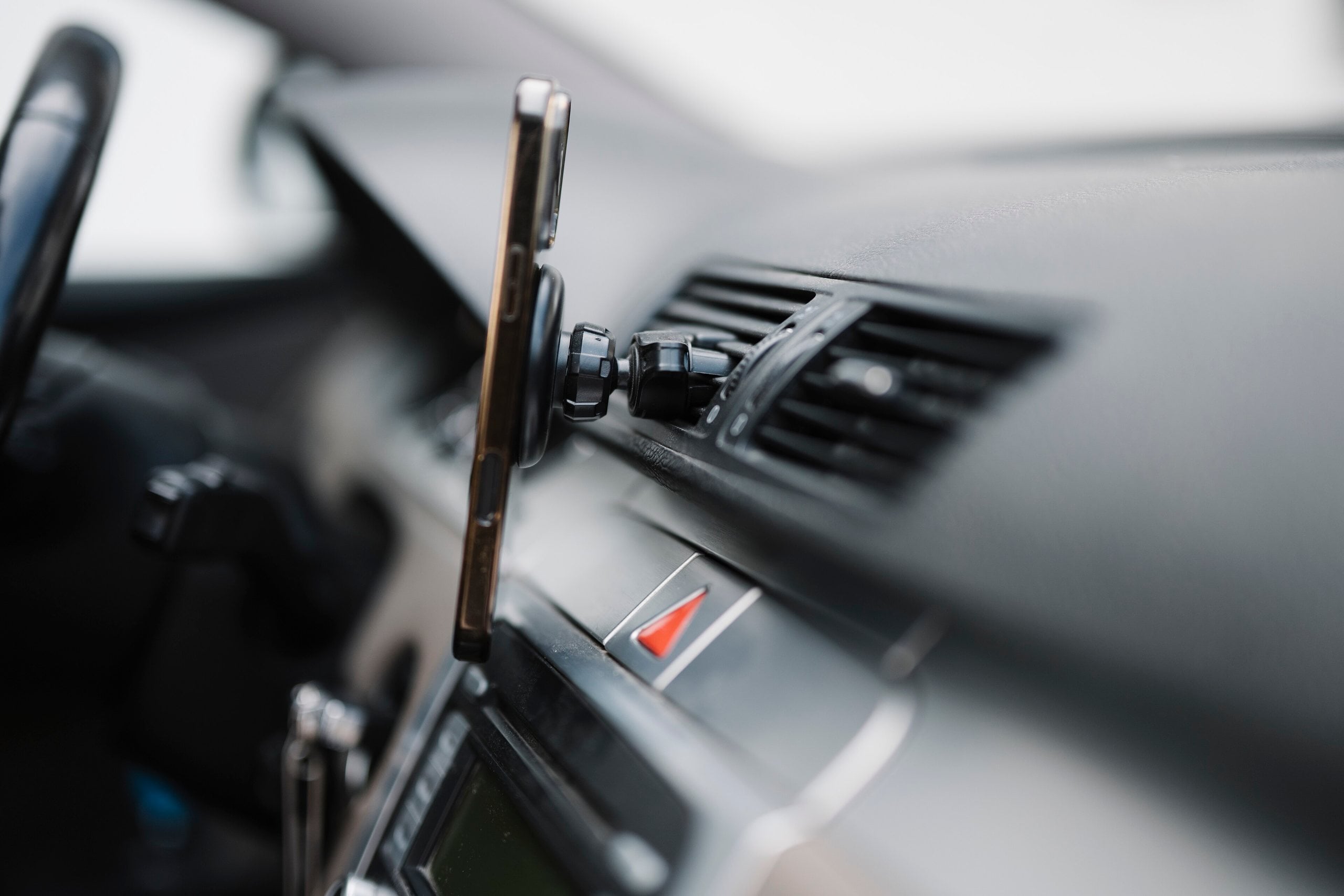


Apple warns that exposing an iPhone to air temperatures above 35°C (95°F) can permanently reduce battery capacity. That figure, from Apple’s battery guidance, describes the air around the phone, not the battery’s internal temperature, and it isn’t a switch where damage suddenly begins. It marks the upper edge of the range Apple designs its devices to be used in, and Apple says going beyond it is something to avoid.
It’s still a number worth knowing, because 35°C isn’t exotic. It’s an ordinary summer afternoon in much of the US, southern Europe, Australia and Southeast Asia, and many of the places a phone ends up run far hotter than the weather.
Apple’s number is about the air, not the phone
The word that matters most in Apple’s guidance is “ambient.” Its limits refer to the temperature of the air around the device. The battery inside can run warmer than that, because the phone produces its own heat when it charges, works the processor hard, or drives the screen and radios at full tilt.
That’s why Apple’s overheating support page singles out situations that stack heat sources together: using GPS navigation in a car, playing graphics-heavy games, or using the camera for long stretches in hot conditions or direct sunlight. A phone doing those things on a 33°C day can run hot even though the air around it is technically within Apple’s range.
The three ranges Apple publishes
Apple gives three separate temperature ranges for iPhone, iPad and Apple Watch, and they mean different things.
- Ideal comfort zone: 16°C to 22°C (62°F to 72°F). Roughly room temperature.
- Operating range: 0°C to 35°C (32°F to 95°F). The ambient range Apple says the devices work best in.
- Storage range: -20°C to 45°C (-4°F to 113°F). For a device that’s switched off or sitting unused. Even then, Apple warns that “storing a battery in a hot environment can damage it irreversibly.”
For long-term storage, Apple is stricter still. It recommends keeping a stored device at around 50% charge somewhere below 32°C (90°F), and topping it back up to 50% every six months.
Heat and cold are not treated the same
Apple says that in very cold conditions you may notice reduced battery life, “but this condition is temporary,” and performance returns to normal once the battery warms back up. It doesn’t say the same about heat. Its high-temperature warning is specifically about permanent capacity, meaning the battery may not power the device as long on a charge afterward. Charging in high ambient temperatures, Apple adds, can damage it further.
The reason is chemistry. Lithium-ion cells age through slow side reactions that speed up as they get warmer, a mechanism we covered in our piece on why heat, not fast charging, is what wears batteries down. Battery University’s storage table gives a sense of scale, estimating that a lithium-ion cell stored for a year at full charge keeps about 80% of its capacity at 25°C but only about 65% at 40°C. Those figures illustrate particular lithium-ion chemistries sitting in storage, not how a modern iPhone will age in everyday use, but the direction is consistent.
The parked car problem
The clearest example of how easily a phone can end up outside Apple’s ranges is a parked car. A 2018 Arizona State University study measured cars left in the sun on summer days in Tempe, Arizona, and found that after an hour the average cabin air temperature reached 116°F (about 47°C), while dashboards averaged 157°F (about 69°C).
The cabin air alone exceeded Apple’s storage range, never mind its 35°C operating limit. The much hotter dashboard added another source of heat for anything resting on it. Even in cars parked in the shade, the researchers measured dashboards averaging 118°F, or about 48°C.
On days like those in the study, a phone left in the car isn’t in a borderline situation. It’s outside both the operating and storage ranges Apple publishes.
What your iPhone does when it gets too hot or too cold
iPhones regulate their own temperature. According to Apple, when a device gets too hot it may slow or stop charging (including wireless charging), dim or darken the display, put the cellular radios into a lower-power state, temporarily disable the camera flash, and slow some apps. If it gets hot enough, a temperature warning screen appears, and Apple’s advice is to turn the device off and move it somewhere cooler.
You may also see a “Charging On Hold” notification on the Lock Screen. Apple says this appears when the device is too hot or too cold to charge, and that charging resumes once it returns to a normal temperature. Separately, Apple says its software may limit charging above 80% when recommended battery temperatures are exceeded.
These protections help manage temperature, but they don’t make prolonged heat exposure harmless.
What to do with this
Apple’s advice comes down to a few points. Keep the phone out of hot cars and long stretches of direct sun. If it gets hot while charging, take it out of its case, since Apple says some cases trap heat. On iPhone 15 and later, the Charge Limit setting under Settings > Battery > Charging lets you cap charging between 80% and 100% in 5% steps. On earlier models, Optimized Battery Charging may delay charging beyond 80% when the phone predicts a long charging session.
Heat is also a concern for Android phones, though battery designs and manufacturers’ guidance vary. Samsung, for example, lists 0°C to 35°C (32°F to 95°F) as the optimal usage temperature for Galaxy phones.
CNET’s latest 32-phone battery test put the iPhone 18 Pro Max first; see where the iPhone Duo and iPhone 17e landed.
The useful takeaway isn’t that 35°C is a cliff edge. It’s that Apple’s number refers to the air around your phone, and on a hot day plenty of ordinary places sit well beyond it, a parked car most obviously.