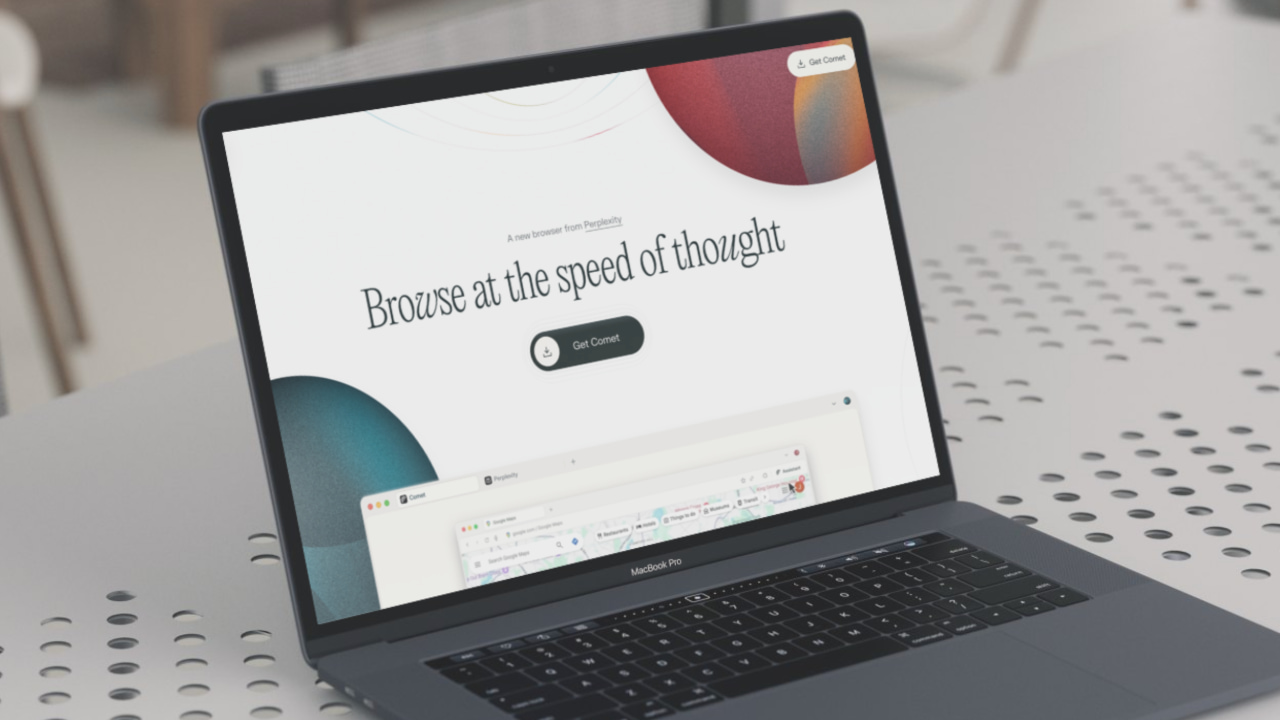
The team at Perplexity recently launched Comet, an agentic browser aiming to go head-to-head with giants like Google Chrome, Edge, and Brave. To try it, you either need to be a Perplexity Max subscriber or join the waitlist for early access. I managed to get access about two weeks ago, and after trying it out, one thing I can say with certainty is that it is not quite there yet. I am better off sticking with Brave.
What Is Comet
Comet is an agentic AI browser being developed by Perplexity. It’s not the first of its kind, since The Browser Company previously released something similar with Dia, its second browser. If you haven’t used either, some explanations are in order.
The new browser is an amalgamation of AI assistants and browsers, allowing you to do much more than just browse or converse with the AI. You can access the Perplexity assistant from within Comet at any point and ask it to perform tasks on your behalf.
Even though Comet is based on Chromium, it is not just a web browser with AI tacked on. It is designed from the ground up to use AI to automate tasks and improve your workflow.
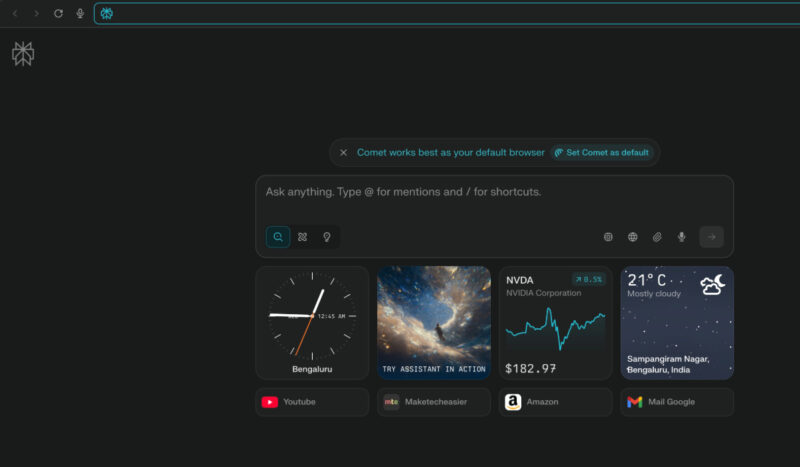
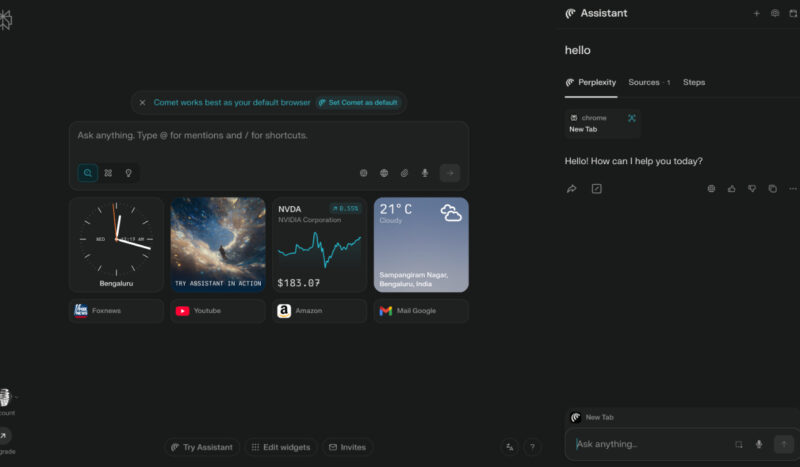
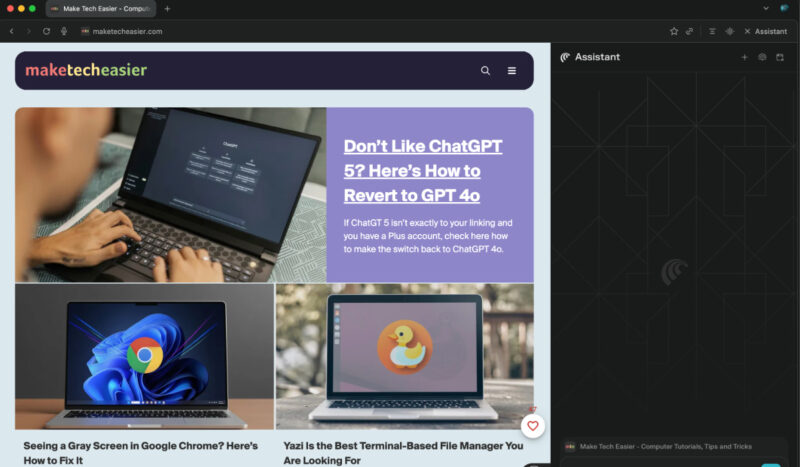
The whole browser is built around the AI assistant that lives in a sidebar. From there, it can work with the content of any active webpage. For example, you can ask questions about YouTube videos, analyze Google Docs, or summarize articles without leaving your current page or other open tabs. You can also use it to perform tasks such as booking meetings, making purchases, or signing up for services.
Check out: Why the Zen Browser Is the Perfect Firefox Replacement For Me
Features I Liked on Comet Browser
After spending some time with the Perplexity AI Comet browser, I can say it’s far from a bad browser. In fact, some of its features genuinely impressed me. The built-in AI assistant is the star of the show. It can interact with my tabs, calendar, email, and even navigate websites or perform actions on its own.
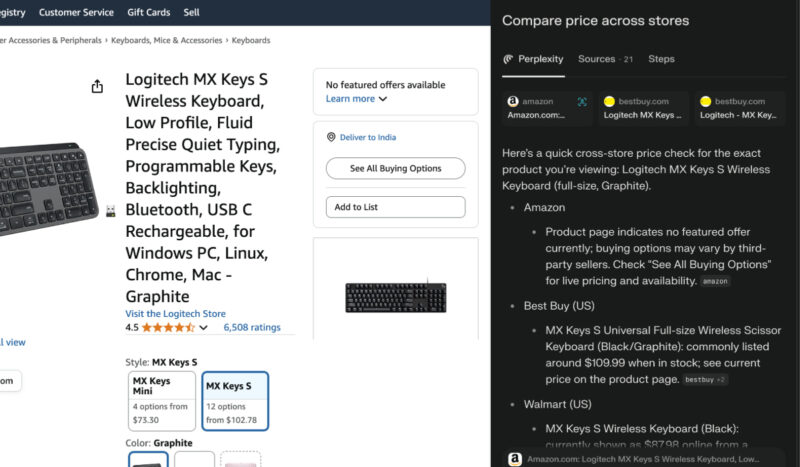
I tried asking it to compare the price of a keyboard across Amazon, Best Buy, and Walmart, and it just did it. The same goes for routine tasks like booking reservations, sending emails, or unsubscribing from newsletters.
The conversational search is another neat feature. It delivers answers instantly, pulling from sources and summarizing them so I don’t have to dig through multiple sites. It can even summarize YouTube videos, articles, or entire web pages, and the results are always contextual to what I’m doing.
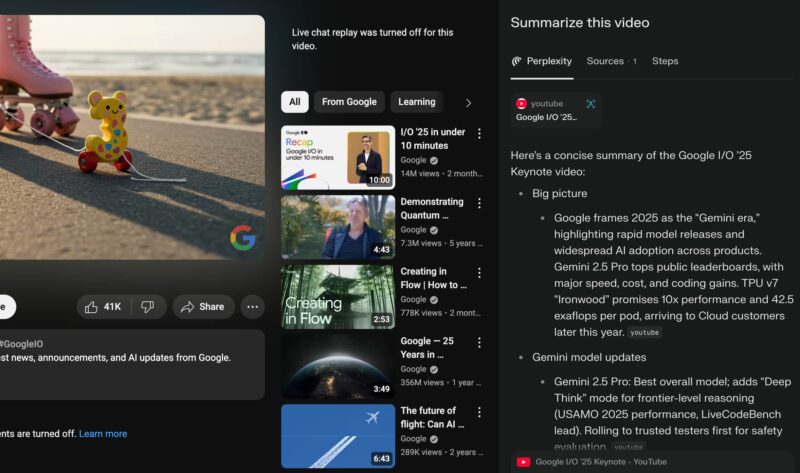
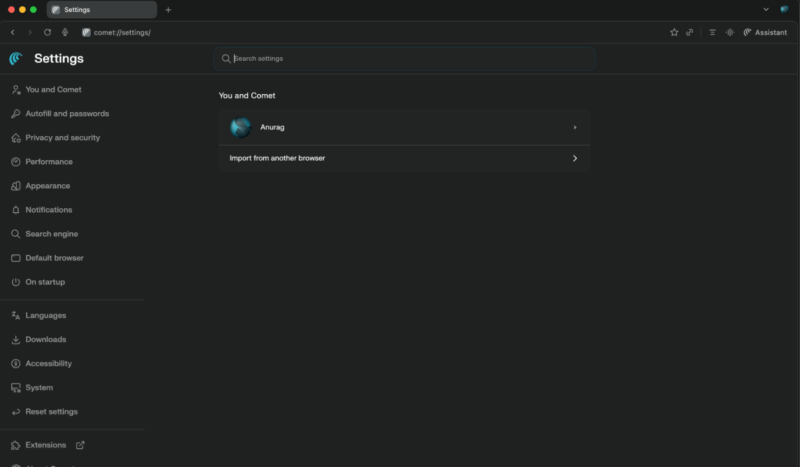
Another thing I really liked is how it remembers context across all my open tabs. Add to that a surprisingly accurate voice feature, and I can talk to it naturally to get tasks done faster. Comet also supports all Chrome extensions and imported my bookmarks and settings without any fuss.
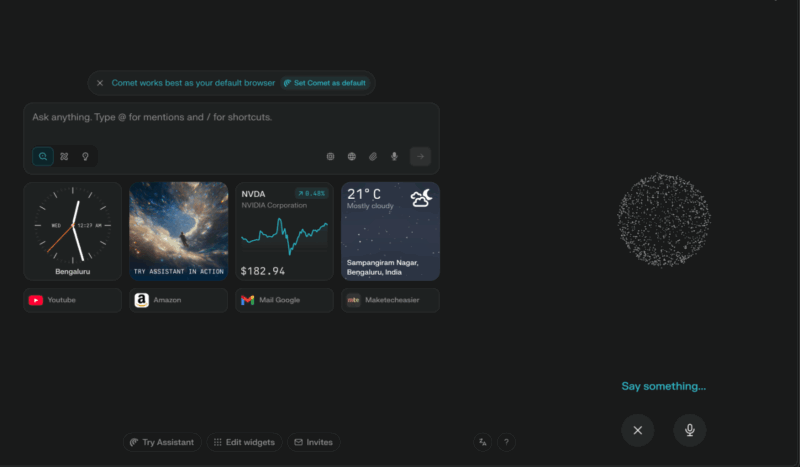
The interface is clean and distraction-free, with a native ad-blocker, privacy controls, and even restricted modes for syncing sensitive information. The zero-click search in the omnibox is convenient, giving direct answers and personalized recommendations based on my browsing habits.
Why Brave or Other Traditional Browsers Are Still Better
You are probably thinking, “If you liked so many things, what is the problem?” The thing is, I can already do all of this using existing AI tools in a traditional browser like Brave.
OpenAI has its own agentic mode, Google is working on something similar with Project Mariner, and since I already pay for these services, there is little reason for me to switch to Comet. On top of that, I have found the output from these dedicated AI tools to be better than what Comet offers.
Right now, Comet is still in a very early stage. The idea of your browser doing tasks for you sounds great, but in practice, it is clunky. That keyboard price comparison I mentioned earlier was neat in theory, but it took about five minutes to run. I can do the same search on Brave myself in less time.
If you take away the AI features, Comet is essentially just Google Chrome with a different skin. None of that is necessarily a dealbreaker, but the privacy concerns are.
Perplexity does not just want to compete with Google. Based on what CEO Aravind Srinivas said on the TBPN podcast, it wants to be Google. He admitted one of the reasons for building a browser was to collect data on everything you do so they can sell premium ads.
He later clarified in a Reddit AMA that browsing data, including activity, technical details, extensions, and credentials, is stored locally on the device. But Comet’s own privacy page describes this in ambiguous terms, which, to me, is a red flag.
This is exactly where Brave excels. Brave’s entire foundation is built on protecting user data, with clear policies that guarantee browsing history, search queries, and personal information never leave your device without consent. It has a proven track record of resisting data collection, and its ad-blocking and tracker-blocking features work right out of the box without hidden conditions.
If you don’t want to stick with browsers like Brave or Chrome, there are plenty of other options to try. If you’re unsure where to start, consider checking out some underrated specialty browsers.








