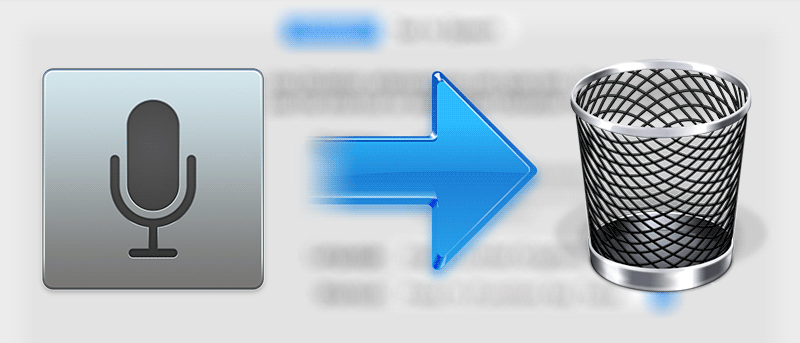
Do you use the dictation feature on your Mac? If not, that means the files are taking up valuable space. Here’s how to delete the enhanced dictation files.
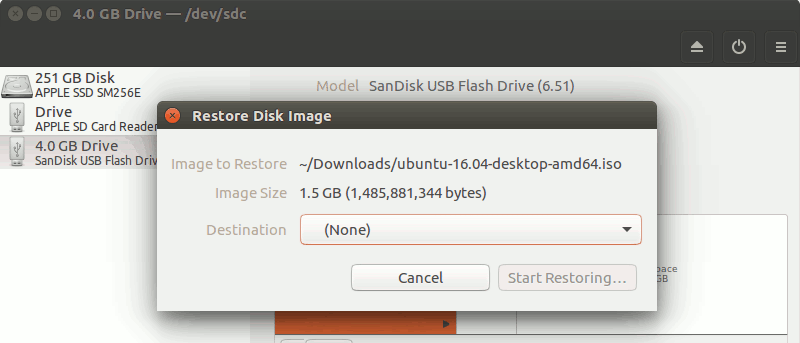
By default, Ubuntu’s Unity desktop only has four workspaces. If this isn’t enough or too many, here’s how you can tweak the number of workspaces in Unity.
Are you a Keepass user? This article will show you how to sync your Keepass database across several devices and integrate Keepass in Google Chrome and Vivaldi.
Indicator-Stickynotes is a sticky notes app for Ubuntu, written in Python3 and GTK3. It lets you make notes that can act as reminders. Here’s how to use it.
GIFs can be fun, but they can also affect your browsing experience and cause web pages to load slower. Here’s how to stop GIFs from automatically playing in all browsers.
If you have a partition on your Mac that you don’t use anymore, you may want to reclaim that space. Here’s how to erase and remove a partition on your Mac.
Want to switch from your current web browser to Safari without losing bookmarks, history, and passwords? Here’s how to import data to Safari from another browser.
Lately some people are using the live streaming feature of Facebook to show crimes. How do you feel about the live streaming of news events such as shootings?
How many times have you accidentally quit an app on your Mac? Tired of this happening? Try QBlocker, a free app to help you stop quitting apps accidentally.
Amazon wants us to use its facial recognition technology to pay for items at the store. Would you use facial recognition to pay with your mobile device?
If you’re looking for a way to speed up your browser, one method you might want to consider is disabling images. This article explains how and why to do it.
The Advanced Startup Options in Windows 10 provides you with different options to repair and diagnose issues in Windows. Here are three ways to access them.
The clear command or CTRL+L can be used to shift Terminal output upward, but what if you want to totally clear the terminal screen? That’s where the reset command comes into play.
![Tweak the Number of Workspaces in Unity [Linux]](https://maketecheasier.com/wp-content/uploads/2016/07/ubuntu-workspaces-featured.jpg?width=400&height=225&aspect_ratio=16:9)