
Running Linux in a virtual machine is very useful, you can test, tinker, break things, and restore snapshots without touching your main system. However, Virtual machines can be resource-hungry. They chew up RAM, eat CPU cycles, and sometimes slow your host. If your host laptop or desktop isn’t a powerful workstation, choosing the right Linux distribution for virtual machine makes a huge difference.
In this article, I’ll walk you through five lean, virtual machine-friendly distros and explain what makes each one great in a virtual environment.
1. Alpine Linux
Alpine Linux is a distribution that provides a secure, simple, and incredibly small base to build upon. Instead of the standard GNU C Library (glibc) that most distros use, Alpine uses musl, which is designed to be lighter and simpler. It also replaces a whole suite of common GNU tools with a single multi-call binary called BusyBox. This combination drastically reduces the size of the system.
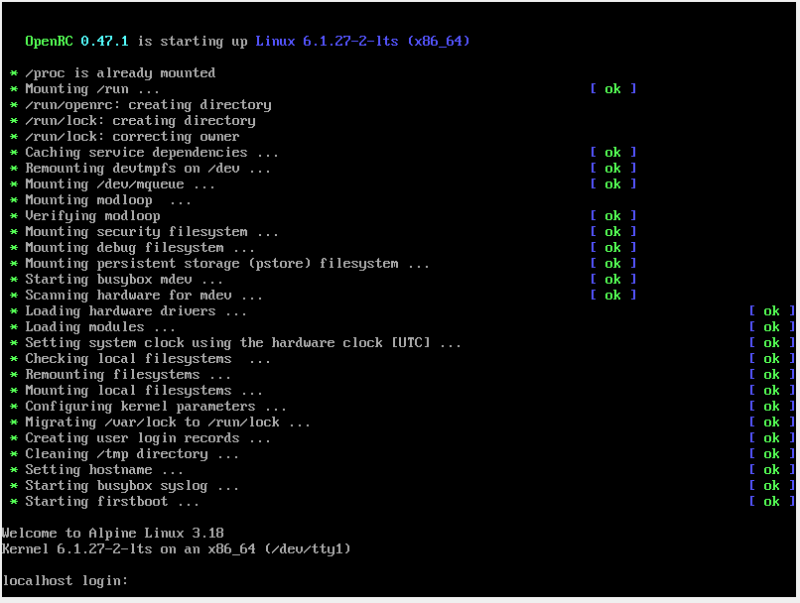
Further, because of its lightweight setup, the VM felt almost like a native app. This means that it can boot quickly, has minimal memory drain, and delivers very predictable performance. It’s also security-focused by design, so you get a lean system that’s less cluttered with services you don’t need.
However, Alpine has a learning curve. If you’re new to Linux, the lack of a graphical installer might feel intimidating. You’ll rely on the command line for setup, which involves partitioning disks and configuring networks manually. But even compared to heavier distros, Alpine cuts boot times by half and CPU usage significantly, making it ideal for developers or anyone juggling multiple VMs.
2. antiX
antiX is a Debian-based distribution that specializes in running on older hardware, making it ideal for virtual machines where minimal resource usage is essential. Instead of heavy desktop environments like GNOME or KDE, it ships with extremely lightweight window managers such as IceWM and JWM, ensuring excellent performance even on limited resources.
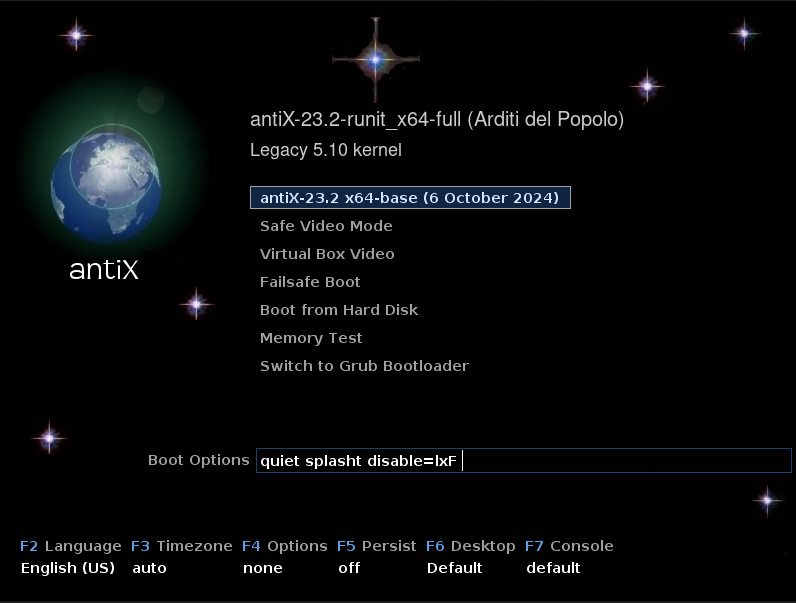
What I love about antiX is its flexibility and completeness. You get a full desktop experience right out of the box with web browsers, text editors, media players. While the interface isn’t modern, it’s entirely functional and focuses on efficiency. The distribution even includes options for Tor integration to enhance privacy.
Further, the community edition comes with a carefully curated selection of lightweight applications, all designed around the principle of good enough without being excessive. For example, instead of the resource-heavy LibreOffice, they offer alternatives like AbiWord.
antiX is a phenomenal choice if you are seeking a simple, traditional desktop experience without the complexities and overhead of modern desktop environments. However, it’s worth noting that if you need the latest bleeding-edge software, antiX’s conservative Debian base might not be ideal. But for reliability, low resource, and a responsive desktop experience, it’s an exceptionally solid choice.
3. Arch Linux
When you think of a lightweight Linux distribution for a virtual machine, you probably don’t think of Arch Linux. You might want to think again, though. While it’s not promoted as an easy, ready-to-use system, Arch’s core philosophy is built on user control and minimalism.
A base installation is incredibly minimal, often lacking even a graphical interface. This means you must build your system piece by piece, from the kernel and bootloader to the desktop environment and applications.
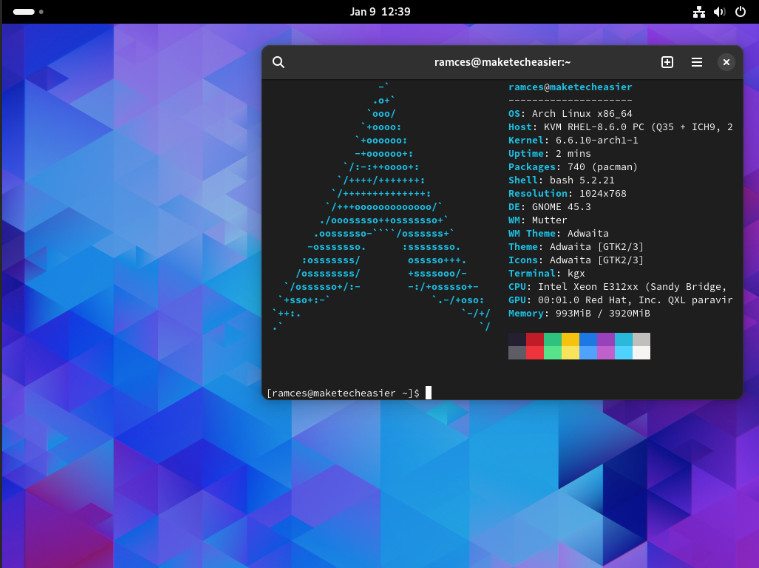
So while the initial setup requires more effort, you can’t beat the absolute control it offers for crafting a perfectly tailored virtual machine. You decide exactly which services run and which software is installed, resulting in a virtual machine that uses only the resources you allow.
Don’t get me wrong, your final installation is as lean as you make it. An Arch-based VM can be just as tiny as Alpine or as feature-rich as a full desktop, but every single component is there because you chose to put it there.
4. CORE (Tiny Core Linux)
Tiny Core, or CORE, is one of the smallest Linux distributions you can run. The base image is a few megabytes that can boot fast, run in RAM, and is perfect when you need an instant, ultra-light environment. The base Core version, which is just a command-line interface, is a mind-boggling ~17 MB. The recommended TinyCore version, which includes a basic graphical desktop, is still only ~23 MB.
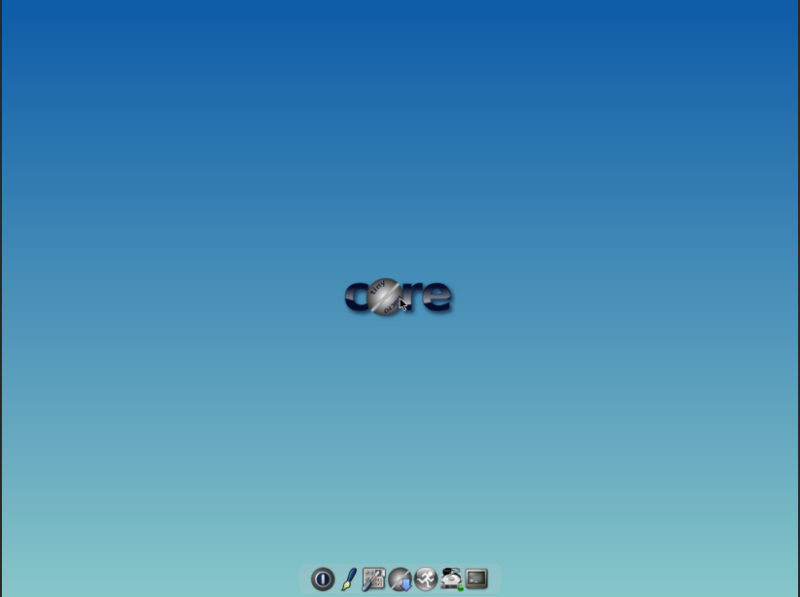
The Tiny core Linux runs entirely from your system’s RAM, which makes it phenomenally fast. Once it’s booted, nothing you do is written to the disk by default, which gives it a unique, pristine state every time you start it (though you can configure persistence, of course).
Because Core Linux is so minimal, it forces you to understand how a Linux system is put together. You have to manually load extensions for everything, from Wi-Fi support to a web browser. Tiny Core includes a simple application browser that makes finding and installing extensions straightforward.
It’s for people who want to build a hyper-specific appliance, like a tiny web kiosk or a network monitoring tool. It’s also a fantastic educational distro for anyone who wants to learn Linux from the ground up.
5. Whonix
Whonix is more focused on keeping you anonymous online. However, this distribution only works in virtual machines, and it uses a really smart setup to protect your privacy.

Here’s what makes Whonix special: you actually install two VMs that work together. The first one, called Whonix-Gateway, sends all your internet traffic through Tor. The second VM, Whonix-Workstation, is where you do your actual work — browsing websites, writing documents, using apps.
If you’re a journalist, activist, or someone who really needs to stay anonymous online, Whonix can be a lifesaver. Whonix is based on Debian, so it’s stable and not bloated with junk.
Final Thoughts
The beautiful thing about the Linux ecosystem is choice. No one pushes you into a one-size-fits-all solution. You can simply experiment with these distributions and see which one clicks with your workflow. Further, if you are a Linux beginner, then here is a beginner-friendly guide on Linux default package managers.