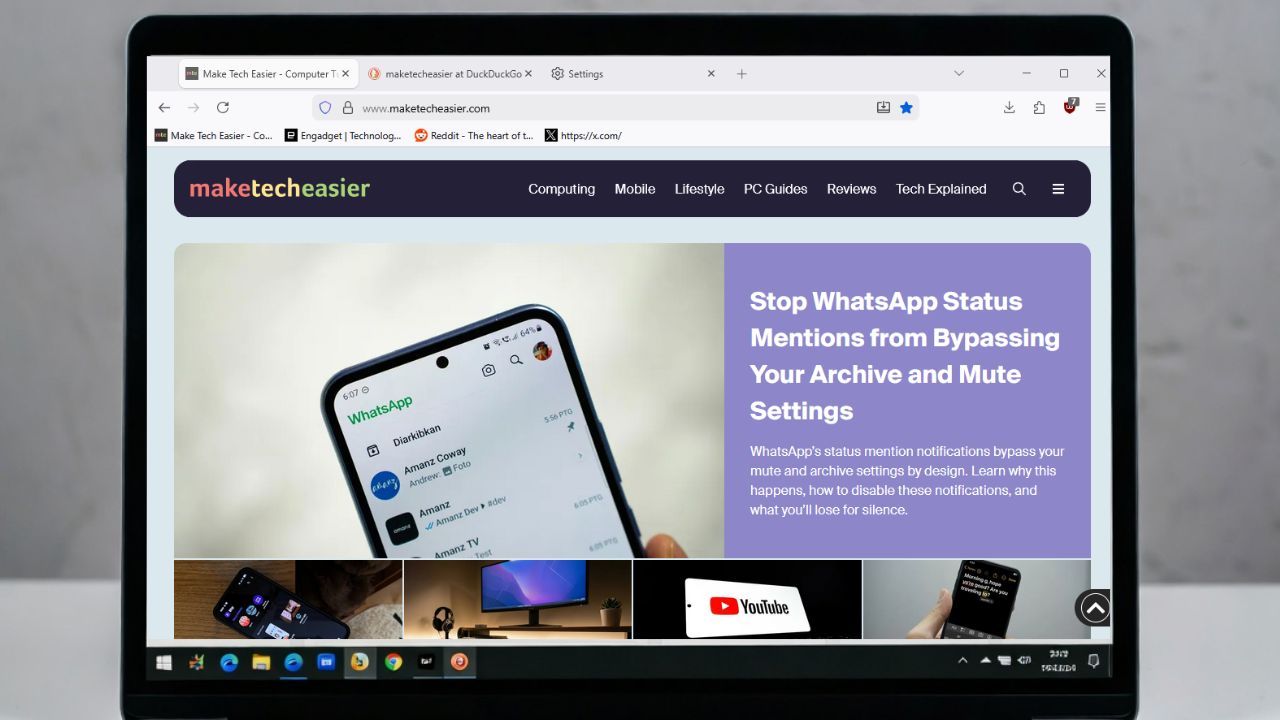
If you’re like me and fed up with Firefox’s 2025 privacy policy mess that sparked backlash over data licensing and privacy, switching to the LibreWolf browser was a breath of fresh air. After trying Arkenfox tweaks and even Zen, LibreWolf became the one that felt right with its no-fuss privacy shield.
LibreWolf Just Works for Privacy Without Tweaks
The main reason I settled on the LibreWolf browser is how little effort it requires after installation. From the start, it gives you strong defenses without any effort.
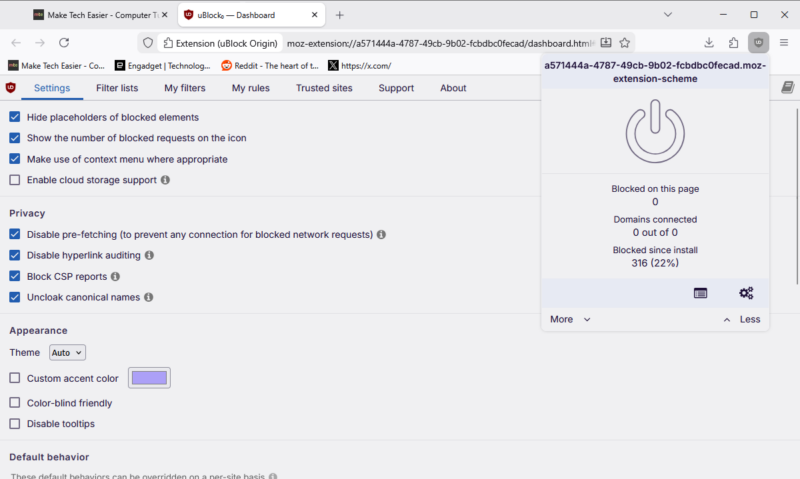
It uses Firefox’s Gecko engine, so you avoid the growing dependence on Chromium that now defines most browsers. That means no concerns about Google’s hold on your data or rules against ad blockers. uBlock Origin is already built in to stop trackers, ads, pop-ups, and malware right away, with simple sliders for changes.
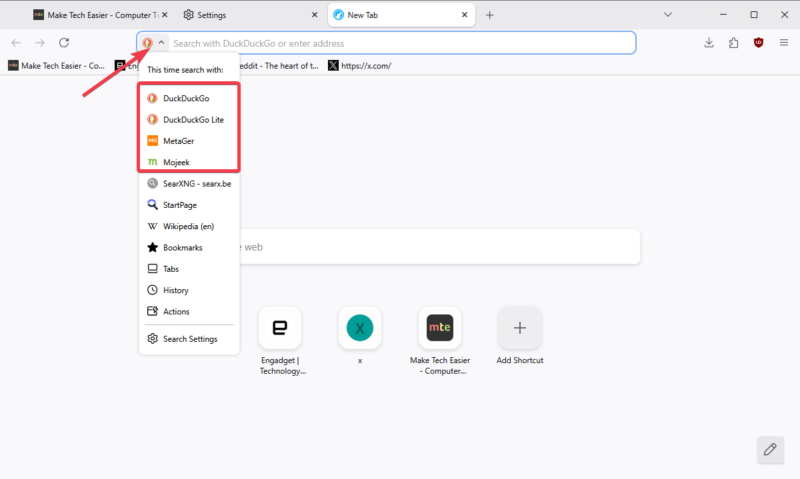
You also get privacy-focused search engines. DuckDuckGo is the default, but you can switch to MetaGer or Mojeek for more private searches. These are easy to reach with address bar shortcuts.
There’s no telemetry, so no data goes back to Mozilla. Additionally, it omits AI features that appear in other browsers. So your browsing is stripped to the bare, not bloated like the other browsers.
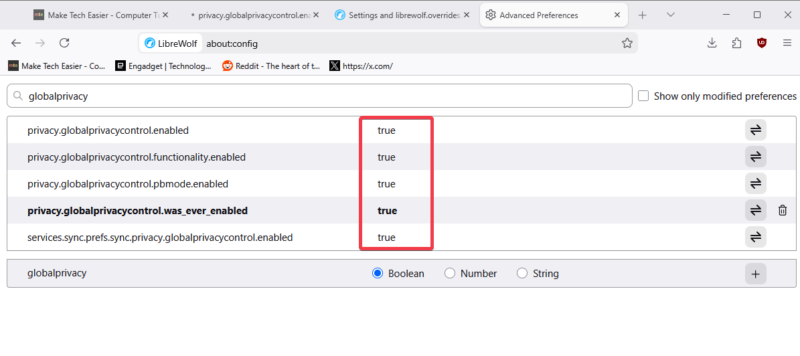
Global Privacy Control is on by default, too. It opts you out of behavior analysis and background data sharing in places like the EU or California, where laws support it.
For me, this ended the constant changes I made to Firefox. If you’ve ever worked to tighten your browser’s security, you will appreciate how much setup LibreWolf eliminates. It saves time and reduces stress while keeping your online trail small.
The Everyday Wins That Made It Stick
After I switched to the LibreWolf browser, the benefits appeared in my routine. Pages load without noise and faster. There are little to no pop-ups and clutter, even on my older laptop.
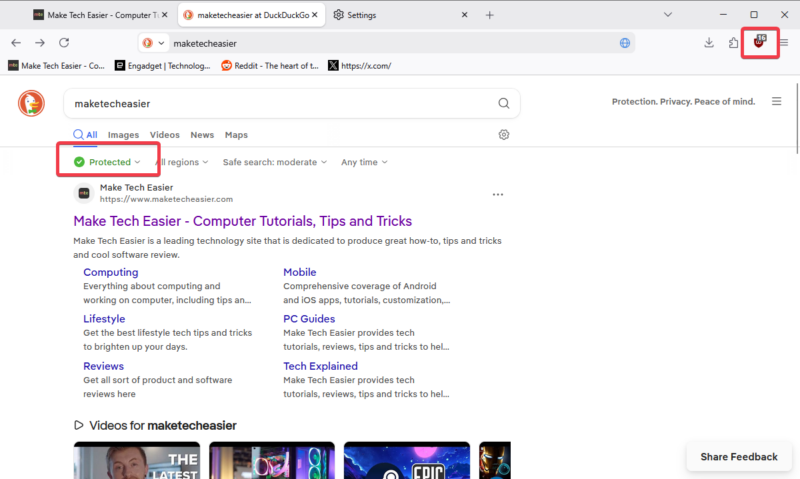
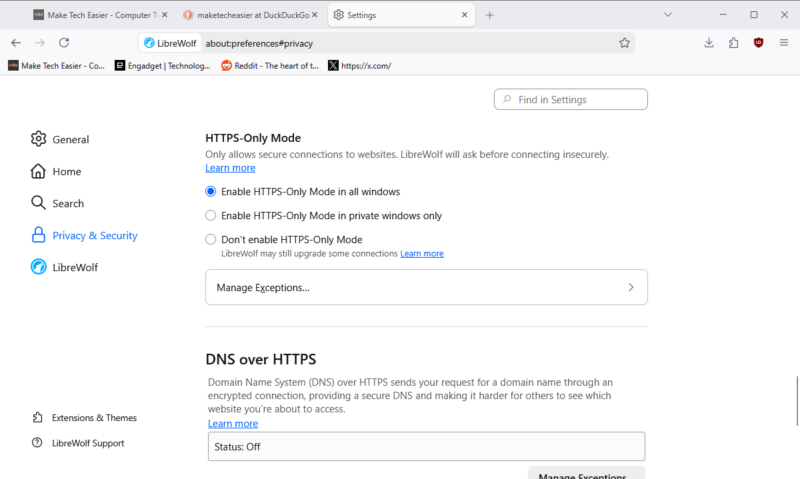
Fingerprint resistance and HTTPS-only mode block site profiling and phishing, so banking or sensitive data research feels safe.
I value the pure community focus. There are no company data grabs or forced AI feature expansion. In a world where browsers increasingly double as data collection platforms, this approach stands out.
I also like that small personal adjustments are possible without weakening the browser’s core protections. LibreWolf allows you to make changes while keeping your privacy intact. It beats my time replacing Firefox with the Zen browser due to the speed and calm that comes with it.
Now, I worry less about tracking, and I can work without targeted ads causing disruptions. You can also add LibreWolf to these privacy tools for improved protection.
Pain Points I Still Face
No browser is without flaws, and the LibreWolf browser has some. Its built-in password manager is disabled by default, and imports can seem unsafe, so I use a third-party password manager. However, you could counter this by creating a primary password in Settings -> Privacy & security so LibreWolf can retrieve some sensitive details saved.
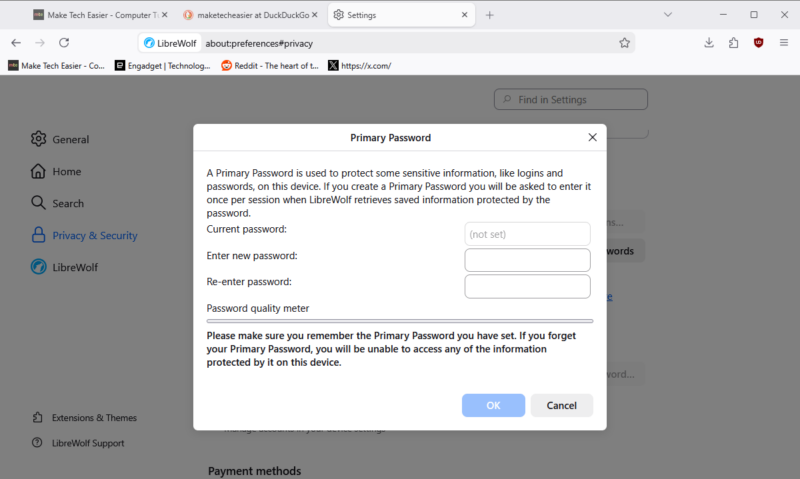
For a browser that prioritizes user privacy and protection, this is an inconvenience, especially if you rely on browser-based credential storage.
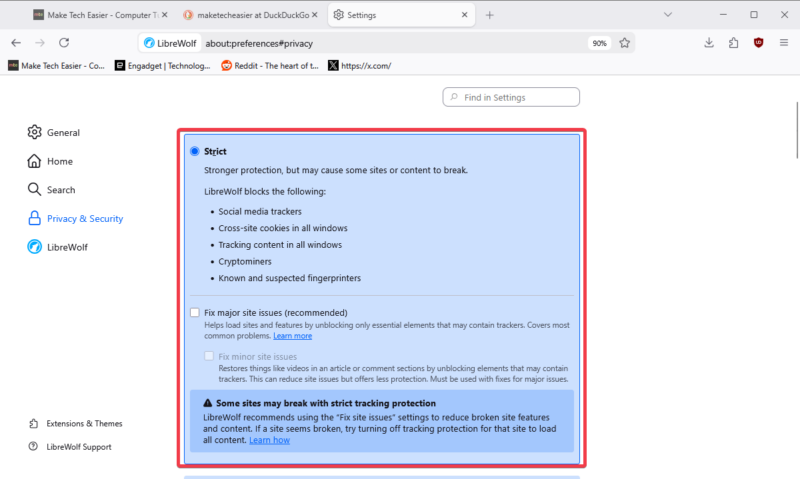
Sites break at times due to LibreWolf’s strict privacy defaults. A few pages require manual permission changes, and login sessions may not persist unless you set exceptions. While that’s good for safety, it can be stressful for quick access.
There’s also no seamless, automatic sync across devices, which may frustrate users who rely heavily on that convenience.
For me, these are small next to the privacy boosts, but they explain why I do not suggest it for everyone.
Who I Actually Recommend LibreWolf To
The LibreWolf browser is best suited for individuals who prioritize privacy over additional features and want these protections enabled by default. It’s great for sensitive tasks like online banking or deep research, where you want no telemetry or AI watching. If you have already adjusted Firefox for better safety, this is the next simple move.
Pass it on if you want perfect sync, automatic updates, or close Google links. If convenience is the top priority, LibreWolf can feel too restrictive.
Extra: If you wonder if you should use Firefox forks, use this checklist to find what works for you.
I Still Keep Firefox Around (But Less Often)
Even after moving to the LibreWolf browser, I still keep standard Firefox installed. Some websites expect default browser behavior and work better there, especially media-heavy platforms or services with strict login requirements.
Using both browsers has proven practical. LibreWolf is my primary choice for everyday browsing, while Firefox serves as a fallback for odd cases.
Moving to LibreWolf was worth it for me. It brings calm browsing in a web full of AI and corporate data collection, with true control in my hands.








