


Google provides internet users with a number of valuable services. These services include Gmail, Reader, Calendar, Maps, Analytics, and many others. Often we find ourselves using many of these web apps simultaneously. The result is a huge clutter of browser tabs between which we are constantly jumping.
Here to tidy up that situation and provide a neater way of using those Google service is a tool called “Integrated Gmail”.
Introduction
Integrated Gmail (IG) is a browser add-on for Mozilla Firefox. The add-on supports Firefox versions 3.0 onwards. The function of IG is to provide all the Google applications under one interface and make them accessible through Gmail. Thus all you have to do is sign into your Gmail account in Firefox; other services will be opened within Gmail without opening new browser tabs.
Usage
After installing the add-on and restarting Firefox, if you visit your Gmail account you will see something similar to the image below.
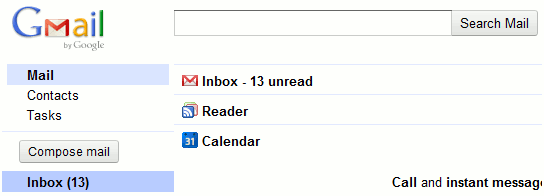
Instead of the Gmail interface automatically loading up on the right, you will links to your Inbox, Reader, and Calendar. The Inbox option will display your Gmail inbox in the regular manner. Clicking on the Reader or Calendar links however will open the respective application right there, instead of opening them up in new tabs. For example here is how the Calendar application will look like when its link is clicked.
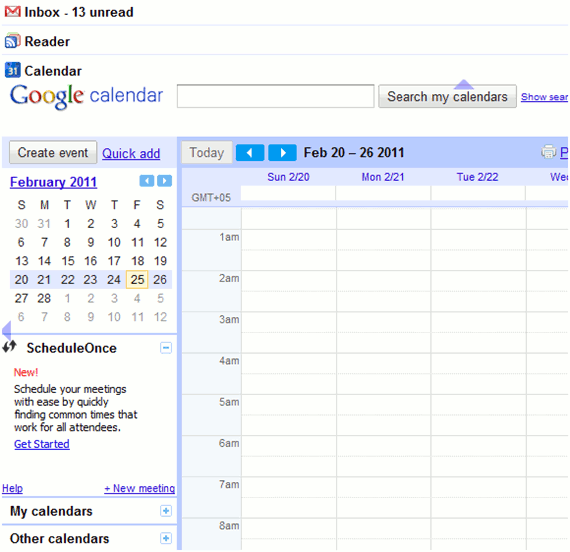
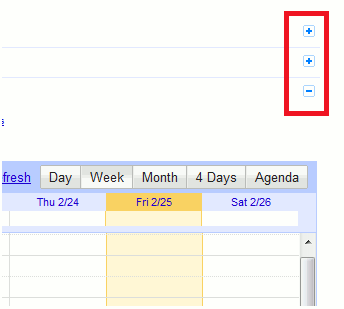
You can use applications opened under Gmail in the same manner as you would otherwise use them. Minimization links to the right of each application lets you easily expand and collapse an app to reduce the clutter.
Modification and Customization
By default IG integrates only Reader and Calendar with Gmail. Other Google applications can also be added to this list of integration by accessing the add-on’s options. To add other applications click on the ‘Integrated Gmail’ option under the ‘Tools’ menu.
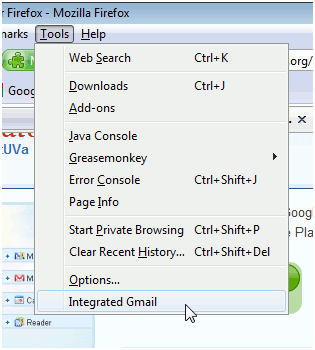
This action will open the add-on’s options.
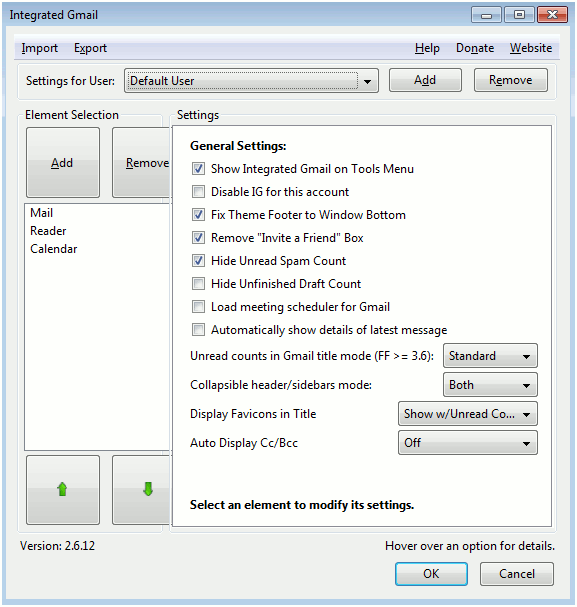
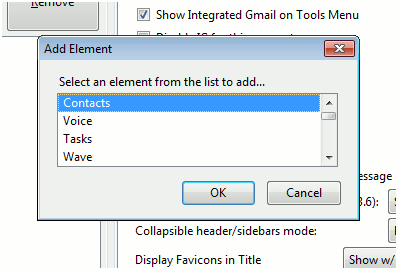
The ‘Add’ and ‘Remove’ buttons on the right is where you can add /remove more applications. The add button presents the list of all Google apps that can be added to the Gmail integration list.
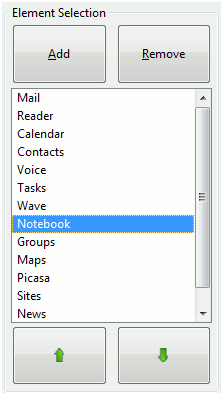
The bottom arrow buttons can be used to reposition the application shortcuts.
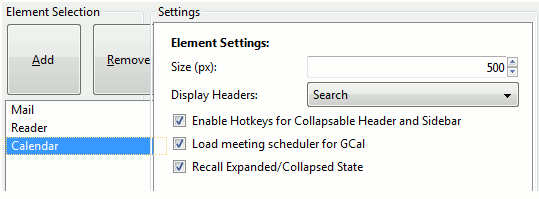
Other settings of the add-on such as collapsible headers and showing favicons can be controlled through the options present in the right pane.
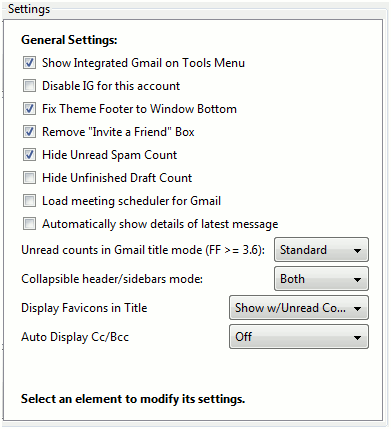
To change application-specific settings, just click on an application to the left and change its respective settings on the right.
Conclusion
Integrated Gmail will prove to be valuable to all Gmail accountholders who use Mozilla Firefox. By proving easy shortcuts to other Google applicaitons within Gmail, this brilliant add-on saves you a ton of time. Give the tool a try and let us know what you think in the comments.
Get Integrated Gmail from here and check out its official website here.