

If you are keen to start your own blogging site, but are not interested to use third party blogging service like WordPress.com, Blogger etc, then installing WordPress (.org) on your own site is the best way to go. WordPress (.org) is the most popular blogging CMS and getting it up and running on your web host is as easy as abc if you have cPanel and SimpleScripts available in your web host. In this article, we are going to show you the proper way to install WordPress using SimpleScripts, and it shouldn’t take you more than 5 minutes.
Note: This tutorial only works if your webhost comes with cPanel and Simplescripts. This method is one of the many ways to install WordPress. We have found this to be the easiest way.
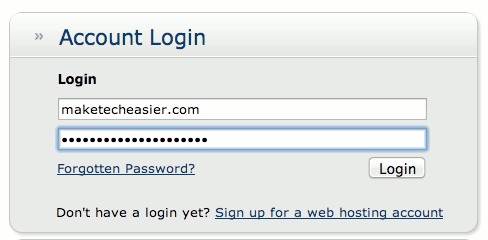
1. Log in to your website’s cPanel account. If you don’t know where to access it, the default URL syntax is http://www.yourwebsite.com/cpanel. Some web host providers use the following URL format: https://my.yourwebhostprovider.com/cgi/account/cpanel.
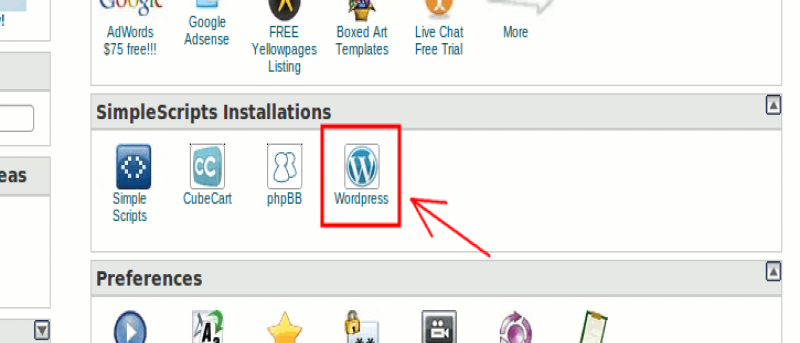
2. When you’re in the cPanel dashboard, browse down and find SimpleScripts. SimpleScripts is a script library and installation app. It can automate any web-based installations with just a click of a button. Most major web host providers have this tool.
3. Click the “WordPress” icon.

4. You’ll be automatically redirected to SimpleScripts’ website.

5. Click the “Install” button.
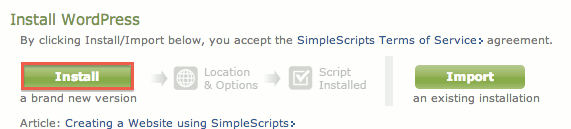
6. Select which WordPress version you want to install. The default selection is the latest version of WordPress (marked as “Stable”).

7. Next, choose where you would like to install. If you leave the provided text box empty, WordPress will be installed on the main page or homepage of your website (index).

You can install WordPress on any location of your site. If you want to create a webpage specifically dedicated to your portfolio or resume, you can add “portfolio” or “resume” in the provided text box. SimpleScripts will automatically create the location and URL for you.

For this example, we will install WordPress to the “test” directory.
9. You can safely skip Advanced Options. However, if you want to manually specify your WordPress username and password, and create a new database (system and connection details), press “Click here to display”.

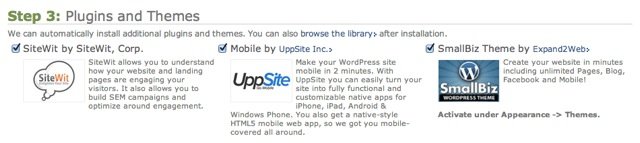
10. Uncheck or check (default option) the Plugins and Themes settings.
11. Check the “I have read the terms and conditions of the GPLv2 license agreement” checkbox.

12. Click “Complete”.
13. Wait for the installation to finish. Depending on your Internet connection, this will just last one to two minutes.

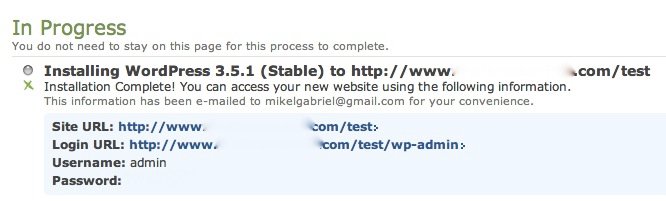
14. When the installation is completed, the system will give you the WordPress username and password. You can use this to log in to your account.
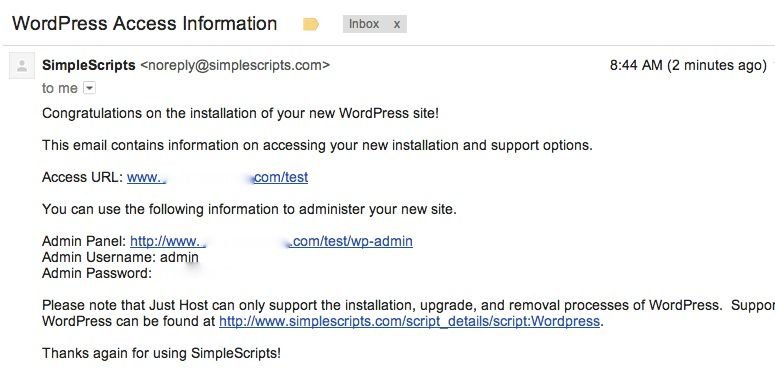
15. SimpleScripts will also email you your WordPress access information.
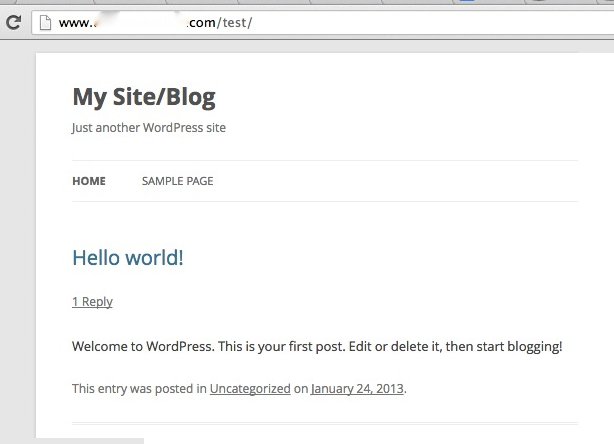
16. You can immediately access your newly created WordPress site.
That’s it. Have you installed WordPress using SimpleScripts? Let us know about your experiences with it in the comments below.