
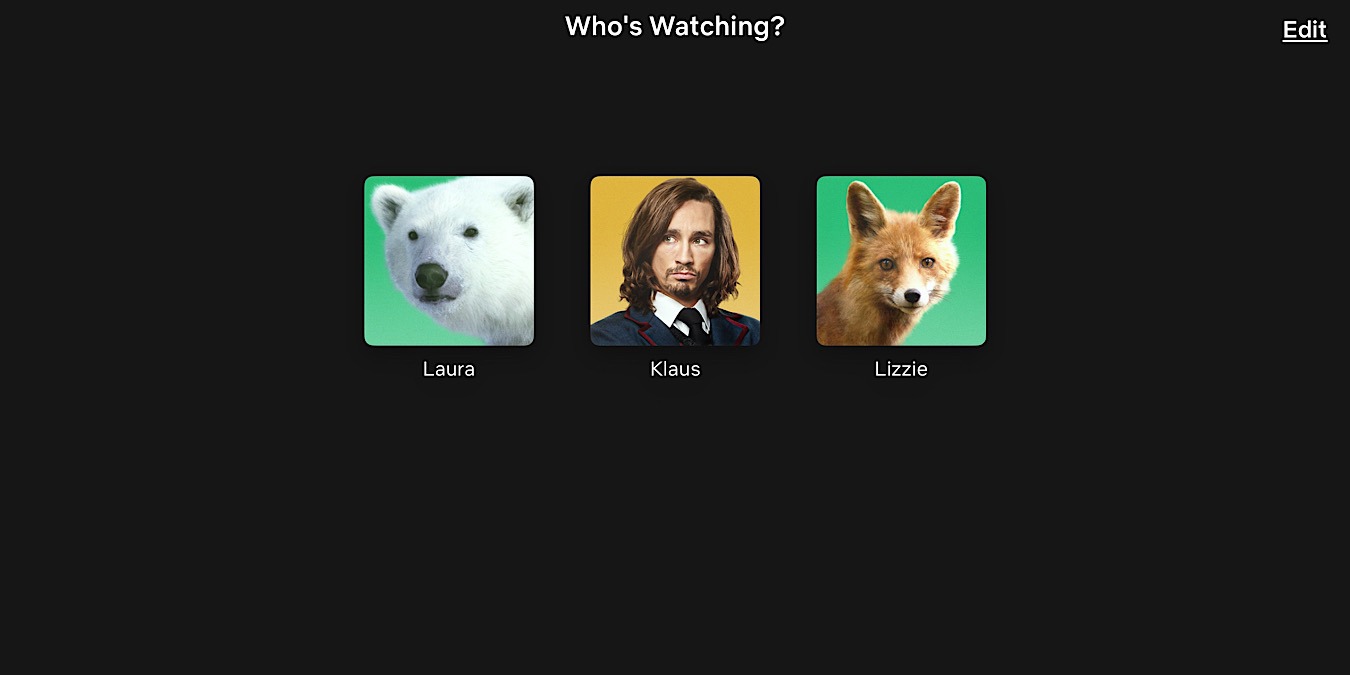

Netflix gives you the option to choose from its collection of profile pictures for each profile, but it doesn’t allow you to upload a custom image. If you’re tired of the default avatars, you can use a third-party extension to set a custom profile picture for your Netflix account.
Good to Know: learn how to edit or delete Netflix profiles.
[mte_toc]How to Set a Custom Profile Picture for Netflix
Use a Chrome extension to add a custom Netflix profile picture on Windows or Mac by following the instructions below:
Using your Chrome browser, download the Custom Profile Picture for Netflix by clicking Add to Chrome. Click Add extension in the pop-up to install it.
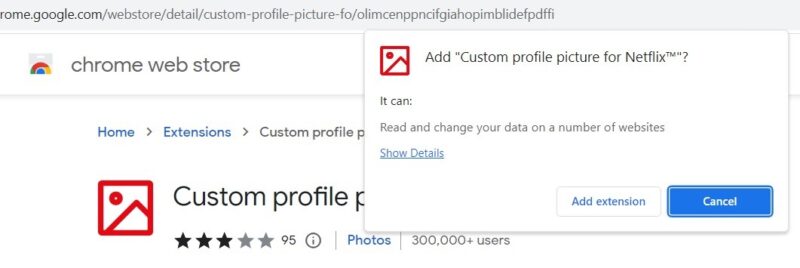
Log in to your Netflix account via the Chrome browser, click the Extensions icon in the top right, and open the Custom profile picture for Netflix extension.
Click the Profile drop-down box, and select the profile picture you would like to change. Click the Upload your picture button, and select the image you want to set as a custom Netflix profile picture. Do remember that the size of the image cannot exceed 5 MB.
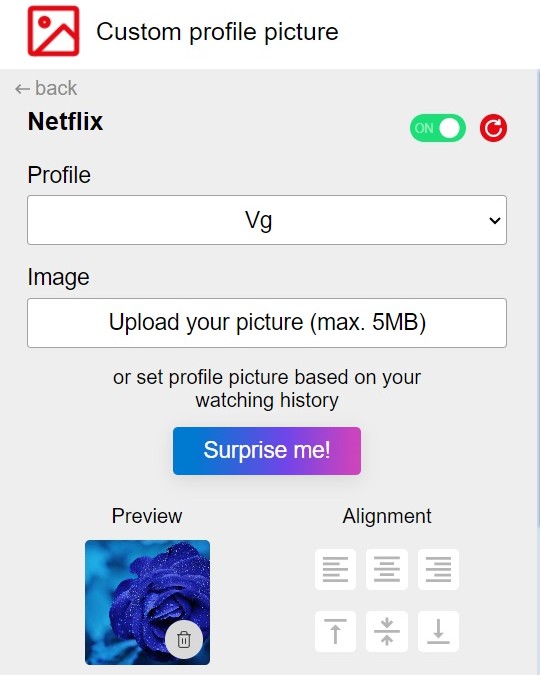
Besides uploading your own picture, you can set an avatar based on your Netflix watch history. Click the Surprise Me button to see random graphics inspired by your viewing habits.
Tip: Do you know you can easily turn off the subtitles in Netflix? Here’s how.
Once you select an image, you can see its thumbnail in the Preview section. If needed, you can change the alignment of the profile picture by clicking the left, center or right icons.
Move your cursor away from the extension screen to close it. Press F5 or click the Refresh icon to reload the Netflix page and view your custom profile picture.
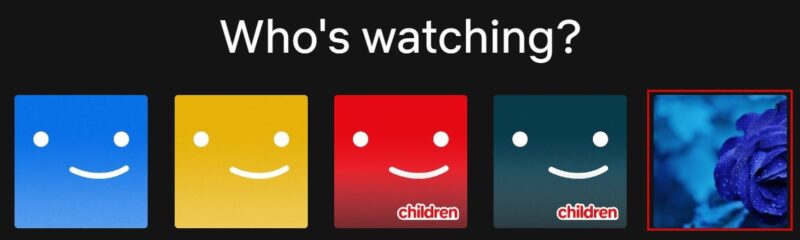
Whether you are the owner of a Netflix account or a user, you can customize your profile picture using this Chrome browser extension method. However, this custom profile picture will only be visible to you and other users on the device and browser where it was set up.
For example, if you log in to your Netflix account from another device (like TV, smartphone or tablet) or a different browser (like Edge or Firefox), your custom profile picture won’t be displayed. It’s important to keep in mind that your custom profile picture is only specific to the device and browser you set it up on.
Tip: is Netflix not working? Learn how to troubleshoot and resolve the issue.
How to Select a Different Profile Picture on the Netflix App
At the time of writing, you cannot set a custom profile picture from the Netflix app. However, you can select a different profile picture from the default collection.
Launch the Netflix app, and tap your profile from the Who’s Watching? home screen. Tap your profile in the top right. In the new screen, tap Manage Profiles.
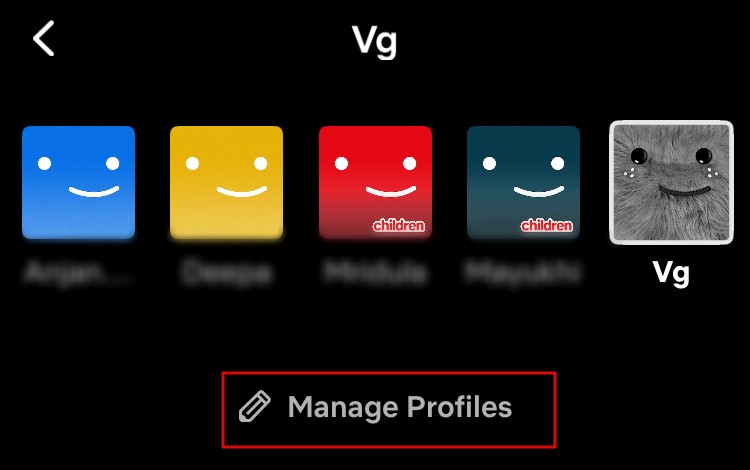
Tap the pencil icon on your profile. In the Edit Profile screen, tap the pencil icon to view the default collection of icons.
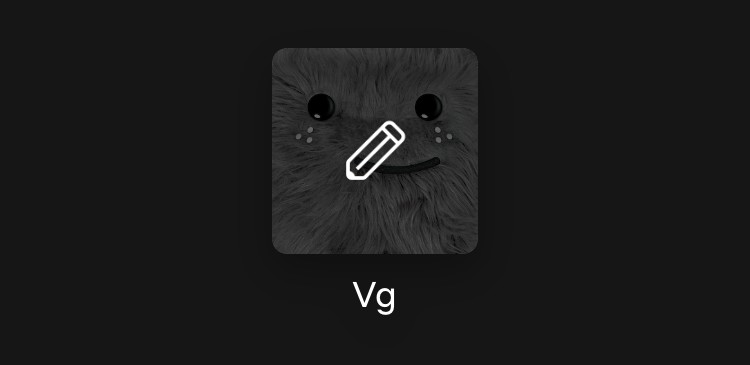
Select any of the icons from the collections, and tap Done at the top right to save the changes.
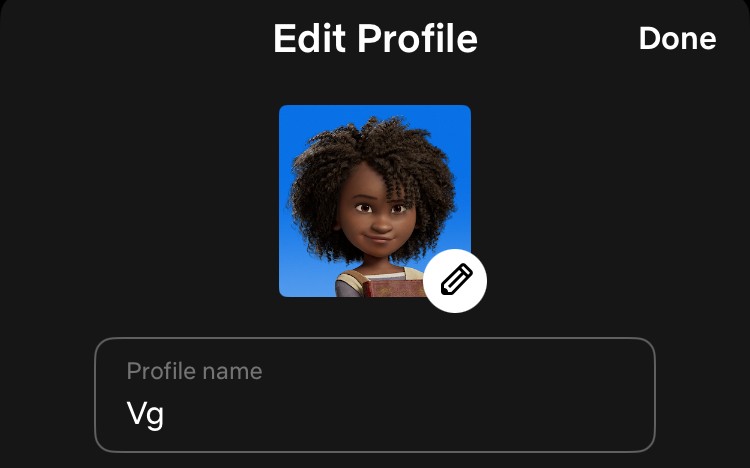
You can see this new profile picture even if you log in to your Netflix account from another device like a computer or a TV.
Having the right profile picture is especially important if you have multiple profiles on your Netflix account. You are allowed to create up to five profiles, including a dedicated one for children. If you have multiple kids’ profiles, you can select a unique profile picture for each of them from the Netflix icons collection available on the mobile app or use the Chrome extension method to set a custom profile picture.
All screenshots by Meenatchi Nagasubramanian.