
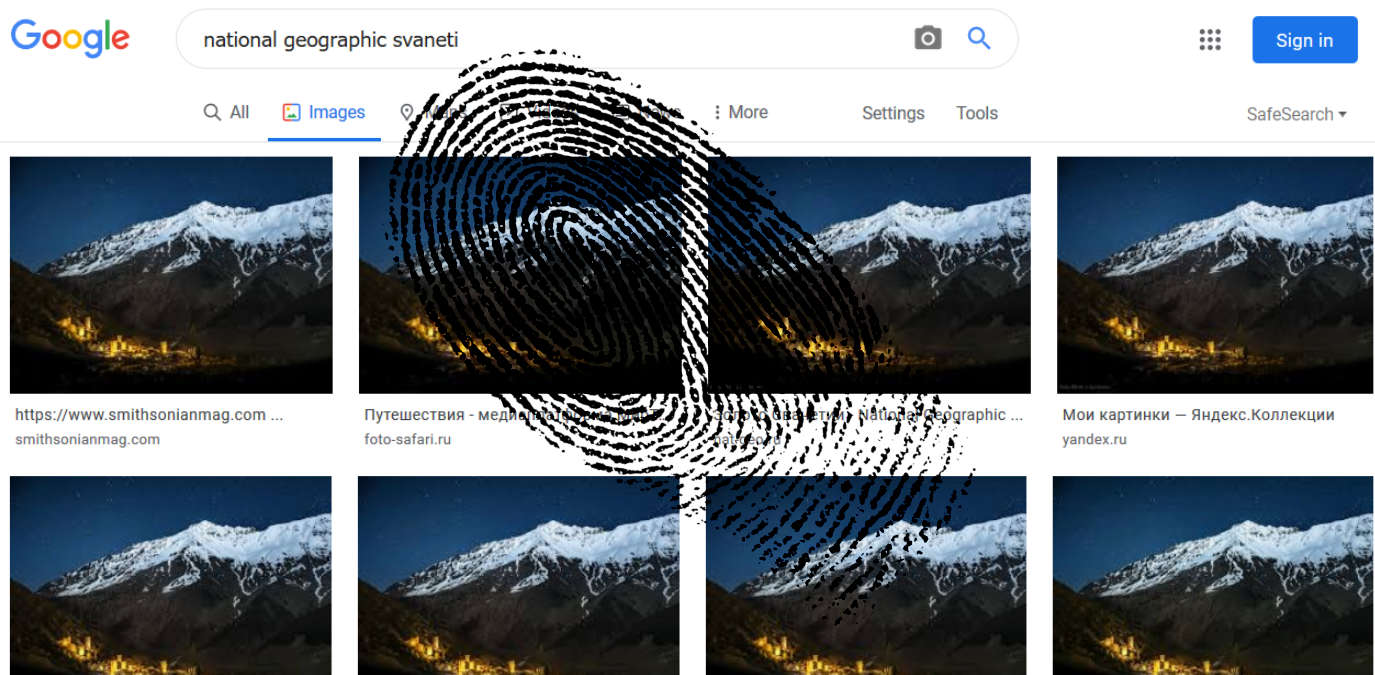

Your average picture is probably worth significantly less than a thousand words – there’s only so much you can learn from selfies. But sometimes you just really need to know where an image came from, regardless of how many words it’s worth.
For that, there are reverse image search engines provided by the likes of Google, TinEye, Bing, Yandex, Pixsy, and many more. Since you’re not providing any words in your query, though, how do they know what to look for? And, most importantly, how do they find it? How each search engine’s reverse image search works varies, and they keep their exact algorithms under wraps, but the basic ideas are out there and are not so hard to grasp.
Also read: 7 of the Best Search Engines For Privacy
Fingerprinting
Pictures may actually be more unique than human fingerprints, since the odds of two pictures containing the exact same arrangement of pixels are unimaginably infinitesimal, while the chance of a fingerprint collision is around 64 billion – comparatively good odds. But how do you fingerprint a picture? The steps vary depending on the algorithm, but most of them follow the same basic formula.
First, you have to measure the image’s features, which may include color, textures, gradients, shapes, relationships between different pieces of the picture, and even things like Fourier Transforms (a method of breaking images down into sine and cosine).
Let’s say we’re looking for the following image and we need a fingerprint of it.
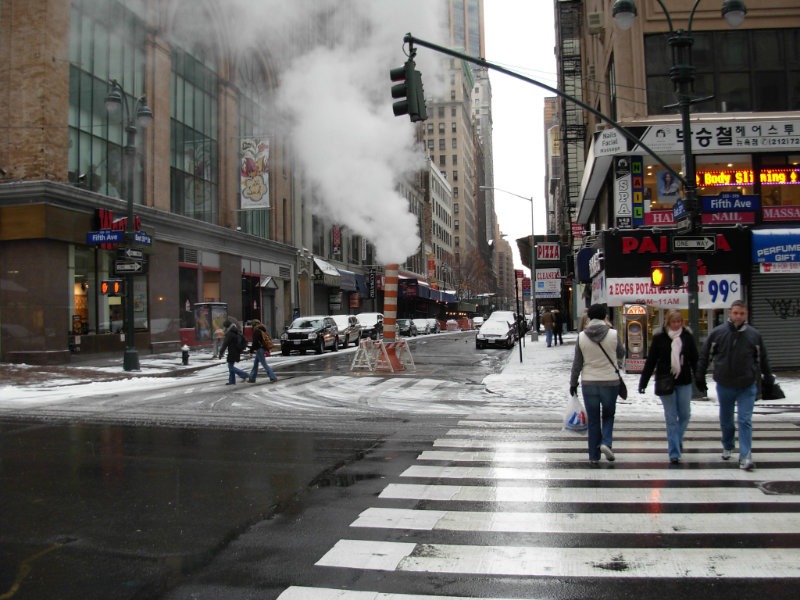
To do that, we might, among other things, use the image’s color histogram, Fourier Transform, and texture map, each of which you can see below.
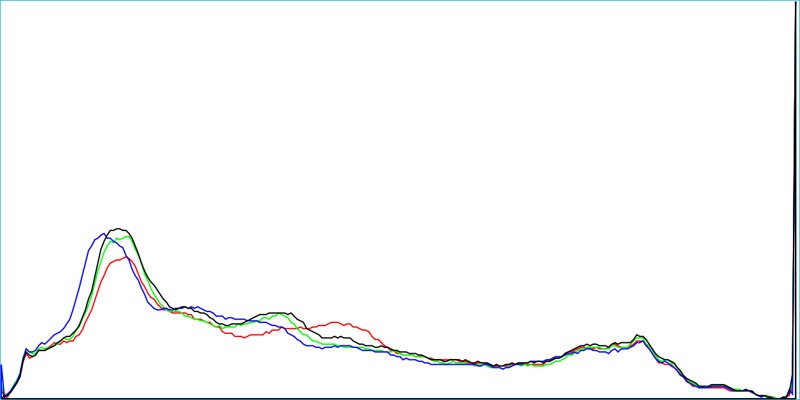
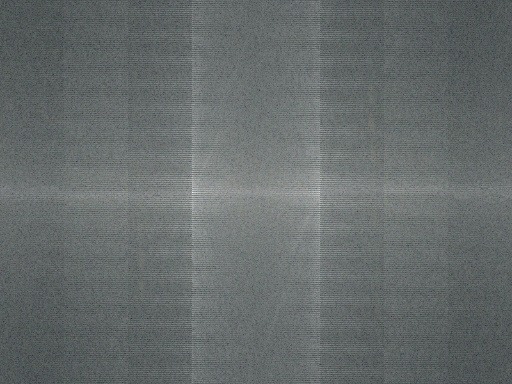
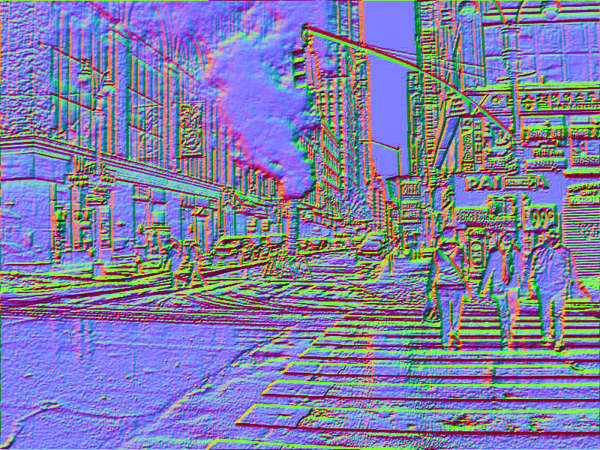
If an image was resized, blurred, rotated, or otherwise manipulated, there would be a number of algorithms using the above and other features to try to find hits.
Encoding, storing, and searching
Every image feature in the fingerprint can be encoded as strings of letters and numbers, which are easy to store and index in a database. Whatever combination of features are extracted and stored will become the reverse image search engine’s entry for that picture. TinEye’s database, for example, contains around 39.6 billion indexed images as of February 2020, meaning they’ve run their algorithm over that many pictures and are storing all those fingerprints to compare searched images to.

The second major part of the algorithm is figuring out which images are similar. When you upload a picture, it’ll go through the reverse image search engine’s fingerprinting algorithm. The search engine will then try to find the entries with the closest fingerprints, referred to as “image distance.” Deciding which factors to compare and how to weight them is also up to each search engine, but they’re mostly aiming to find a total image distance as close to zero as possible.
What about machine learning/AI?
Thanks to the fingerprinting/indexing techniques described above, reverse image search was pretty good even before it was practical to apply AI to it. Since AI is excellent at processing images, though, things like convolutional neural networks (CNNs) are most likely being used by many of the major search engines to help extract and label features. Google, for example, could be using a CNN in its reverse image search, allowing it to come up with likely keywords for the picture and produce relevant web and image results, as they’ve been doing in Google Photos for quite some time now.
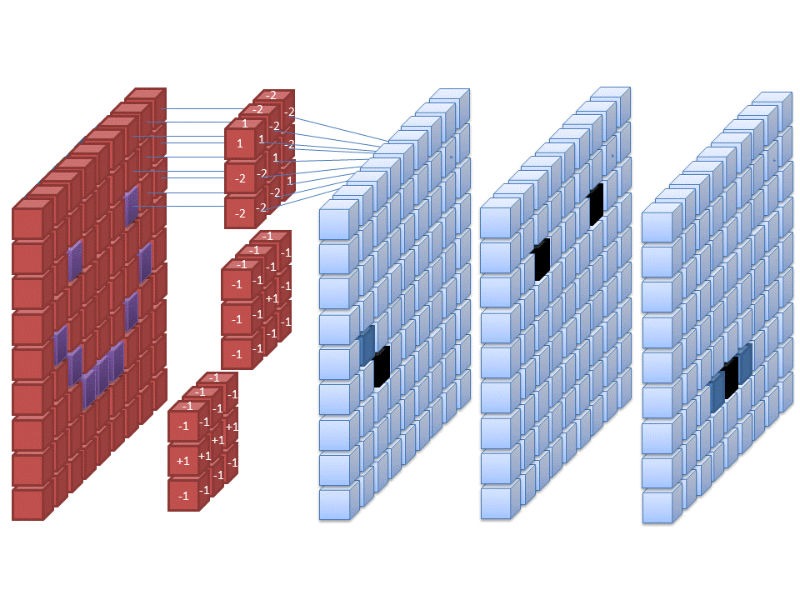
This takes reverse image search a step above simple feature extraction and image distance. Convolutional neural networks essentially run images through multiple filters that map out several different types of features, then attempt to classify them based on previous training. That’s an oversimplification, of course, but suffice it to say that CNNs make image search much more accurate and helpful and are probably being implemented alongside the older computer vision fingerprinting methods.
What’s the best reverse image search engine?
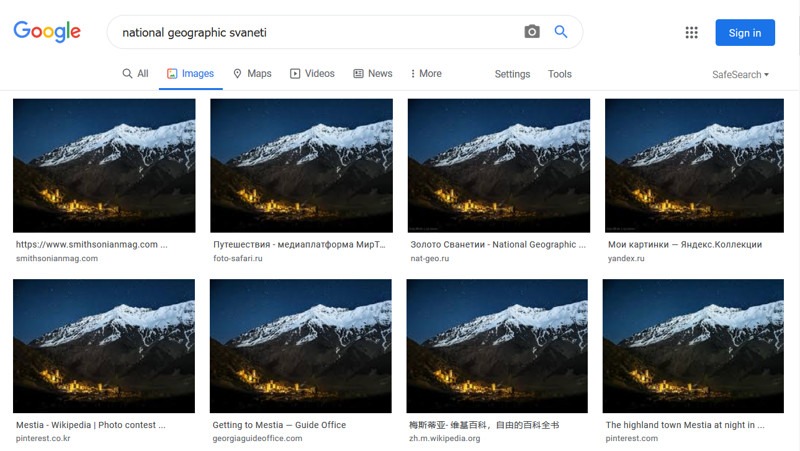
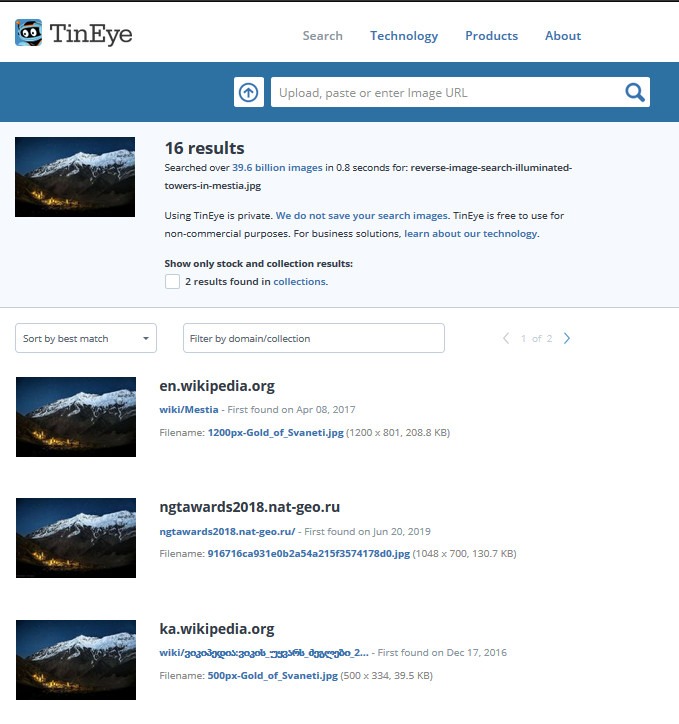
Different algorithms mean different image search engines are good at different things, though they’re all ultimately aiming at the same target: finding a match for the picture you uploaded. Google Images has a pretty good hit rate, for example, but does a lot of “best guessing,” which gets you many photos that are similar but not identical. That’s great if you’re after a mood or general category, but an engine like TinEye is much more focused on finding identical images, even if they’re heavily edited, and can even identify images within photos, which makes it a bit better if you need an exact match.
Russian search engine Yandex is also reputed to have an excellent image search tool, though it perhaps predictably tends to do best on Russian topics. Tools like Pixsy and ImageRaider are focused on identifying instances of unauthorized use, so they tend to include more features like alerts and focus on monitoring user photo libraries.
Because the algorithms change all the time and are generally kept locked down, it’s worth checking several different engines if one doesn’t return the results you’re after.
Image credits: Steam from a New York City street, DB-database-icon