

Let’s imagine that you are downloading the latest memes, and you waited patiently for the download to finish. The meme, of course, is fire, so you send your friends a link. They get the file from your phone, then start sharing with their friends. At this point, the meme is living on a few dozen devices, so when someone new gets the link, they actually end up connecting to several other people and getting a few pieces from each of them, making the download pretty much instantaneous.
Thanks to the Interplanetary File System, the very real, surprisingly easy-to-use system just might be our key to a faster, more democratic Internet. As described above, the basic idea is that user devices will store, index, and deliver the data that currently lives on centralized servers. If that sounds a bit like cryptocurrency, you’re not wrong – the man behind the project, Juan Benet, has described IPFS as “In a sense, doing to websites… what Bitcoin did to money.”
What is the Interplanetary File System?
If you know how BitTorrent or any other P2P (Peer-to-Peer) technology works, you’re most of the way to understanding what the IPFS is doing. It’s sending files (including the HTML, CSS, and JavaScript files that make up most websites) and pieces of files between user devices, much like you would totally legally torrent a public domain piece of music.
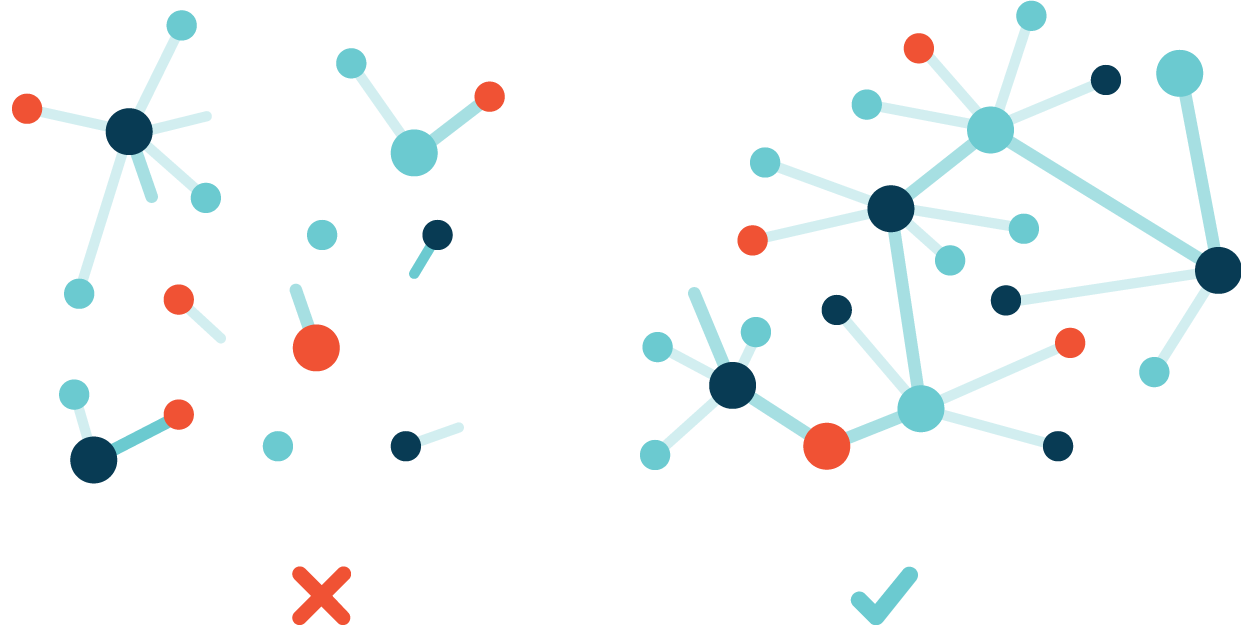
That means that instead of connecting to a server to see a site, you just check to see if anyone near you is storing the page (or some pieces of it) and you connect to them instead. Once you download the page, your device will also store it for a little while so other people can get it (or pieces of it) from you. It sounds a bit complicated, but it actually turns out to be a lot more efficient than our current system of sending data over a single server-client pipeline using the HTTP protocol.
Why is it awesome?
The IPFS has a few big advantages over the traditional web:
- Faster and more efficient content delivery: you can download pieces of files from manu geographically close sources, minimizing travel time and bandwidth.

- Decentralization: no single source can control the data or access to it.

- Information preservation: since no single server stores all the data, it can’t just disappear and take all your, say, GeoCities websites with it.
- Faster and more stable connections in poorly-connected areas: as long as the content you want has been downloaded to somewhere you can access, you don’t actually need to make the longer-distance connection, which would be massively helpful in areas with sporadic or compromised connections.
- Censorship resistance: not perfect, but better than a centralized model.
How it works: the short version
Anyone can use the IPFS network right now, as it’s gotten very user-friendly. Here’s what happens:

- When you add a file to the IPFS, the file is split into blocks, each of which is run through an algorithm and assigned a unique ID. The whole file, including these block IDs, is also assigned an ID. Initially, your machine will be the only place people can get the file, but other nodes (machines) can also pick it up and distribute it.
- If the network notices that some of your data is identical to content already stored there, it just uses that instead of adding a copy. Let’s say you’re hosting a “deluxe edition” of an album you recorded. Ten of the songs are the same as the album you’ve already recorded, but two of them are new, so when you add them to IPFS, the system will recognize the duplicate tracks and use the existing IDs for them, only adding new IDs for the two new songs.
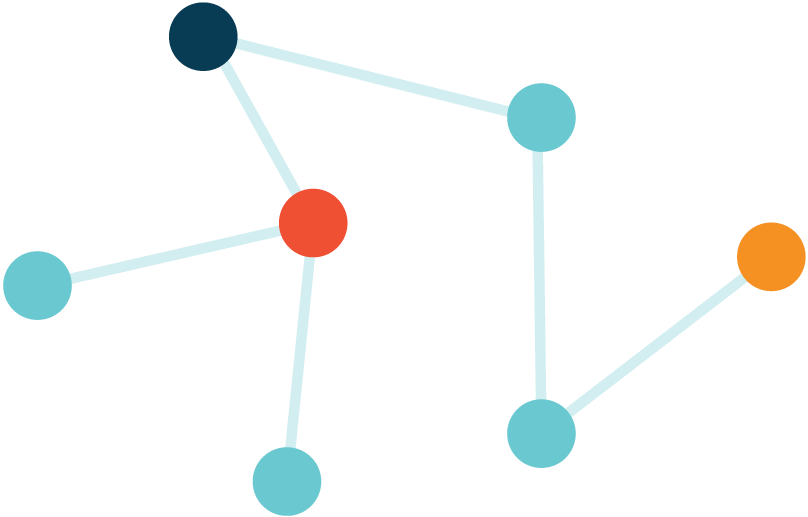
- Each node on the network stores some data (probably data the node wants to distribute, plus data the node has opened recently) and part of an index that helps people look up where to find content on the network.
- If you want to open a file, you ask the network to look up its ID and connect you to whoever has it. A naming system called IPNS helps convert human-readable names into the machine-readable IDs the system will search for.
Even simpler translation: IPFS gives every piece of data a name, makes a list of where that data is living at any given time, and helps devices send data directly to each other.
How it works: the technical version
There are three main things that make IPFS tick: content addressing gives data an identity, Merkle-DAGs give it structure, and distributed hash tables tell you where to find it.
Content addressing: what, not where
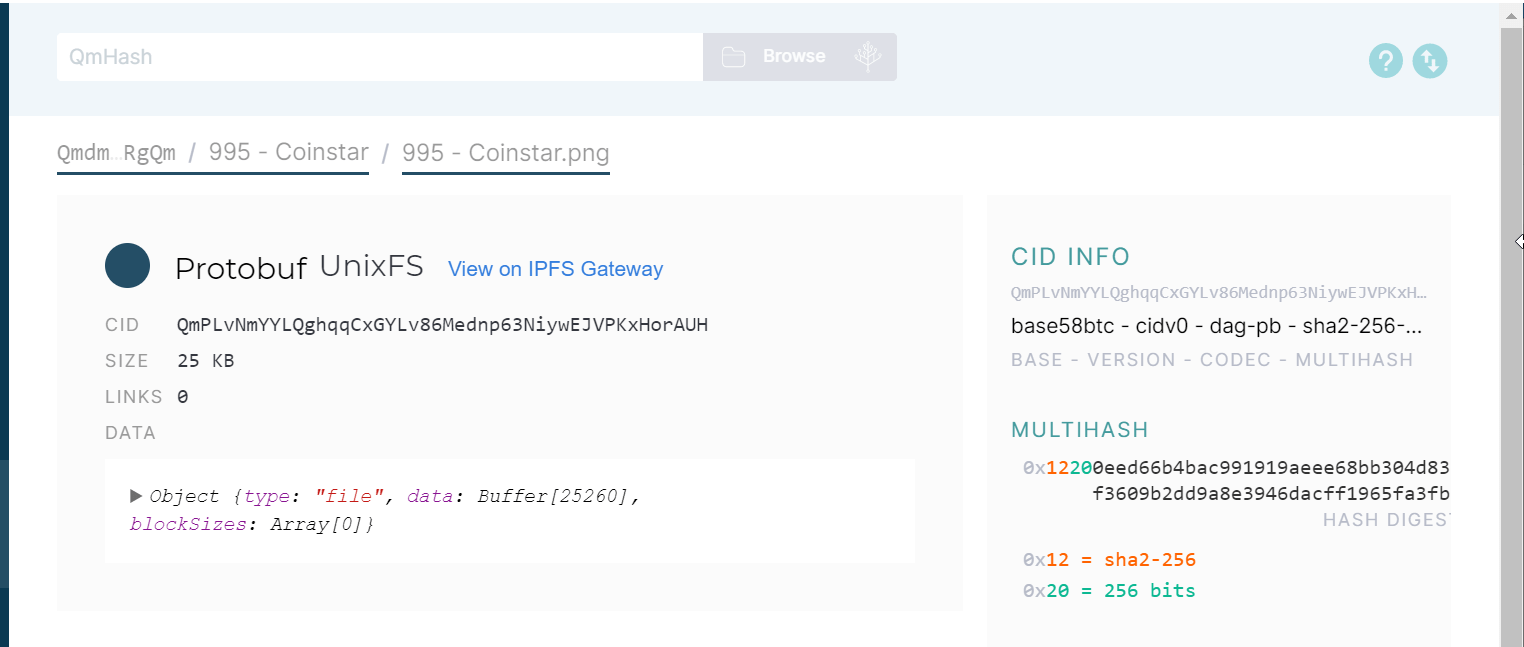
Most of our current content has location-based addresses (C:/Users/Username/Documents, 192.124.249.3, etc.) that tell us where to go to find the data. That won’t really work in a decentralized system, since content can be stored pretty much anywhere, so systems like IPFS and BitTorrent use “content addressing” instead.
A content-addressing system works by running a piece of data through an algorithm that assigns it a unique ID, or hash. Every identical copy of the file will have the same ID, meaning when IPFS looks it up, it can find every instance stored on the network.
Merkle-DAGs: everything has a CID, and they’re all connected
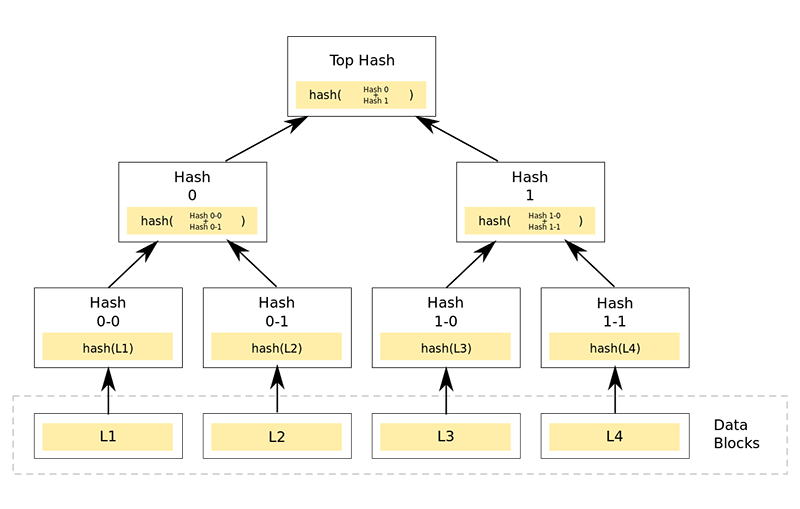
As much as it sounds like a German political party, a Merkle-DAG (Directed Acyclic Graph) is actually a way to organize data. In this system every piece of data has its own content ID (CID): folders, files, blocks of data inside files — everything. That means that files can be split up into different parts, authenticated, and reassembled.
The IPFS documentation describes it as a “turtles all the way down scenario,” since everything can be broken down into a collection of data identifiable by a CID. The CID of a folder will direct you to a collection of file and folder CIDs, whose CIDs will then direct you to other CIDs that represent other pieces of content, also with their own CIDs. Any change in any file will result in its hash and the hash of its folder changing as well.
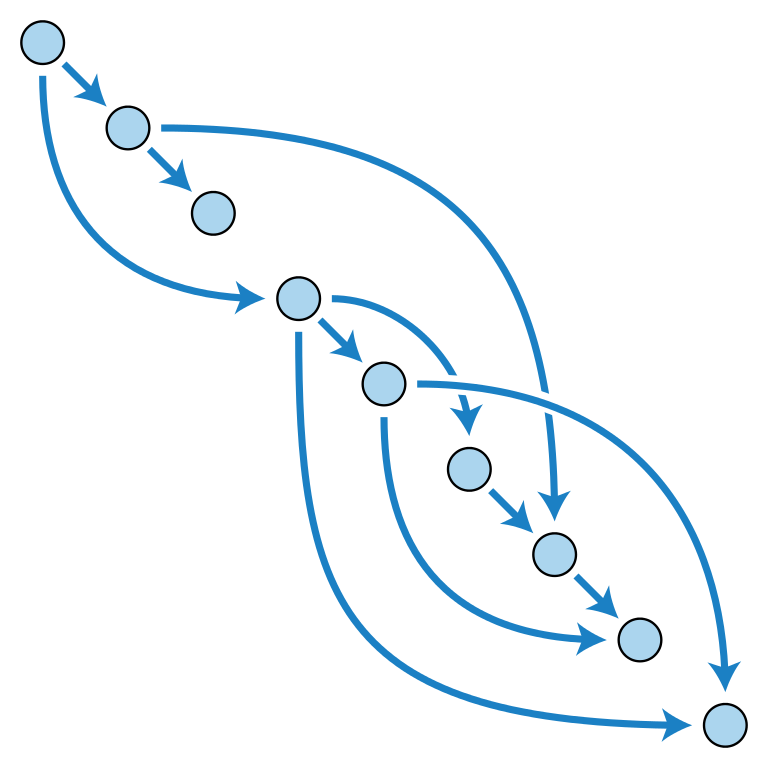
The data doesn’t actually live here – it just tells you where to find all of it and how all the pieces should be put together once you have it. The Merkle-DAG is essentially what gives all these IDs a structure, a lot like the file system on your computer.
Distributed hash tables: how IPFS locates content
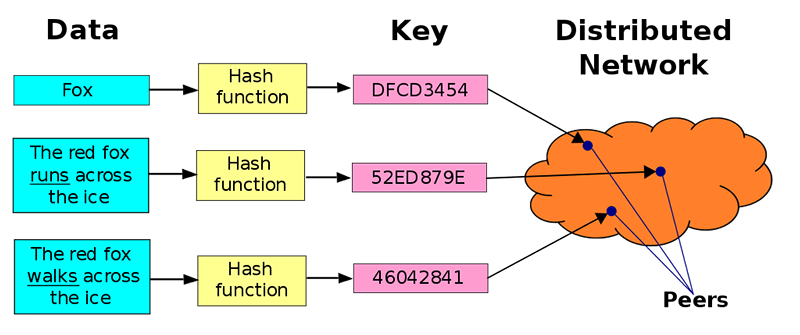
So how do we go about finding who has the data we want? Basically, there’s a big database that matches content IDs with the locations of the computers that are hosting that content, and the database itself is split between everyone in the network. When you request a piece of content represented by a CID, your computer searches for the CID until it finds a list of people who have it. Your computer then connects to those people, downloads pieces of the stuff you need, and assembles them. That’s the distributed hash table – essentially a big list of who has what.
IPFS is cool, but will it take off?
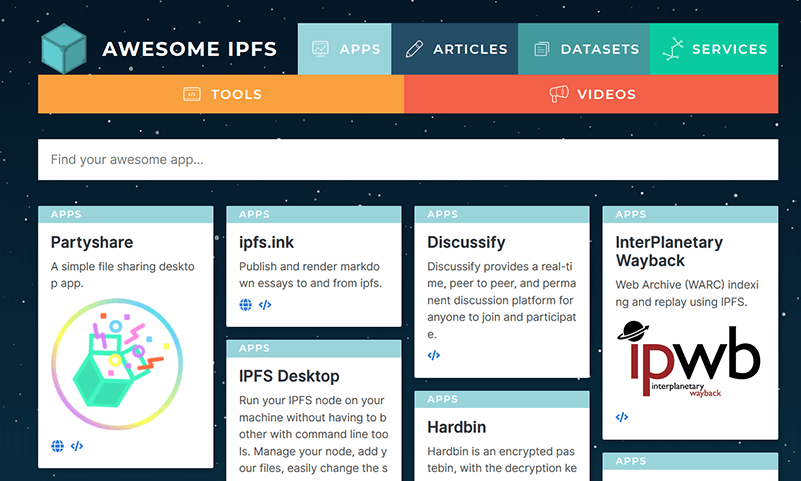
IPFS got its start in 2015, and it’s made rapid progress since then. Dozens of apps and sites have been built on it, such as a blockchain file storage system (Filecoin), and a GeoCities replacement (Neocities). It’s managed to hit the right mix of decentralization and user-friendliness, which is probably why it’s become a go-to for projects looking to get into decentralization, like Sociall (a decentralized social network) and Brave.
Cloudflare’s IPFS gateway was a big hit, and using the network is getting easier all the time; all you have to do is download a program and install a browser extension. Of course, there’s debate over whether it really is the best solution – it’s far from the only project out there with the same vision – but it doesn’t show any signs of slowing down. Even if it doesn’t fully replace HTTP, it certainly seems as if it will be part of the next version of the Internet.
Image credits: Directed Acyclic Graph, Hash Tree, IPFS