If Adobe Illustrator is out of your price range and you don’t like the idea of relying on AI for image creation and editing, use a free browser-based Adobe Illustrator alternative instead. Forget expensive subscriptions and use Graphite from any browser and on any device for free.
What is Graphite
Graphite is a 2D design tool that’s completely open source and free. It’s not just a simple Adobe Illustrator alternative, either. It’s designed for beginners and professionals, and it’s in active development, meaning more features are on the way soon.
Currently, it’s more of a vector editor, but motion graphics, animation, raster editing, and more are all in the works. But, no matter how many features are added, there’s no bloat on your computer. All the magic happens in your browser (though there is a desktop version in the works for those who prefer it).
What really sets it apart is the node-based editing. Consider this non-destructive editing. Graphite takes this concept from the highly successful Blender software.
If you’re not familiar with the node concept, all it means is everything you do is a node that connects with every other node. Make a change to one and everything else updates accordingly. For instance, if you adjust the size or color of one element, other elements adjust around it without you having to manually change everything.
And, if you’ve ever used other design tools, especially Illustrator, the entire layout already feels familiar. Graphite didn’t try to reinvent the proverbial wheel. It just made the design tools better and more accessible to the masses.
Plus, everything you do is processed locally. This makes it faster than many browser-based tools that do everything via cloud servers. It’s also more private since nothing’s stored in the cloud.
No Account Needed
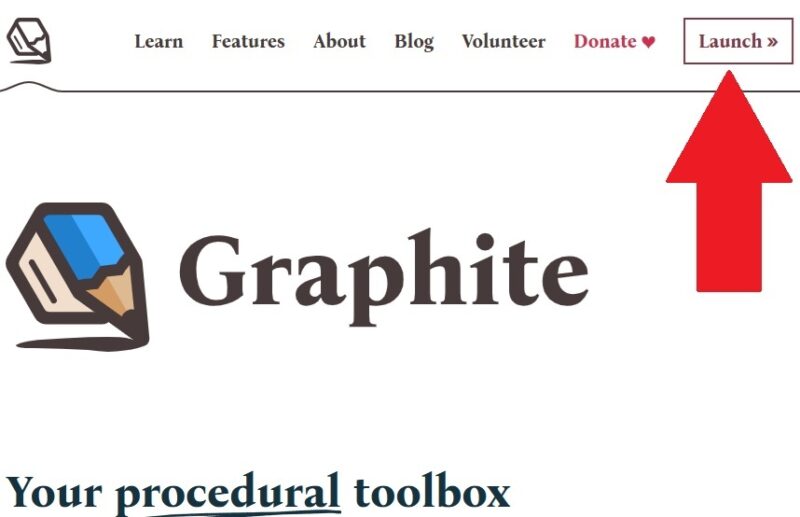
I’m sure I’m not the only one who hates constantly having to create new accounts for every single site and app I use. Graphite doesn’t require an account to use it. Just visit Graphite’s site, click Launch, and start creating. It’s that simple.
Everything stores locally in your browser. So, don’t clear your history or cookies while you’re working. Otherwise, everything’s gone.
If you want easier access, save the site as a bookmark or install it as a web app on your desktop, tablet, or phone. The process varies slightly from browser to browser, but on Chrome and Chromium-based browsers, you should see an Install button at the end of the address bar. Click this to install the web app.
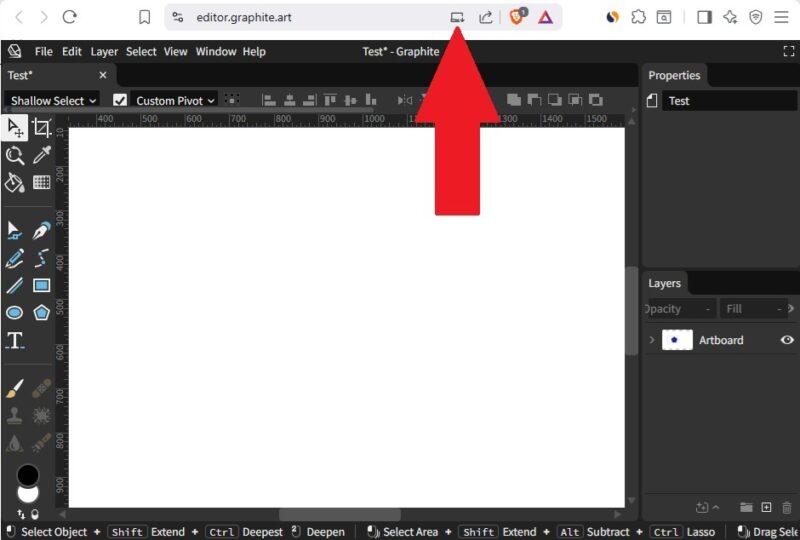
If you don’t see this button, looking in the browser’s menu for a Save or Install option.
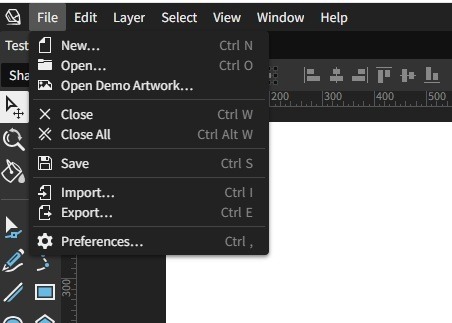
So, if no account is needed, you’re probably wondering how you save your work. Just go to File → Save and choose a location. Then, if you need to start again, go to File → Open and upload your file. You can also import image files to edit that weren’t created in Graphite.
Using Graphite as a Beginner
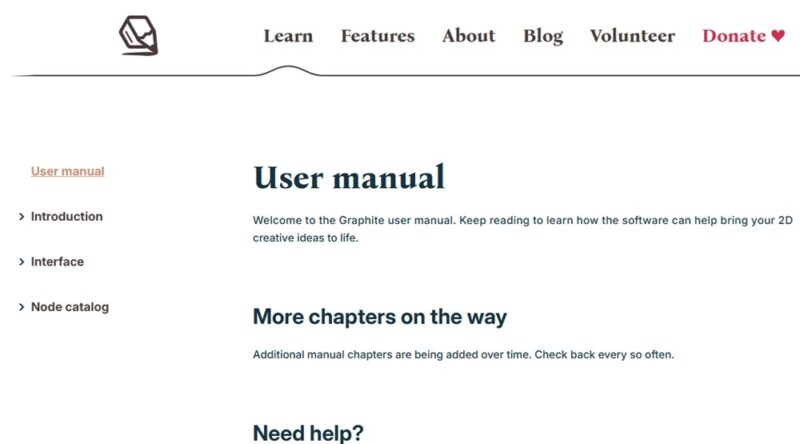
I’m not the best at image creation or editing. At first, Graphite does feel a bit intimidating, but so do most 2D design tools to me. But, I highly recommend checking out the Learn section on Graphite’s site. It includes a detailed user manual and starter video.
I also love that Graphite includes multiple sample projects for you to play around with to help you better learn the interface and tools. Go to File → Open demo artwork and choose a file.
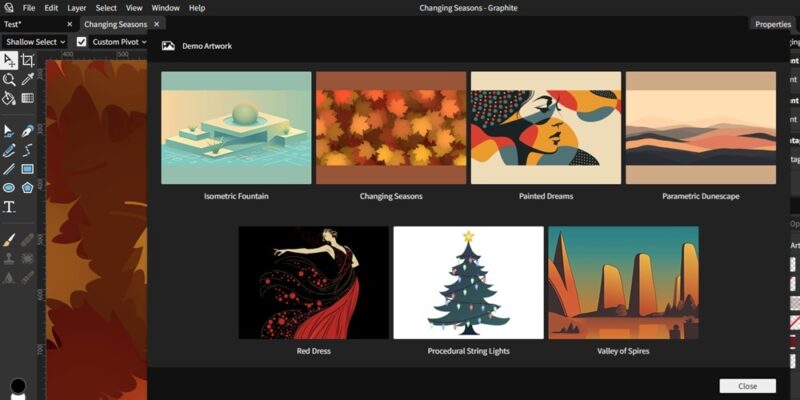
Even if you’re a professional, it’s worth exploring the demo artwork just to see how everything works.
No AI Involved
I’m tired of creative apps trying to shove AI into everything. It should be optional. With Graphite, there are no pesky AI tools trying to do everything for you. You get to be creative without interference. It feels like an artistic tool really should. If you use Adobe Illustrator, you already know how much Adobe pushes AI features in all their apps.
Compatible With Every Device
As long as your device has a browser, you can use Graphite. Since there’s no log-in required, you don’t have to worry about privacy issues as well. With Adobe’s Creative Cloud, you have to login, making it risky to use on a public computer. With Graphite, you create, download the file, and you’re done.
Even as features change, you’re able to continue using Graphite on any operating system with a browser. If you’re an Android user and want a dedicated app instead, try these drawing apps for Android.
Currently, Graphite is still in the early stages, though it’s a fully functional design tool. What impressed me is how comparable it is to Adobe Illustrator already. I’m already using it regularly to learn and practice graphic design and found it easier to use than Illustrator. I’m also looking forward to all the extra features in the works, which would make it far more powerful than Illustrator, especially as a free tool.
If you’re looking for more Adobe alternatives, try these free Photoshop alternatives. It’s also easier than you might think to replace Lightroom.