A common question in PC gaming is the choice between playing over Ethernet cables (wired) or Wi-Fi (wireless). While there is a simple answer to that question, ultimately a lot of different circumstances and variables come into play that can make either option a valid one. Stick around to find out which is right for you.
Ethernet vs. Wi-Fi: Basic Differences
The most basic difference between Ethernet and Wi-Fi connections is obvious. One requires you to physically tether yourself to your router, which isn’t ideal on a laptop, while the other allows you to use your connection from anywhere within range.
For many people, the question of Ethernet vs. Wi-Fi just boils down to simple convenience, and this is as far as the argument goes. In fact, people who attend universities or live in shared housing may be literally unable to use Ethernet, making Wi-Fi the best and only option for them.
However, there’s quite a bit more to discuss than that, especially when gaming or using other low-latency applications.
Ethernet vs. WiFi: Performance and Reliability
There are multiple factors that affect performance of these standards. The kind of cabling you use for Ethernet and the supported Wi-Fi hardware of your devices, for instance, can make a huge difference in the performance and reliability of these standards!
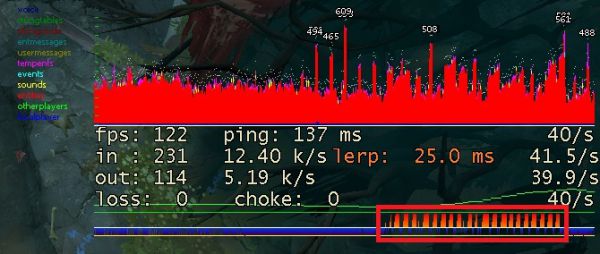
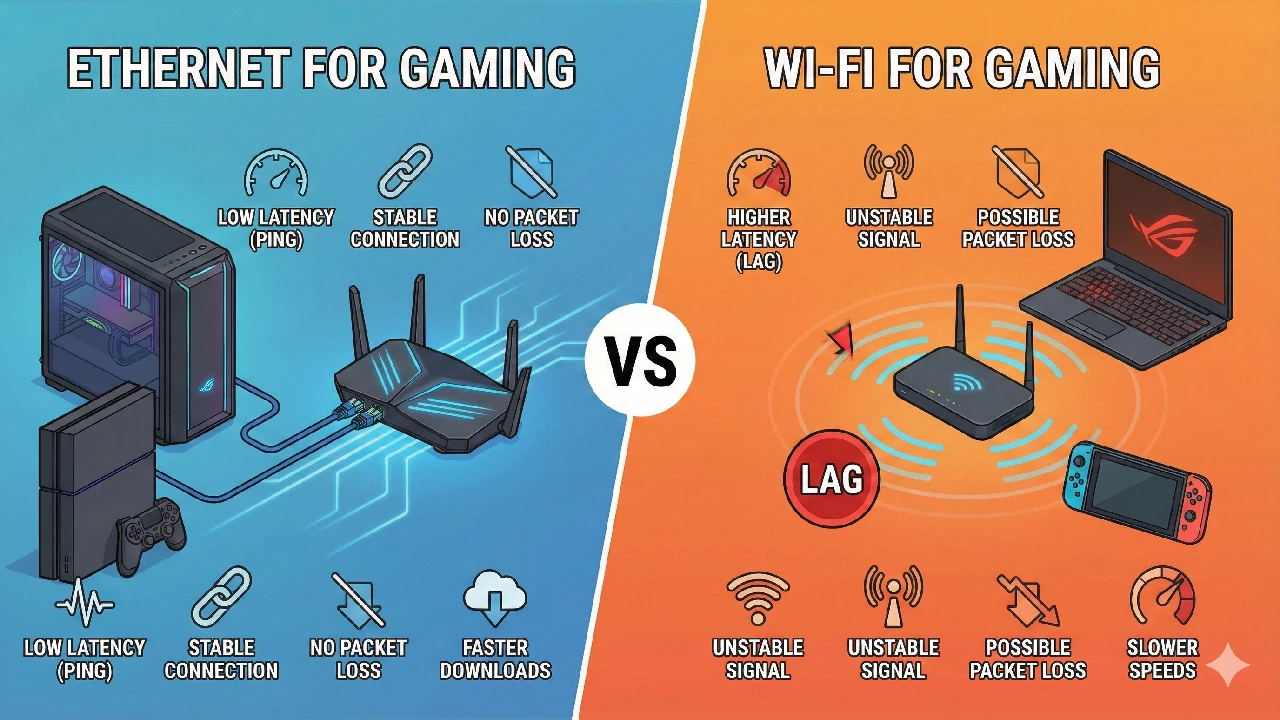
In most cases, however, Ethernet is by far the most reliable solution for gamers. This is because Wi-Fi routers do something called “QoS,” or Quality of Service, wherein traffic is shaped and prioritized based on how the router perceives its importance.
Many mainstream wireless routers, such as the one you get from your ISP, may not view your games as a latency-sensitive application, instead prioritizing voice and video over your gaming traffic. This is especially bad on slower connections (5mbps and below) where there’s not much bandwidth to share, and using an unoptimized wireless setup for your games here will result in frequent packet loss (lag spikes), increased ping (delayed response time) and general connectivity issues.
It is important that gaming traffic is able to be prioritized, and non-gaming-oriented WiFi routers often fail to do that.
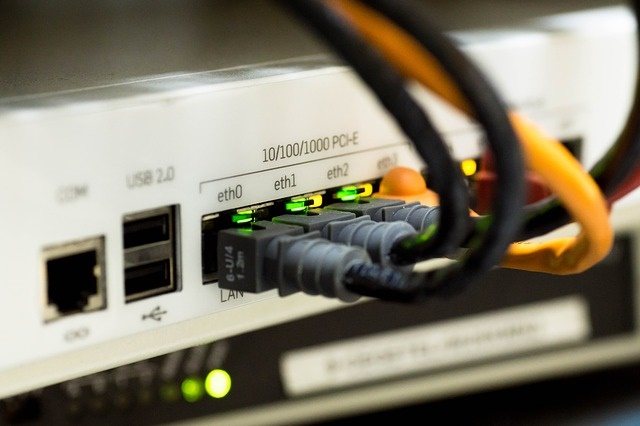
By connecting directly over Ethernet, users don’t need to worry about prioritization. And thanks to the fact that you’re hard-wired to the router, you won’t generally need to worry about packet loss and unplayable pings since you’re on a stable, reliable connection.
For people with high-end connections, they’ll also enjoy higher download speeds than offered by most Wi-Fi standards, since Ethernet cables (especially Cat-5 and higher) are typically much faster than what your average-Joe Wi-Fi connection has to offer.
Gaming online means that there will inevitably be some level of latency between you, the server and the other people you’re playing against, but using an Ethernet cable minimizes latency and interference as much as one can gaming over that distance.
So the common wisdom would be that Ethernet wins, now and forever, right?
Ethernet vs. W-Fi: Wireless Standards Change The Argument
Since the introduction of the sixth major Wi-Fi iteration (Wi-Fi 6/802.11ax), Wi-Fi began being labelled numerically instead of being distinguished by the full “802.X” standard designation. Generally-speaking, Wi-Fi 5 (802.11ac) on the 5 GHz band is when Wi-Fi started being able to turn around acceptable low-latency gaming performance, at the cost of lowered range. This is also when the 5 GHz Wi-Fi band shared by future generations debuted, reducing previous-gen 2.4 GHz Wi-Fi bands to either slower long-range connections or legacy support for grandfathered devices.
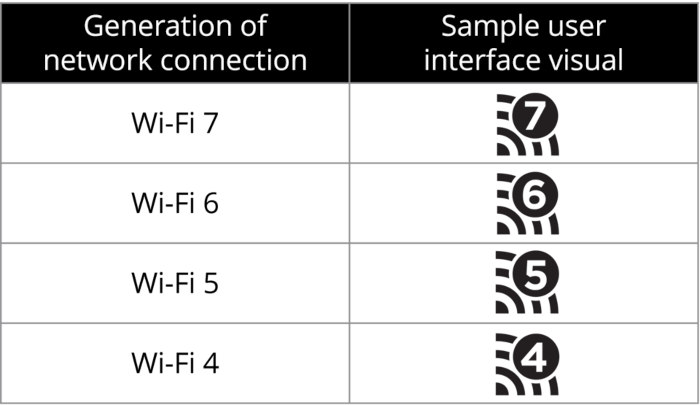
Compared to Wi-Fi 5, Wi-Fi 6 and 7 greatly increase download and upload speeds by up to 46 Gigabits per second—specific ISP plans and devices changing that number, of course. They also improve multi-device management through mandatory implementation of multiple antennas (MU-MIMO), which wasn’t always a standard router feature.
However, the actual latency improvements and most speed improvements of Wi-Fi 5+ are still limited to a 5 GHz or even 6 GHz (Wi-Fi 6E/7 only) band, which worsen overall wireless range. In smaller households, that may not be as disruptive a factor, but it’s still worth noting.
However, if you’re playing competitively and are looking to seriously improve your game, you need Ethernet’s interference-free performance from both your PC’s hardware and your networking setup. There are even some games, especially 1v1 fighting games, where opponents may refuse to fight a Wi-Fi player entirely, and non-Ethernet players are disqualified from entry.
Here are a few articles around the site that can help you do that:
Finally, I leave you with this last bit. Do you game wireless or wired? Casually or competitively? Do your experiences contradict this article? Is there something not considered here? Do you need help figuring out gaming performance issues on your network? Comment below and let us know!