


Videos are meant to be watched without interruption, and that’s especially true on YouTube. Now imagine that you are enjoying that video only to be interrupted by a message from YouTube: “Video paused. Continue watching?” As many users like to allow YouTube to play in the background, this message is particularly irritating. The good news is that the next time this message appears, you can get rid of it once and for all.
Also read: How to Pause and Clear YouTube History
Why the Prompt Appears
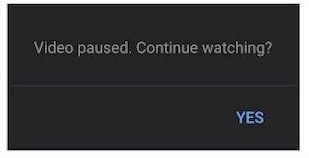
Introduced a few years ago, YouTube essentially released this feature without any fanfare. To be fair, this prompt isn’t unlike a similar message that can appear on Netflix after watching for a while without any activity. Clicking “Yes” is easy enough, but why should you have to do that? It’s understandable why YouTube would want to make this change. Videos that are not being viewed don’t result in any additional traffic, which means lost ad revenue. Therefore, it makes sense to include a message like this from a business standpoint. From a user standpoint, it’s an unnecessary interruption. Fortunately, it’s also pretty easy to get rid of.
Using a Browser Extension
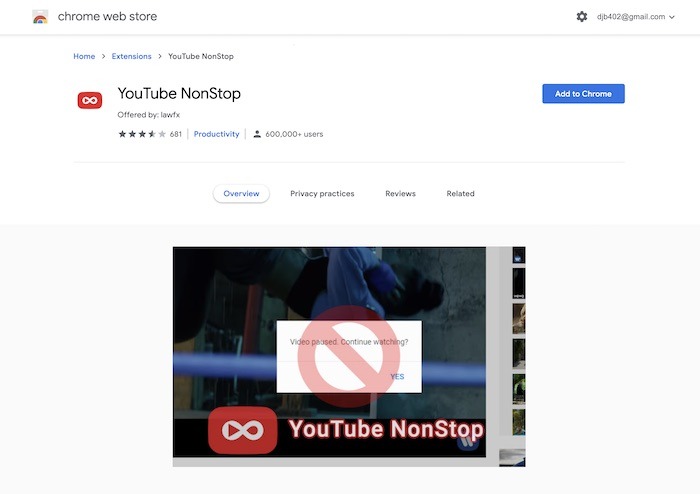
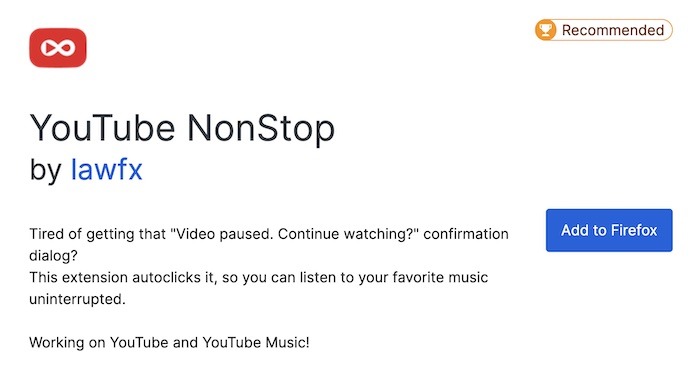
By far the most popular way to end this message/warning once and for all is to use the “YouTube NonStop” Chrome/Firefox extension. For users of any Chromium browser, like Opera, Brave, Edge, etc., this also applies to you as well. It applies to both users of macOS and Windows 10 also.
To get started with the extension, click on either of the links above depending on your browser:
1. Once you are on the page with the extension, click on “Add to Chrome” or “Add to Firefox.”
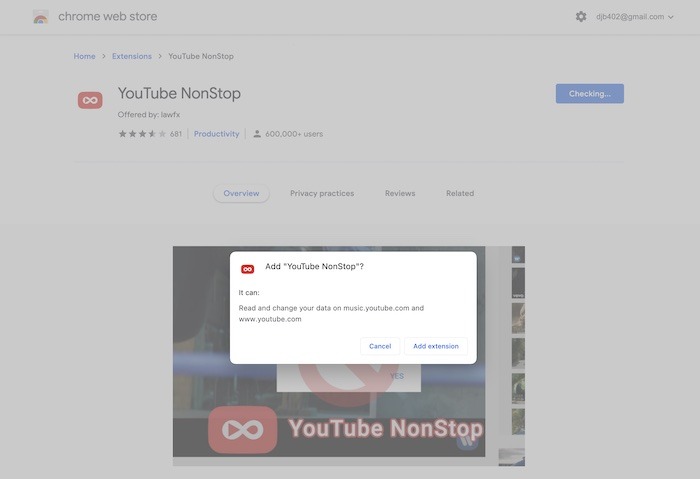
2. When the confirmation box appears, click on “Add extension.”
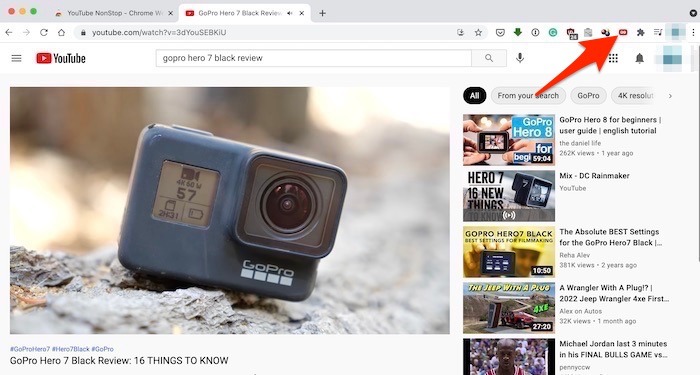
3. The next time you are on YouTube.com and watching any video, the extension icon will appear as “Red” to let you know it’s active.
For Firefox, click on the “Add to Firefox” option, then select “Add option” to confirm that you want to install it.
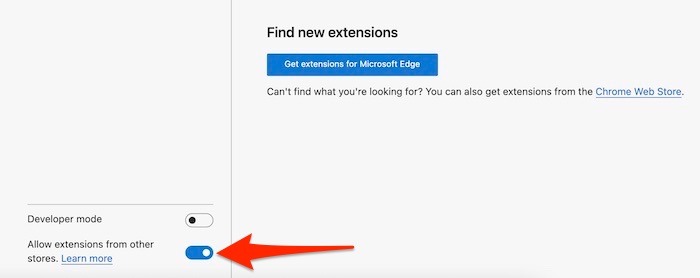
For Edge, go to the Chrome extensions page using the link above, then “Settings -> Extensions” in Edge. Make sure the option for “Allow extensions from other stores” is enabled. Go back to the Chrome store and click on “Add to Chrome,” then “Add extension” to confirm.
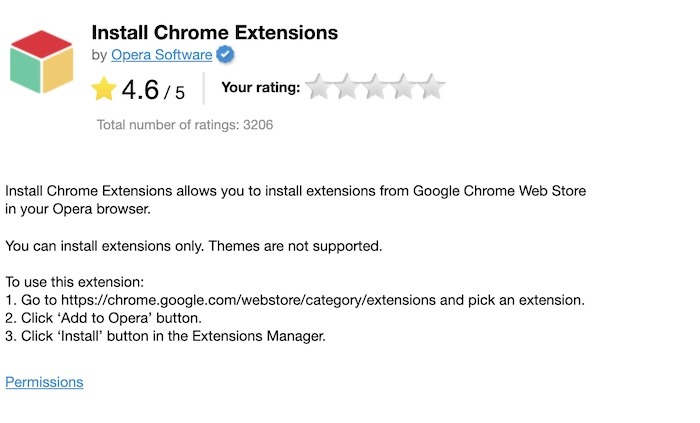
For Opera, you first need to install the “Install Google Chrome extensions” extension in the store. Once that is done, it’s the same process as the others: click on “Add to Opera” on the Chrome extension page linked above, then confirm by saying yes to “Add extension.”
What about Safari?
When it comes to stopping this message on Safari, things are a little more complicated. As of right now, there is no available extension that has the same effect as the Chrome and Firefox options. That hardly impacts any recommendation as to whether Safari is a good browser to use. It just doesn’t have this extension. If Safari has any weakness as a browser, it’s the smaller extension bucket.
Wrapping Up
While the YouTube’s “video paused, continue watching” prompt can be annoying, the above methods can quickly remedy this issue. You may also want to disable personalized YouTube ads that are targeting you.