
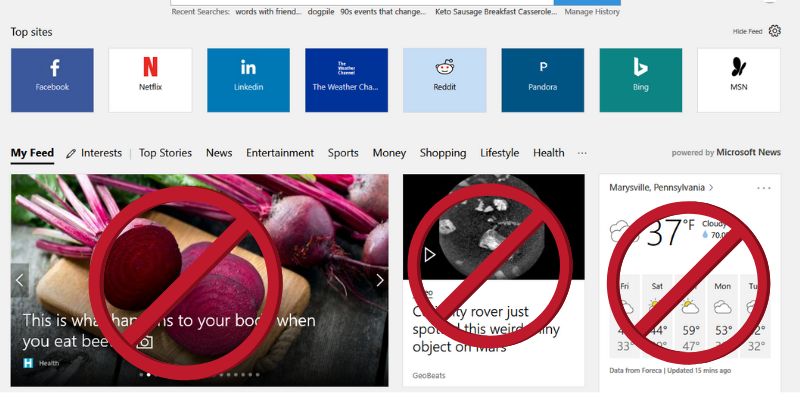

The latest version of Microsoft Edge came with many useful updates but also a feature that many people want to turn off. It’s something called the “News Feed.” The news feed is a set of articles that appear whenever you open the browser or open a new tab. If you want to get rid of these articles, which are often just advertisements, or modify what you see there, this article will explain how to do that.
The articles that appear when you open a new browser session or new tab are sometimes useful. You may see streams of articles about current events, weather, or sports. But quite often these articles are just thinly veiled advertisements.
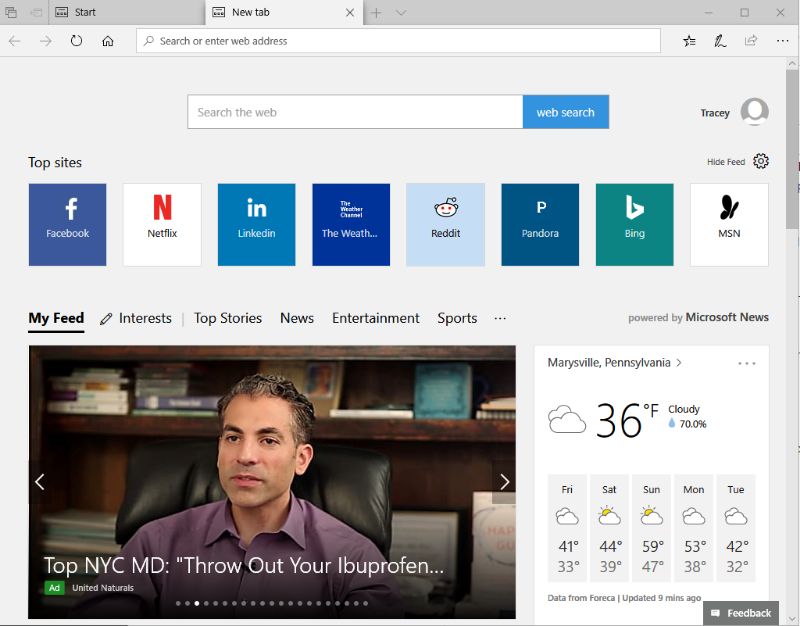
One reason you may want to get rid of the articles is to avoid any safety issues. Sometimes users will assume the articles listed there are for safe sites because, well, Microsoft put them there. That is not always 100% true. If you click on one of these articles that leads to an unsafe page, you risk infecting your computer. Of course, this is another reason why having an antivirus installed on your computer is so important.
You may also wish to eliminate these articles if you are using a limited data plan. Taking away these articles will help reduce the amount of unnecessary data that you use.
Get Rid of Articles on Start Page
To disable these articles on Edge’s Start page, the page that loads when you open the browser, follow these simple steps.
1. Click the “Hide Feed” button or the gear icon in the top-right corner of the page.
2. Check the “Hide My News Feed” box.
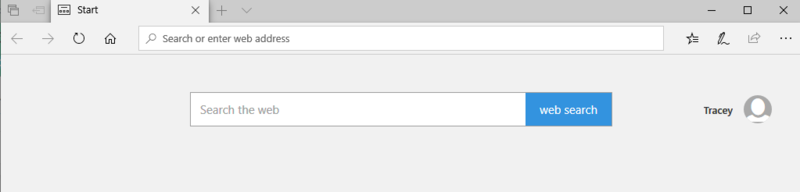
3. The news feed will disappear from your start page, leaving only a blank box and a search bar.
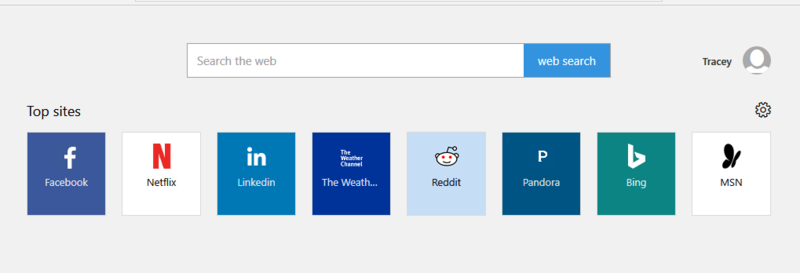
4. You can also choose to leave the “Top sites” option on.
Customize the New Tab Page
Removing this option from the Start page, however, does not change anything with the new tab page. When it loads, you will still see the articles. To change this, follow similar steps as you did to disable the articles on the Start page; you’re just doing it in a new tab. There are also some other settings you can change here that you couldn’t change for the Start page.
1. Create a new tab by clicking on the “+” sign at the top of your browser or by pressing Ctrl + T.
2. Click the “Hide Feed” button or the gear icon in the top-right corner of the page.
3. Select “Top Sites” to see a list of your most visited sites on the new tab page or “A Blank Page” to keep the new tab page completely clear.
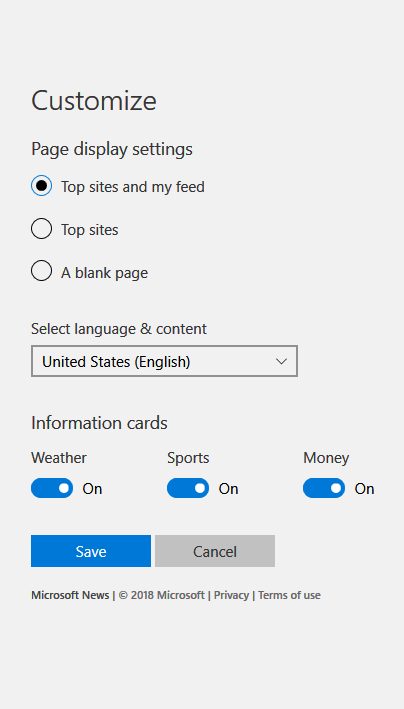
With the new tab option, there is also the chance to change the type of information that shows up in your feed instead of eliminating it altogether. You can turn articles related to sports, weather, and news on and off by clicking the toggle buttons. You cannot choose the source of the articles, just the topics you want to see.
Even after you change the settings to eliminate these articles, be aware that the next time Microsoft does an update of Windows, they may automatically enable them again. You will then have to change the settings back manually.
If all those unwanted articles are driving you crazy because you don’t like advertisements, unnecessary data usage, or worry about malicious sites, you can change the news feed settings in just a few simple steps.