
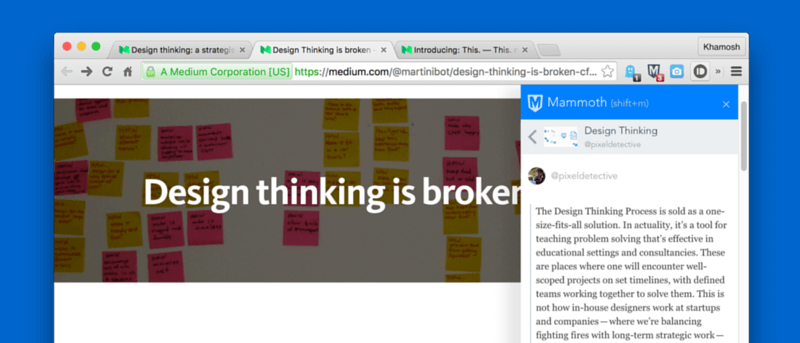

If you’re a college student or just a student of life, you spend a lot of time researching on the web. I’m a month into my post graduate course, and we haven’t been told to buy a single book yet. Usually the response is “look it up on the Web,” so we do. But the Web is a big place, and it’s easy to lose sight of where you’re going and where you’ve come from.
When you have twenty tabs open that all talk about the same topic you’re trying to figure out, it really helps to have just one bucket where you can drop all the important things so you can figure it out later.
I’ve been on the lookout for one such service, and I found it in Mini Mammoth Chrome extension.
Getting Started
Mini Mammoth is a Chrome extension made by Mammoth, kind of a next generation web clipper tool, like Evernote’s web clipper on steroids. You can actually import your Evernote notebooks to Mammoth quite easily. The free account gives you 5 GB of storage and unlimited boards.
Once you’ve downloaded the extension, click the icon to bring up the sidebar. First, you’ll be asked to sign up for Mammoth. Just click the “Sign up on Mammoth” button to get started.
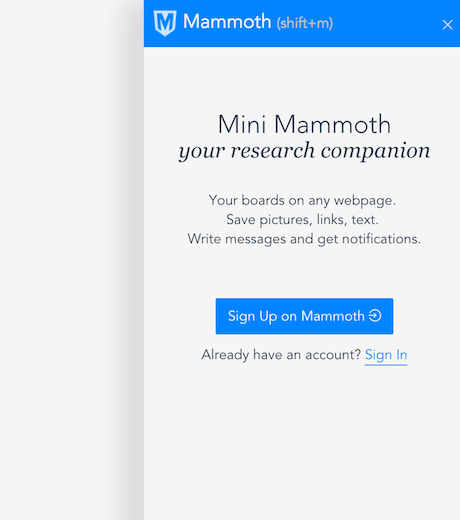
Once you’re all set up, bring up the Mini Mammoth sidebar again by clicking the button in the extension bar or by using the “Shift + M” keyboard shortcut.
Creating Boards and Saving Research
In Mammoth you can create “Boards” that can hold up any text, links, images or videos. They’re basically notes.
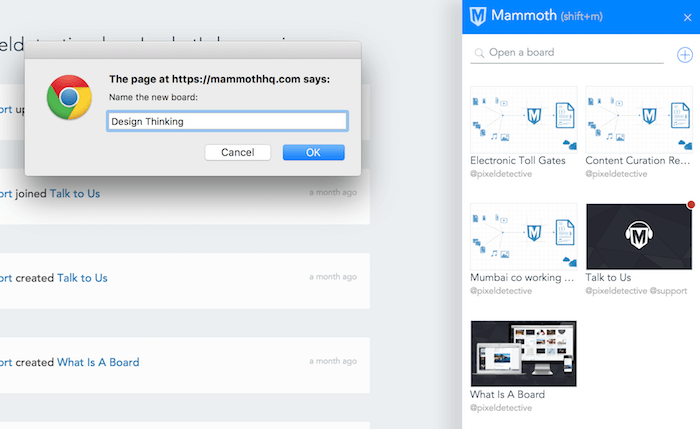
When you bring up the sidebar you’ll see two beginner boards already created for you. Click the “+” icon beside the search bar to create a new board and give it a name.
You’ll now see an empty canvas for you to drop stuff in.
This is where the fun starts.
Highlight some text from an article, click and drag it to the Mammoth sidebar, and it will be added to the note. (The URL of the page will be saved as well.) Each item that you drop will be differentiated.
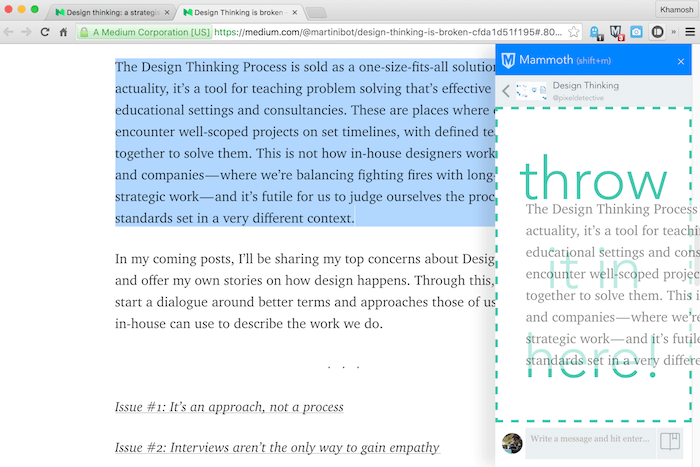
You can do the same for a YouTube video or a link from the URL bar.
Just drag and drop; it’s as easy as that. As long as the Mini Mammoth sidebar is open, it will follow you around no matter which web page you visit. This makes it really easy to just move around tabs while still being able to add information to a board.
After dropping any kind of text or media, you can type in comments in the next box below, and they’ll be associated with the content you dropped last. This is a great way to annotate any kind of saved content.
Mini to Mammoth
Mini Mammoth is great for collecting information, but to edit the information and make sense of it, you’ll need to go to Mammothhq.com.
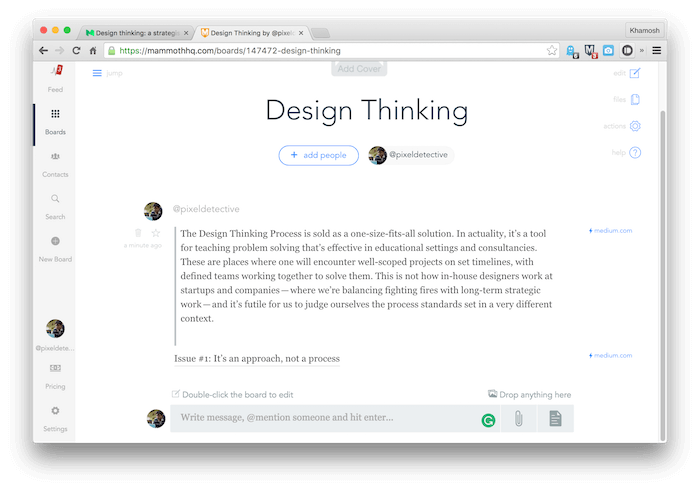
Go to one of your boards, and you’ll see them in all their glory. From here you can add people to collaborate with, drag in any files, add comments or edit what you’ve already dropped in.
Research On, Researcher
What’s a topic that has your attention right now? What are you staying up until 3 AM on the Internet for? Share with us in the comments below.