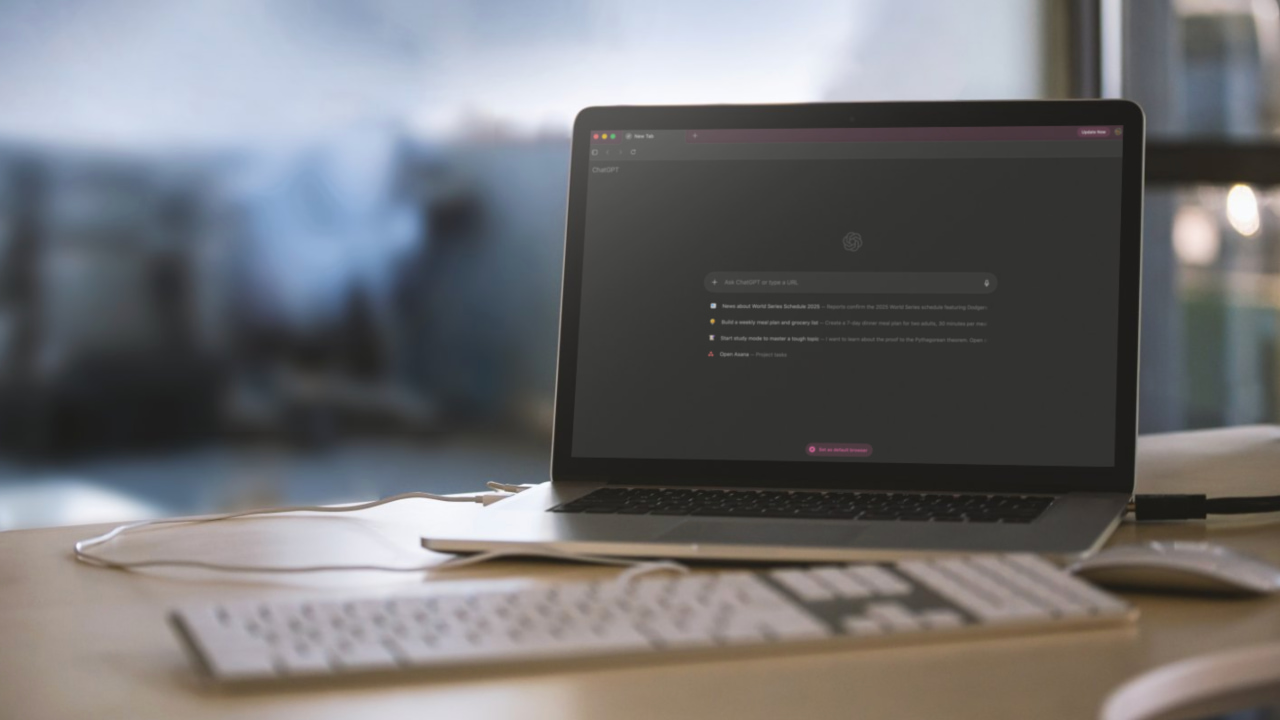
AI browsers are launching left, right, and center, all claiming to end Chrome. Though I don’t believe that’s happening in the near future, the latest browser to enter the fight against the Big G has a good winning chance. I’m talking about the ChatGPT Atlas browser, which was announced earlier this week. It doesn’t offer much more than existing browsers like Comet or Opera, but it’s a big deal because OpenAI has the reach to make this browser succeed, along with a steady stream of VC funding. I’ve spent some time with Atlas, and I think it’s off to a promising start, but it’s not quite there yet.
What Is ChatGPT Atlas
ChatGPT Atlas is a new AI browser built around the OpenAI’s chatbot. The company announced the browser to the world during a livestream on Tuesday this week, and it’s not very different from browsers such as The Browser Company’s Dia, Opera’s Neon, Perplexity’s Comet, and General Catalyst-backed Strawberry.
ChatGPT Atlas is available globally on macOS, while access for Windows, iOS, and Android is “coming soon,” per the company. But its agent mode, which can execute tasks on your behalf, is only available to ChatGPT Plus and Pro users for now.
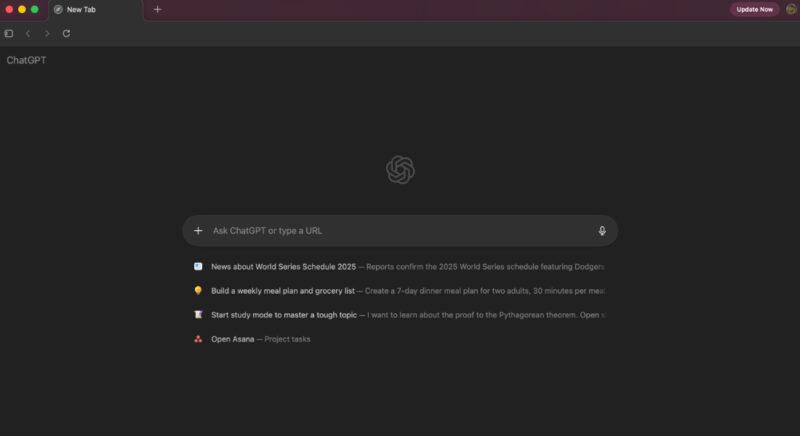
What makes Atlas notable is the sheer scale of reaching potentially 800 million of its weekly ChatGPT users. For the company, the browser is much more about keeping ChatGPT central than about making web browsing better. Speaking of browsing, it’s based on Chromium, the same engine that powers Chrome, Brave, and Edge, so if you remove the sidebar and AI features, it’s not really any different.
Like all AI browsers, it shares a similar idea about search and Q&A. Instead of performing a search query, you type something in the address bar and get answers from an AI chatbot.
Atlas Features I Liked
ChatGPT Atlas packs all the features you’d expect in a browser. While it’s Chromium-based, the user interface looks nothing like Google Chrome. It feels like an amalgamation of several modern browsers. The home page features a large chat box powered by ChatGPT, which acts as your search bar and offers all the features you’d expect from a regular browser.
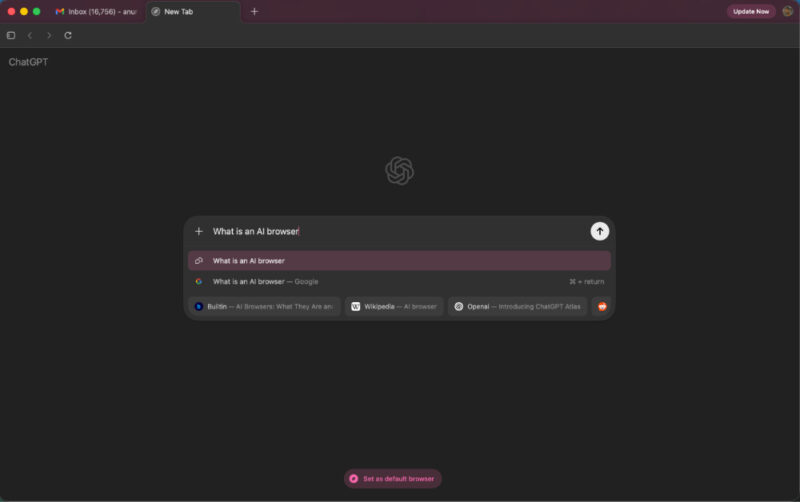
Pasting a link opens the website, but if you type something like “what is X” or “why is Y,” you get results directly from ChatGPT instead of a search engine. In fact, for most queries, Atlas defaults to ChatGPT unless you manually pick the search engine option from the suggestions.
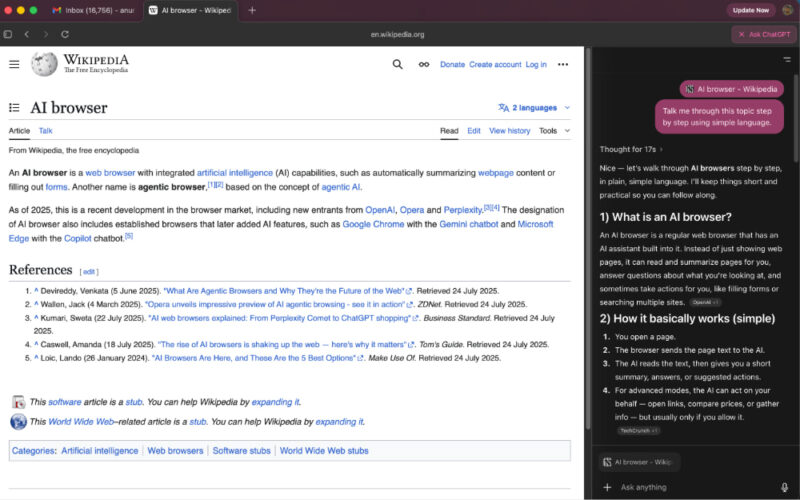
The browser also includes a dedicated “Ask ChatGPT” button in the upper-right corner. It opens a sidebar with the chatbot, allowing it to view the web page you’re on and provide helpful answers. This can include summarizing an article or analyzing code, although OpenAI’s demo showed that results might not always be accurate, so you still need to watch out for hallucinations.
Since Atlas is built on Google’s Chromium engine, you can easily import your Chrome search history, bookmarks, and logins if you want to. It’s quick to set up, and before long, Atlas starts to feel like any other web browser you’ve used before.
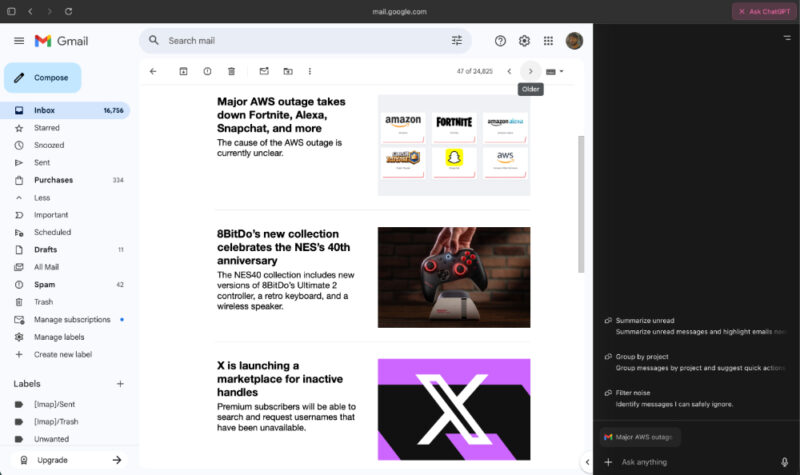
You can also reference past chats with ChatGPT, since all of its memory capabilities are available directly within Atlas. Your old ChatGPT conversations are accessible from the sidebar on the left, exactly as they appear in the ChatGPT app.
Not Everything Is Rosy
I have my concerns about Atlas. While it’s impressive in concept, the experience is not that great. The biggest issue right now is accuracy. The chatbot still hallucinates, which means it sometimes gives you wrong or made-up information. I always have to double-check whatever it tells me before I can actually use it.
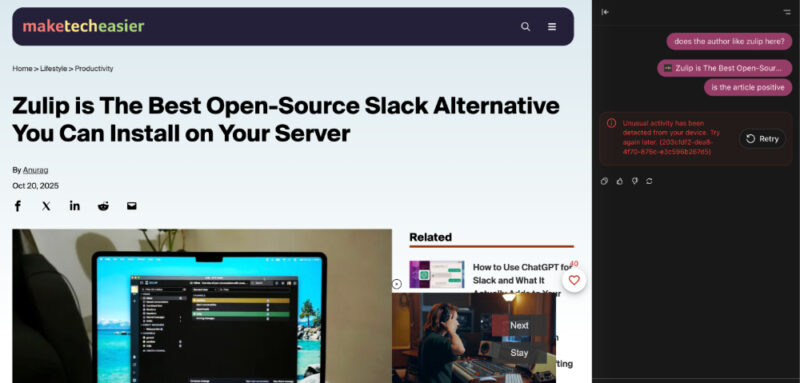
There are also moments when Atlas simply doesn’t work. On one website, I asked it to summarize an article and analyze its sentiment, but it couldn’t do it. Instead, my device was flagged for unusual activity. It’s clear that the integration between ChatGPT and certain websites still needs work.
Then there’s the browser memories feature, which raises some privacy concerns. A support page mentions that ChatGPT Atlas’s browser data can be used to improve the company’s AI models, though the feature is off by default. OpenAI says these memories don’t include passwords or payment details and are separate from cookies and site storage. You can also delete them whenever you want. Even with those assurances, it’s still something worth keeping an eye on.
ChatGPT Atlas is far from replacing my regular browser. I just don’t see the use case, and I’m probably better off without the clutter. You’re better off sticking with dedicated, specialty browsers instead.








