

Finding the right theme for a browser, e-mail client or other program can be difficult depending on personal taste. Sometimes you cannot find the right theme at all. We are not all gifted when it comes to theme maker, and that is where an extension like Stratiform for Firefox comes in handy. Stratiform lets you tweak the appearance of Firefox without installing a theme.
Note: Stratiform is available for Windows only.
Installing and setting up Stratiform
In order to use Stratiform, you will need to head to Mozilla.org to install the Firefox extension.
Once installed, you can start setting up Stratiform from its main page.
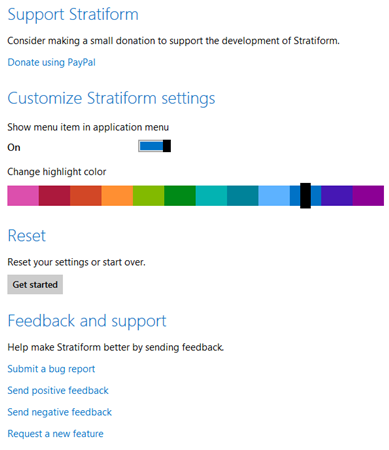
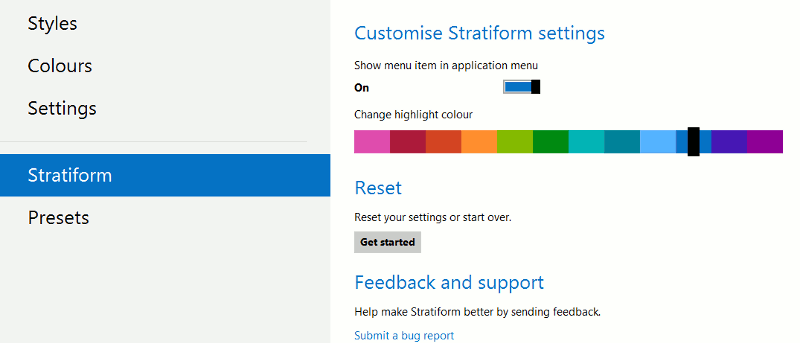
You can change some basic settings for Stratiform here, including whether to show a link to the add-on in the Firefox Menu for quick access. Changing the highlight color will simply change the menu colors in Stratiform. You can also reset your changes with the add-on from here by clicking Get started at any time.
If you click “Settings,” you have a handful of settings to work with which makes it easy to configure for use.
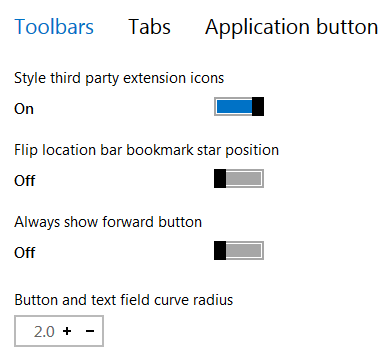
You can change the settings for toolbars, tabs and application buttons from here. This allows you to change the skinning of the toolbars, the size of tabs and the look of the application button.
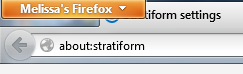
The application button settings are nifty because you can actually rename the Firefox button to anything you choose.
Presets
Stratiform offers several preset options for changing the appearance of Firefox.
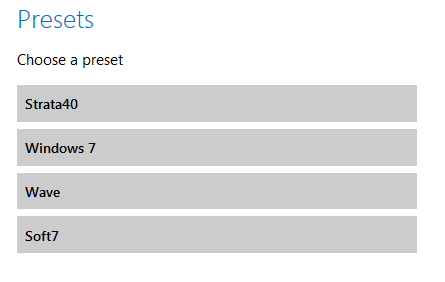
These allow you to change the browser completely in color, toolbar shapes and transparency. This is a great base to start tweaking the look of Firefox with. Once you set a preset in Stratiform, you can begin working with the other features to get the desired look.
Styles
If you chose a preset to change Firefox to, you can then customize features further from this menu.
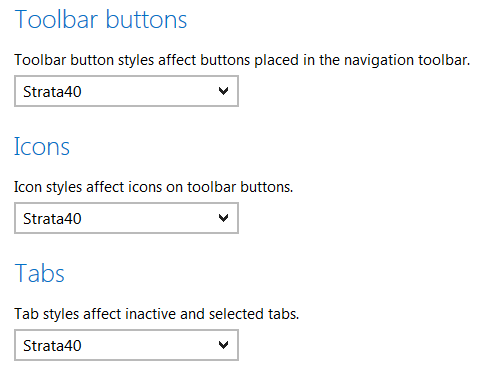
You can also customize them one by one. This leaves the overall preset colors intact and gives you more customization over tabs, icons and even the status popup in Firefox.
Colors
Stratiform allows you to customize the colors of various items in Firefox.
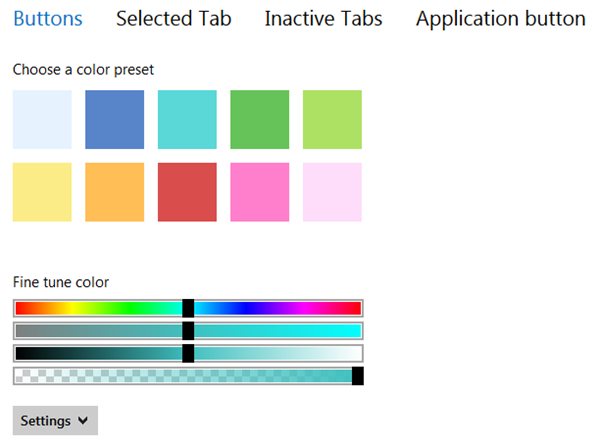
You can choose any color and even input your own HEX colors by clicking “Settings.” You can do this for each color selection you make for buttons, selected tabs, inactive tabs and even the application button. By tweaking the color scheme of Firefox, especially by using the fine tune coloring options, you can come up with some amazing color schemes for your browser.
Conclusion
I am not a theme maker. I do not have the patience or talent to create my own themes, sadly. Utilities like Stratiform in Firefox help me tweak the browser the way I like. Stratiform is easy to use and even quicker to pick up by someone who may not have any idea how themes work in a browser.
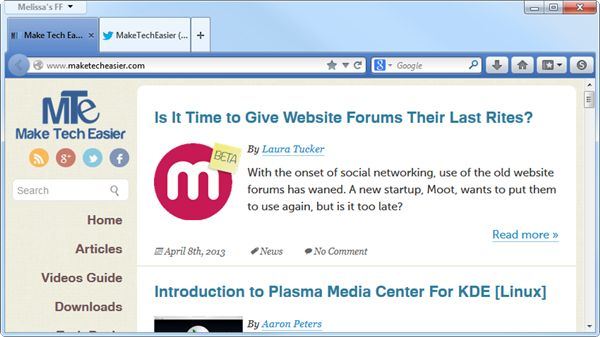
This is what my Firefox looked before I started using Stratiform:
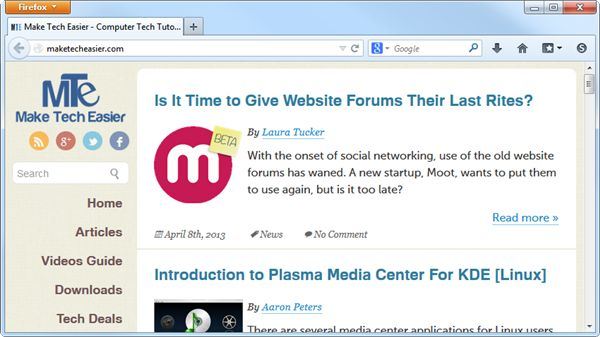
This is what it looks like after tinkering with colors and customization options:
Some people are particular about how they want a browser to look. If you cannot find a theme for Firefox, Stratiform is a way to customize Firefox to have it feel and look the way you would like it to. What are you using to customize the look of Firefox?