
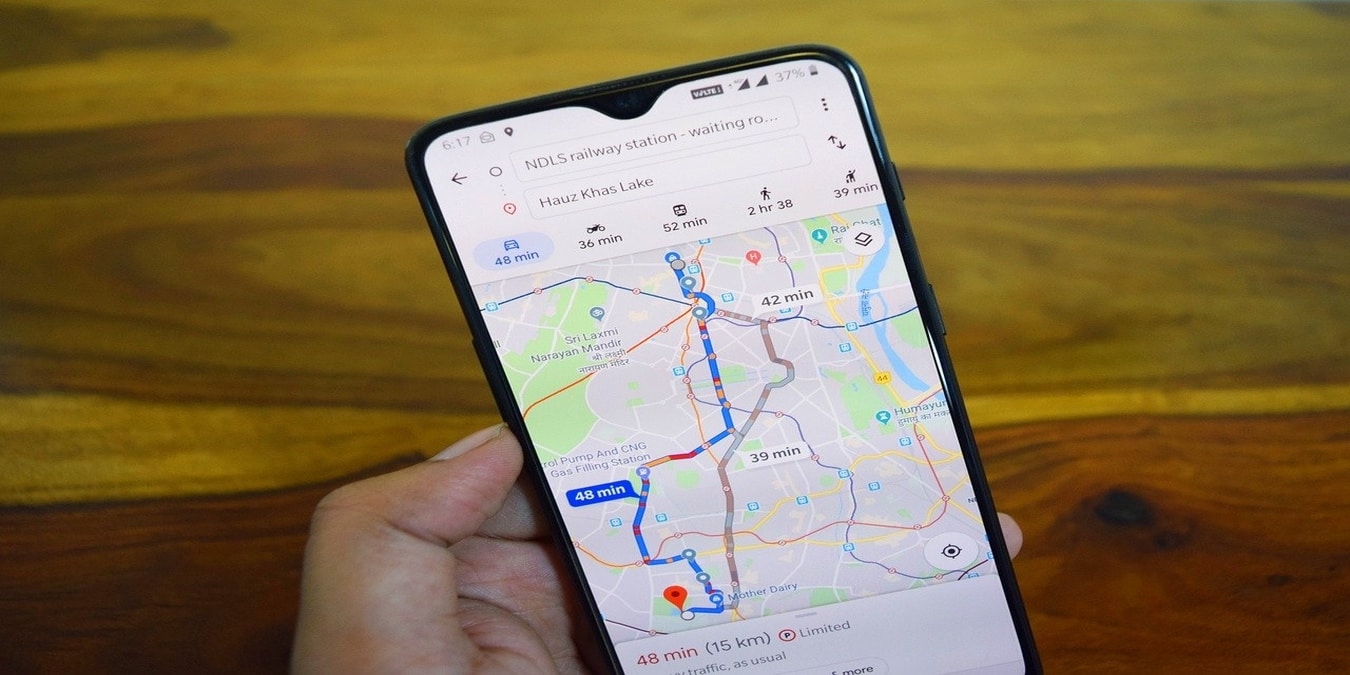

Google Maps is a vital part of modern travel. They help you find your bearings in foreign places and remember the spots you wish to revisit at a later date. However, when it comes to mapping out a route from your starting point to your destination, the program often makes use of outdated information to plan a more difficult route even though you are aware of a more convenient one. Here is how you can take over the routing process and manually input your own route into the virtual map.
Also read: 8 Sites and Extensions to Make Google Maps Even Better
Planning Route on Desktop Computer
1. Open Google Maps on your browser and put in the location of your starting point and the area you wish to reach. The map will calculate the shortest route according to the information available, which will show up on the screen in the form of a blue dotted line connecting your starting point to your destination.
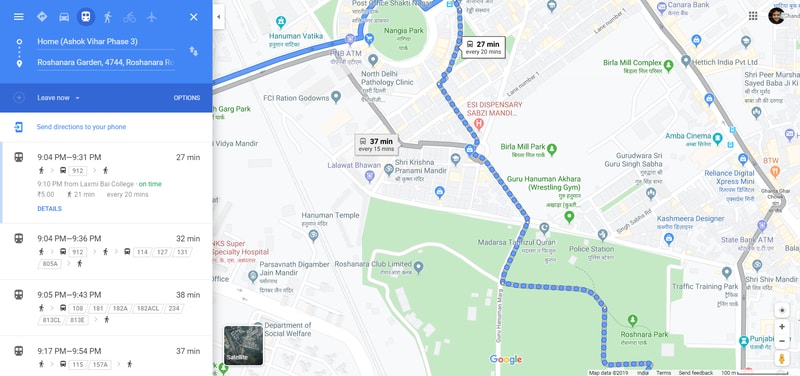
2. Click at the point on the blue path where you wish to make changes to the route.
3. Now drag that point in the direction you want until the blue line at that location is placed on the new road you wish to take. The directions visible to the left of the page will change automatically to reflect the new route.
4. Continue picking different points on the blue line until you have mapped out the entire route you wish to use, and it will lock in that route.
Also read: How to Drop Pins in Google Maps for More Accurate Directions
Planning Route on Android phone
1. Open up Google maps on your Android phone and input your destination. This time, select a gray-colored line that represents one of the multiple alternate routes which might appear at a particular intersection.
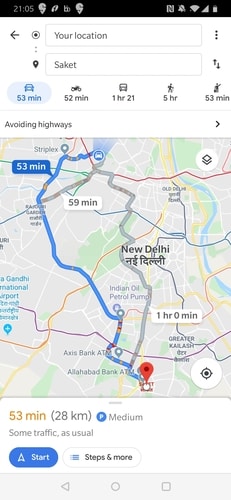
2. Tap on the gray line, and it will replace the original blue line that indicated the earlier route. The other gray routes will still be visible, and you can continue selecting other gray lines until you have mapped out your preferred route.
3. After you have dragged the newly highlighted routes to their new locations, the other routes will be gone from the screen, leaving you with new driving directions in accordance with your new route.
Also read: 4 Things You Can Do with Google Maps Location History
Trusting the Decisions of Maps
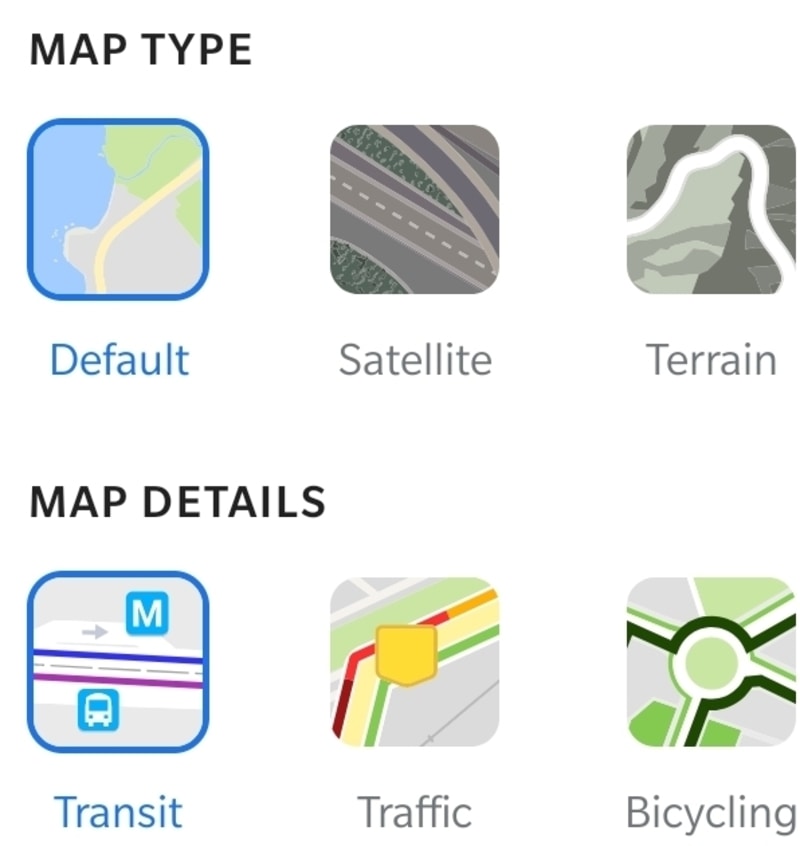
Keep in mind that Google Maps decides on a route based not just on the accessibility of the roads involved but also traffic congestion, weather conditions and a host of other factors to create a travel plan for you that gets you to your destination in the least possible amount of time. Don’t be so quick to dismiss Google Maps’s routes just because you happen to be aware of another way.
Conclusion
While Google Maps strives to be as accurate as possible, the program can only be as foolproof as the people who supply information about various roads allow it to be. With road maps across the map constantly evolving and changing, it is only natural that there be occasional gaps in Google Maps’s information. If you have personal knowledge of an area or know someone who is aware of a more convenient route to your destination, entering your route manually allows you to take advantage of the personal information and still make use of Maps’s other features.