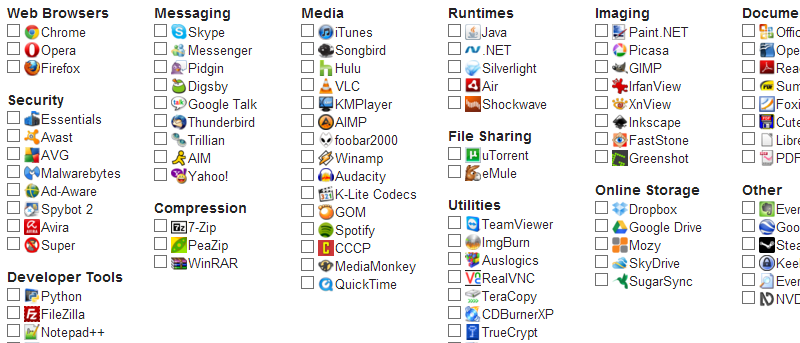
Anyone who has upgraded to Windows 8 has been able to take advantage of the Store to install all of the latest and greatest apps. But if you have decided to stick with Windows 7? Here we take a look at three options that can be used to bring an app store and app management option to older versions of Windows.
Who would’ve ever known that running 64-bit Windows makes your computer more secure? Tell this to any so-called computer wiz and they’ll laugh. However, there are some things you have to understand about Windows that will probably make you think twice about ever settling for a 32-bit version ever again.
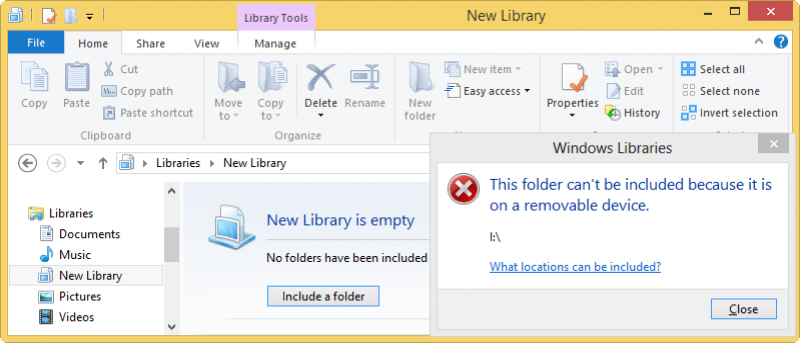
When you are running Windows 8 modern apps, you will find that the Windows 8 apps have no access to files on external drives. It is unclear why Microsoft impose such limitation to their apps, but you can easily get around this issue by tricking Windows 8 into thinking your external drive is actually a Windows library.
Microsoft’s release of Windows 8.1 Preview addresses a number of issues that have bugged users of Windows 8 since it was made available, but many people have run into problems when attempting to install the preview software. If you have not been able to get the Windows 8.1 update installed, here’s what you need to do.
Microsoft has released the Windows 8.1 Pro Preview. It’s available as an upgrade to all Windows 8 users. In the meantime, users can make the choice if they want to take advantage of Microsoft’s beta test of the first Service Pack for Windows 8.
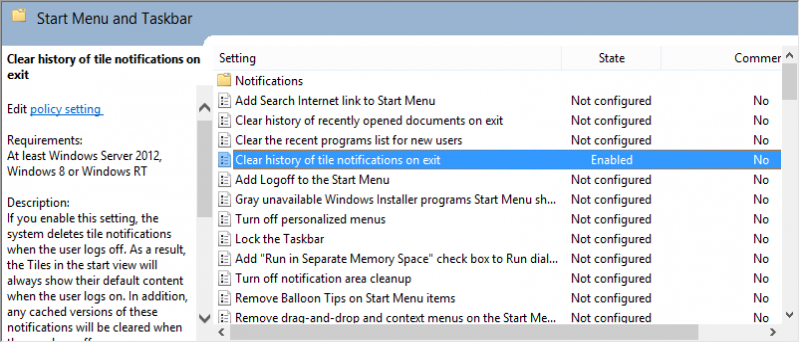
One of the common issues with Windows 8 is that app notifications keep appearing after you have seen them. You may restart your PC and see the same notifications you did when you logged off. Using the Local Group Policy Editor, you can clear these app notifications when you log off your computer.
Windows Aero became a popular interface for PC users with the release of Windows Vista in 2007, but only a portion of it still remain in Windows 8. For users who want to utilize Aero features in Windows 8 and are not sure how to do so, here are the methods you can use to enjoy Aero features.
The progress bar is supposed to make your life better by informing you how much more time it requires to finish the job. However, most of the time, it is inaccurate and it could show 99% for the last 5 minutes. We understand your frustration, which is why I’m going to explain exactly why these things happen.
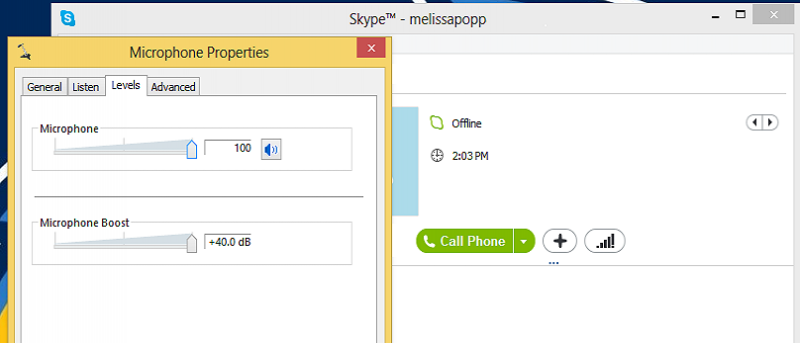
Have you ever used Skype and your voice can barely be heard by those you call? If so, you may need to boost your mic. Boosting your mic in Windows 8 can make it much easier for those you’re on a call with to hear you. If someone on the other end says you’re speaking too low, boosting your mic is a quick and easy solution.
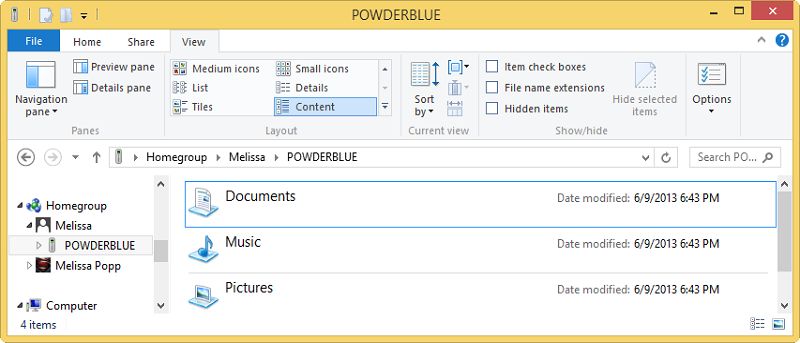
The Homegroup feature had been around since Windows 7. It allows you to easily share files, folders and media with another Windows PC without having to go through complicated setup. In Windows 8, Homegroups are easy to create, even more so than they were in Windows 7. In this article, we will show you how to create homegroup in Windows 8.
Network security is one of the main focus areas when creating or monitoring a network. The network administrators carry out random audits of network traffic by capturing the network data and analyzing the packets being transmitted from one host to another. In this article, we will discuss how to capture and analyze network traffic using the NetworkMiner tool.
After some months of buying my own passive polarized display, I’ve realized that anyone new to this kind of hardware is probably going to have a hard time figuring it out. The learning curve isn’t incredibly steep, but there’s not much information on how to get passive 3D movies to play just how you want them.
There are plenty of benefits for partitioning your hard disk. You can install new operating system on it, or use as an backup location. This article shows you the guide to partition your hard drive in Windows 8, without any external tool.
Do you know that a simple task such as opening PDF files can infect your computer with malware? This is a very common method used by hackers to install malicious software on your system and gain access to it. Here is a list of PDF files that are known to be infected and one you will want to keep in your blacklist.
Knowing detailed information about the WiFi networks around you can be beneficial for diagnosing problems and just getting an idea of what others are doing in your area. WifiInfoView is a free utility that lets you see detailed information about Wifi networks from SSIDs to MAC addresses to router models and more.
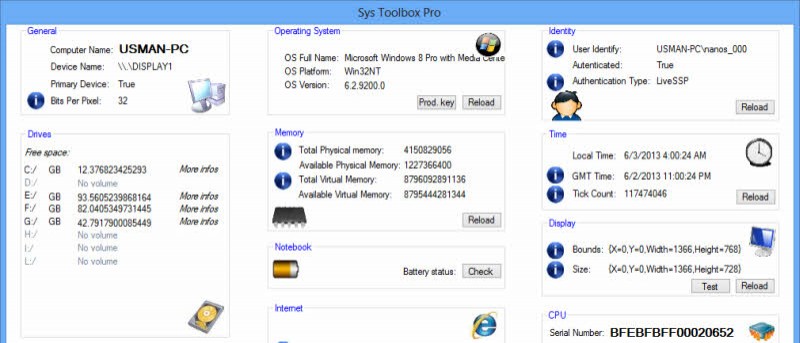
In earlier days, it was quite a tough job to check the hardware or software configuration of a computer. Now, with more advanced software, you can check your system information easily. Here are several useful tools that you can use to check the system information and get more detailed information about your hardware and software configuration.
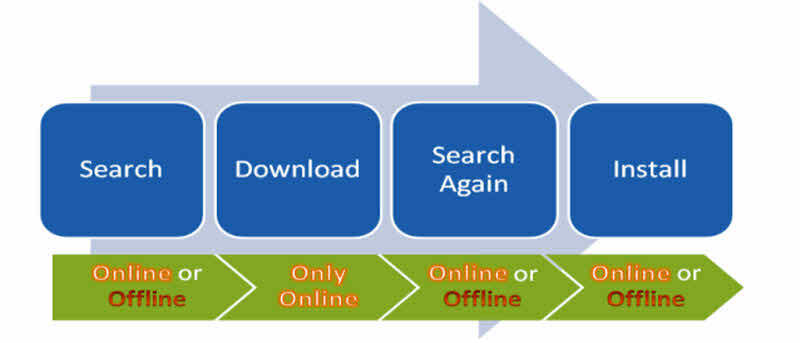
If you are using multiple computers, you may find it a troublesome to update all the computers, especially when you are not connected to the Internet. In this article, we will show you how you can download Windows updates offline and then install on multiple computers without downloading the updates again.
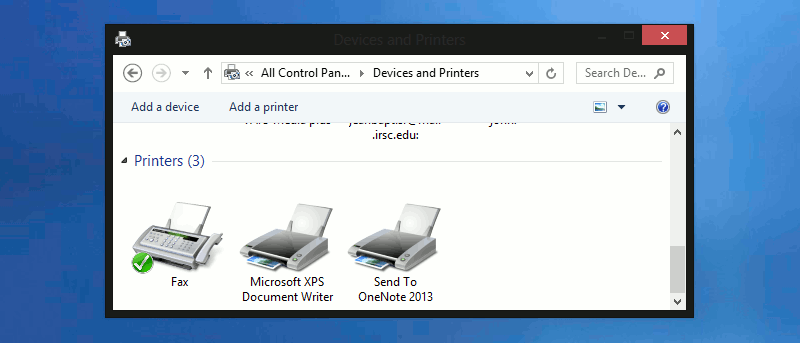
A clogged printer queue is not something you want to deal with. Many who are in such situations watch helplessly as their ink and paper go to waste when their printer incessantly print old documents that they may not even need anymore. Fortunately, it is possible to fix this problem. This article shows you two quick ways to clear printer jobs from the queue.
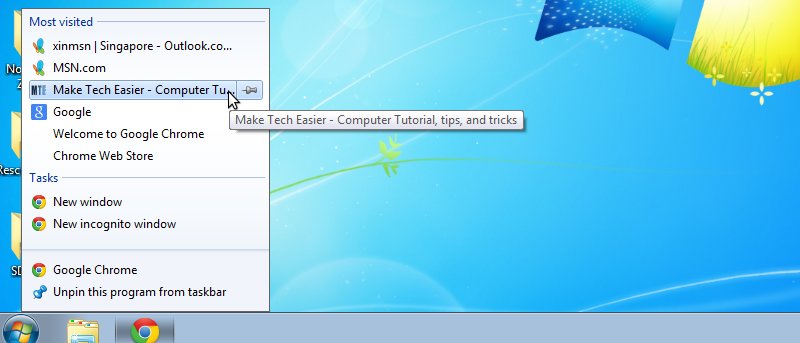
If you’re used to using jump lists in Windows, being able to backup jump lists and restore them on another PC can be beneficial. This article shows you how.
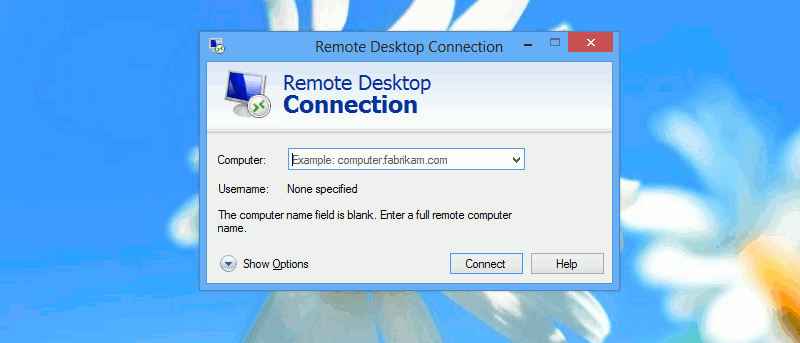
While Remote Desktop Connection is useful for you to connect to a remote machine, it is utterly useless if it takes forever to connect. Here are some things you can do to speed up the process.