Cryptolocker is a ransomware that locks users out of their files and demand money. How do you prevent yourself from falling victim to this vile threat?
Exposé is a handy feature in Mac that re-arrange all open windows so you can find the one you’re looking for. The good thing is, you can get Mac’s Exposé in Windows too.
Most users conveniently classify viruses, worms, trojans, spyware as “viruses”, but the fact is they are not really the same. This article explains it all.
A fake piece of software will do everything it can to convince you that it’s real. This is particularly true for a fake antivirus program. How can you detect this?
Imagine having one sound profile for listening to music and another for watching videos. SoundVolumeView gives you complete control over your Windows sound profiles.
The Windows Shadow Copy feature is a useful, but hard to configure feature. we will show you how you can back up and restore data from Windows Shadow Copy.
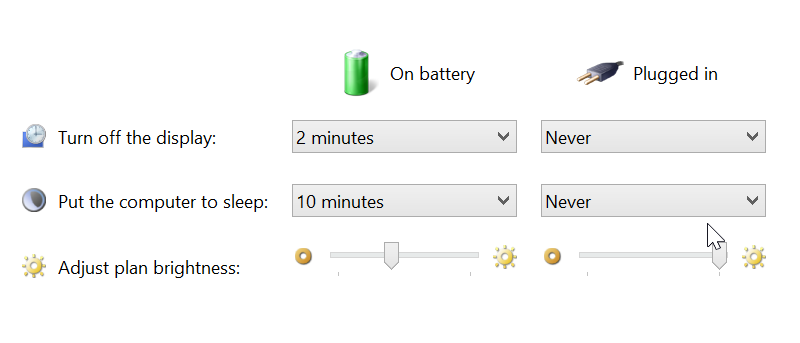
When you are using Windows 8.1 on a laptop, you may well encounter different lighting conditions that make it difficult to see what is happening on screen. If you are experiencing problems with the way screen brightness levels are being changed for you, you can disable it so your screen or monitor remains at the same, constant brightness level.
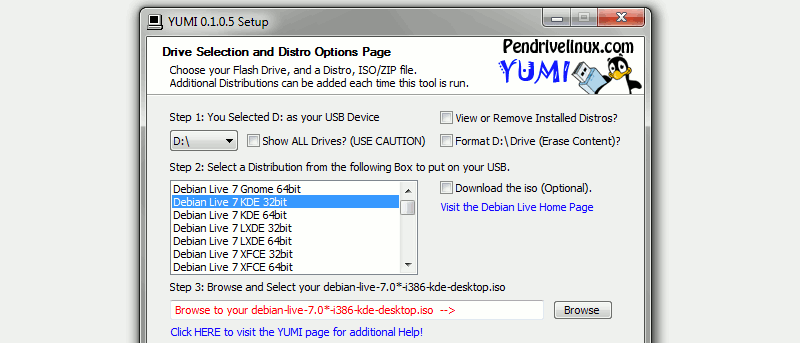
Most USB creators only allow you to install one distro per USB disk. What if you want to create a multiboot Linux USB drive? YUMI is nifty app that allows you to install multiple Linux distros in one USB drive.
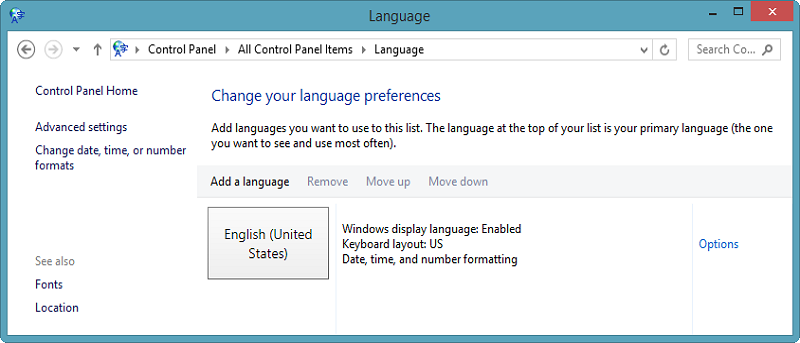
Dealing with languages in the Windows 8 is cumbersome and buggy at best. We showed you how to change the overall language in Windows 8, now we’ll show you how to set individual app languages.
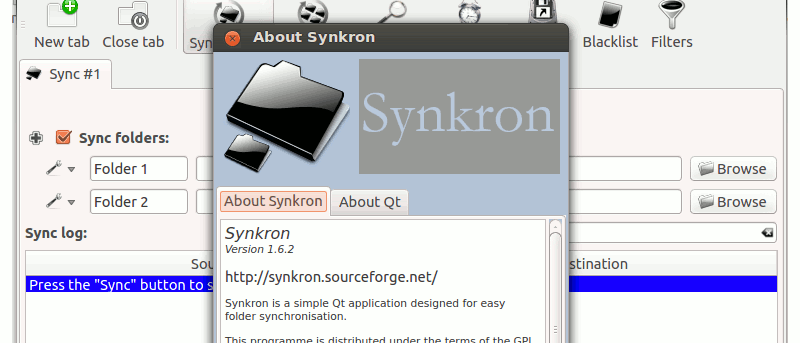
There are times when you need to synchronize several folders in your computer, such as syncing several folders to the Dropbox folder. Synkron is a cross-platform compatible application that allows you to synchronize files and folders in your computer. It works in Windows, Mac and Linux and it can help you keep your files and folders updated.
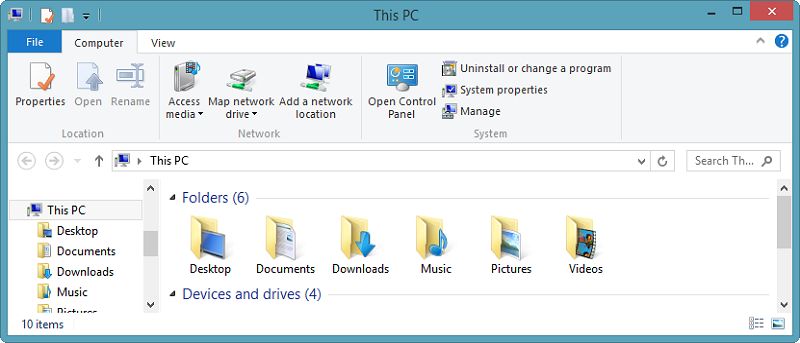
Windows 8.1 introduced a variety of folders to This PC, and some of them aren’t really necessary. Check out how you can remove folders from This PC in Windows 8.1.
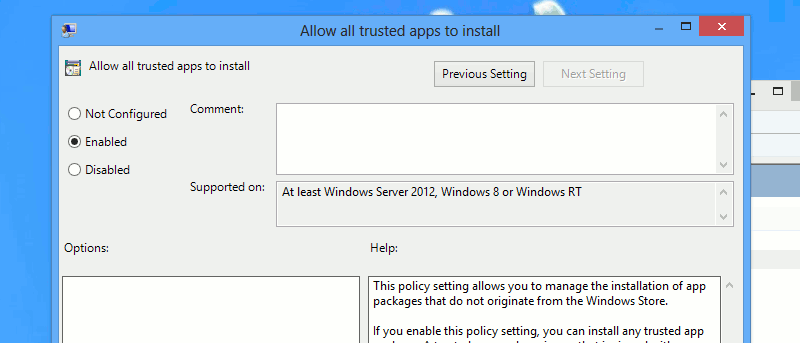
Windows 8 only allows users to install apps from the Windows Store. You will need to do a modification to install windows 8 apps without the store. Here’s the way.
There are plenty of automation tools for Windows that are easy to use, but if you prefer to use a more powerful automation tool, AutoIt is a useful tool for you to create automation scripts.
Your computer can get infected by virus easily if you are not careful. Don’t worry, following these steps, you can recover from a virus attack quickly.
There are many new features in Windows 8.1, but Microsoft has also removed some features for good. Here are 4 things Windows 8.1 has done away with for good.
Microsoft debuted the first public beta of Windows 8.1. You don’t have to install it to find out what’s new. Read on for what you are really getting for Windows 8.1.
The cloud may be all the rage among Internet users but not everyone wants to be connected to it. Windows 8 relies heavily on SkyDrive to save user settings, app data and PC customization. If you don’t want to stay linked to the cloud in Windows 8, here’s how you can disconnect SkyDrive in Windows 8.
There’s been a lot of talk about what the changes in Windows 8.1 have done right for Windows 8. Very few users have talked about why Windows 8.1 actually failed them. We were not impressed with Windows 8.1 and here are some of the reasons why there are still tons of improvement need to be made in Windows 8.1.