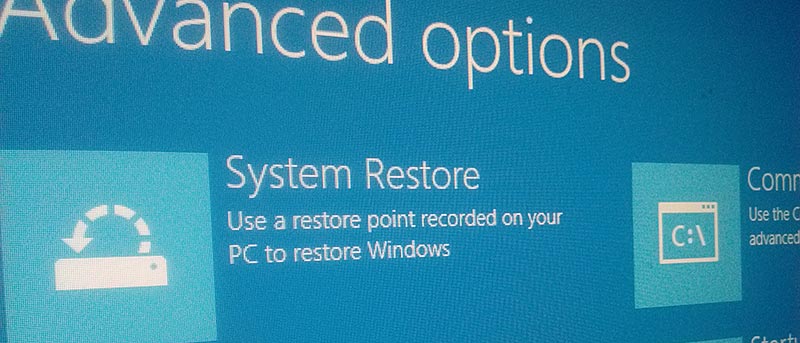
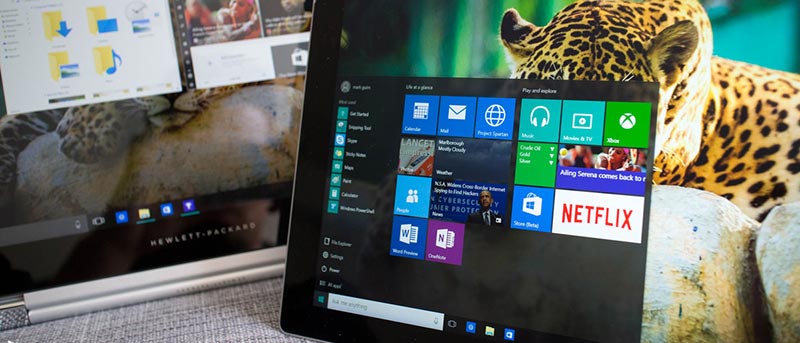
The Advanced Startup Options in Windows 10 provides you with different options to repair and diagnose issues in Windows. Here are three ways to access them.
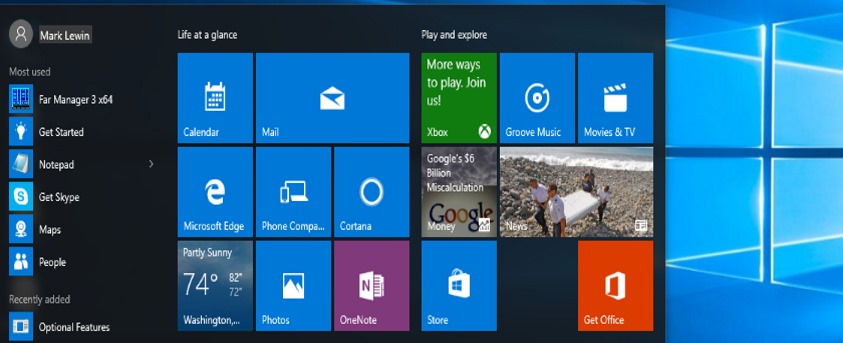
The Windows 10 Start Menu isn’t perfect. One issue you may be having is blank tiles in the Start menu. If this is happening to you, here are a few solutions.
When you click on All Apps in the Windows 10 start menu it displays all installed apps. Prefer not to have this shown? Here’s how to remove the All Apps option.
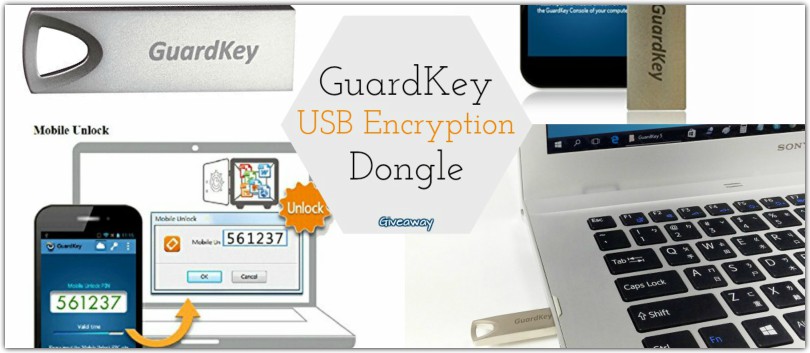
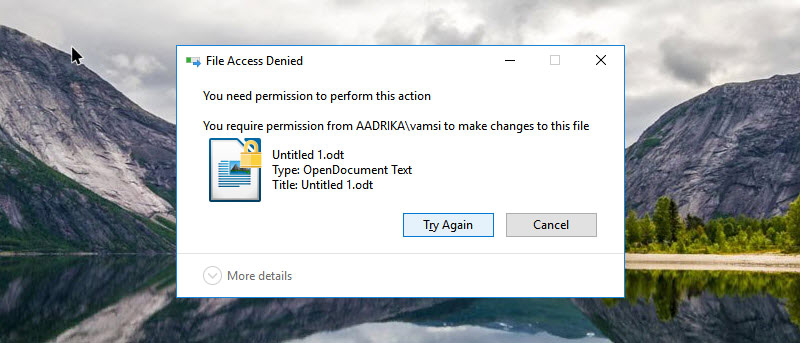
Want to make encrypted files harder to access? Want to secure files in the cloud? Meet GuardKey. It can lock and unlock encrypted drives & cloud storage.
Adaptive Brightness: you either love it or hate it. Whether you want to enable or disable it, here’s how to take care of Adaptive Brightness in Windows 10.
Windows 10 collects a lot of data using the new Telemetry feature which is enabled and set to “Full” by default. Here’s how to manage telemetry settings to protect your privacy.
Keylogger is software that monitors, records & sends your personal data to a third party without your knowledge. Scary? Yes! Here’s how to protect yourself.
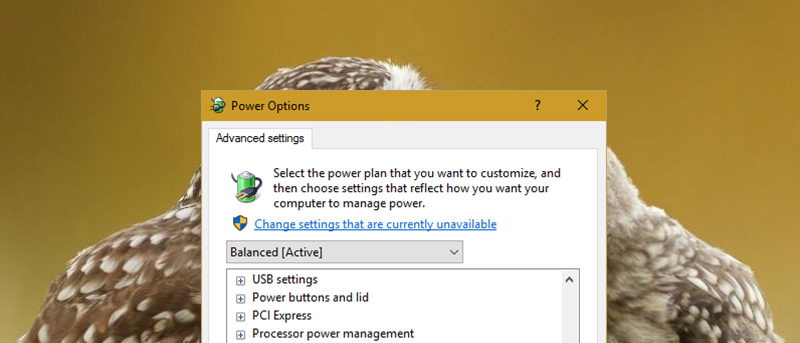
Windows often has issues when it comes to standby and sleep mode management. If you’re looking to fix some common issues with standby, check out Stand-Bye.
When you create a shortcut in Windows, a small arrow icon is displayed on top. Don’t like that default arrow icon? Here’s how to customize or remove it.
Did you know the Ease of Access Center in Windows lets you set an alert for all the Lock keys on your keyboard – including the Caps Lock key? Here’s how it works.
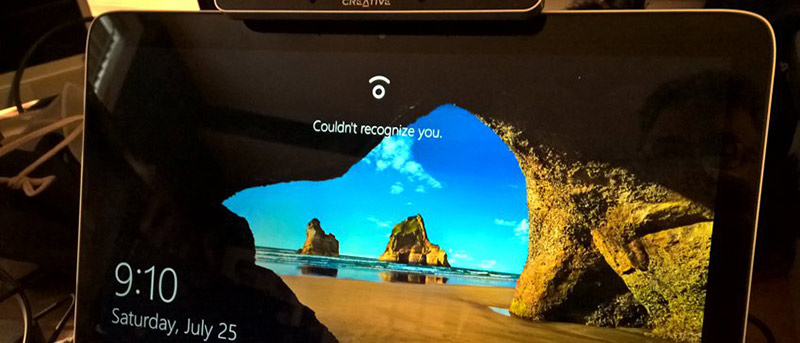
Windows 10 has a feature called Enhanced Anti-Spoofing that acts as a countermeasure for any unauthorised access via spoofing. Here’s how to enable it.