Installing ESET’s NOD 32 or Smart Security is easy, but uninstalling them is not. Here’s how you can remove ESET’s NOD 32 or Smart Security in Windows 10
For documents downloaded from the Web, Microsoft Office will show a Protected View status. Here is how you can disable Protected View in Microsoft Office.
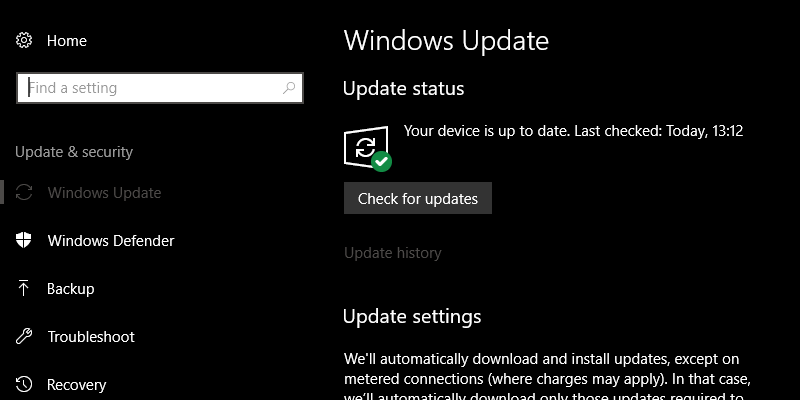
Have you ever wondered why you are using the 32-bit version of Windows 10 while your PC supports 64-bit? Learn how to easily upgrade from 32-bit to 64-bit Windows.
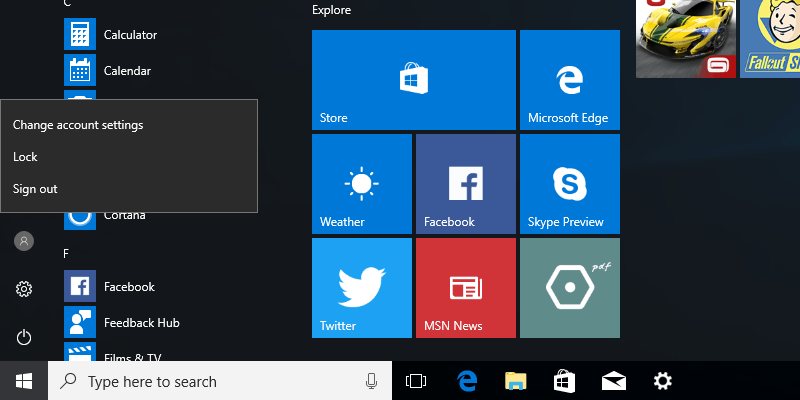
If you are not using the Fast User Switching feature or if you think it is not for you, here’s how to disable the fast user switching feature in Windows 10.
Emojis used to be only available on mobile but have now found their place on desktops. If you’re on Windows 10, here’s how you can use emojis in Windows 10.
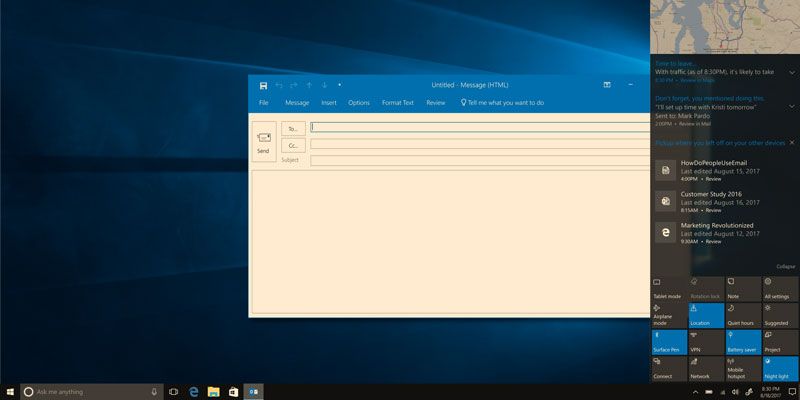
There are plenty of things that Cortana can do, and you probably haven’t had the time to figure them out. Here are a few tips and tricks for Cortana that you can master easily.
Windows automatically adds a lock icon to your encrypted folders to differentiate them from the rest. Here’s how you can remove the lock icon on encrypted folders in Windows.
For those who are privacy conscious and who don’t want Windows to automatically generate a thumbnail for files, here’s how to disable image preview thumbnails in Windows.
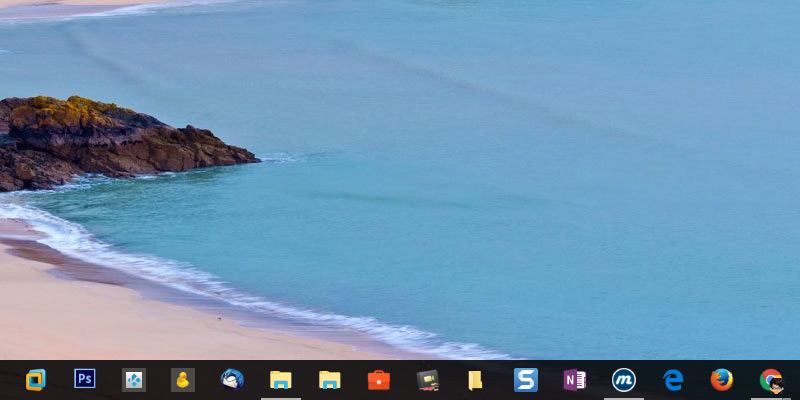
By default, Windows doesn’t allow you to pin custom folders to the taskbar except for File Explorer. Here’s a simple hack you can use to pin custom folders to the taskbar.
Microsoft added a Game Mode feature in Windows 10 Creators Update to make gaming faster and smoother. Here’s how you can turn on Game Mode in Windows 10.
The Windows Creators’ Update is out, and it includes some bits and bobs that will make your life that much easier. Here are some of the best features of the Creators’ Update.
Converting videos is easy if you have the right software. Here are some of the best free video converters for Windows to convert your videos in minutes.
Microsoft introduces the “Night Light” feature in the new Windows 10 creators update. Here is how you can enable and configure Night Light in Windows 10.
Keyboard shortcuts are really useful and help you improve your productivity. You can easily create custom keyboard shortcuts in Windows 10 for applications that don’t come with a shortcut. Here’s how.